AI chibi generator: photo to chibi art
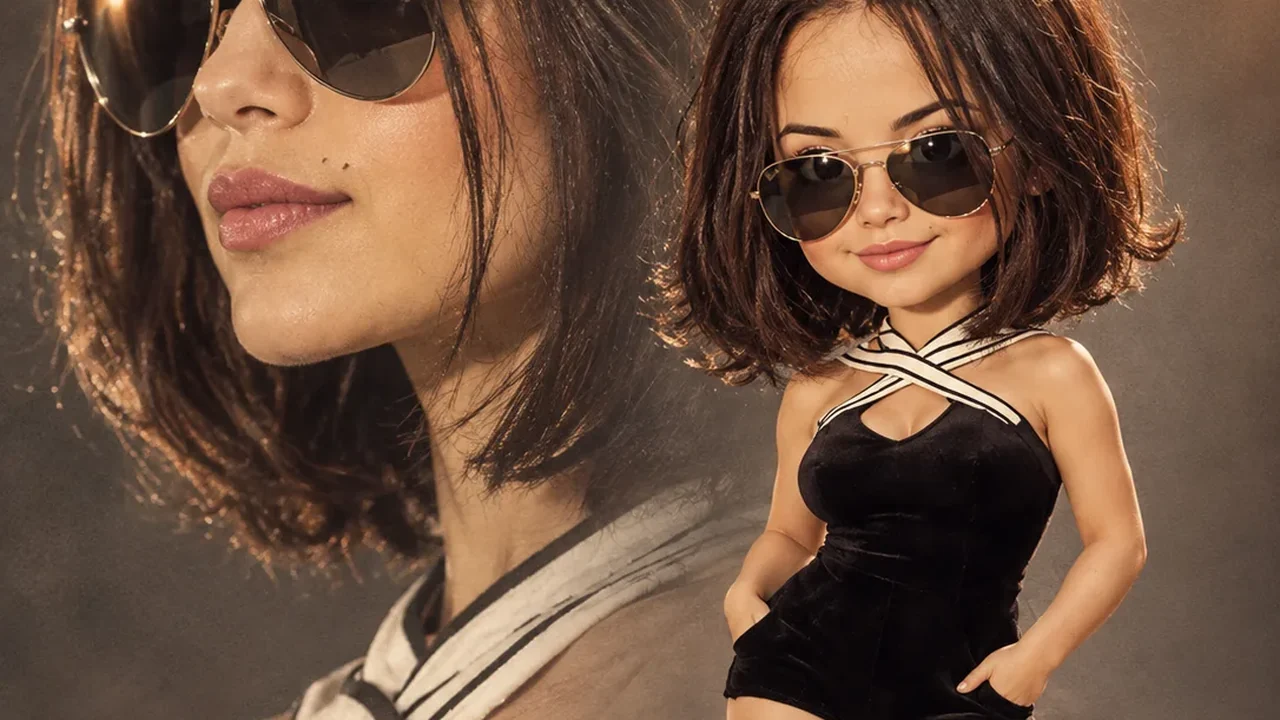
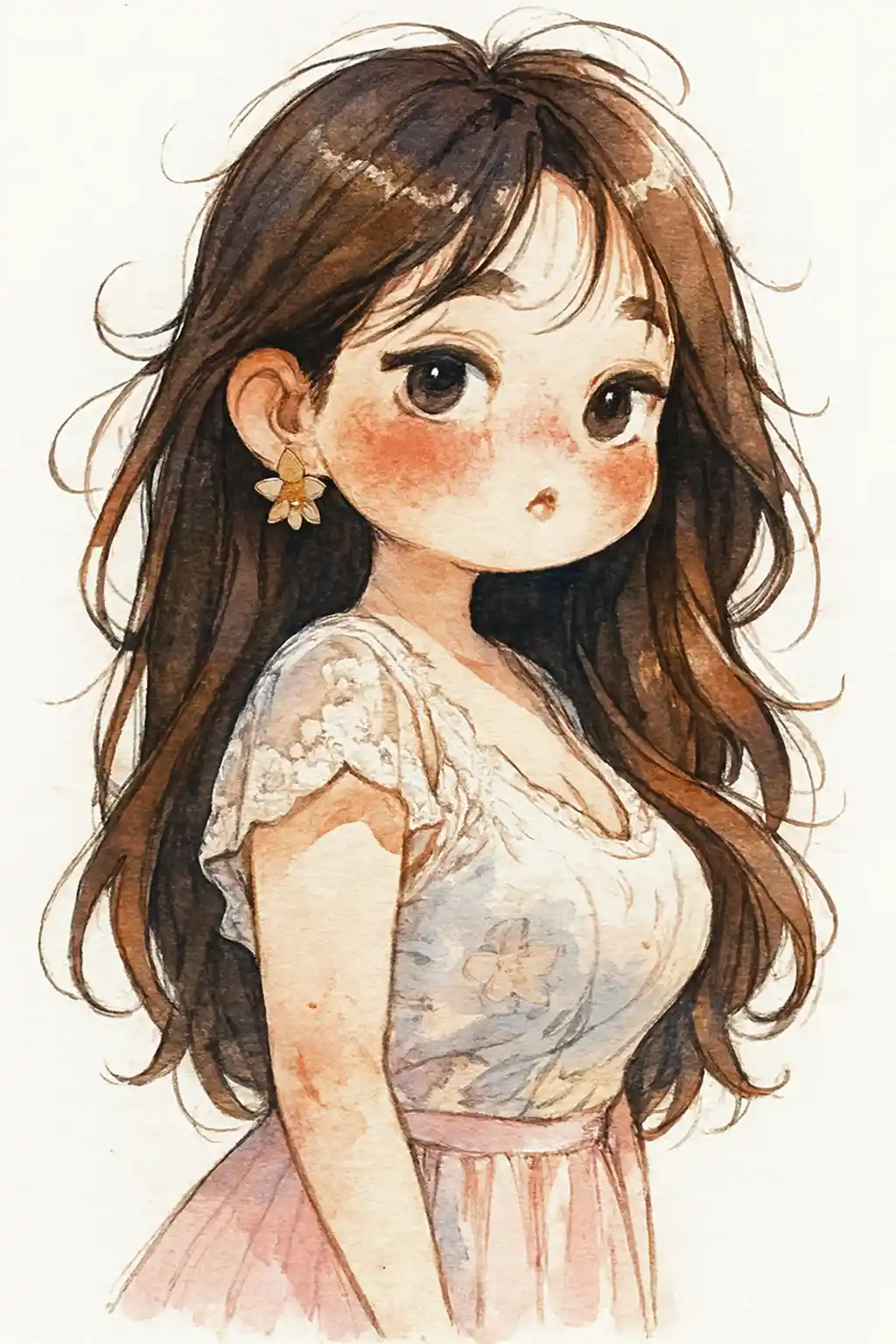
The most-used tool in the workbench. Upload a portrait and the generator redraws it in chibi proportions using any of 188 presets — sticker, 3D figurine, anime, watercolor, collectible toy — with a clean outline that stays readable at small sizes.
Built for photo conversion
Identity holds across styles
The same face survives a switch from 3D figurine to flat sticker, so a set of outputs still reads as one person.
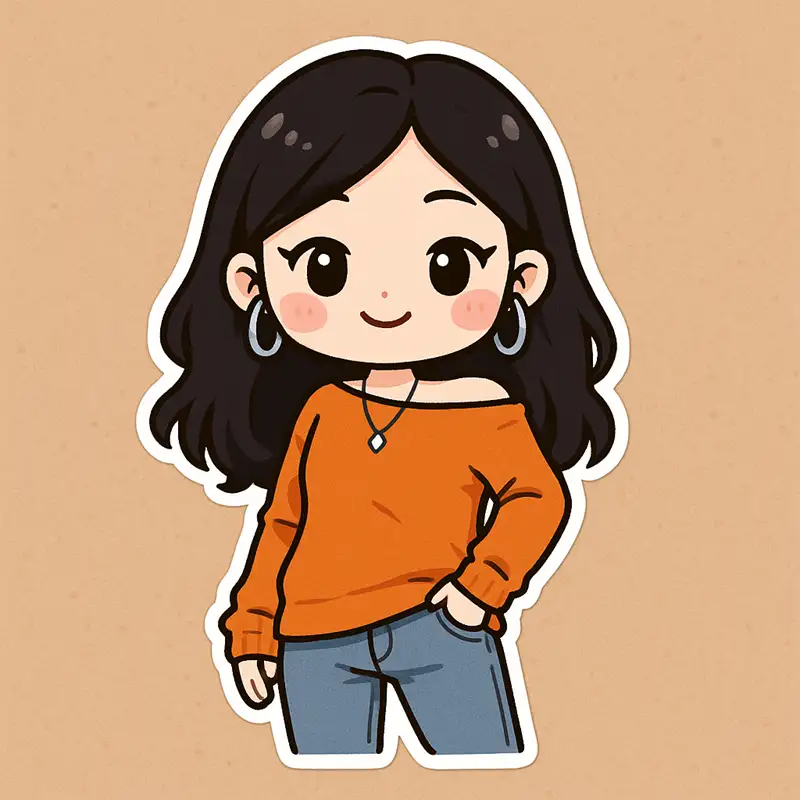
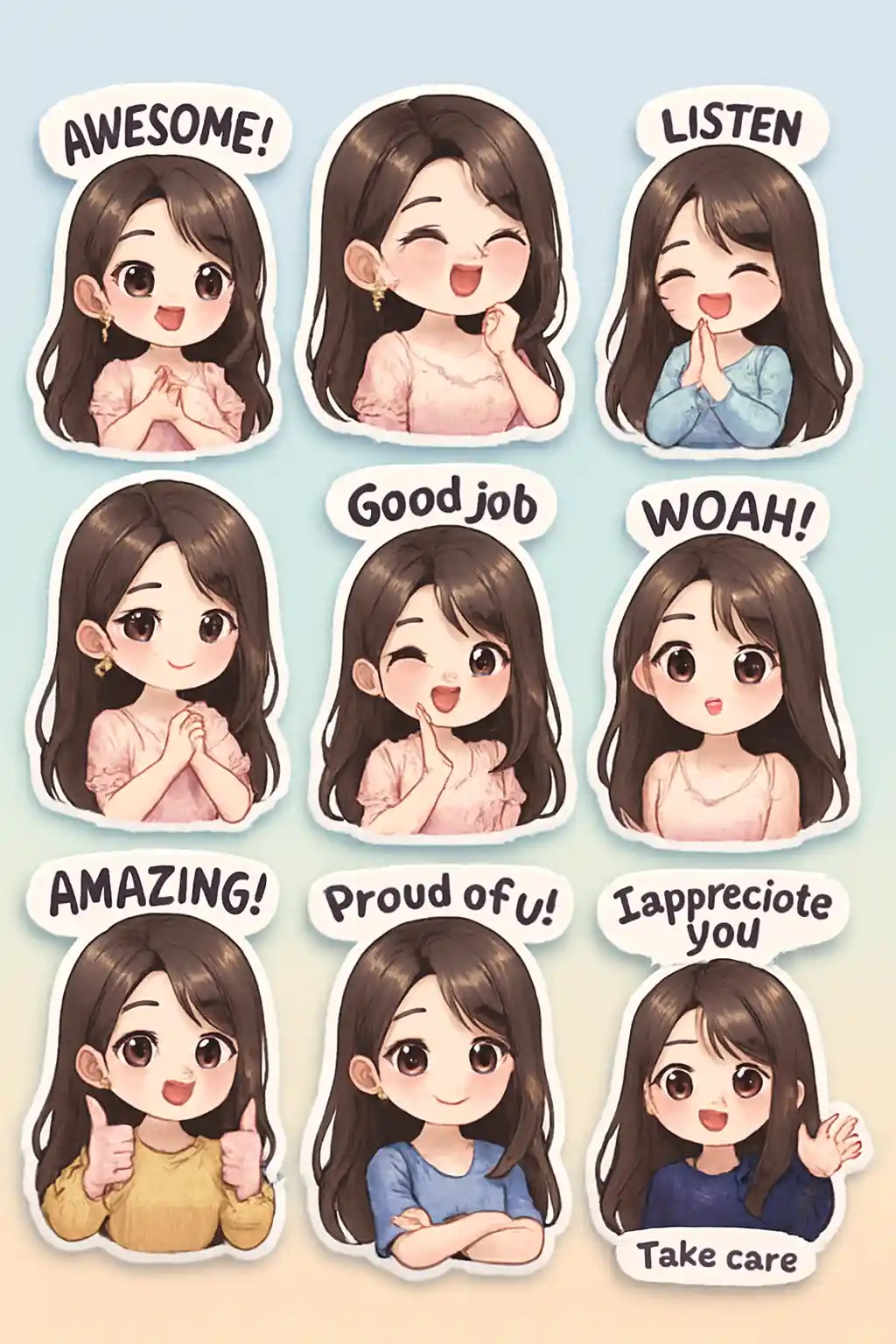
Sticker-ready outlines
Sticker presets add a solid contour line and leave clean space around the subject, so the export drops straight into a chat or a print sheet.
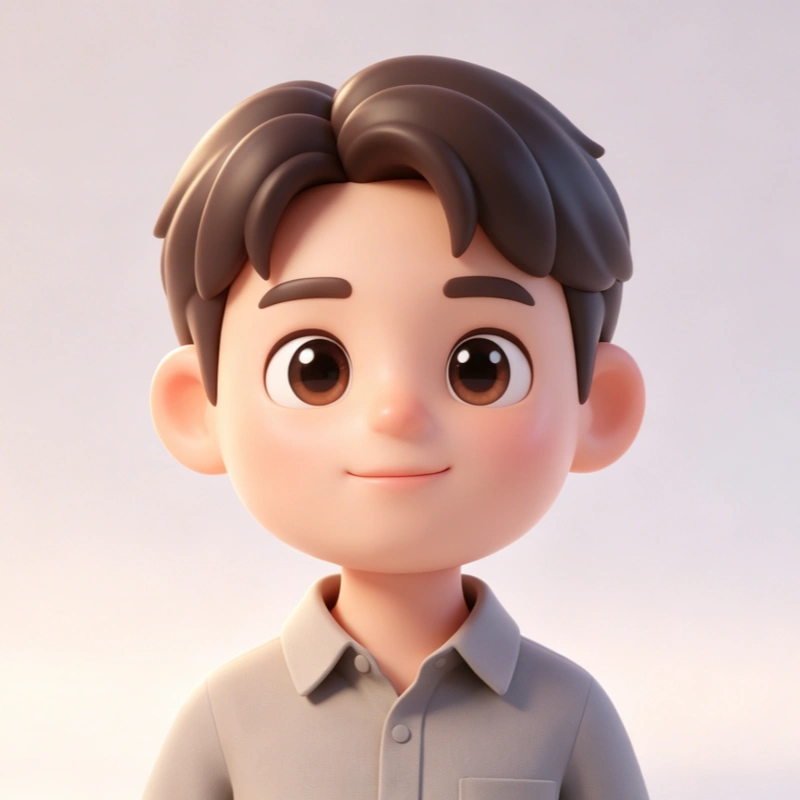
3D and figurine presets
Volume, soft studio light and a turntable look — useful for collectible-toy mockups and product visuals.
Aspect ratio you control
Eight ratios from 1:1 through 9:16 to 21:9, so the same render works as a profile picture, a phone wallpaper or a banner.
Convert a photo in three steps
Upload your photo
Drag in a portrait, a full-body shot or a pet. A clear, well-lit face gives the strongest result.
Choose one of 188 presets
Filter by category — chibi, avatar, sticker, 3D, anime, realistic, creative, Christmas — and click a card to select it.
Generate
One credit, a few seconds. Download the result or keep it in your gallery.
Presets from this tool
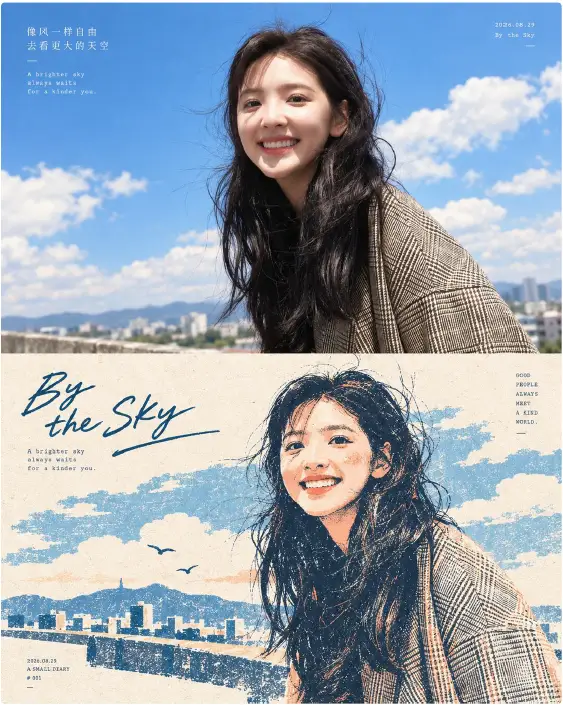
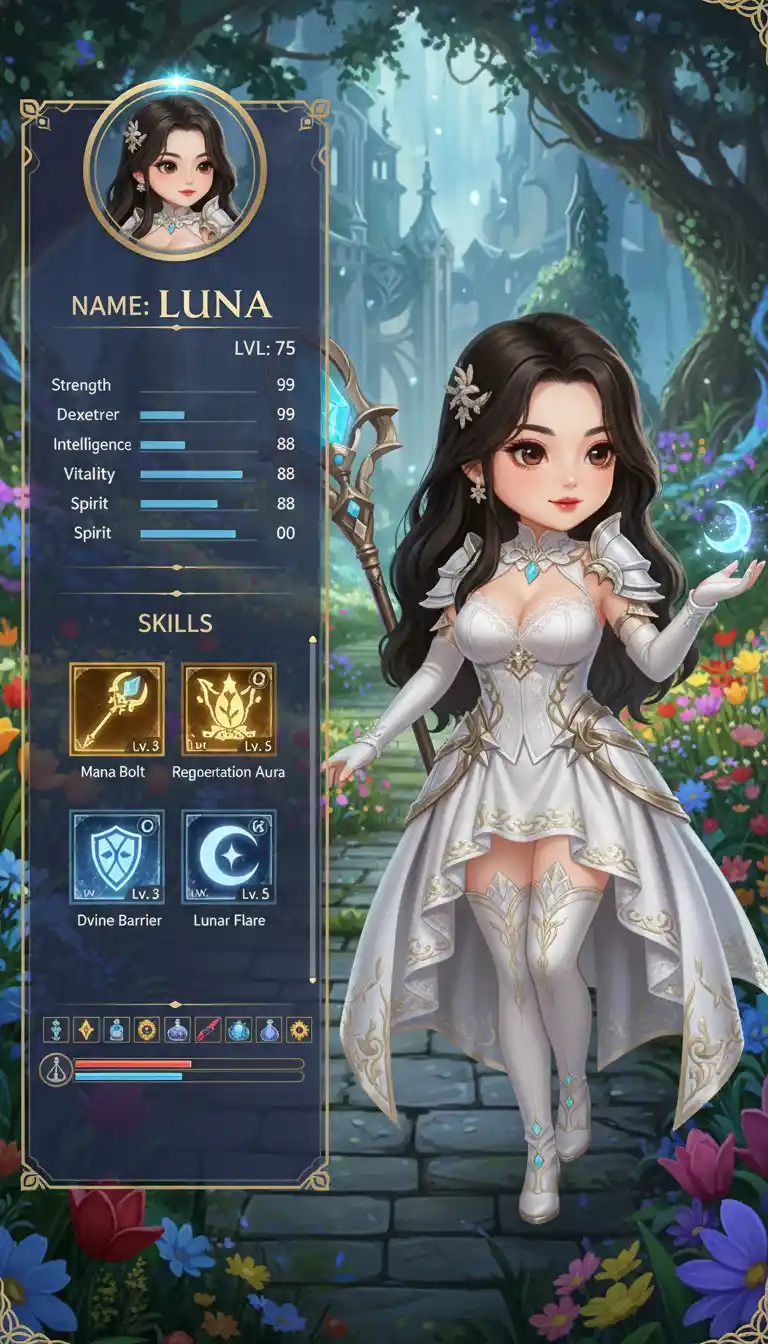
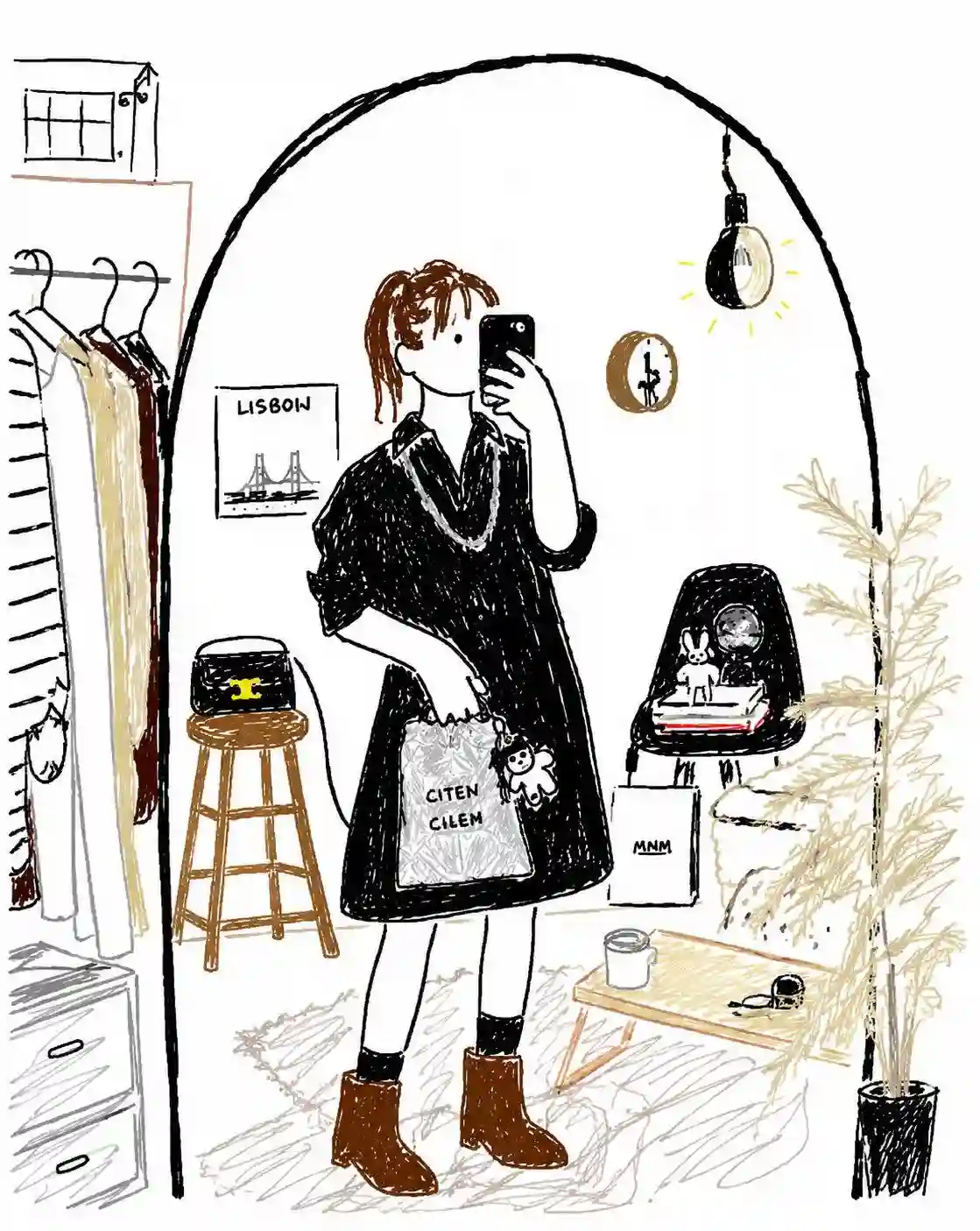
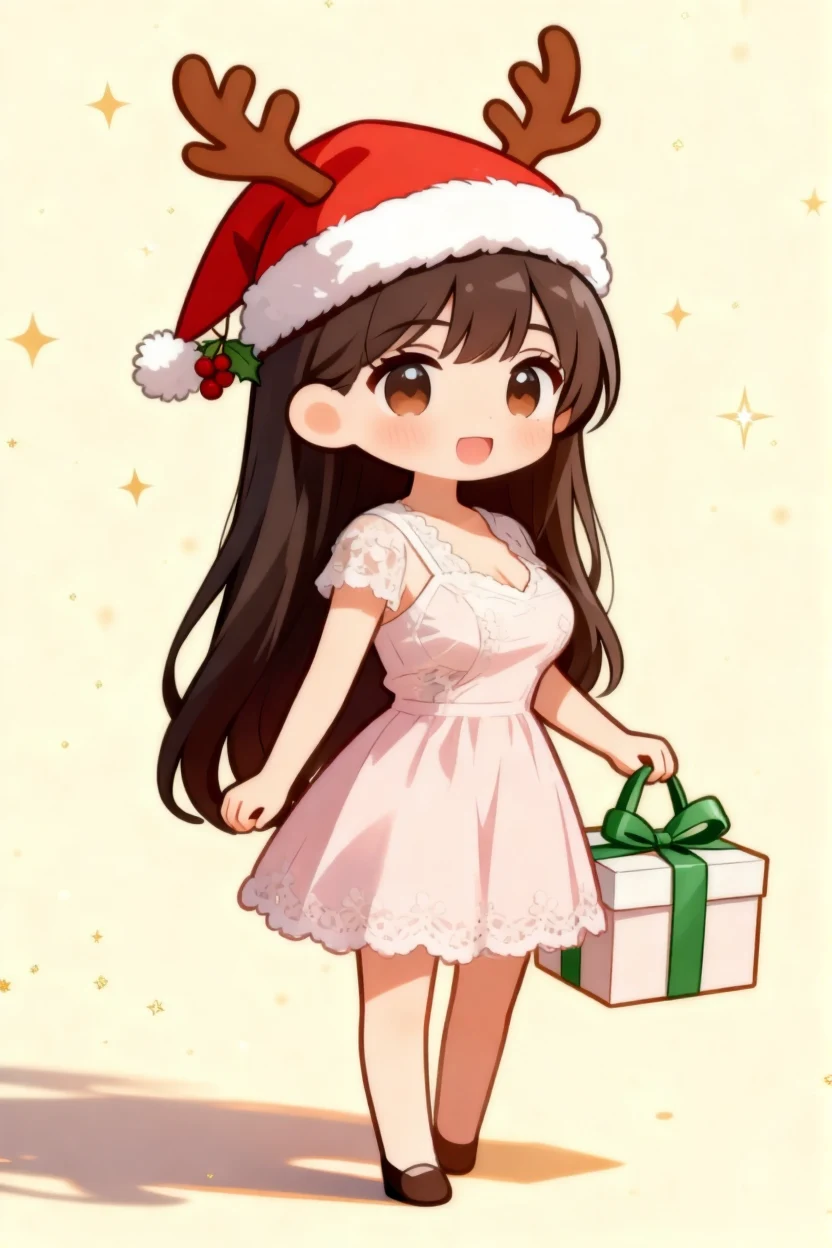
A sample of the 188 photo-to-chibi presets.
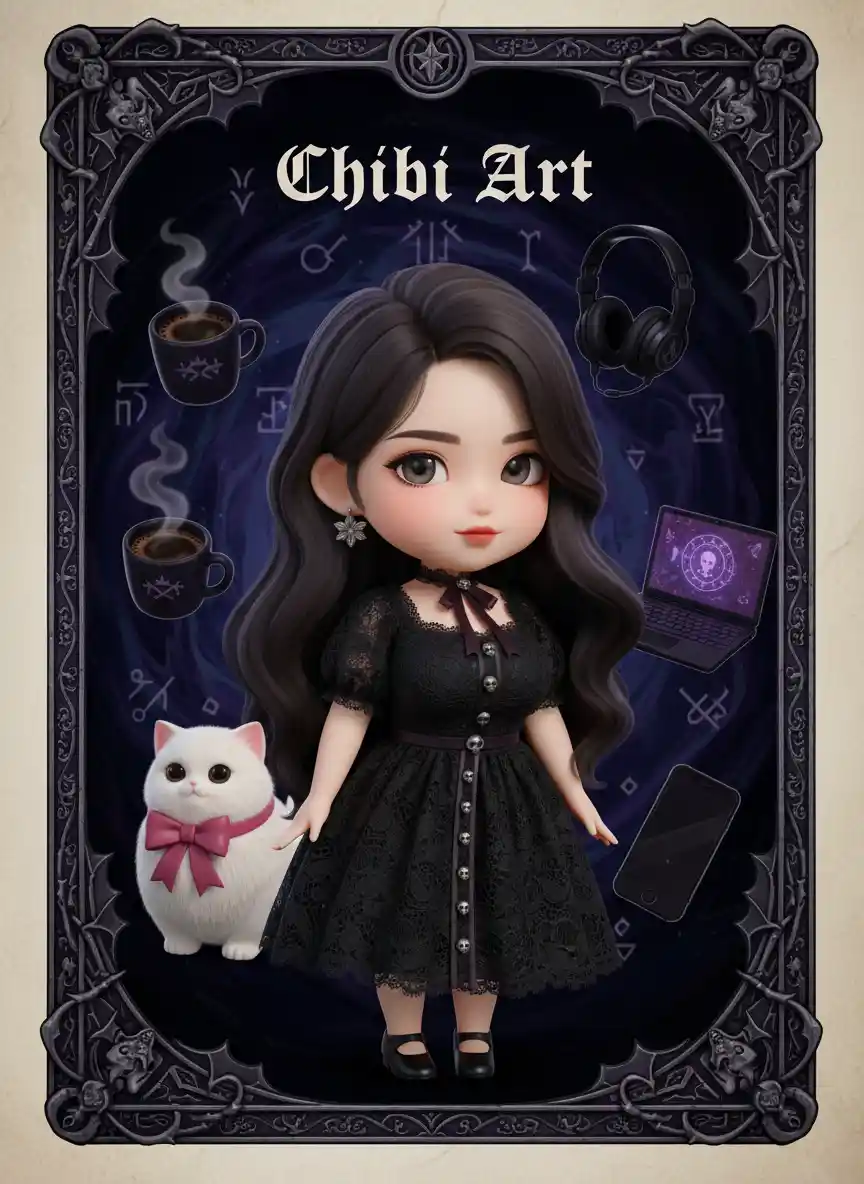
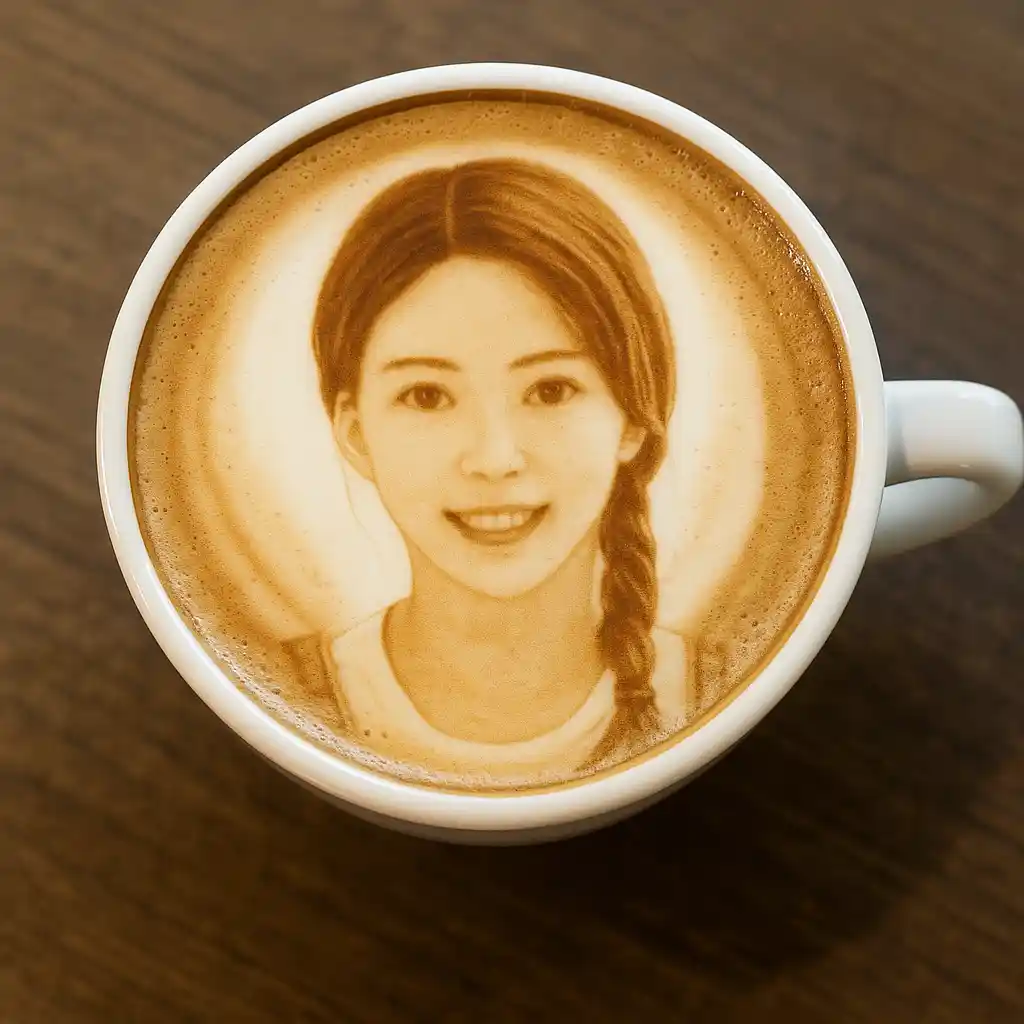
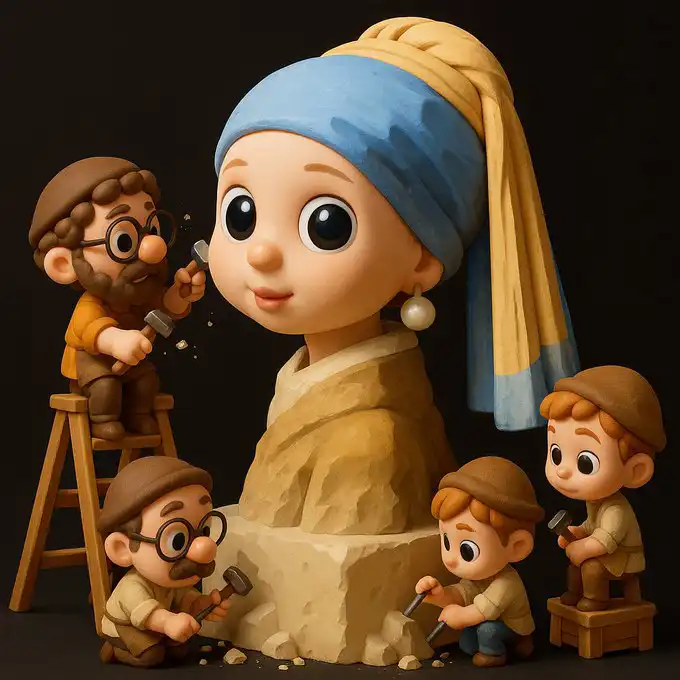
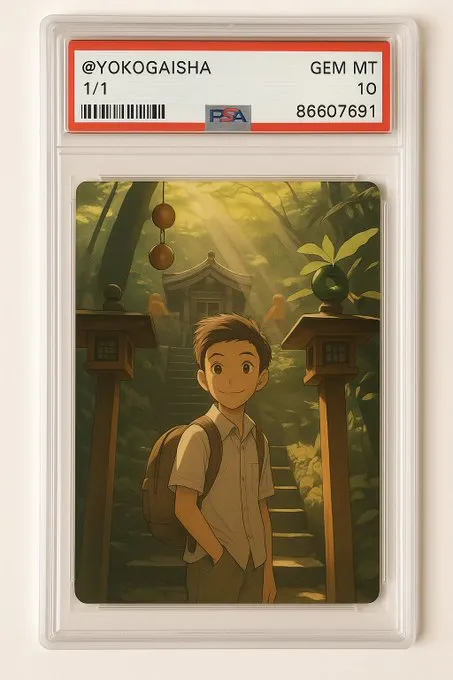
What makes a good chibi conversion
A chibi conversion works when the model keeps the two things that identify a person — face shape and expression — and lets the style take over everything else. That is why a well-lit, front-facing photo converts better than a busy group shot: there is less for the model to guess at.
For stickers, pick a preset in the sticker family and turn the background off if the tool offers it. For figurines, the 3D and collectible presets add volume and a soft key light that reads as a physical object in a photo. For social avatars, a 1:1 ratio keeps the crop safe inside a circular mask.
Frequently asked questions
Is there a free AI chibi generator?
Yes — the free plan includes one generation credit per month with no card required. It outputs 800×800 with no watermark, which is enough to evaluate the presets before paying.
Do I need to write a prompt to convert a photo?
No. Photo-to-chibi runs entirely off the preset. There is an optional description field, but it only nudges background or scene — leaving it empty is the normal path.
Which photo should I upload?
A well-lit, front-facing shot with the subject reasonably large in frame. Avoid heavy occlusion and strong colour casts, since the model reads skin tone and face shape from the source.
Can I convert a photo of more than one person?
Use the couple-photo tool instead — it takes two uploads and composes them into a single chibi frame rather than treating them as one subject.
What resolution is the output?
The render pipeline runs up to 2K. Plan limits apply: 800×800 on the free plan, 1024×1024 on Premium and Ultimate.