AI image editor: change the picture, keep the subject
Describe the edit and the model applies it — swap the background for a cyberpunk skyline, add a prop, change a pose, push the whole frame into another art style. The subject stays recognisable while everything around it changes.
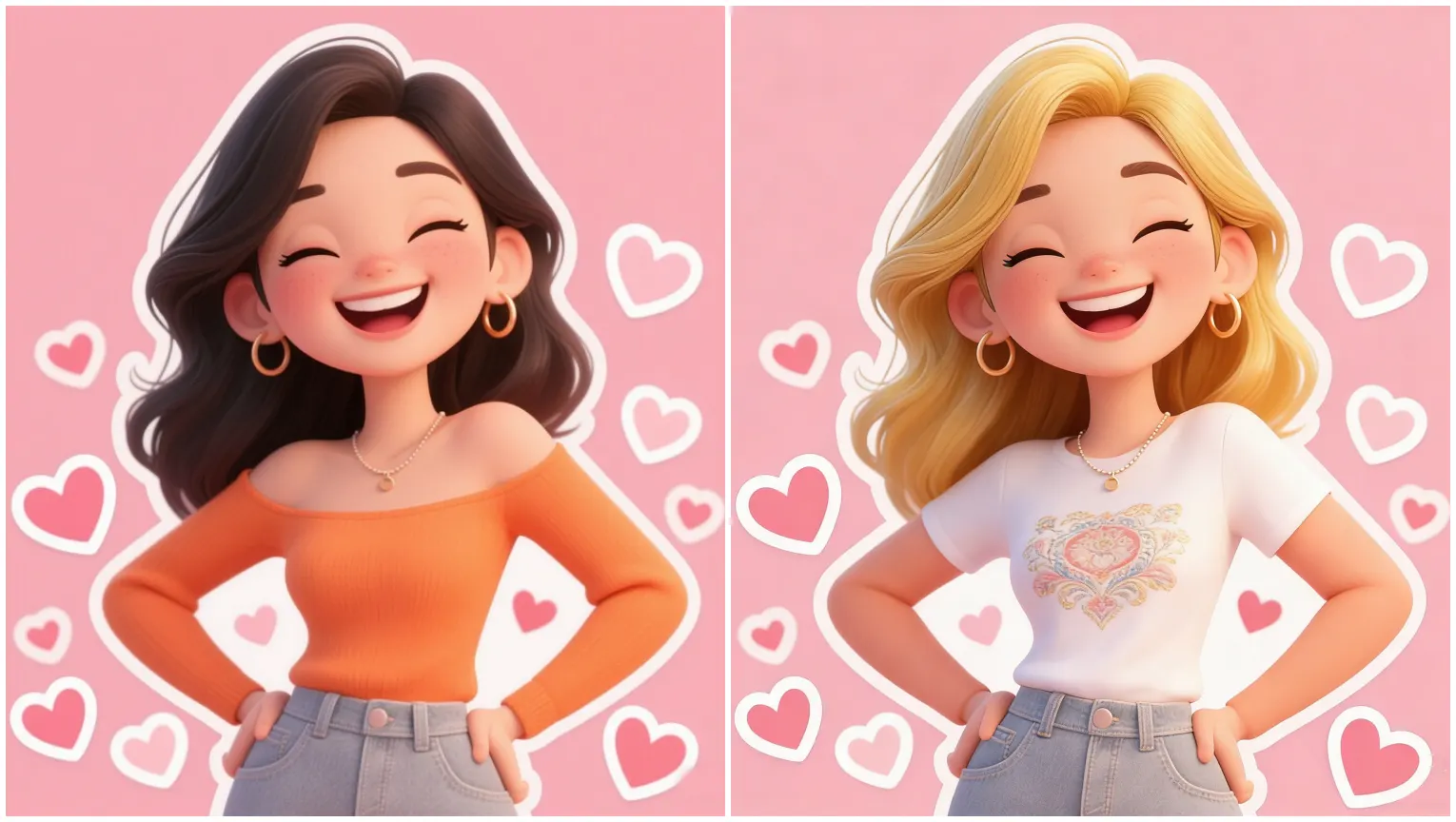
Editing that preserves the subject
Background replacement
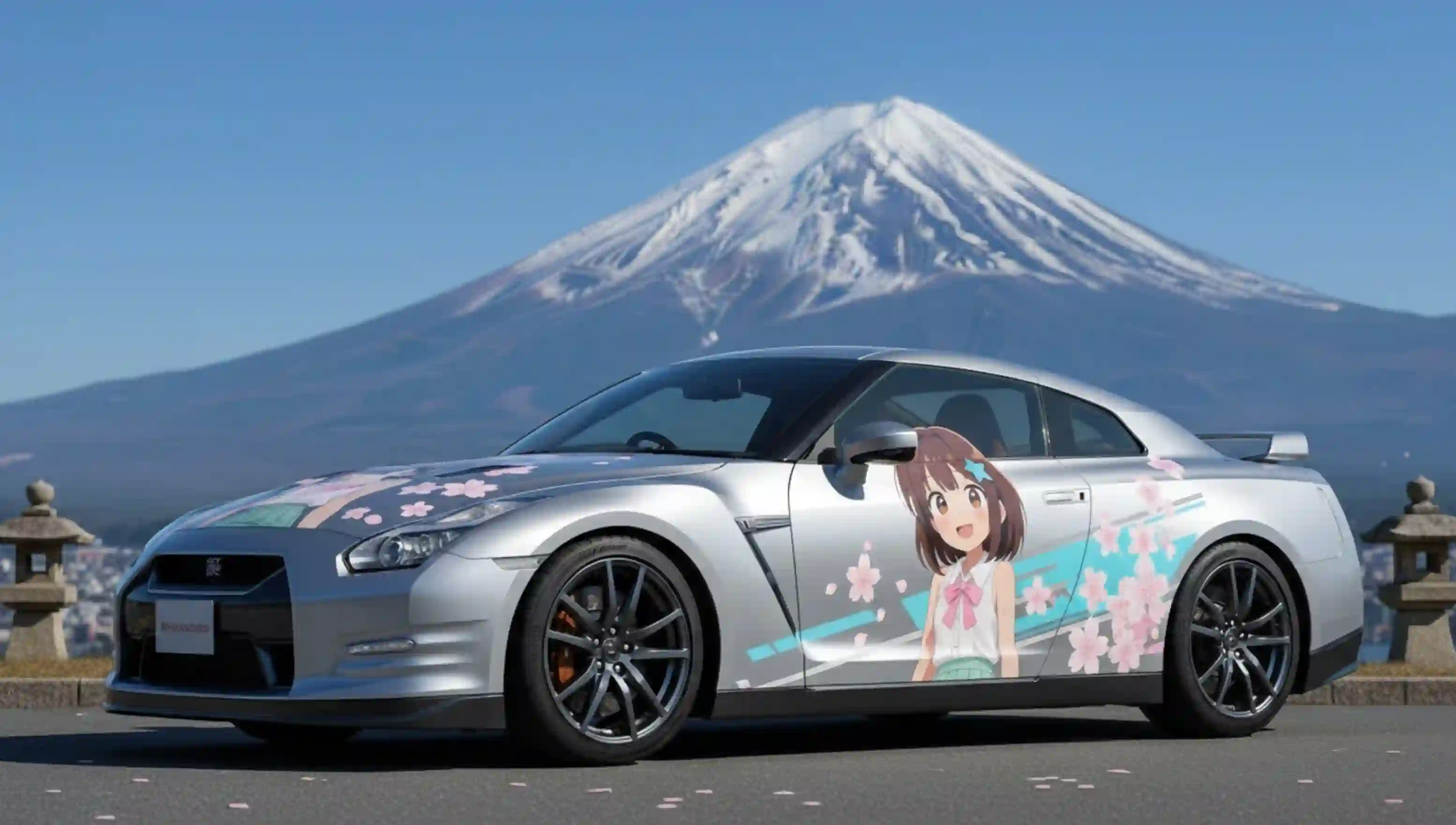
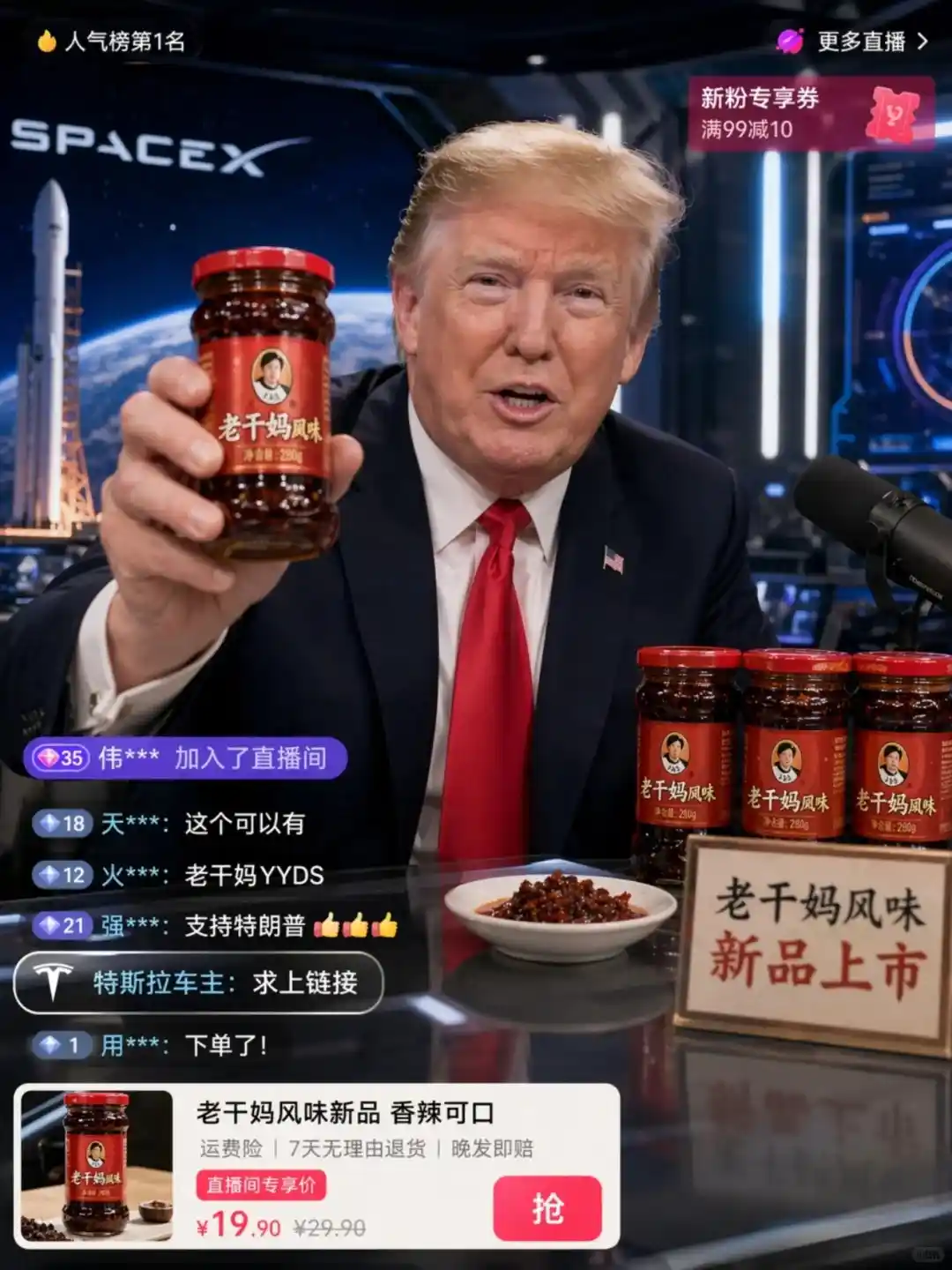
Name a scene and it is rebuilt behind the subject, with lighting and shadow re-matched so the composite holds up.
Add and remove elements
Insert a prop or clear something out of frame without redrawing the person.
Pose and expression changes
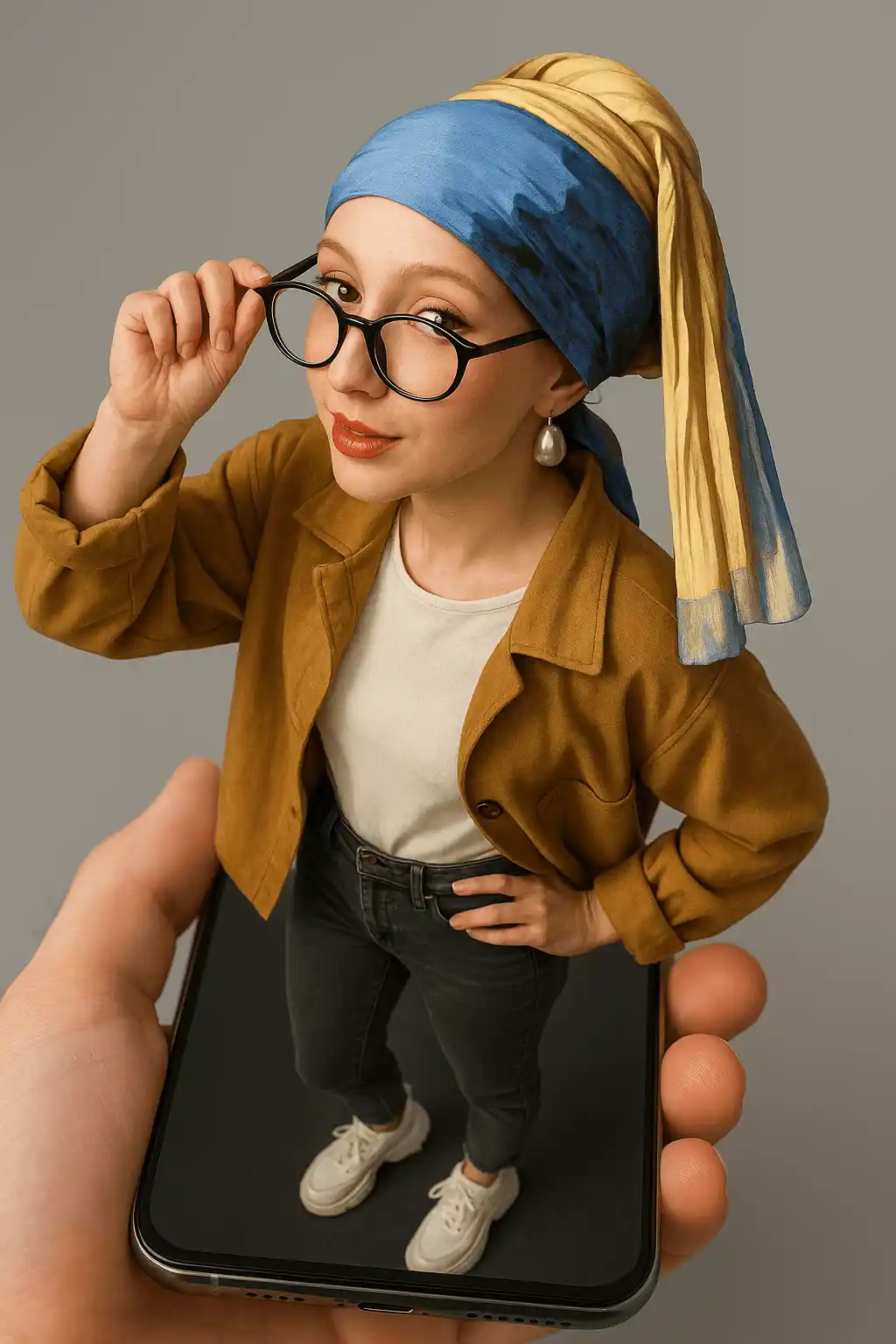
Reposition or re-express the subject while keeping identity and wardrobe consistent.
Full restyle
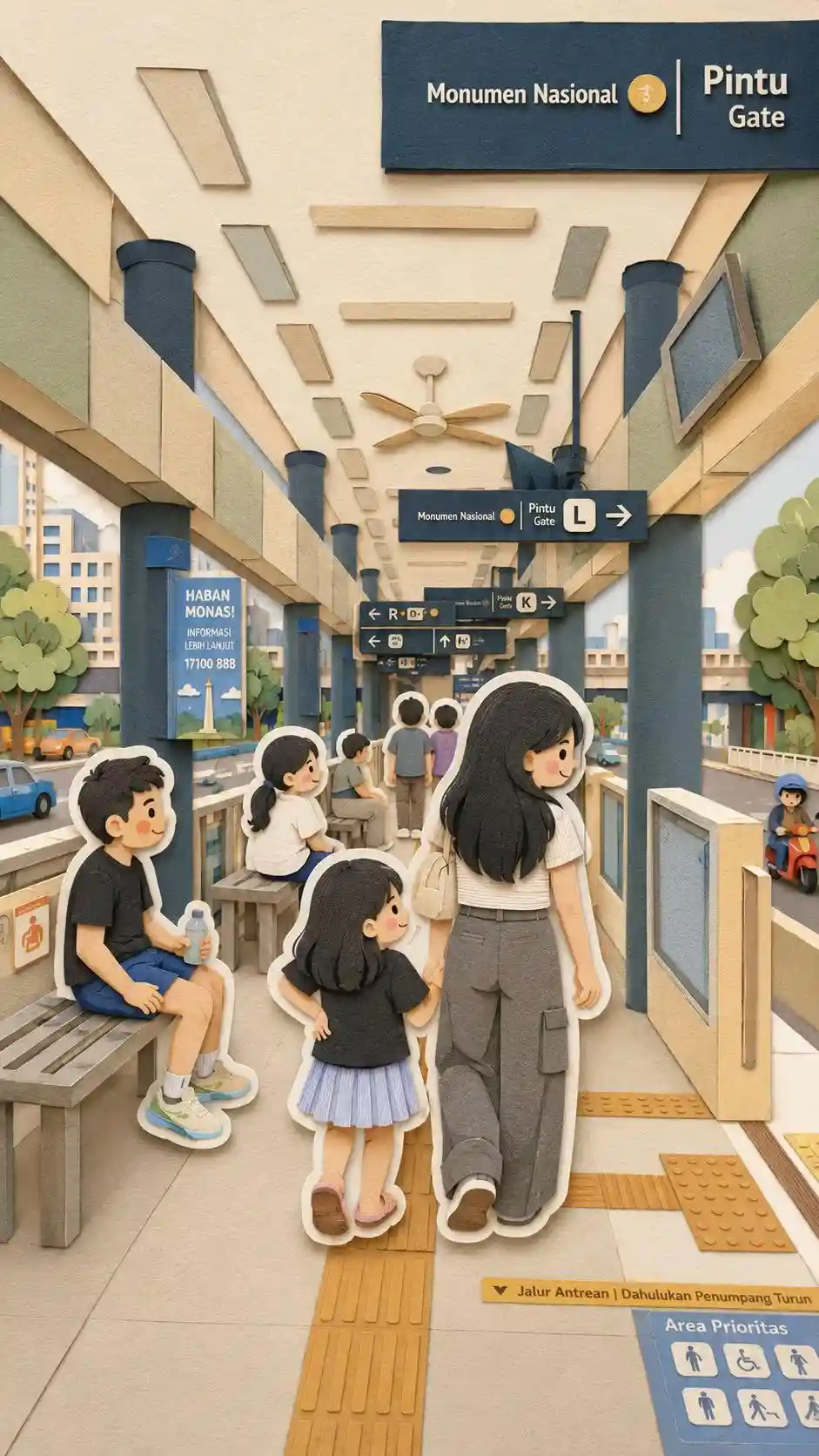
Push a photograph into anime, watercolour, clay or illustration while keeping the composition.
Edit in three steps
Upload the image
Any standard photo format. For best results the subject should be clearly separated from the background.
Describe the edit
Write the change you want in plain language — no mask painting, no layer work, no jargon.
Generate
The edited frame renders in seconds and lands in your gallery alongside the original.
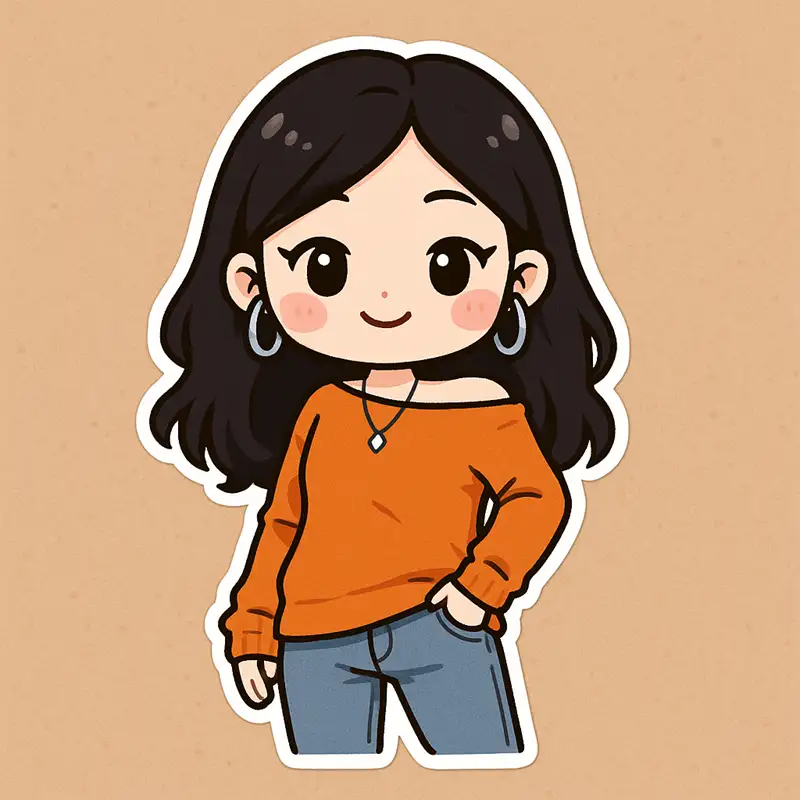
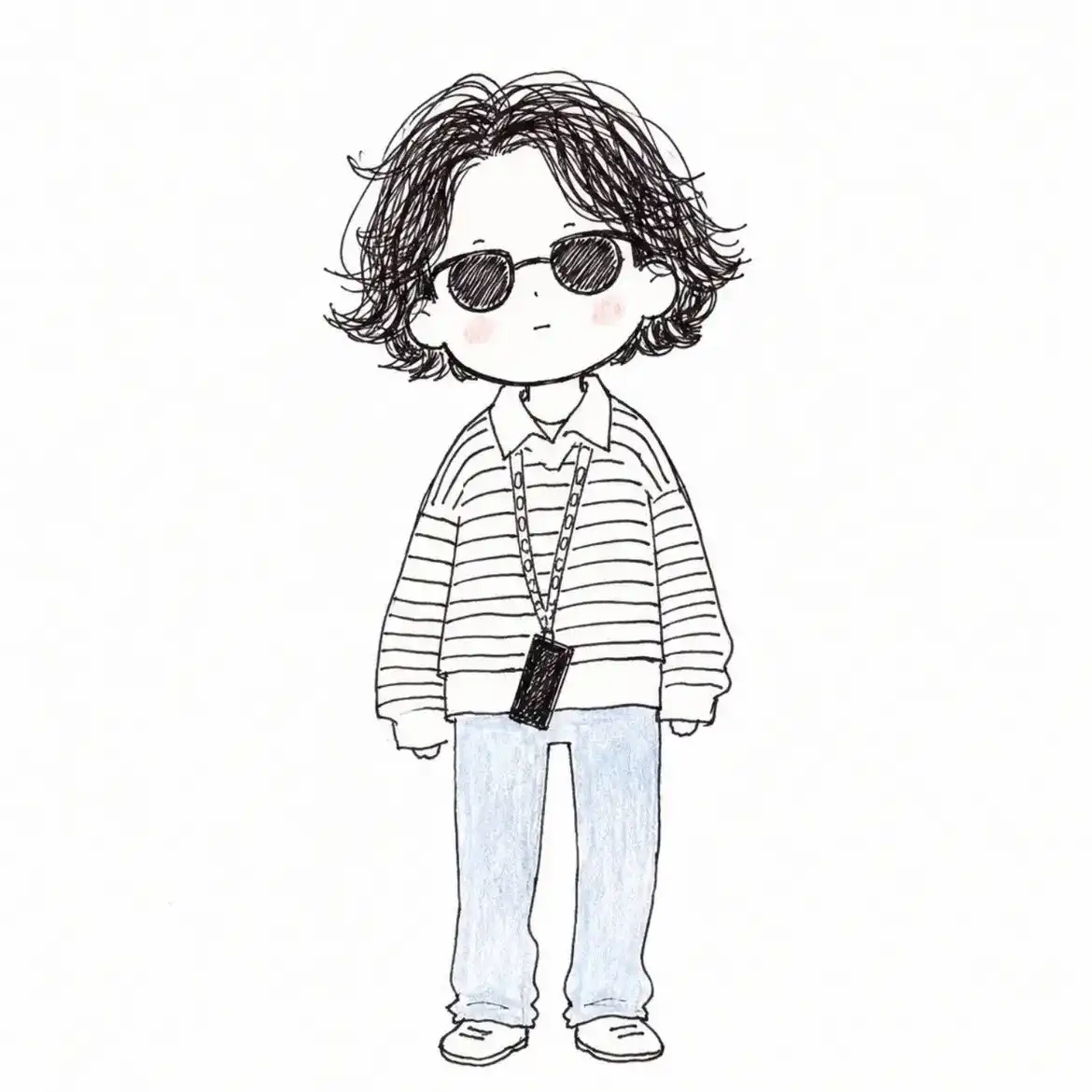
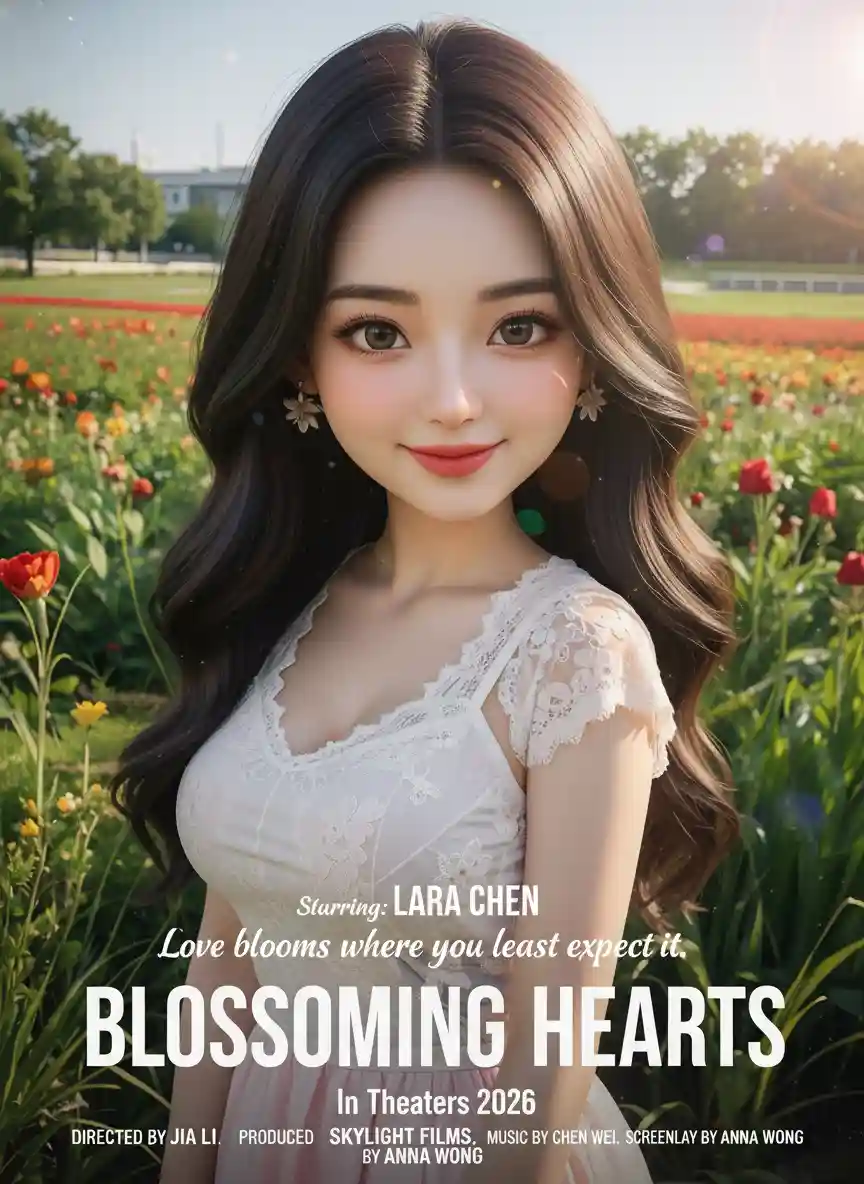
From the community gallery
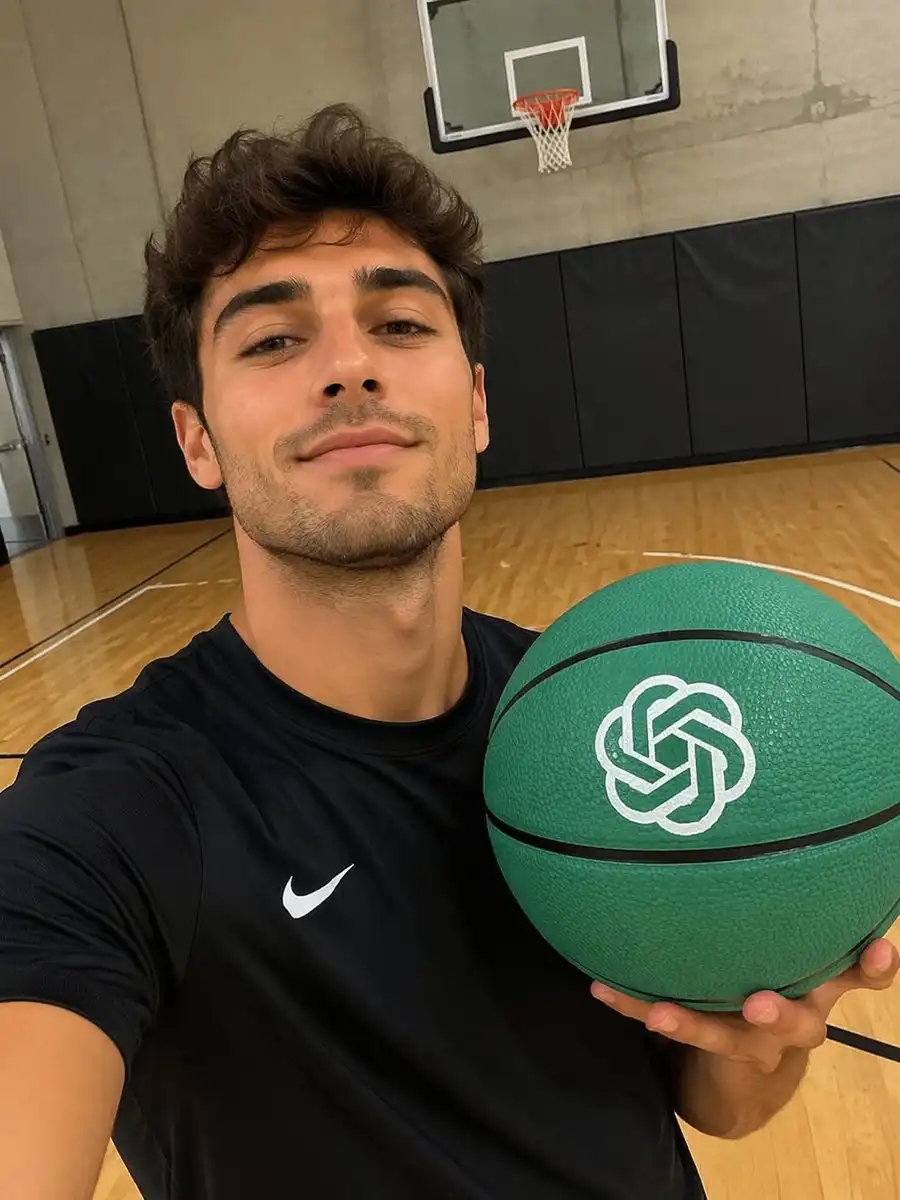
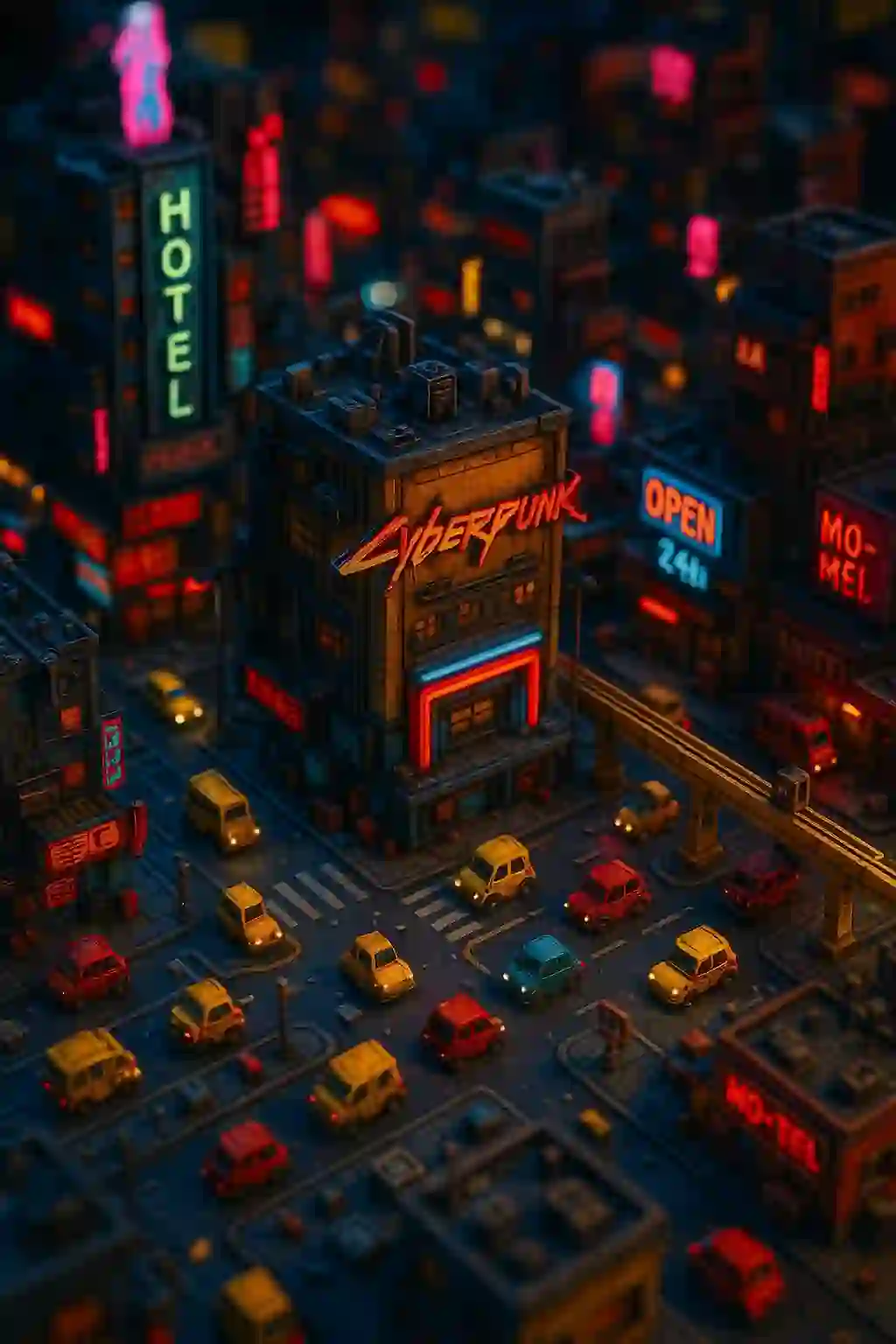
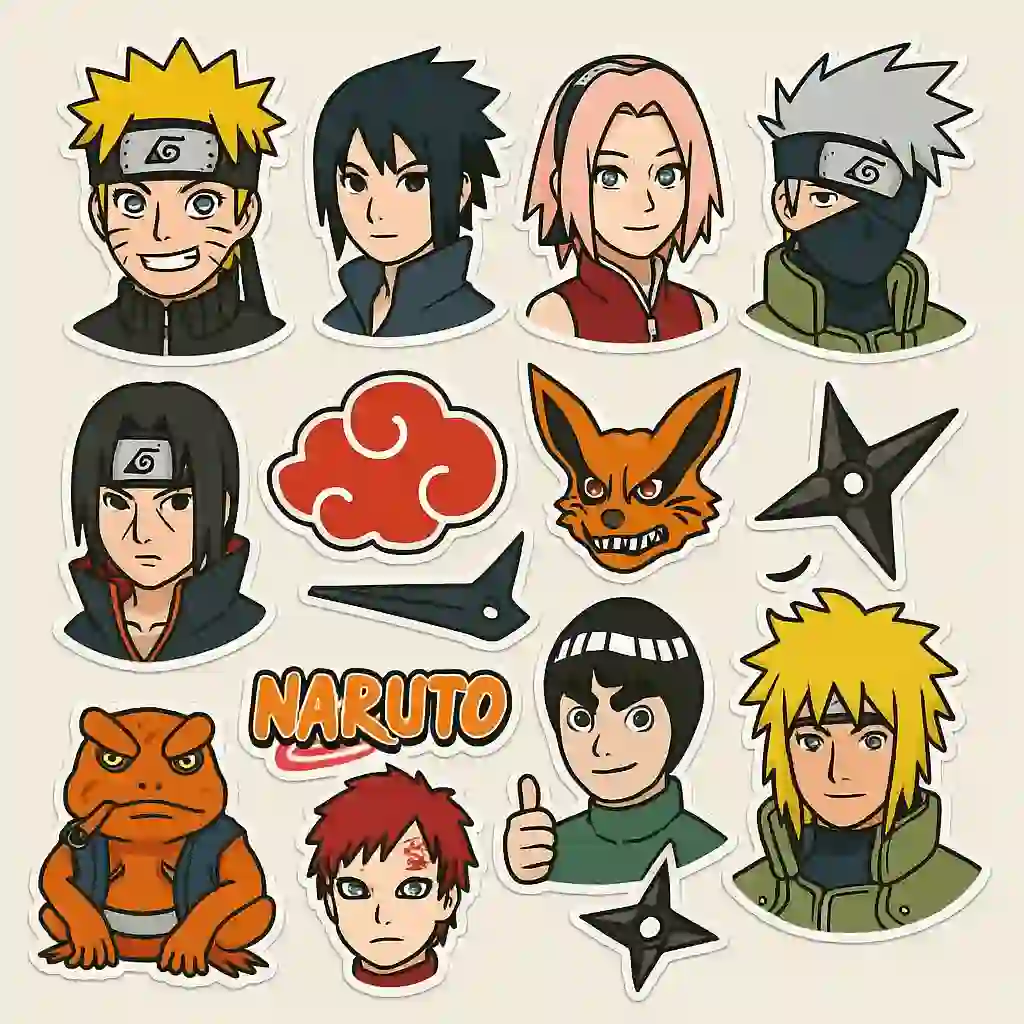
Edits and restyles generated with the same pipeline.


Instruction editing vs. classic retouching
Traditional retouching asks you to isolate what you want to change before anything can be changed — mask it, select it, feather it. Instruction editing inverts that: you describe the outcome and the model works out what has to be replaced.
The trade-off is precision. If your edit has to land on an exact pixel boundary, masking still wins. If the edit is conceptual — a different location, a different era, a different medium — describing it is faster and produces better lighting continuity than a hand-built composite.
Frequently asked questions
How is this different from a normal photo editor?
There are no masks, layers or selection tools. You describe the change in words and the model applies it, re-rendering lighting and shadow so the result stays coherent.
Can it change the background without touching the subject?
Yes. Background replacement is the core use case — the subject is preserved while the scene behind is rebuilt.
Can I change someone's pose in an existing photo?
Yes. Pose and expression edits keep identity and clothing consistent while repositioning the subject.
Will the result still look like the original person?
That is the design goal: identity is held while styling, scene and medium are free to change.
What formats are supported?
JPG, PNG and WebP.