AI text to image: build a chibi scene from words
When there is no photo to start from, write the scene instead. Ninety-five presets cover art, posters, infographics, UI mockups, character sheets and product visuals — each one already carrying the layout, palette and rendering style, so a single sentence is enough.
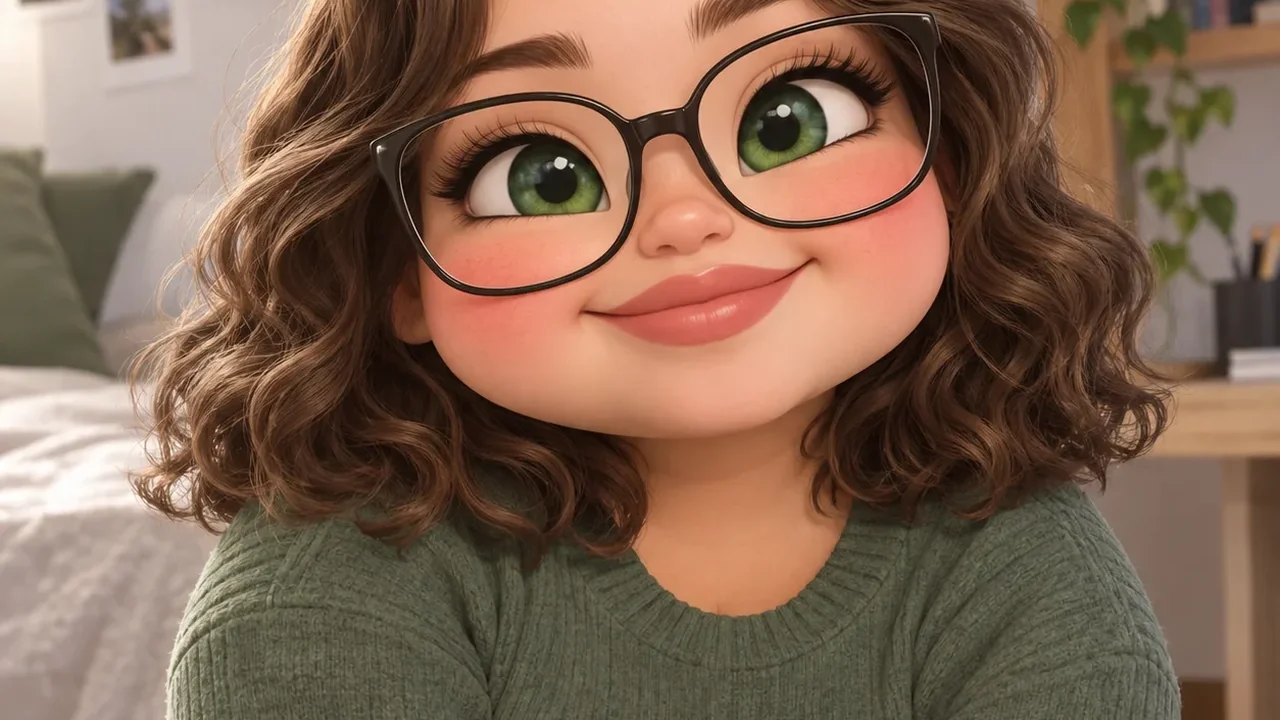
Text-to-image, without prompt tuning
Layout presets, not just styles
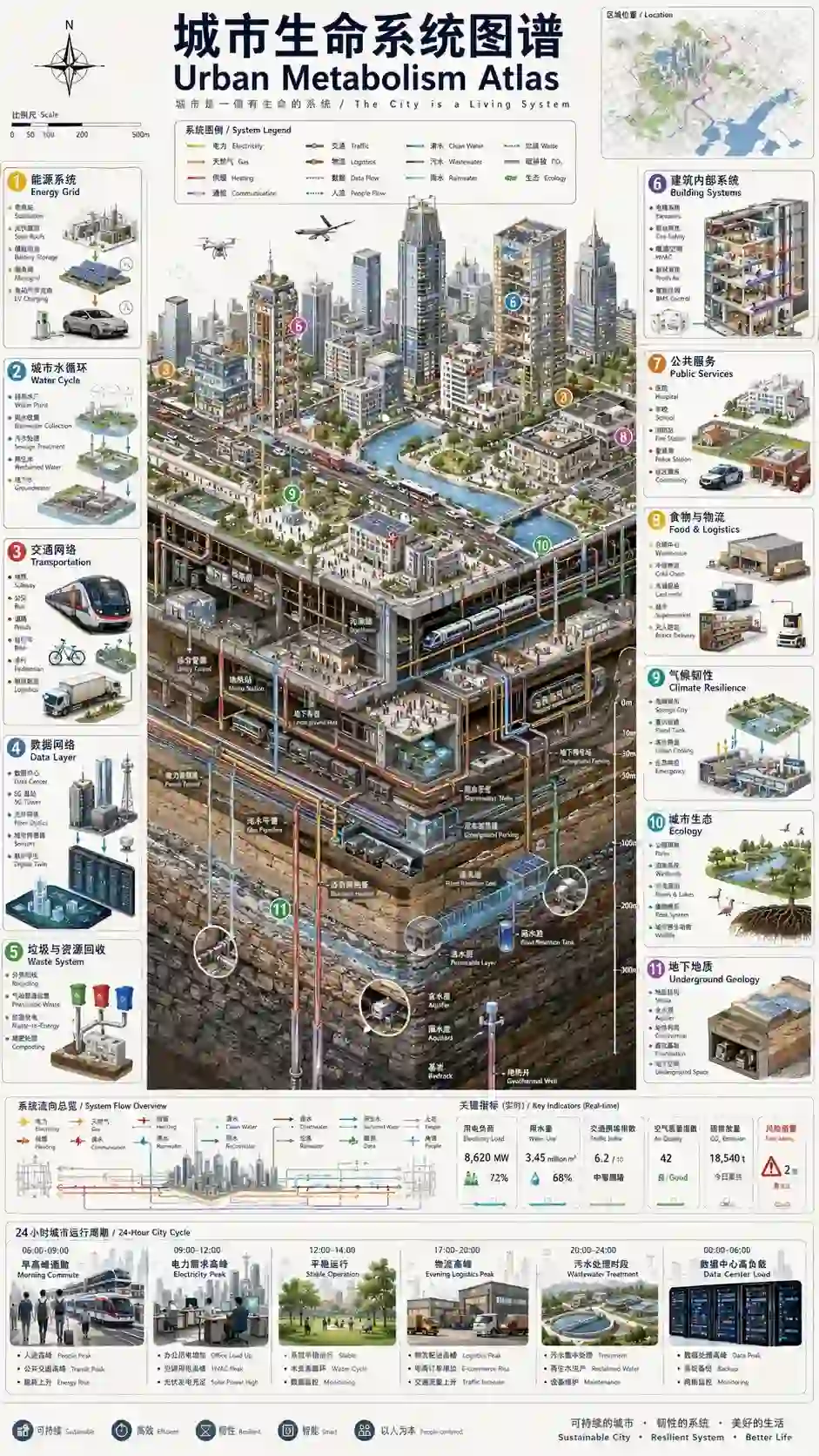
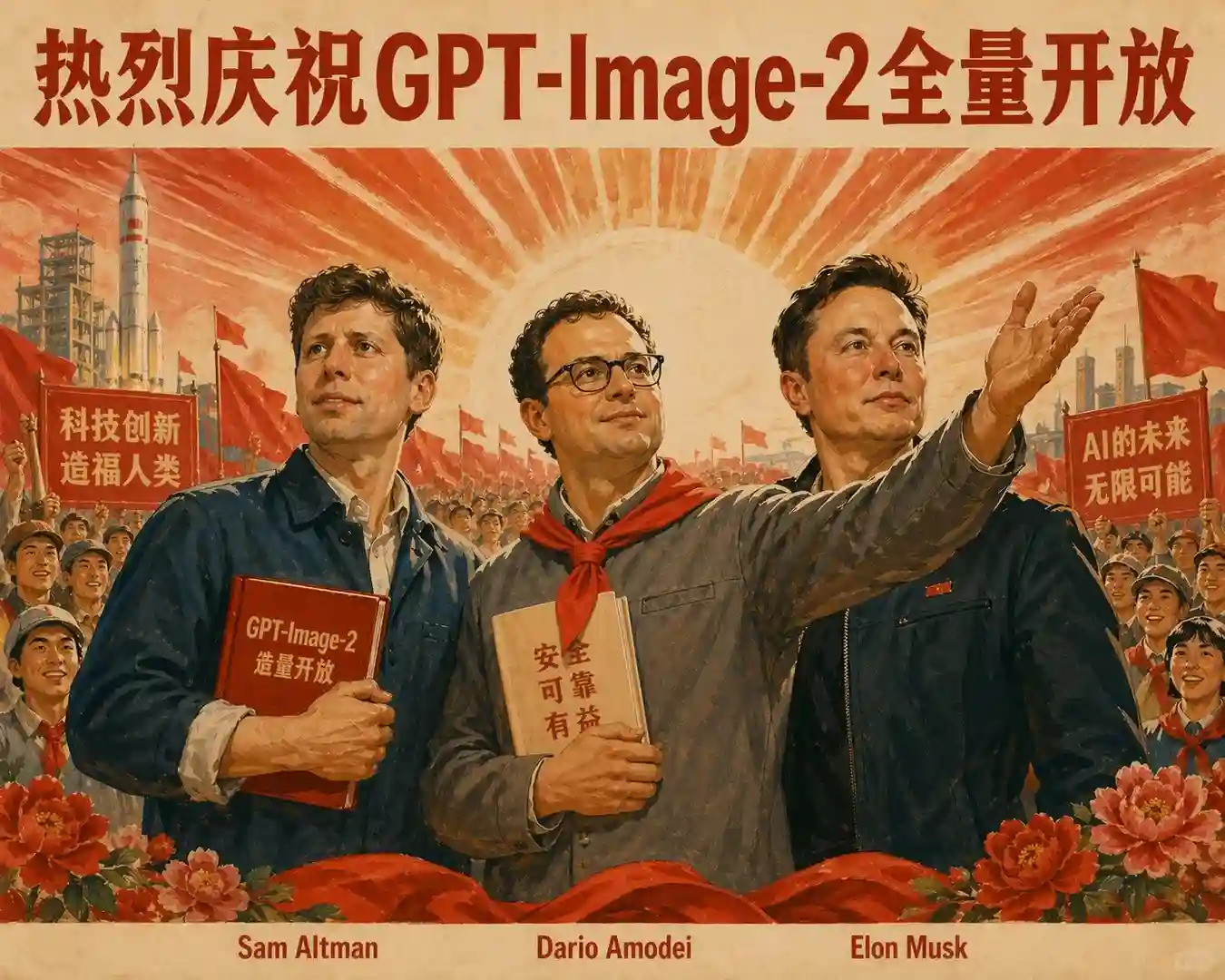
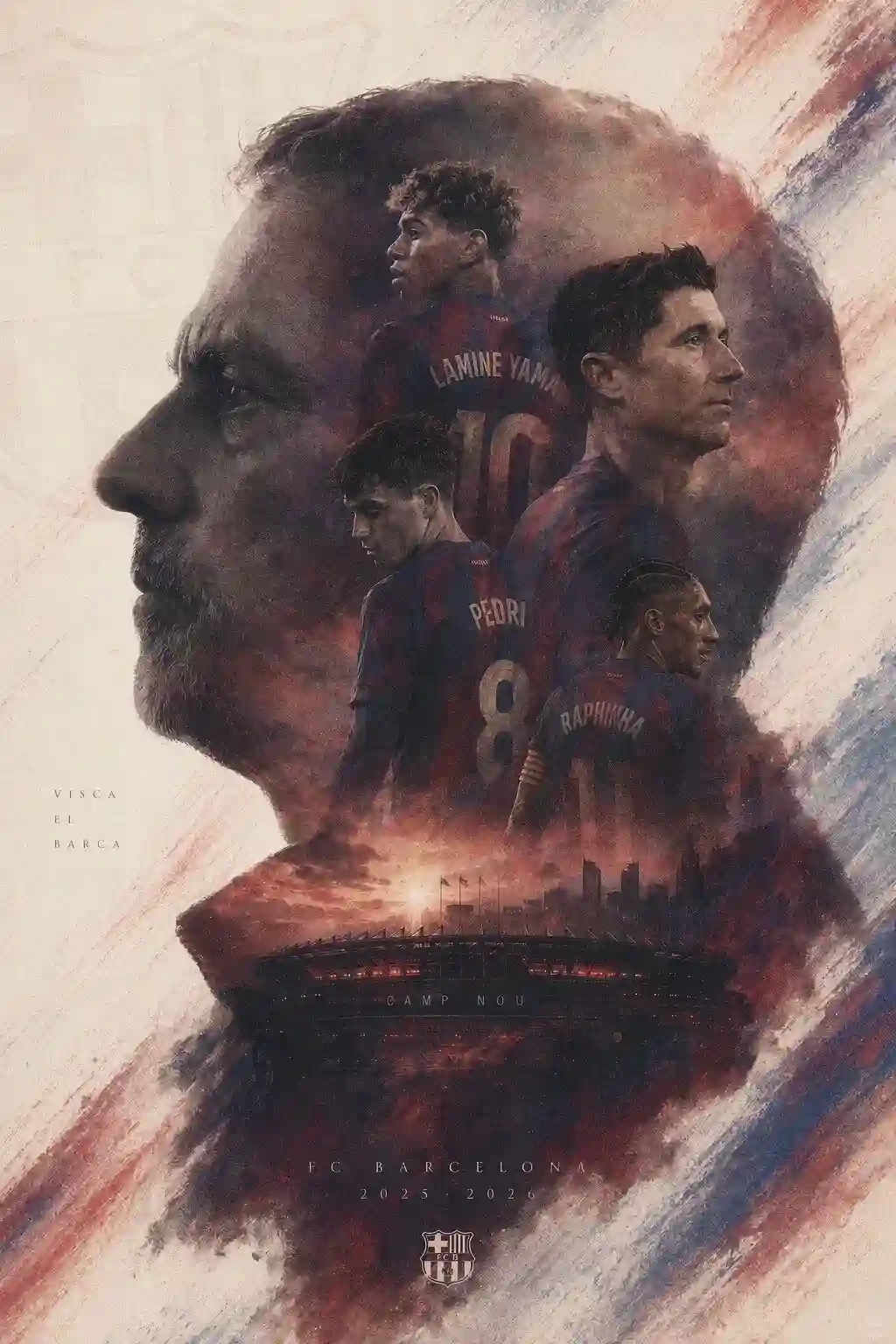
Poster, infographic, storyboard, advert banner and UI mockup presets fix the composition, so the output is a designed page rather than a loose illustration.
Character sheets
Presets built for turnarounds and expression grids produce a consistent character across several views in one render.
Eight aspect ratios
1:1, 4:3, 3:4, 2:3, 9:16, 3:2, 16:9 and 21:9 — covering feed posts, story formats, A4-ish pages and wide banners.
One sentence is enough
Because the preset carries the visual recipe, a twelve-word description produces a finished layout instead of a vague impression.
From sentence to image
Write the scene
One or two sentences: subject, setting, mood. The preset supplies medium, palette and layout.
Pick a preset and ratio
Choose from art, poster, infographic, UI, character, photo, 3D and more, then set the aspect ratio for where it will be published.
Generate
The result arrives in seconds at up to 2K and is saved to your gallery.
Presets from this tool
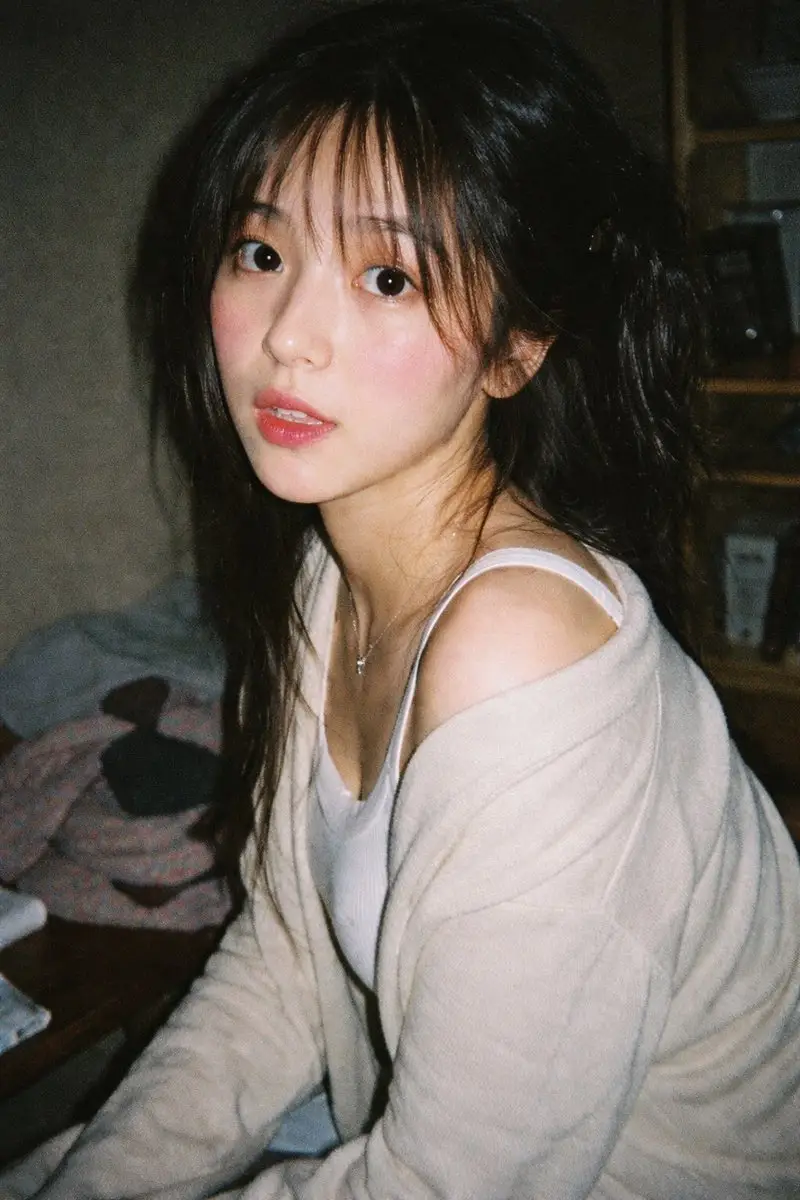
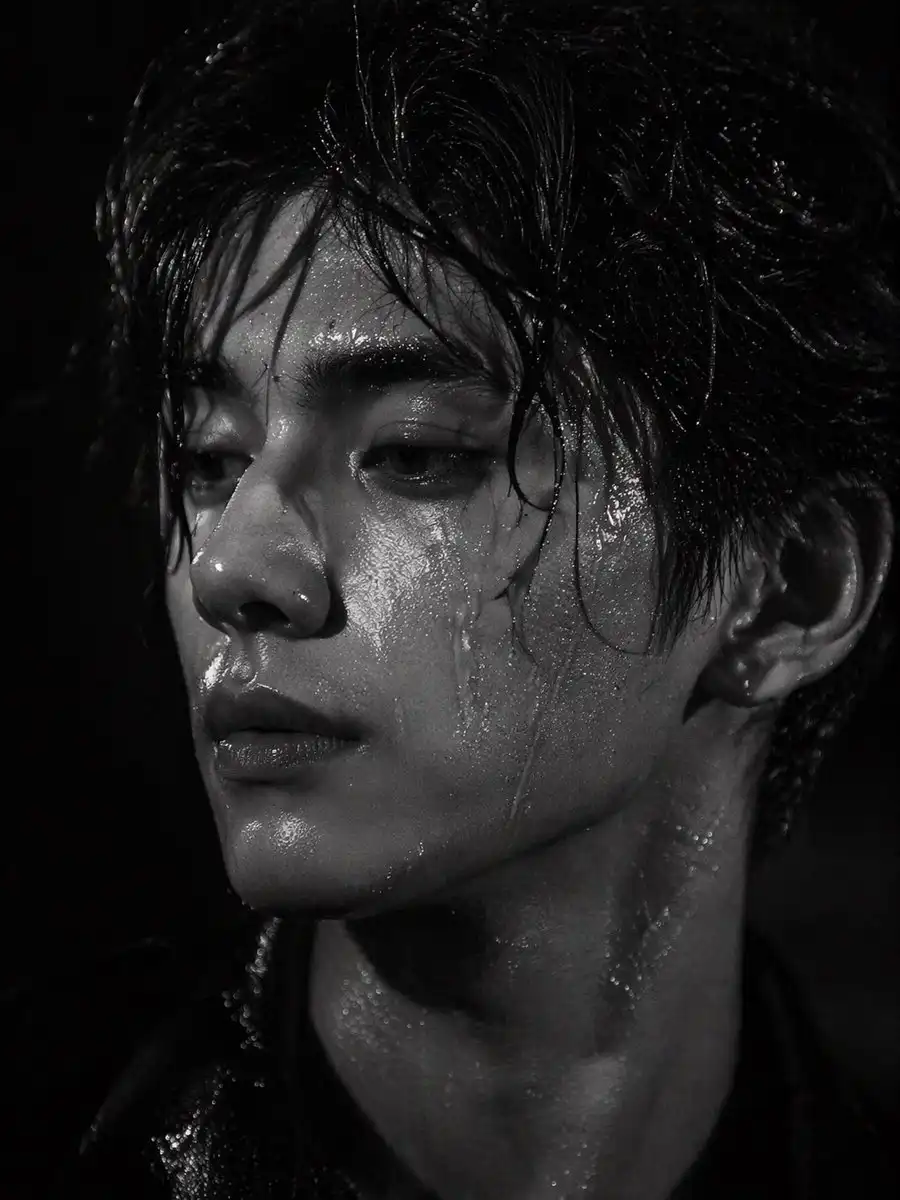
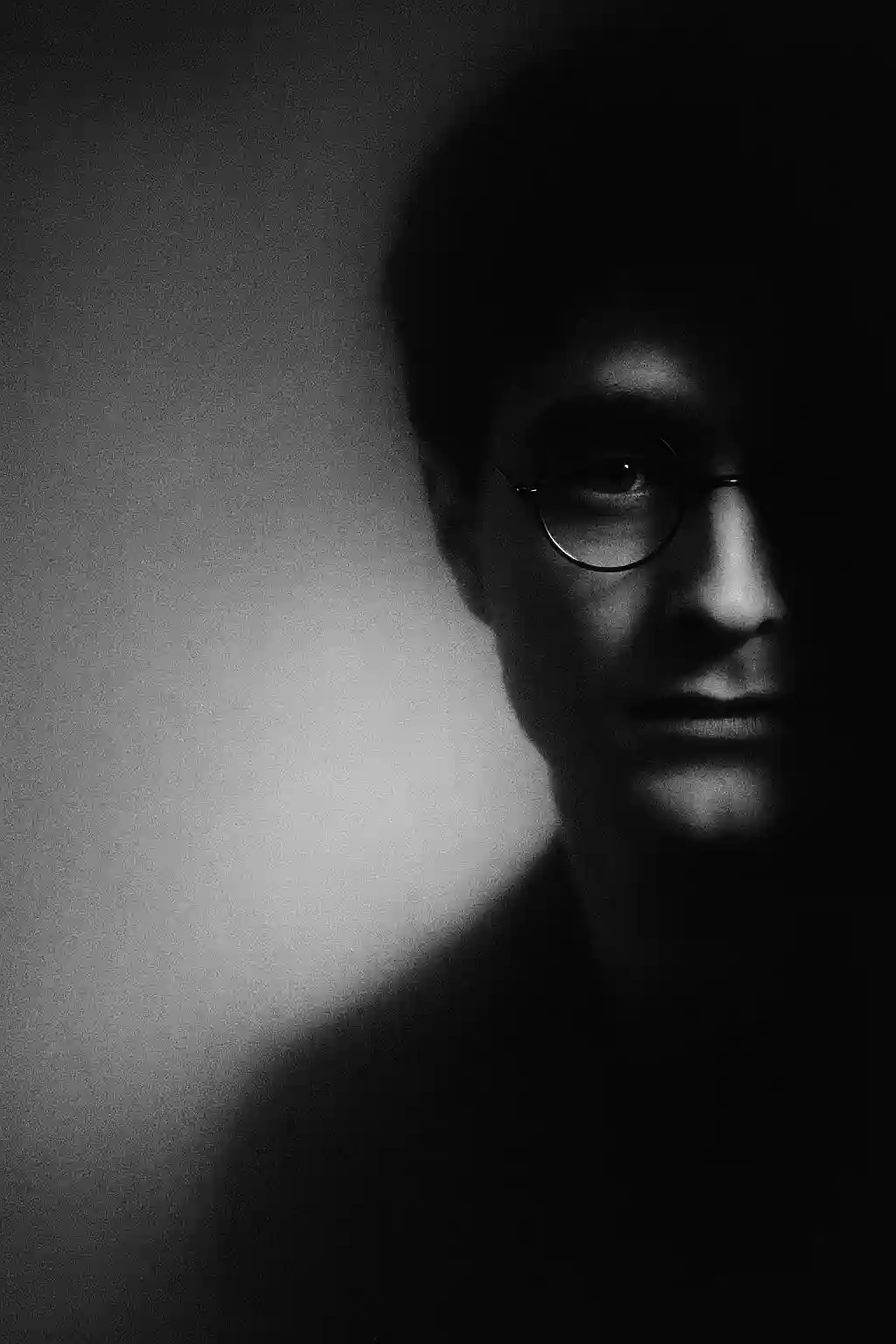
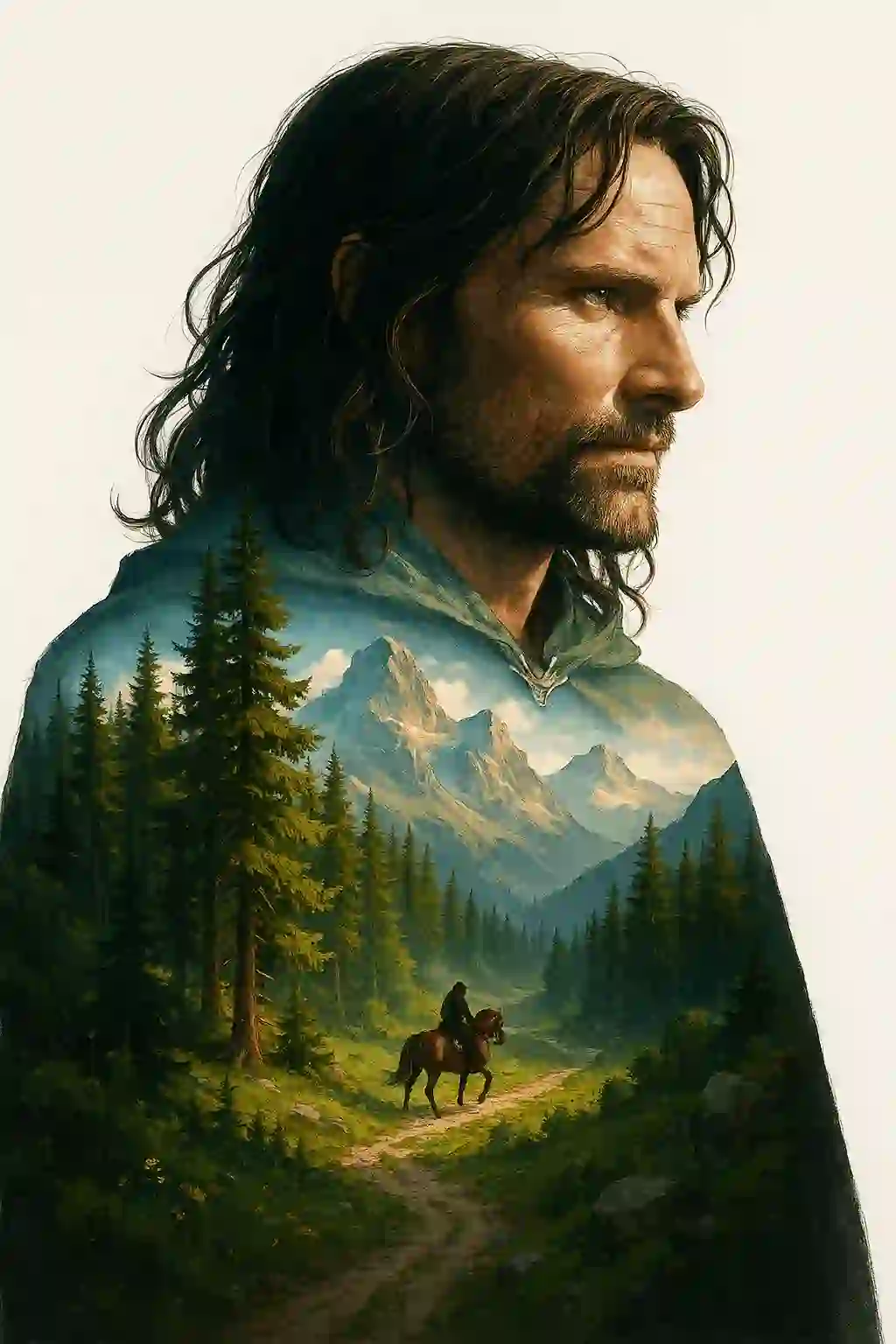
A sample of the 95 text-to-image presets.
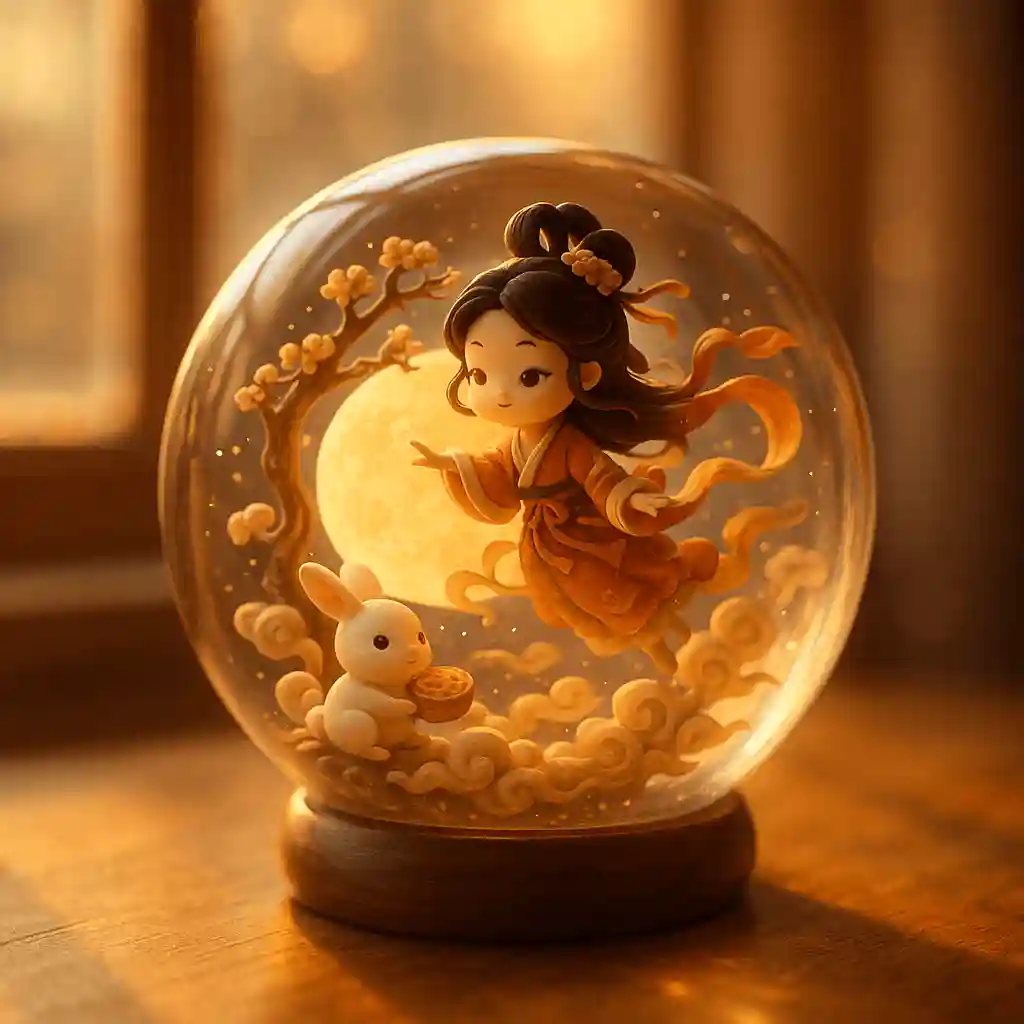
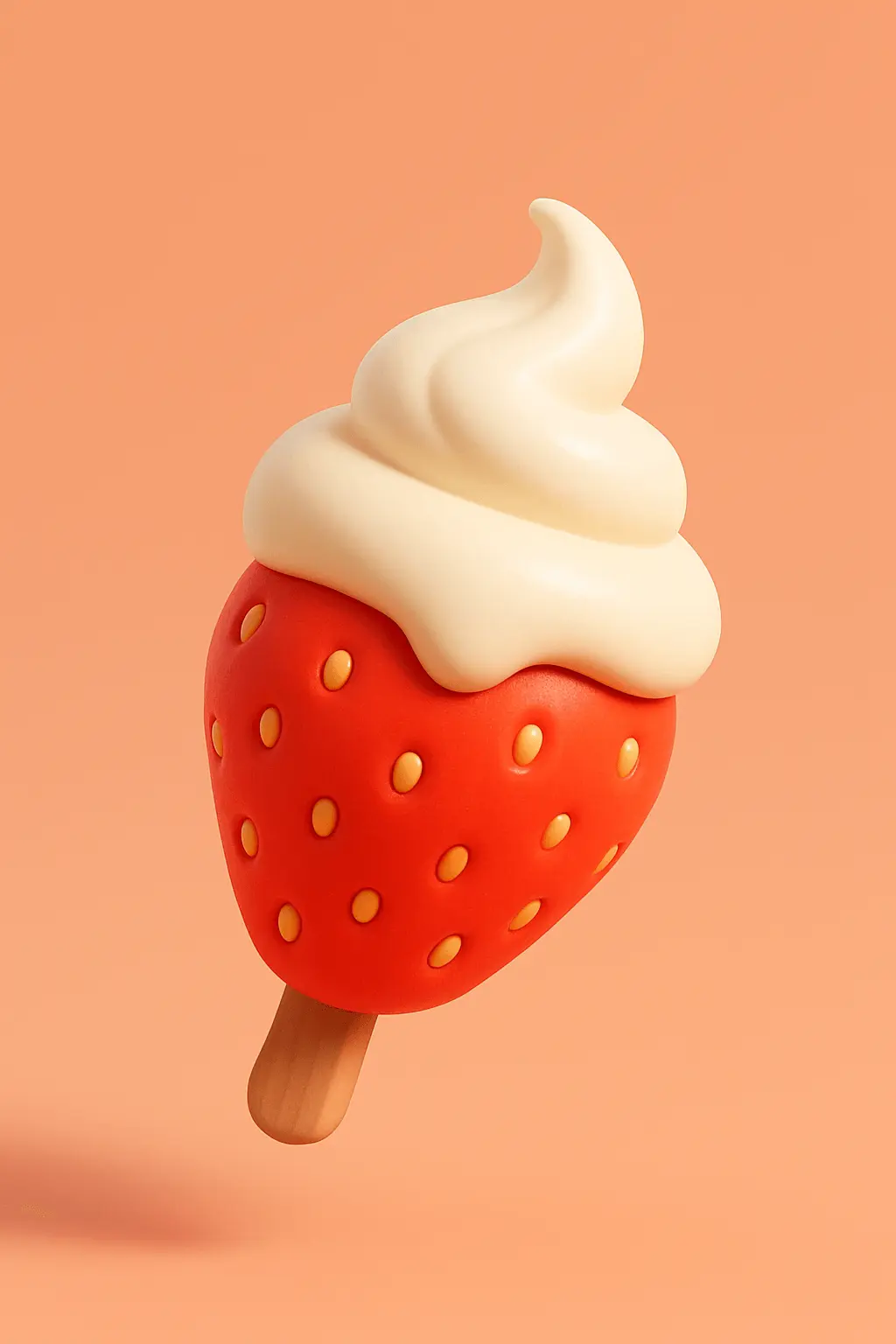
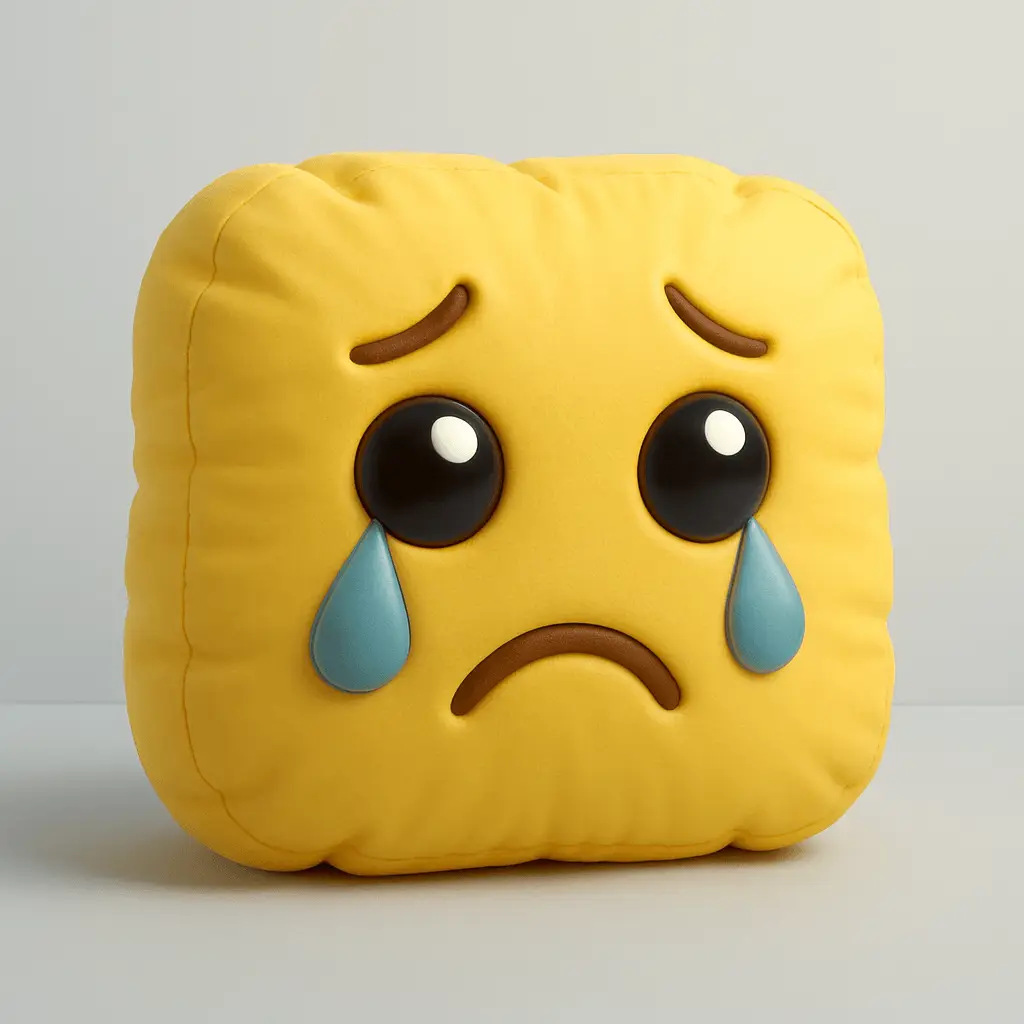
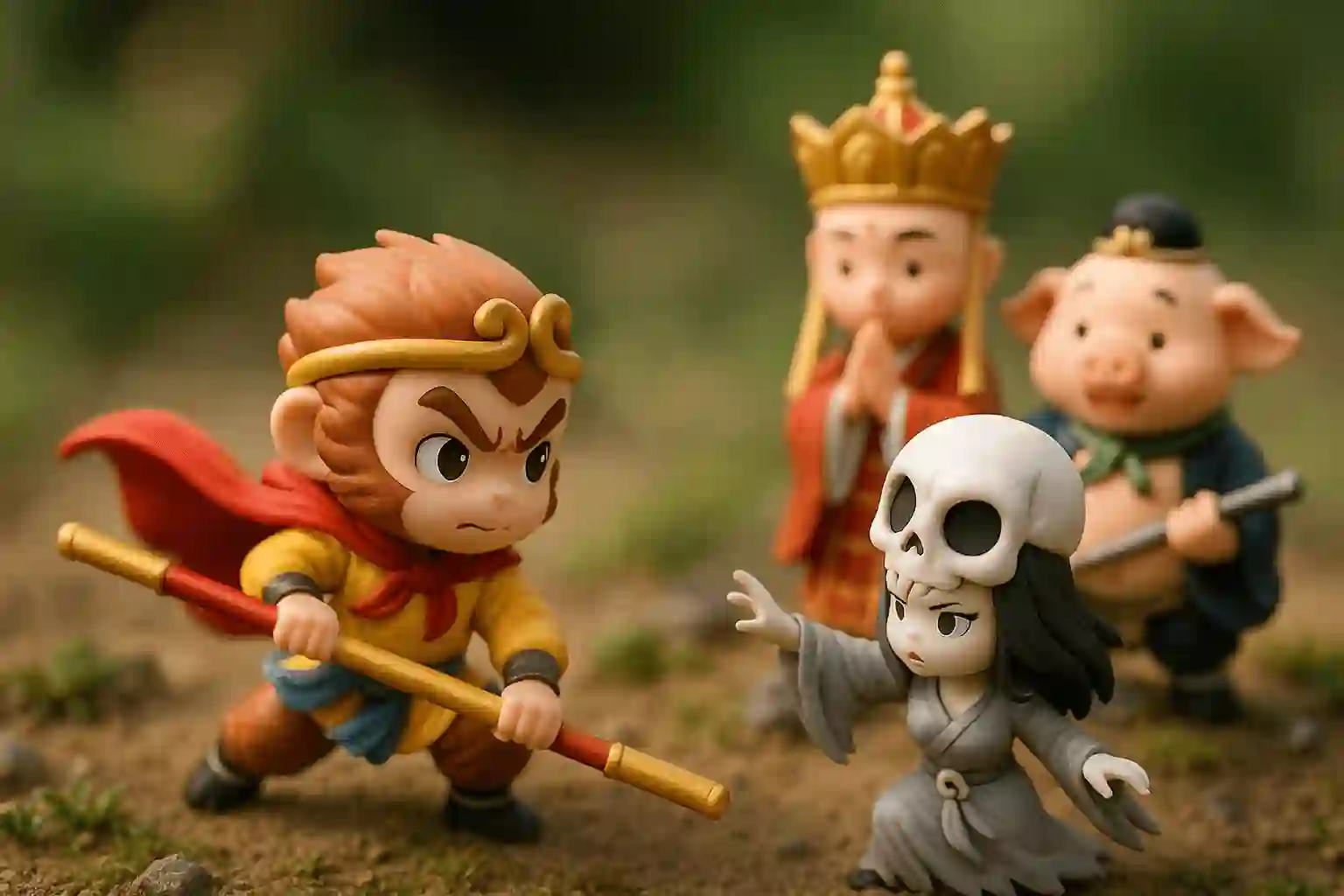
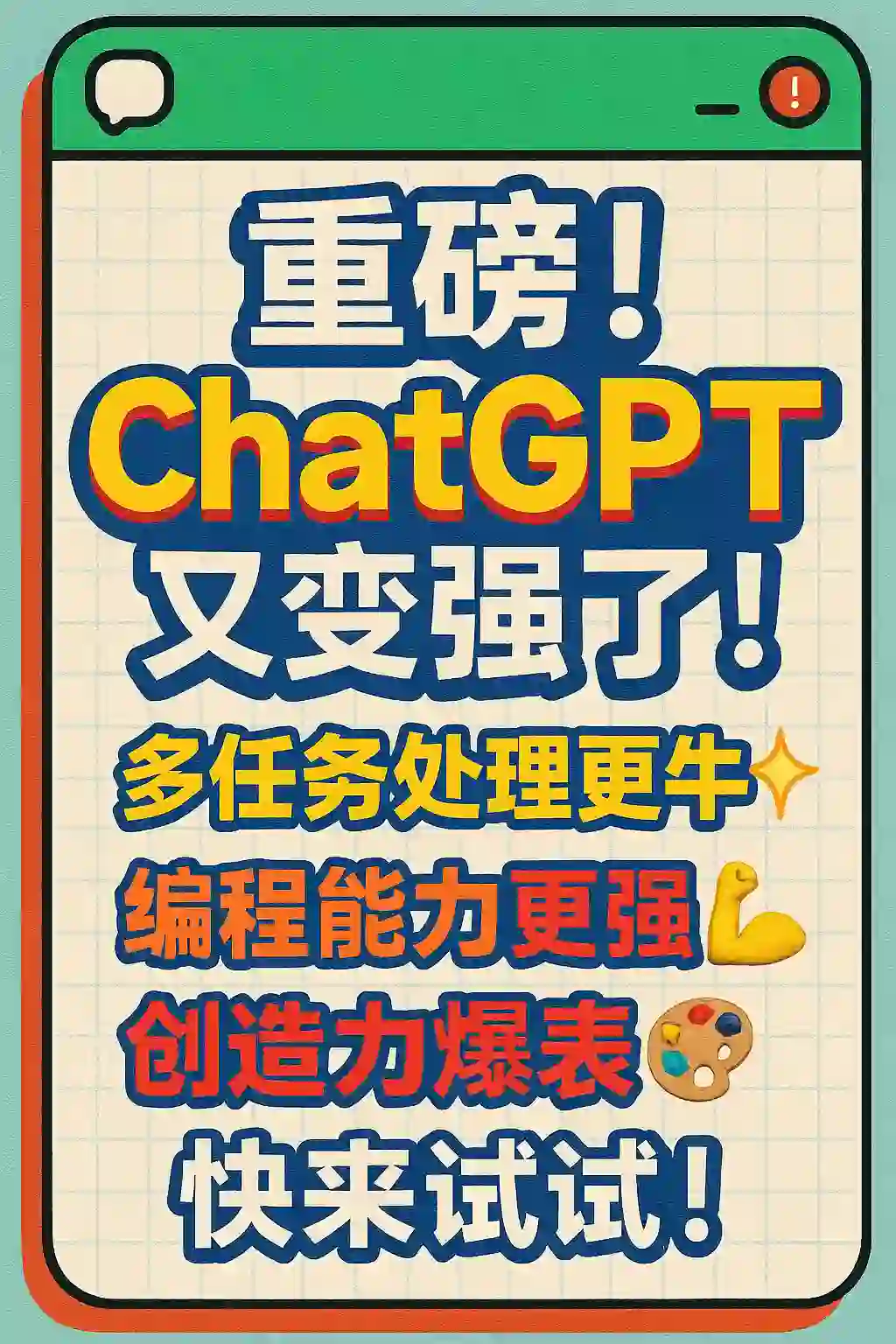
Where text-to-image earns its keep
Photo conversion needs a source photograph. Text-to-image does not — which makes it the tool for everything you have not shot yet: a poster for an event that does not exist, a product visual for something still in a sketch, a character sheet for a story you are writing, a mockup of an app screen you have not built.
The presets matter more here than in photo mode, because they replace the visual vocabulary a prompt would otherwise have to supply. Choosing an infographic preset commits you to a grid, a hierarchy and a limited palette; choosing a poster preset commits you to a headline-dominant composition. That commitment is what stops the output from looking like generic generated art.
Frequently asked questions
Can I generate chibi art without a photo?
Yes. The text-to-image tool builds the whole scene from your description plus a preset, so nothing has to be uploaded.
How long should the description be?
One or two sentences is the sweet spot. The preset already determines medium, palette and layout, so a longer prompt mainly adds the subject and the setting.
Which presets produce designed layouts rather than illustrations?
The poster, infographic, storyboard, advert banner and UI families. Each fixes a grid and a text hierarchy before the model ever sees your sentence.
Can I get multiple views of the same character?
Yes — the character and character-sheet presets are built for turnarounds, expression grids and multiple poses in a single render.
What aspect ratios are available?
1:1, 4:3, 3:4, 2:3, 9:16, 3:2, 16:9 and 21:9.