AI image to video
A finished chibi render becomes a short clip. Describe the motion — waving, turning, a hair flick — and the tool animates the still while keeping the character and the composition intact.
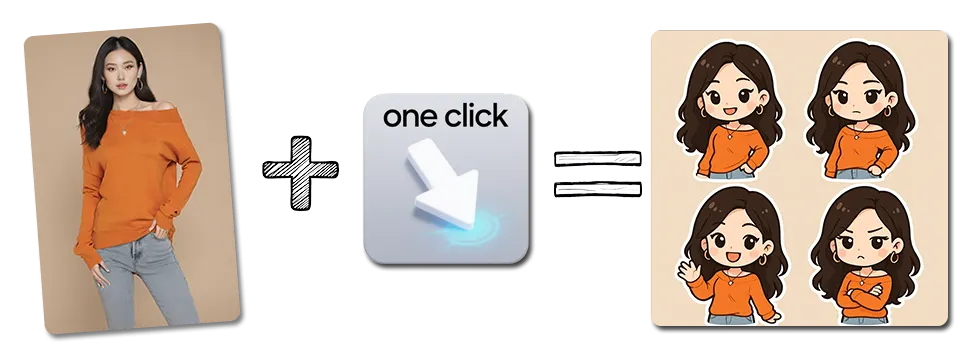
Motion without reshoots
Describe the motion
A short phrase is enough — waving, nodding, turning, walking toward camera.
Character stays consistent
The animated subject remains the same character, since the first frame is your existing render.
Social-ready output
Renders up to 720p in vertical and landscape ratios for Reels, Shorts and TikTok.
Continues the pipeline
Generate a chibi image, then animate that exact frame — no export/import step in between.
Animate in three steps
Start from an image
Upload a still, or animate a render you already produced in the workbench.
Describe the motion
One line is enough. Leave it empty for a subtle default movement.
Render the clip
Video takes longer than a still because every frame is rendered. Wait for the render to finish and download the MP4.
Still frames that animate well
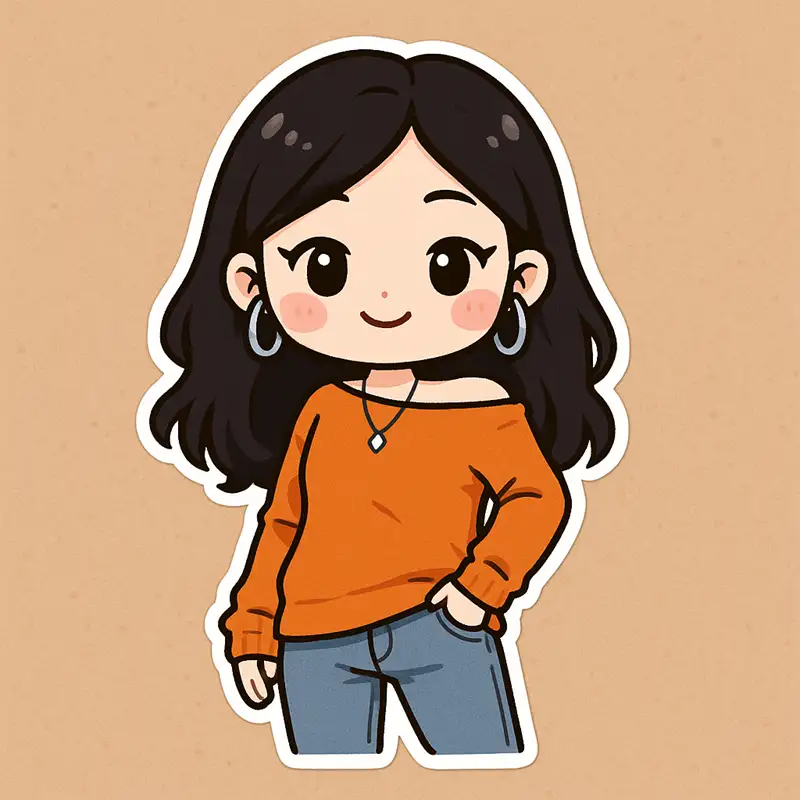
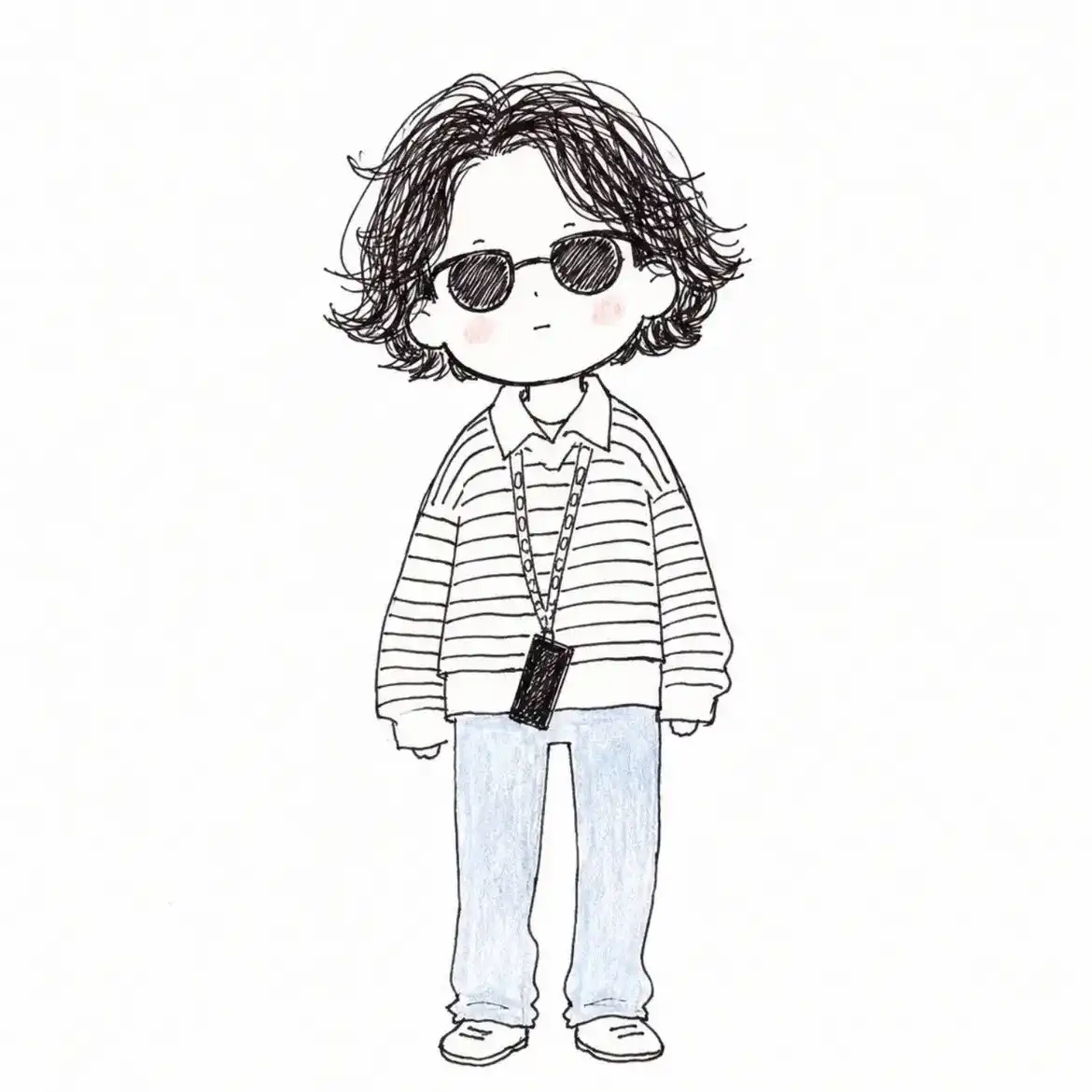
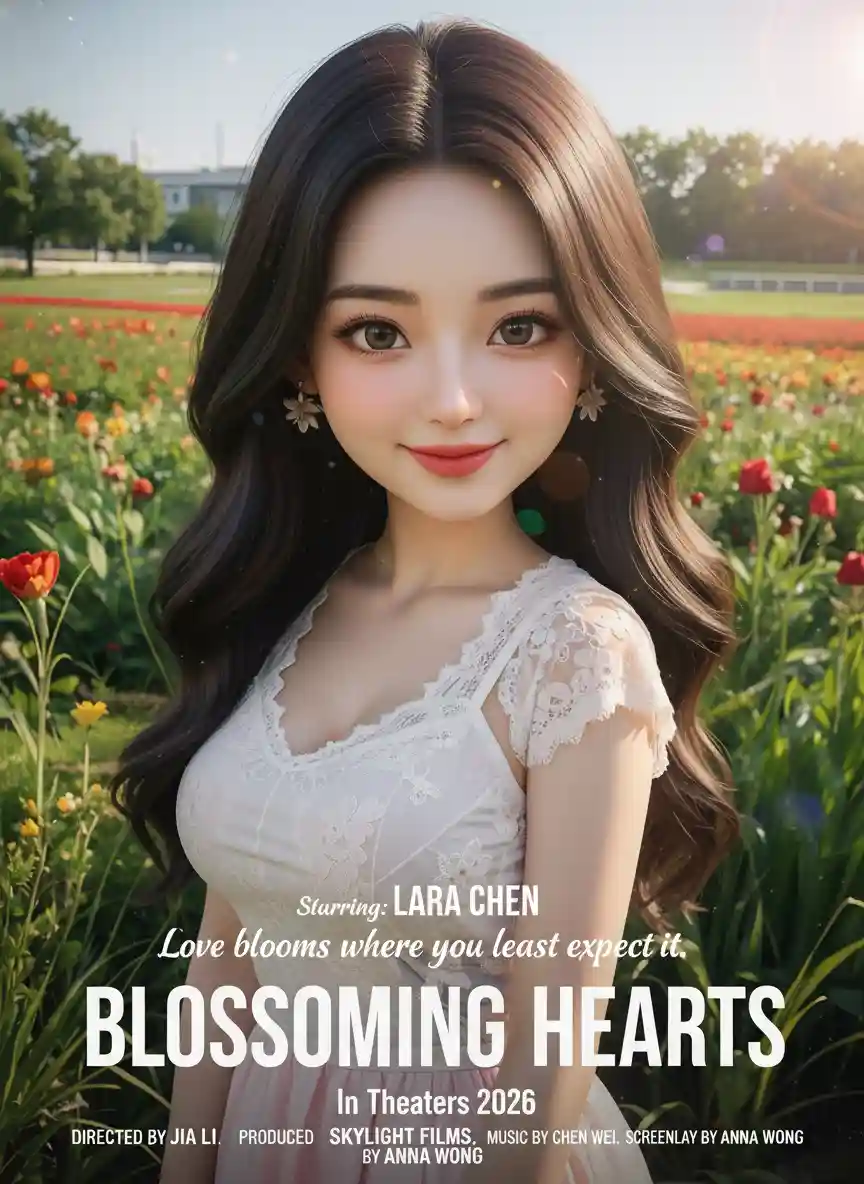
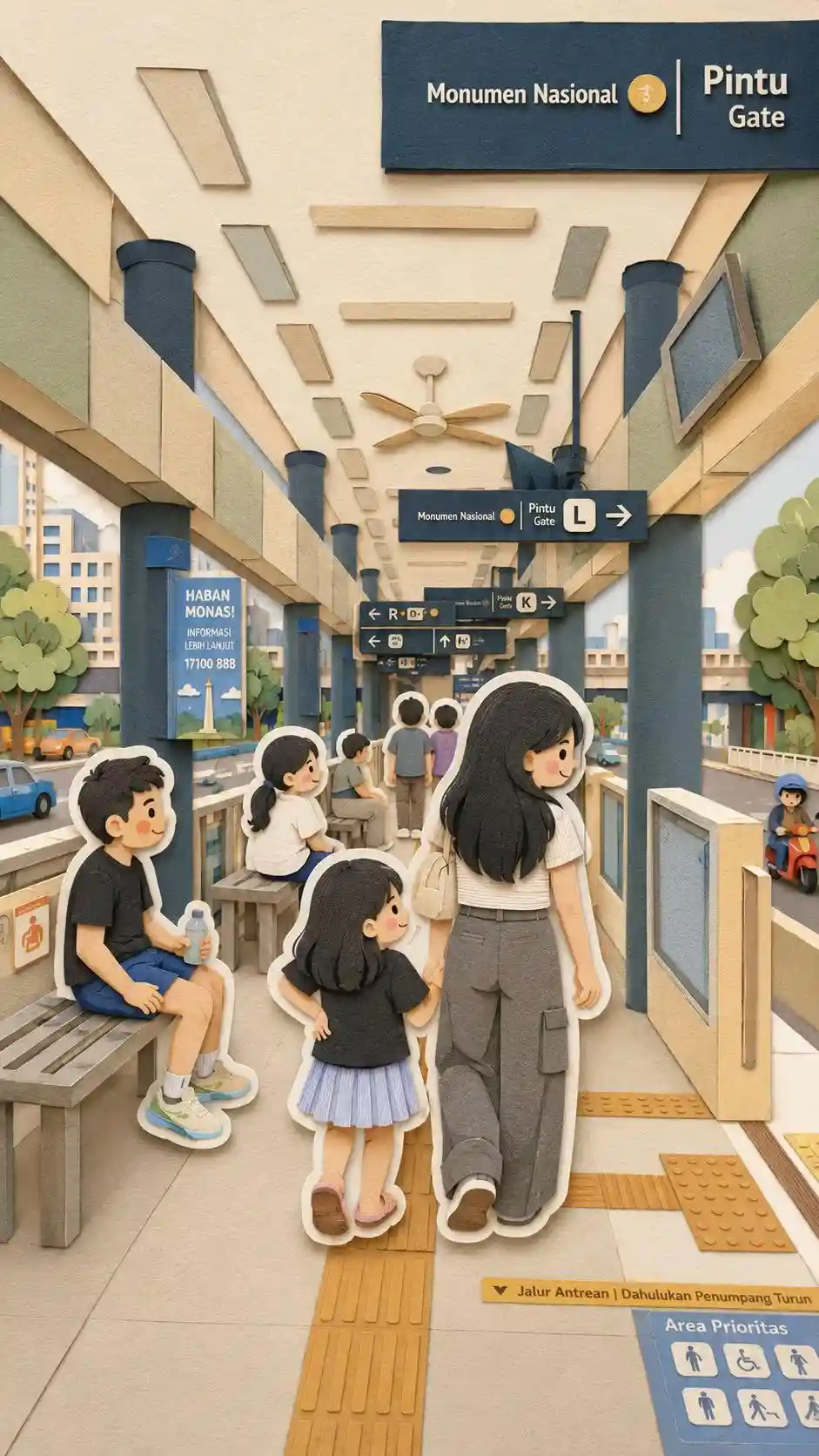
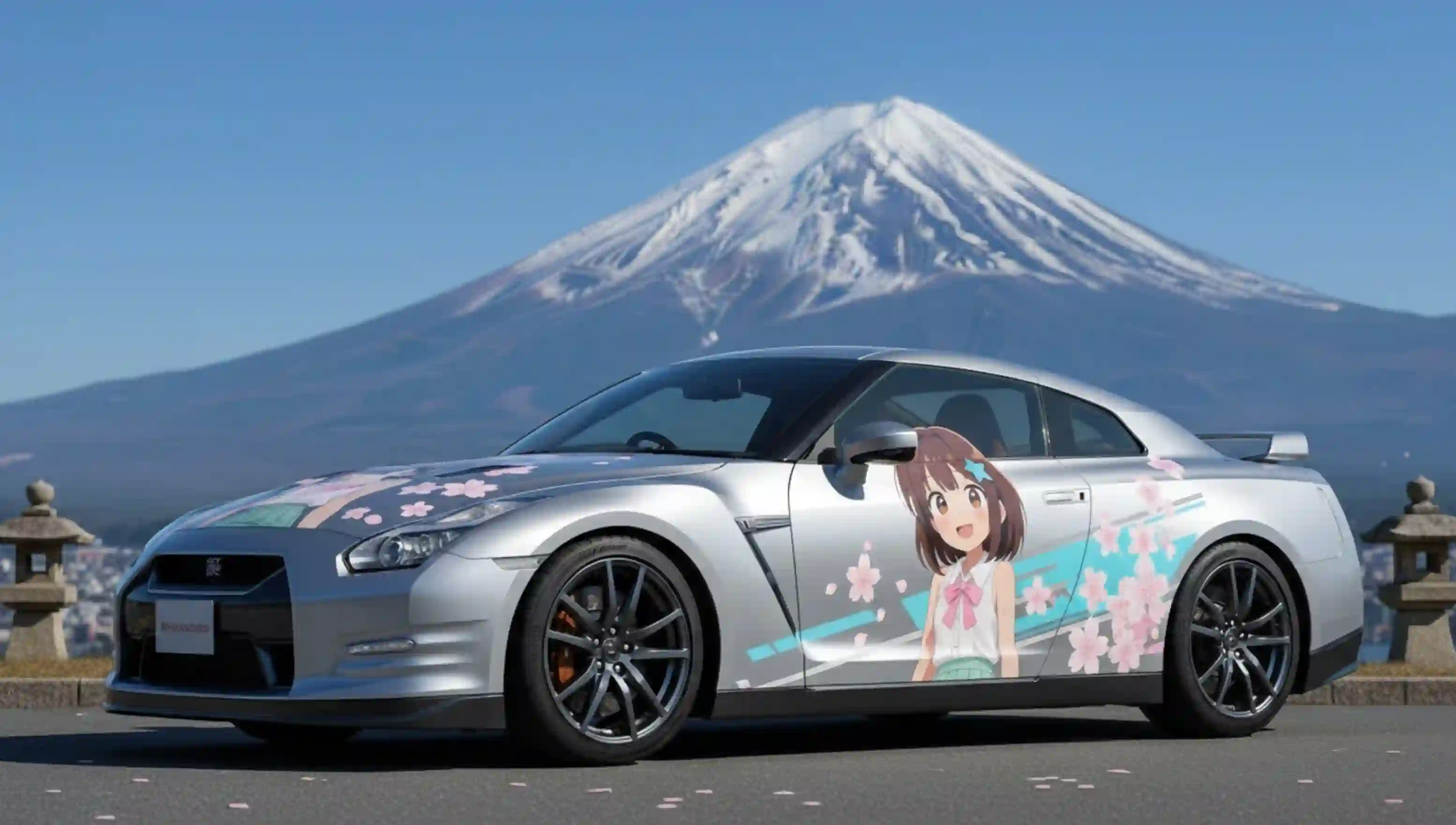
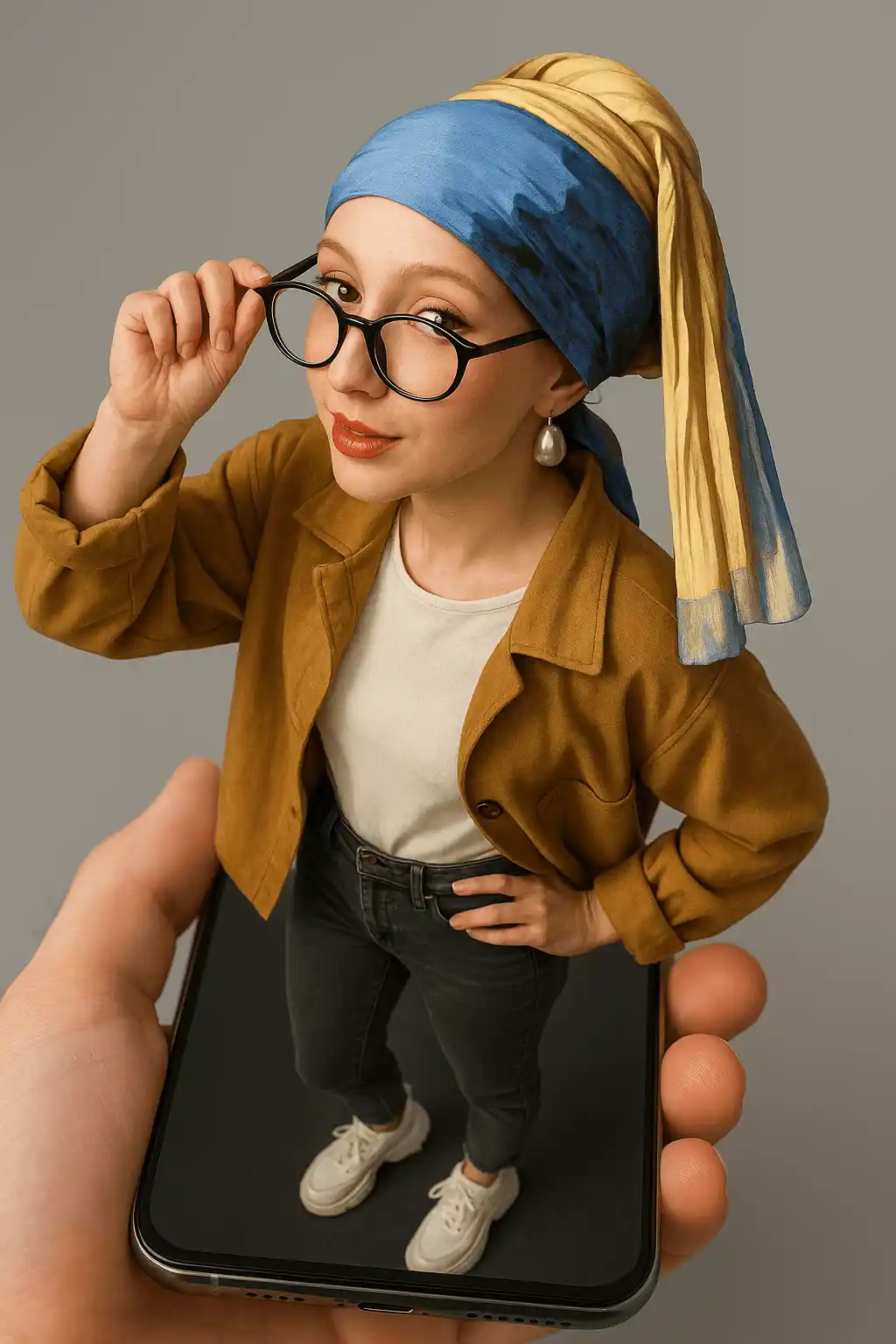
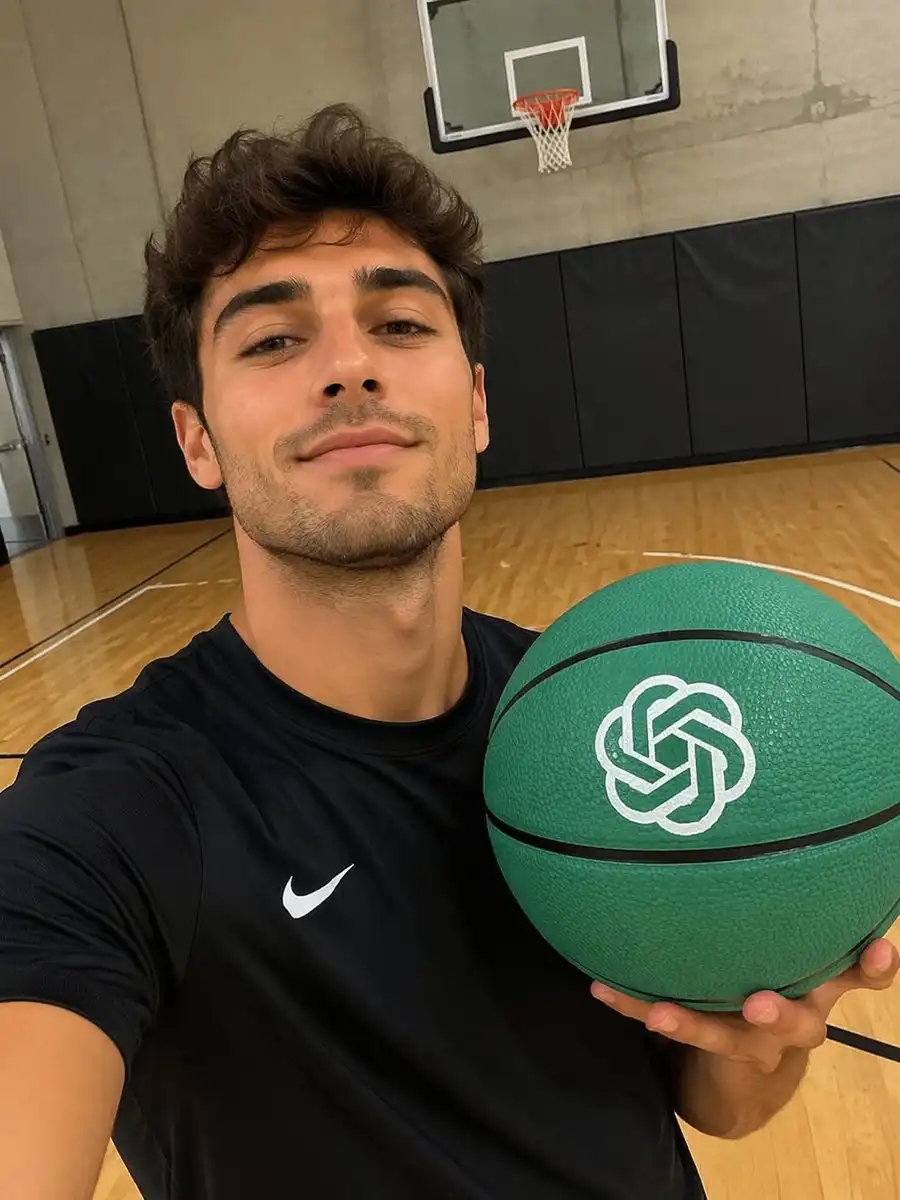
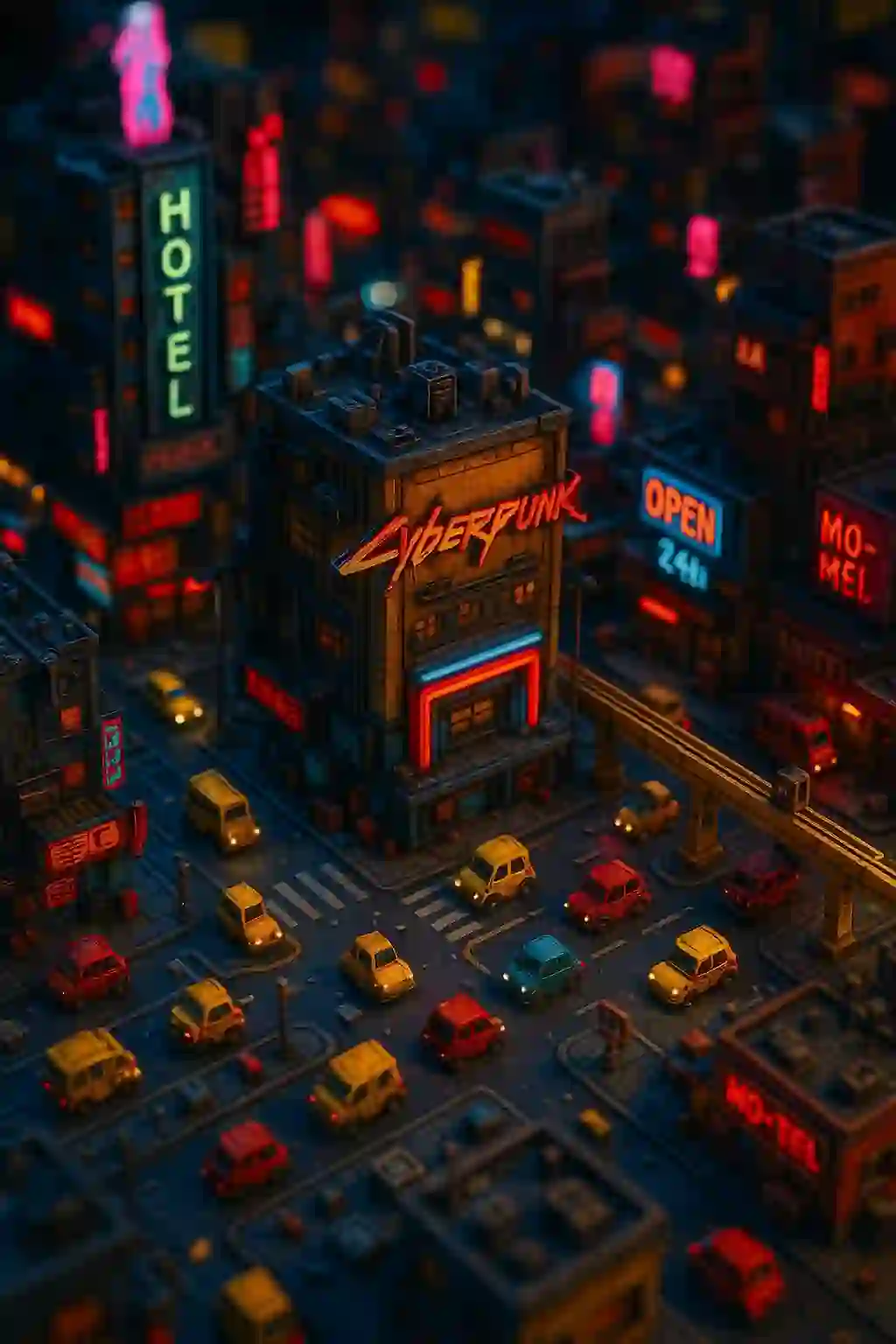
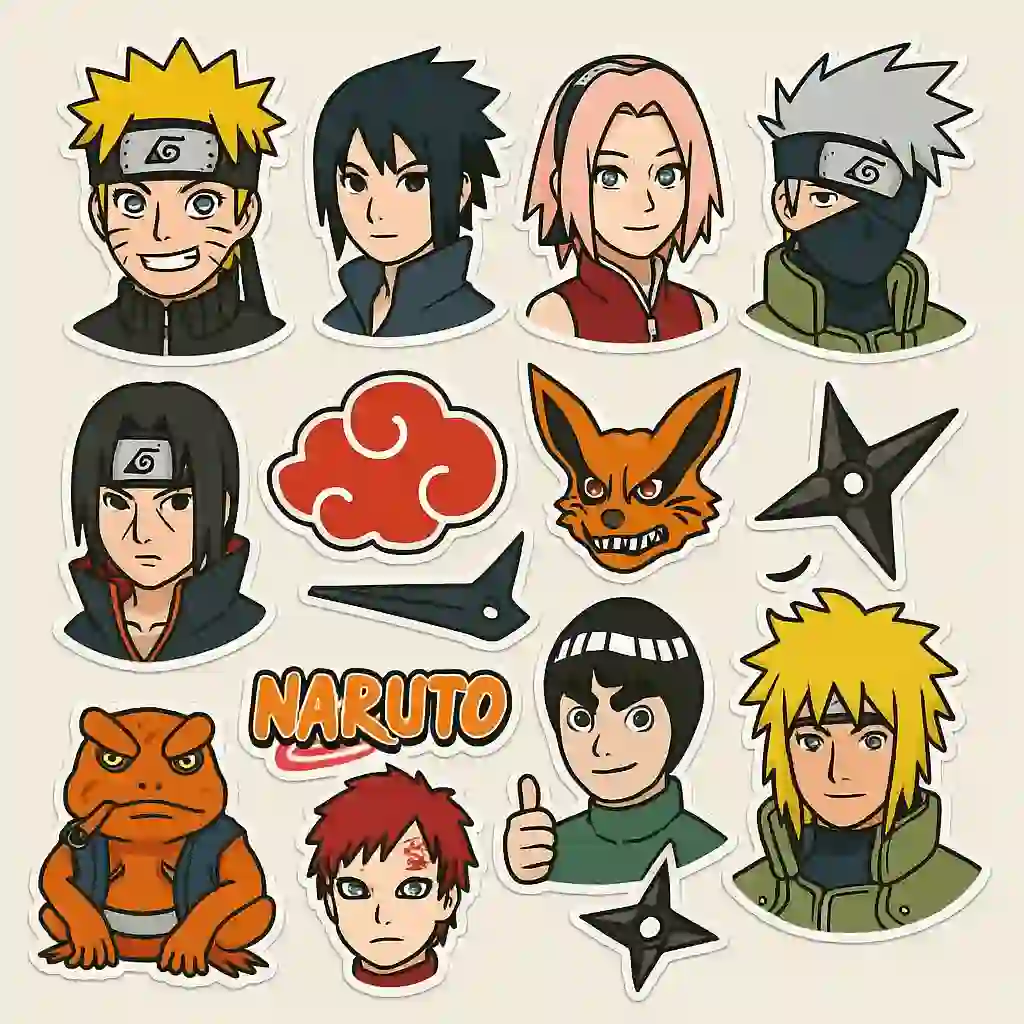
Renders suited to being the first frame of a clip.



What animates cleanly
Image-to-video works best when the subject has a clear silhouette against a readable background. Full-body poses with visible limbs animate more convincingly than a tight head crop, because the model has somewhere to put the motion.
Simple, single-axis movement holds up best — a wave, a nod, a slow turn, a step forward. Complex multi-part choreography in one pass tends to lose the face, so treat a clip as one gesture rather than a scene.
Frequently asked questions
How long is the generated video?
A short clip rather than a long sequence — video renders are charged by frame, so the tool is built around social-length output.
What resolution is available?
Up to 720p, in vertical and landscape ratios suitable for Reels, Shorts and TikTok.
Why does video take longer than an image?
Every frame is rendered rather than a single image. A clip of a few seconds is dozens of renders, so expect minutes rather than seconds.
Can I animate an image I generated here?
Yes — the pipeline is designed for it. Generate a chibi still, then animate that exact frame without exporting and re-importing.
Does the character stay consistent through the clip?
Yes. The first frame is your existing render, so the subject starts correct and the motion is what changes.