AI meme generator
Write the situation — the Tuesday-morning feeling, the meeting that could have been an email — and the tool supplies a matching base image, then layers your two captions on top. Edit the text and the result updates instantly without regenerating anything.

Two ways to get a base image
Generate a base from your description
Describe the situation and the generator produces a matching photo-style base image, deliberately without any text baked in.
1548 animated GIFs, built in
A searchable library of animated meme sources by tag — reaction, work, marketing, sales, celebration — usable without spending a credit.
Captions you can keep editing
Top and bottom text are drawn in the browser, not baked into the image, so rewording is free and instant.
Correct text in every language
Because captions are rendered by the browser rather than drawn by the model, Chinese, Japanese and Arabic text comes out right — including right-to-left.
Three steps to a meme
Describe the situation
One line is enough. Example prompts are provided if you would rather start from one.
Get a base image
Generate one from the description, or search the 1548-piece animated library by keyword or tag.
Write the captions and export
Top and bottom text with a font-size control; adjust the wording as many times as you like before downloading.
From the community gallery
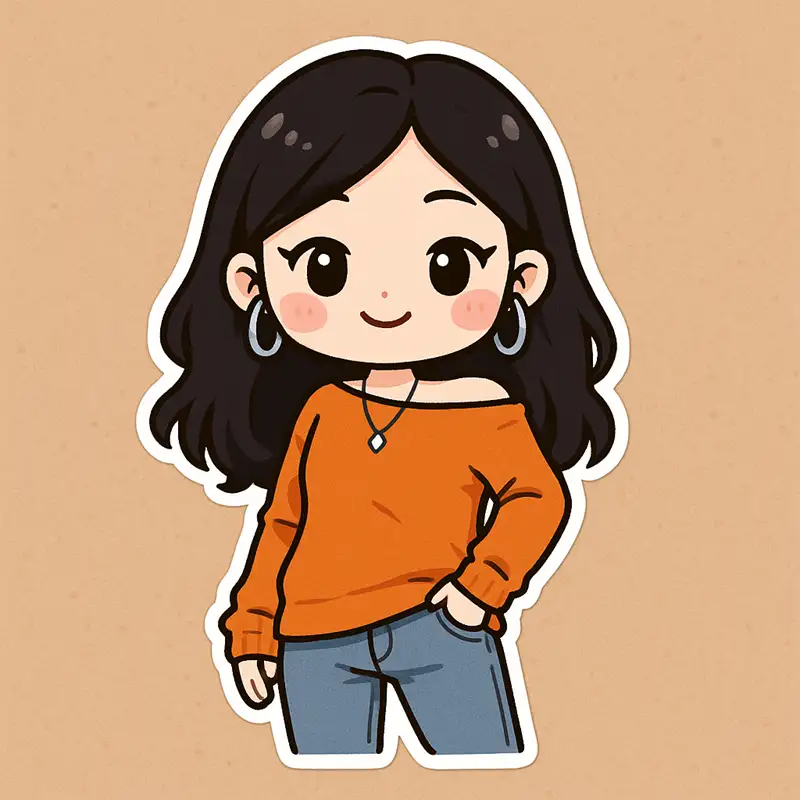
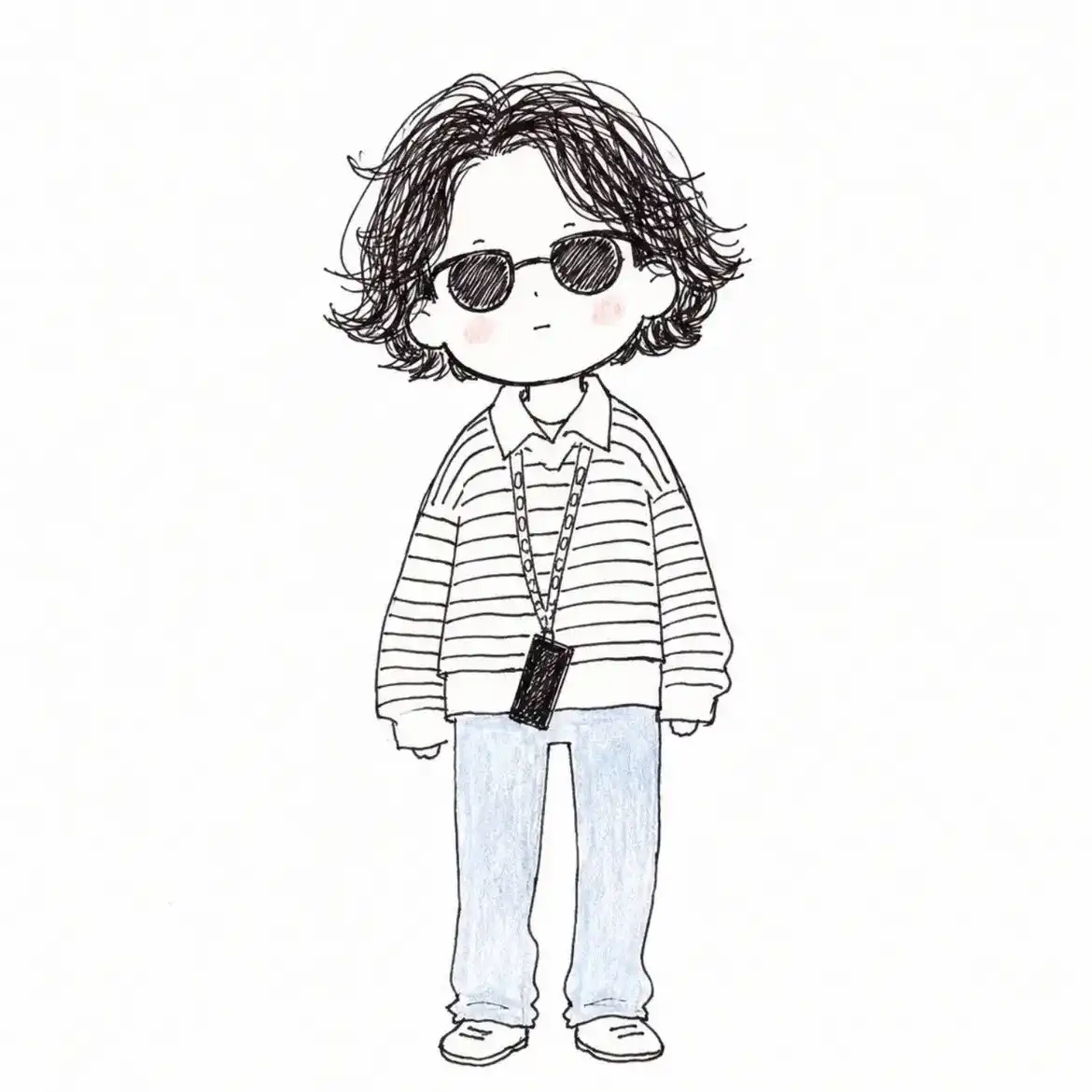
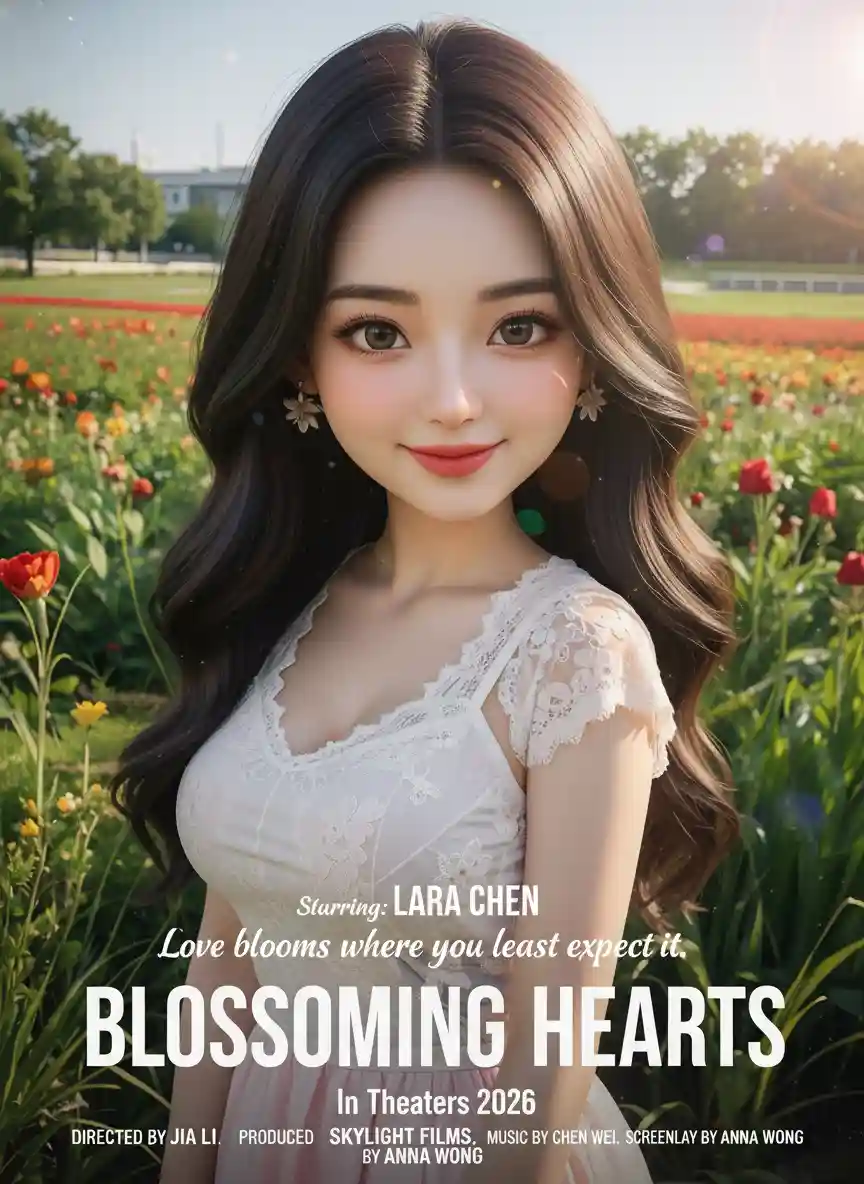
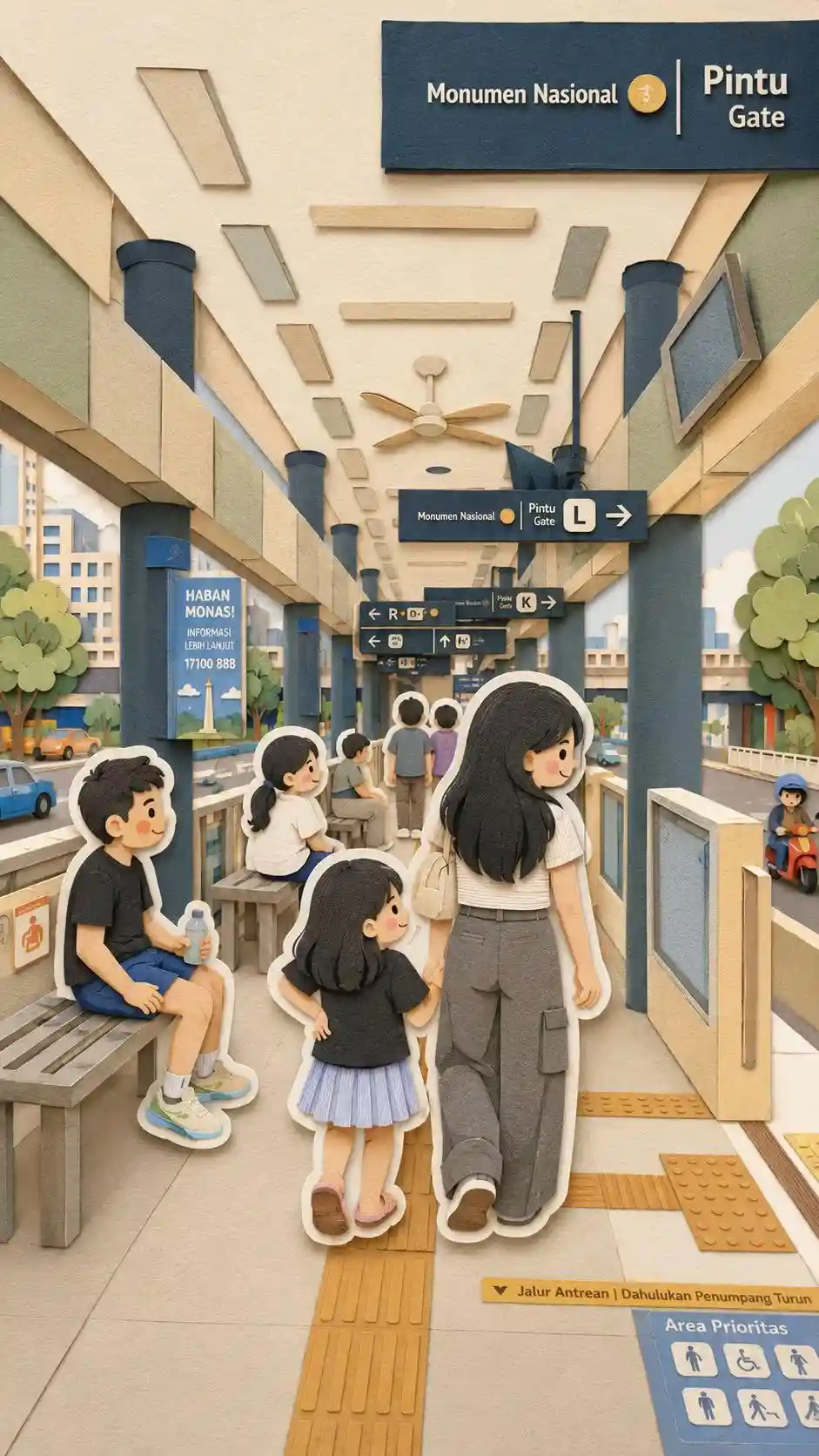
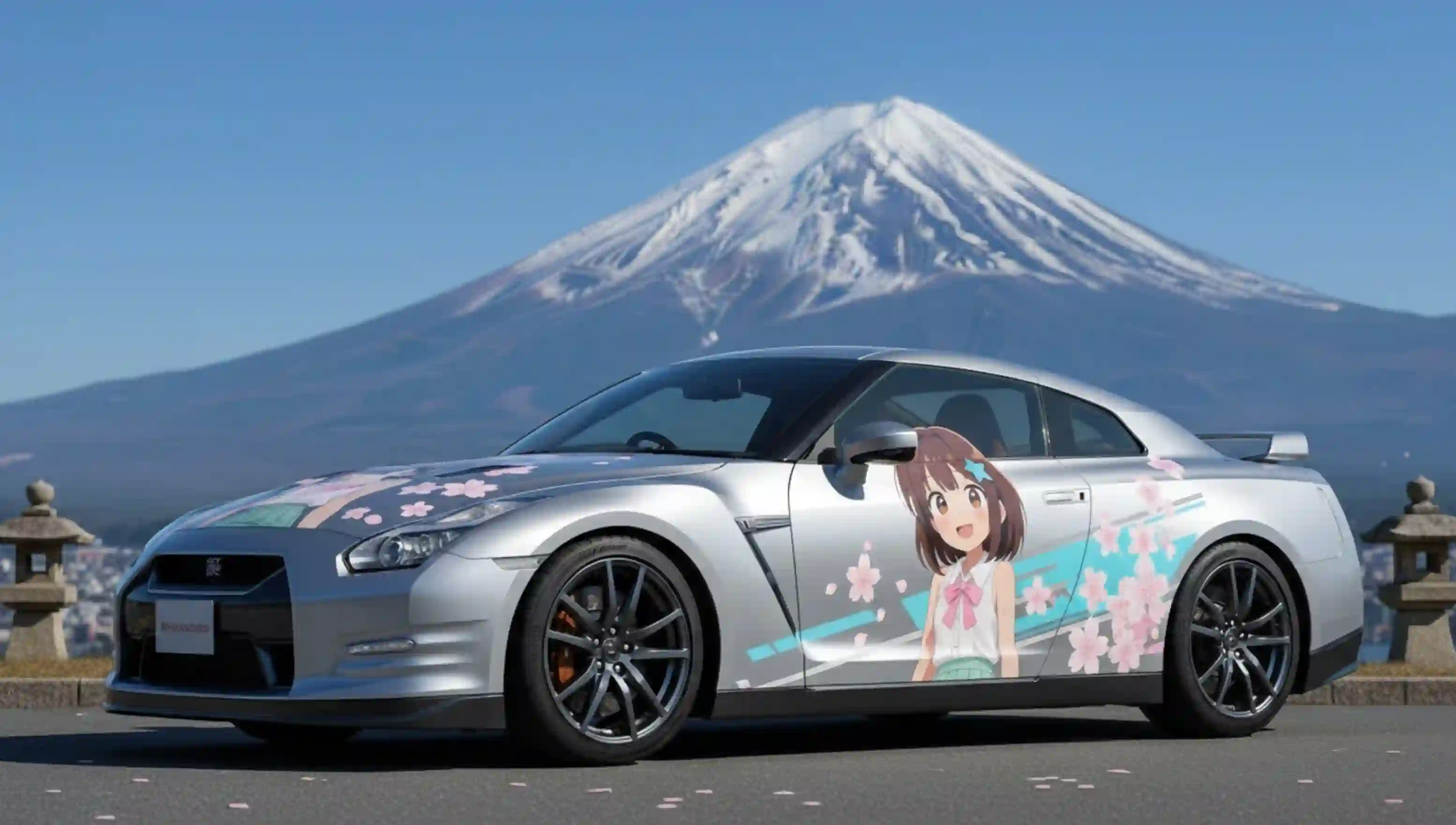
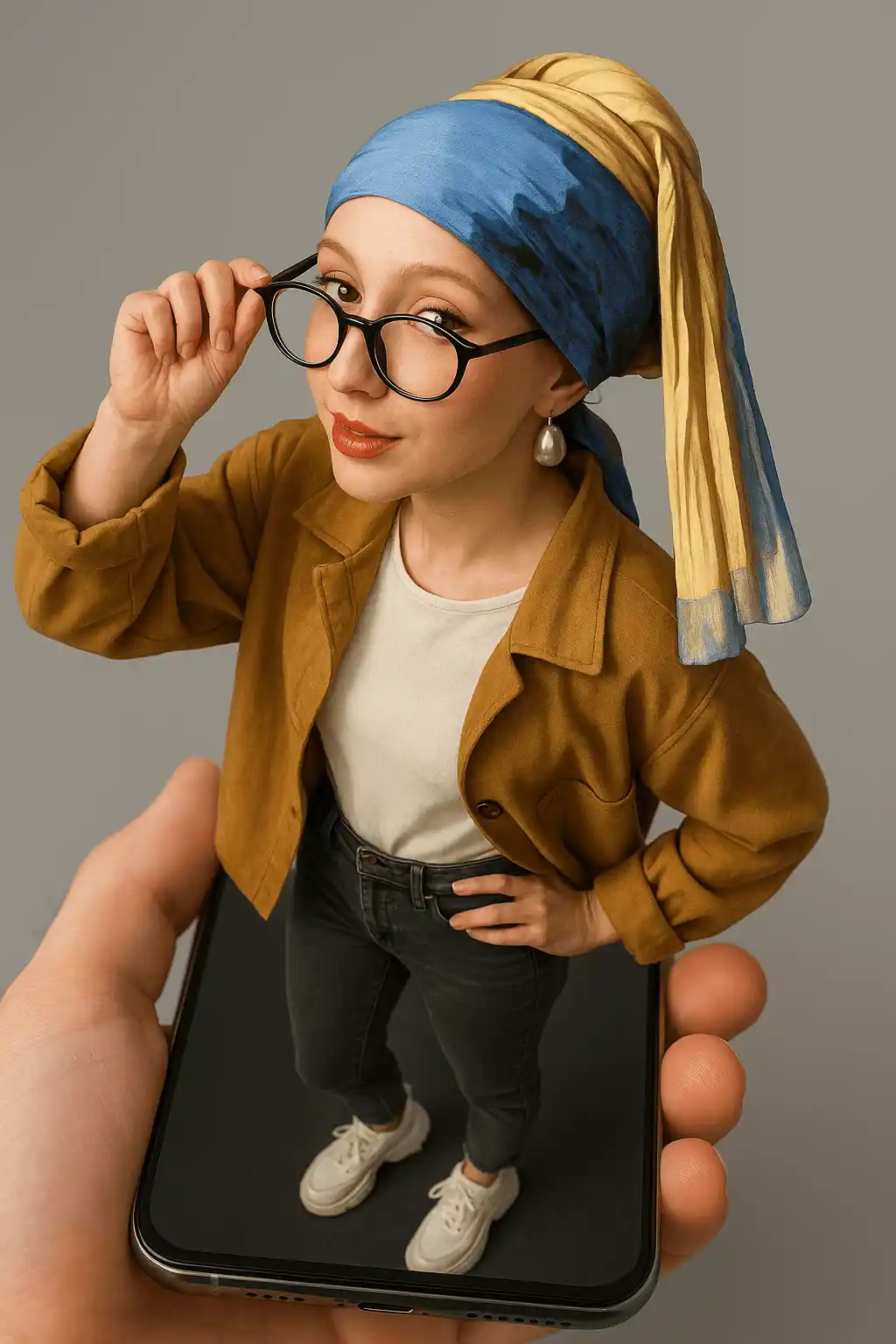
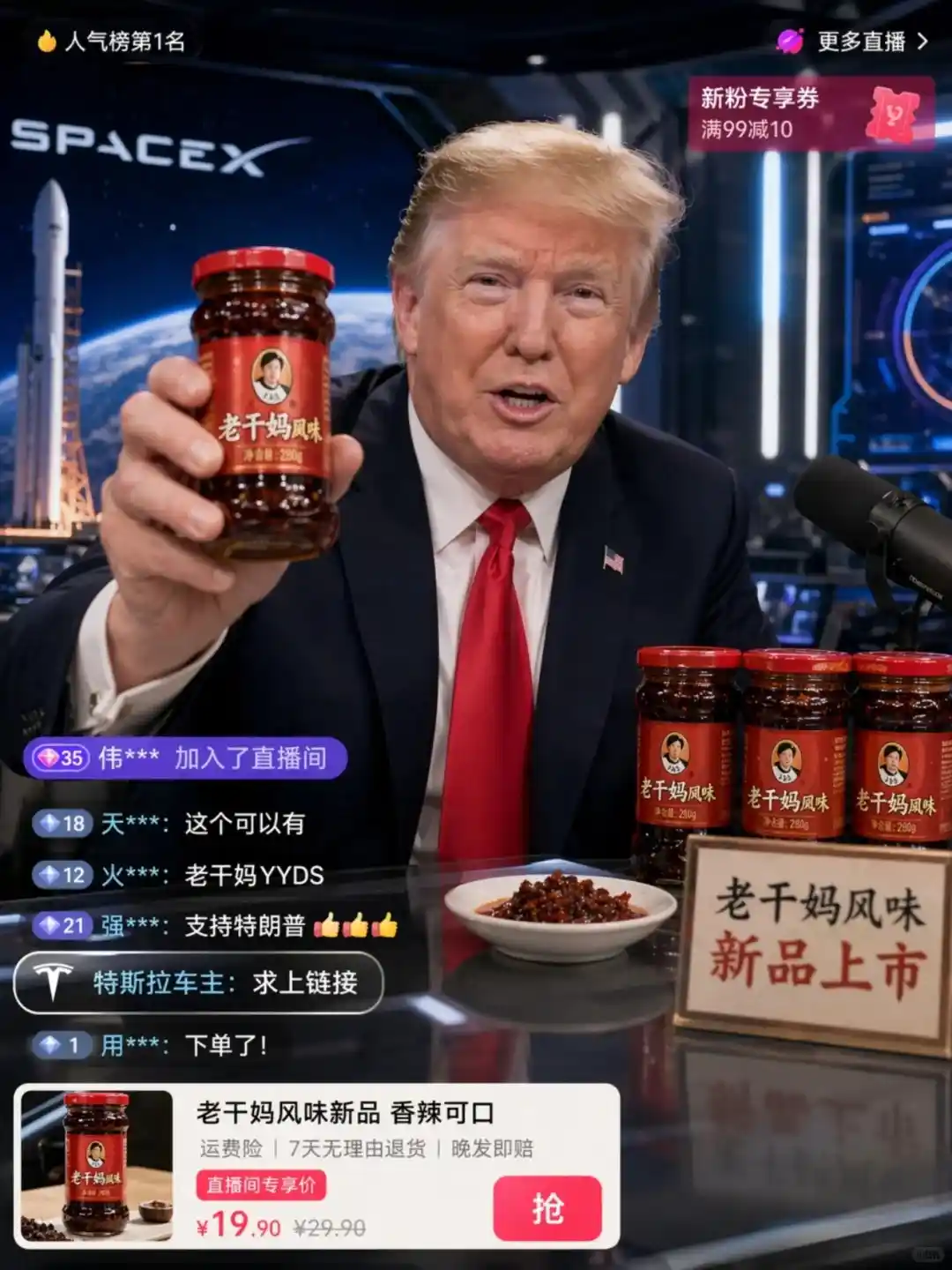
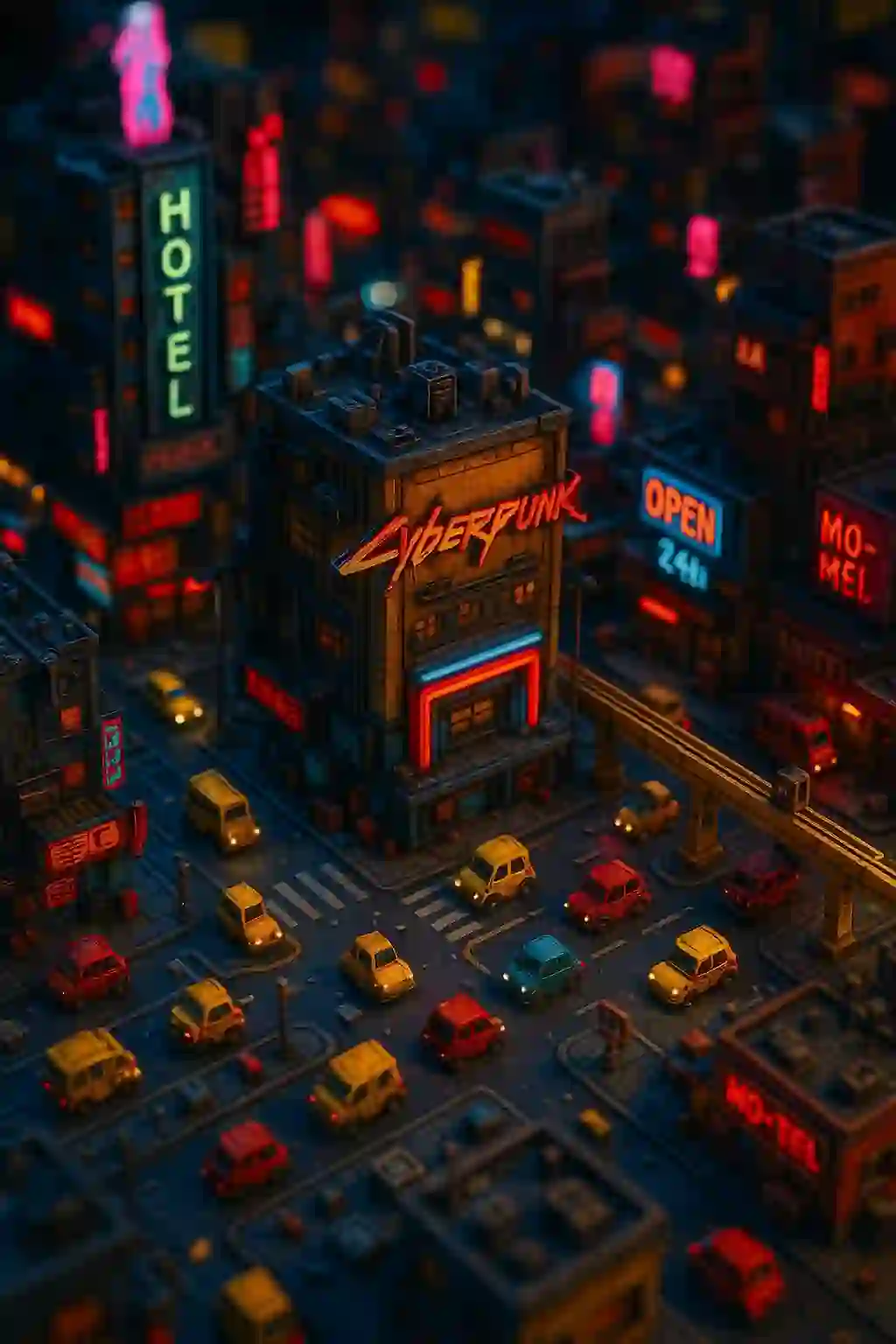
Images generated with the same pipeline.


Why the text is not generated by the model
Image models still render text badly, and non-Latin scripts — Chinese, Japanese, Arabic — are where they fail hardest. Arabic in particular comes out mirrored or disconnected, because the model treats the glyphs as shapes rather than as a script with joining rules.
So the text never goes near the model. The generator produces a clean base image with room reserved top and bottom, and the captions are drawn in the browser on top of it. That has three consequences worth knowing: the text is correct in every language the interface supports, rewording a meme costs nothing and takes no time, and what you see in the preview is exactly what you download.
Frequently asked questions
How is this different from a meme maker?
A meme maker starts from an image you already have. This tool starts from the joke — describe the situation and it finds or generates a matching base image before you get to the captions.
Can I edit the captions after generating?
Yes, as many times as you like at no cost. Captions are drawn in the browser rather than baked into the image, so rewording does not trigger a regeneration.
Do the memes support non-English text?
Yes. Because the model never renders the text, Chinese, Japanese and Arabic captions come out correct — Arabic including right-to-left shaping.
Does using the GIF library cost credits?
No. The 1548 built-in animated sources are free to use; only generating a fresh base image from your description spends a credit.
How many GIF sources are there?
1548 animated images, searchable by keyword and browsable by tag.