AI emoji generator: a full sticker pack from one photo
Instead of generating emoji one at a time, this tool renders a complete sixteen-piece set in a single pass — the same face across a range of expressions and reactions, laid out on one sheet and ready to slice into chat stickers.
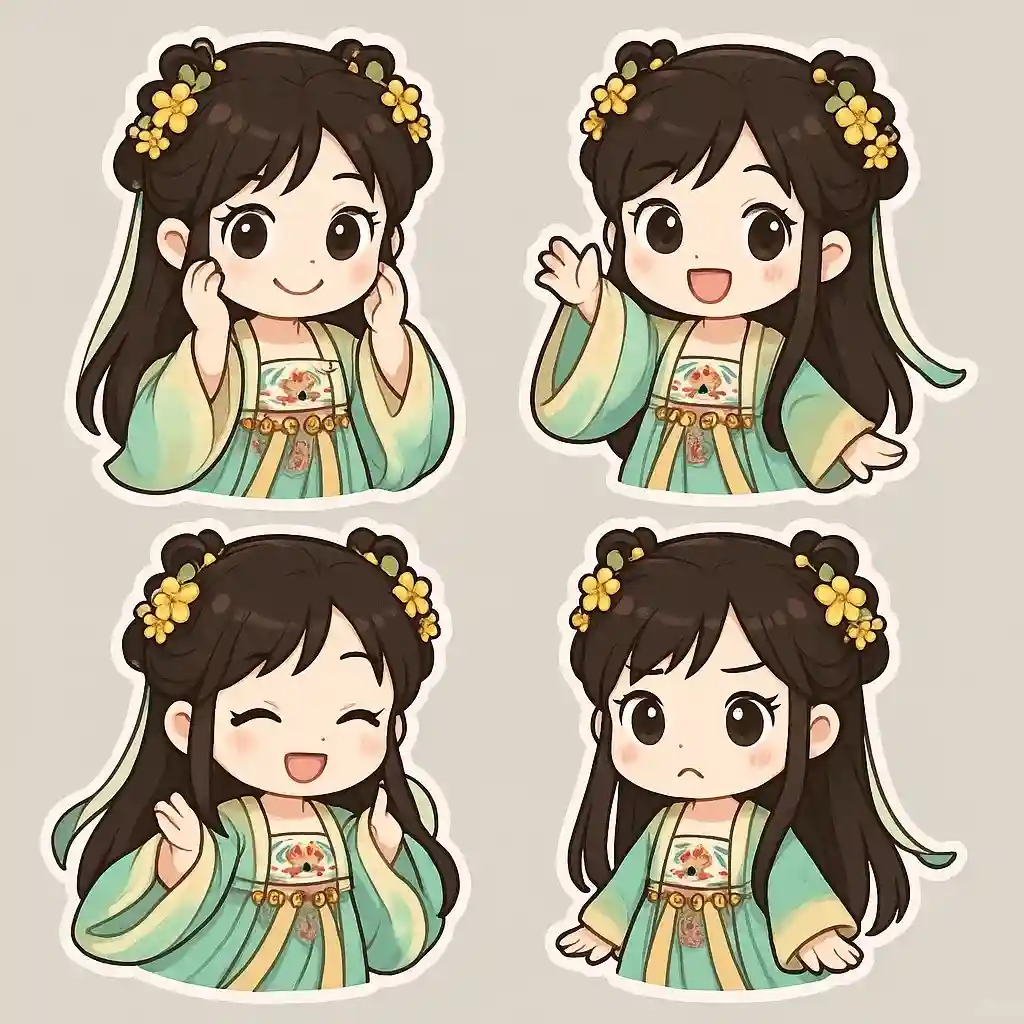
Built for messaging
Sixteen in one render
A complete 4×4 sheet per generation — one credit for a set, instead of sixteen generations for the same result.
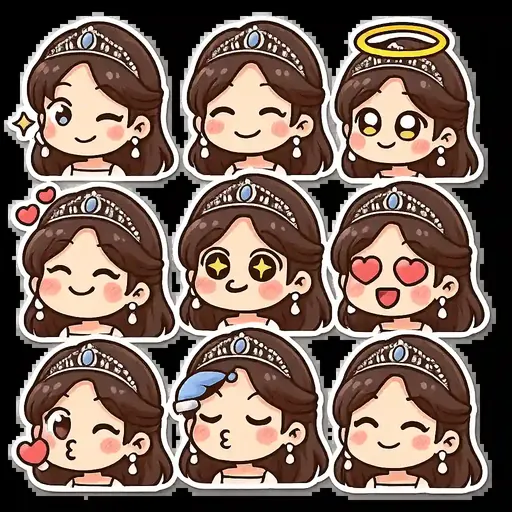
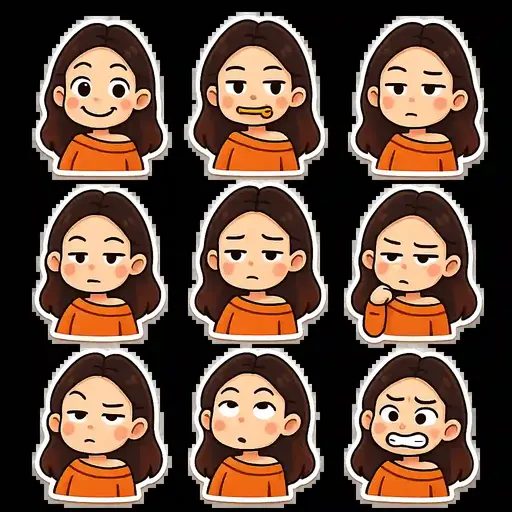
Consistent face across the grid
Every tile is the same character, so the pack reads as one sticker set rather than sixteen unrelated drawings.
Chat-ready output
Solid contour lines and generous padding mean each tile survives being scaled down into a chat bubble.
24 emoji-family presets
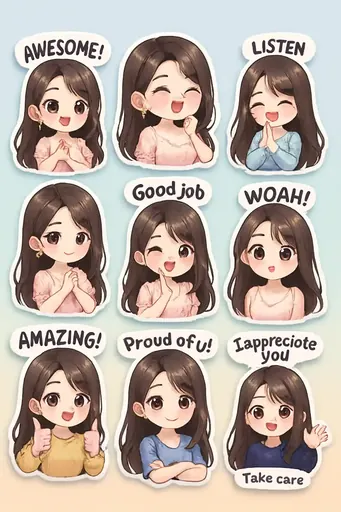
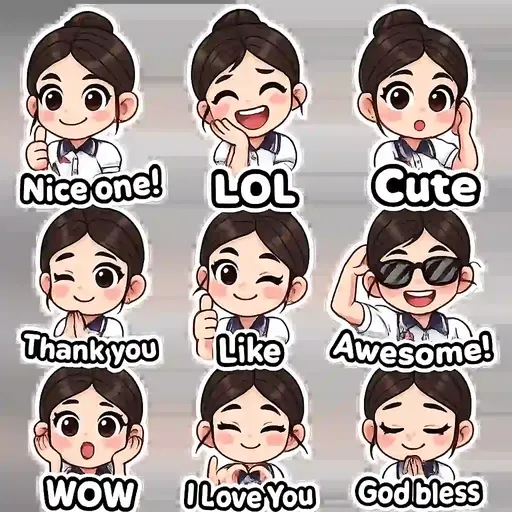
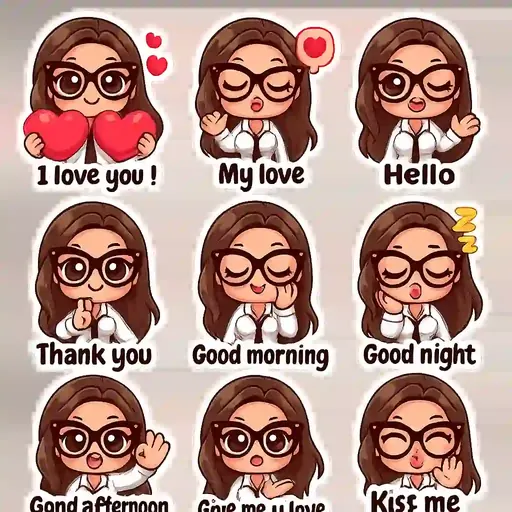
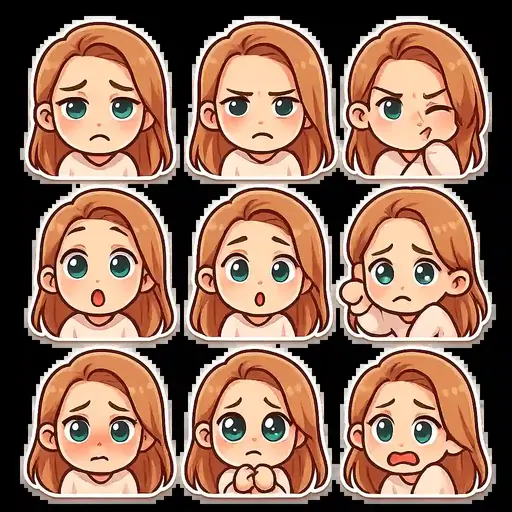
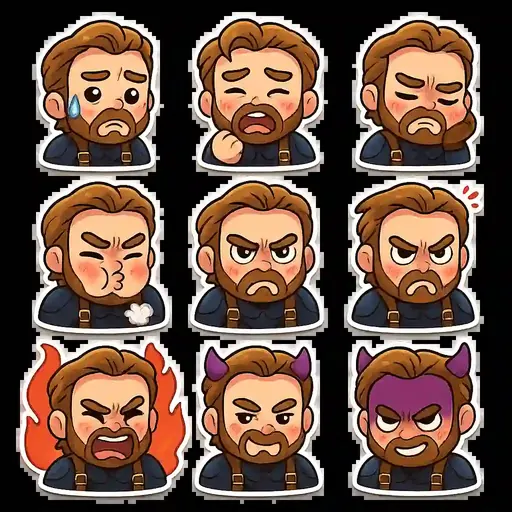
Flat emoji, 3D emoji, hand-drawn sticker, word-sticker and Christmas variants.
From photo to sticker pack
Upload a face
A clear, front-facing portrait converts most reliably.
Pick an emoji preset
Flat, 3D, hand-drawn or word-sticker — the preset fixes the tile style for the whole sheet.
Generate the sheet
The 4×4 grid renders in one pass and is saved to your gallery as a single image.
Emoji and sticker presets
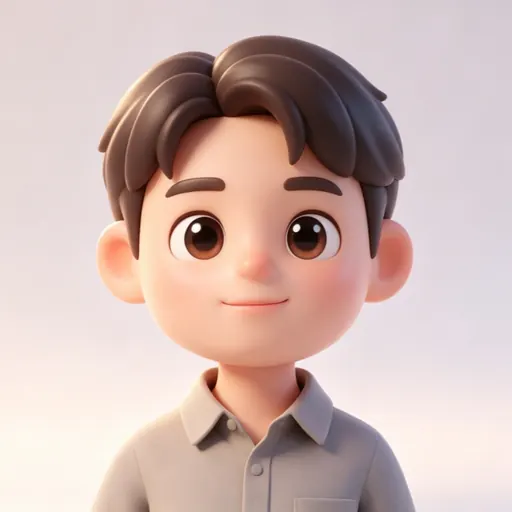
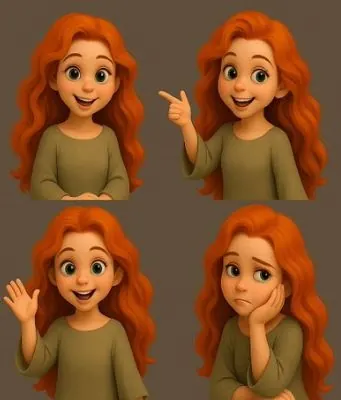
A sample of the 24 emoji-family presets.


Why generate a sheet instead of one emoji
An emoji pack is only useful if it is consistent. Generate the tiles separately and the face drifts — tile one and tile sixteen look like different people, which is exactly what breaks a sticker set.
Rendering the whole grid in a single pass fixes that: the model sees every tile at once and holds one face across all of them. It is also cheaper and faster — one credit and one render for a complete pack, rather than sixteen of each.
Frequently asked questions
How many emoji do I get per generation?
Sixteen. The tool renders a 4×4 sheet in a single pass, so a complete pack costs one generation credit.
Will all sixteen look like the same character?
Yes — that is the point of rendering the grid in one pass. Generating tiles individually is what causes the face to drift between stickers.
Can I use these on WhatsApp or Telegram?
Yes. Each tile has a solid outline and clean surrounding space, which is what survives the scale-down into a chat bubble.
What emoji styles are available?
Twenty-four presets in the emoji family: flat emoji, 3D emoji, hand-drawn sticker, word-sticker, Christmas variants and more.
Do I need to upload a photo?
A photo gives a personalised pack. Text prompts can also drive the tool if you want a character that does not exist yet.
Other tools in the workbench
Photo to Chibi
Upload a photo and convert it to any Chibi style
Turn a photo into chibi →Text to Image
Just write a description to generate a Chibi illustration
Generate an image from text →Image Editor
Precise AI edits: change background, add elements, adjust pose
Edit a photo by instruction →Custom Chibi
Define your character, consistent across multiple photos
Build a consistent character →Character Card
Pick a template, upload a photo, fill the form and get a 3:2 / 3:4 character card
Create a character card →Pet Portrait
Turn your pet into a Chibi portrait
Turn your pet into chibi art →