Chibi art for 3D printing
Most 3D printing slots show your picture at 1024×1024. This tool generates chibi art at that ratio, so the subject sits where the platform actually puts it — square, centred, with nothing important near the edges.
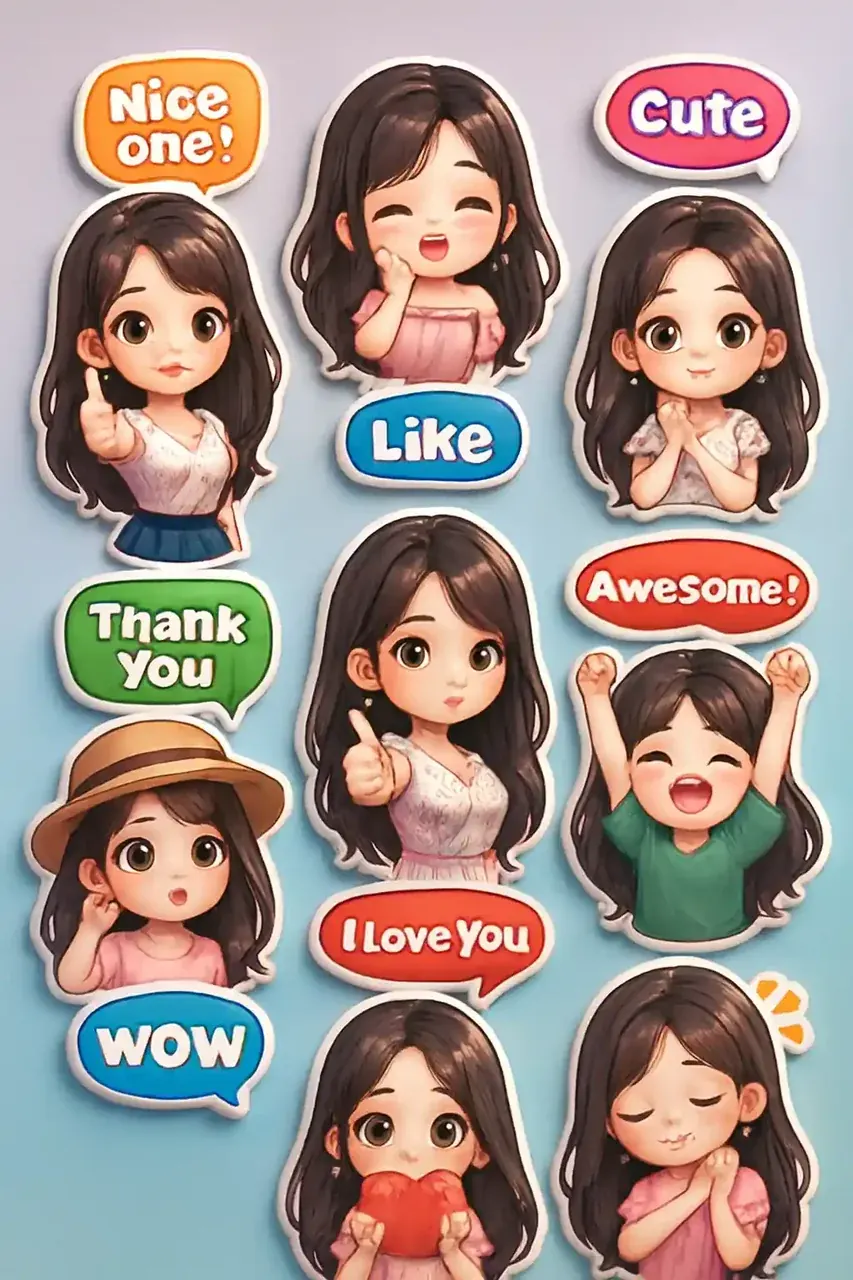
Sized for this slot
Rendered at 1024×1024
3D printing displays this slot at 1024×1024 (1:1). Generating at that ratio avoids the automatic re-crop that cuts into faces.
45 presets to choose from
The 3D family holds 45 presets; picking one fixes the entire look before the model runs.
Photo or text input
Upload a portrait, or describe a scene if you would rather not use a photo at all.
Up to 2K, so it survives the shrink
Render larger than the slot needs and let the platform scale it down — small detail survives far better that way.
Three steps
Pick a preset
Choose from the 45 3D presets; the previews show the actual result.
Add your photo or scene
Upload a portrait, or type a short description.
Generate at 1024×1024
Generate, then download — the file is already at the right proportions.
3D presets
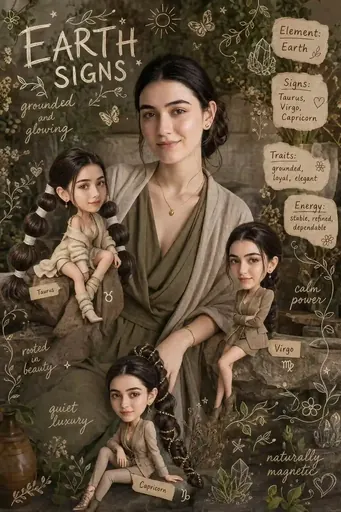
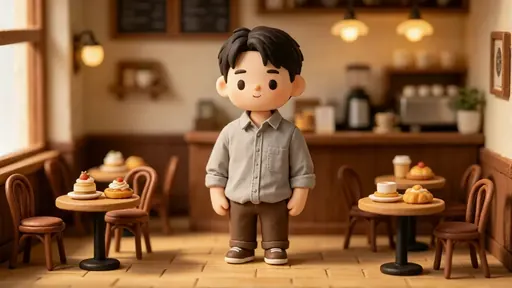
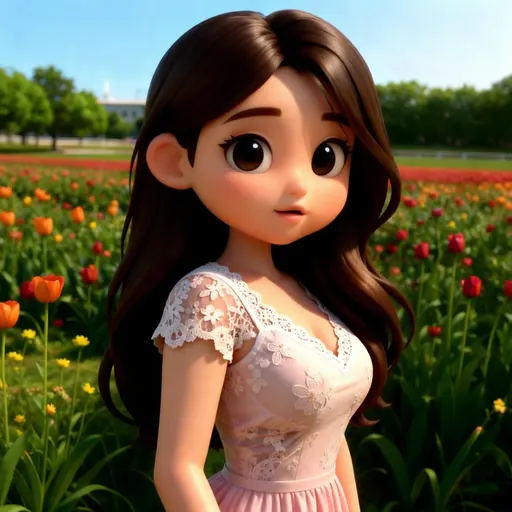
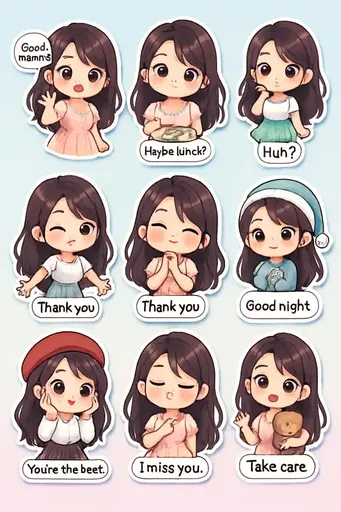
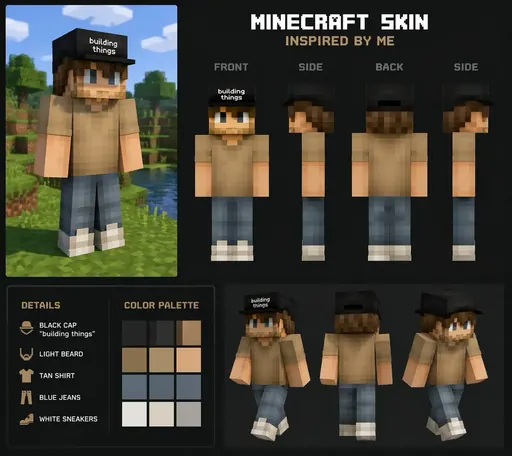
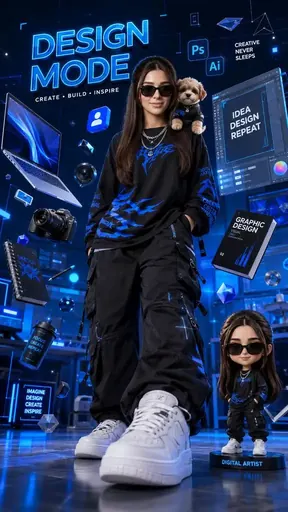
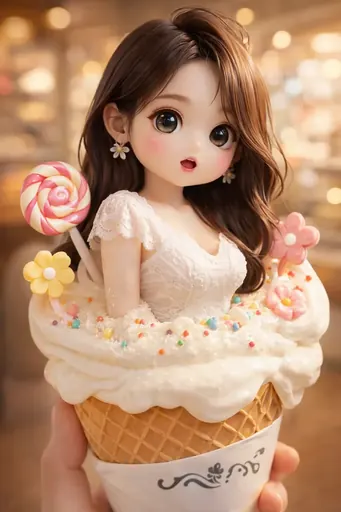
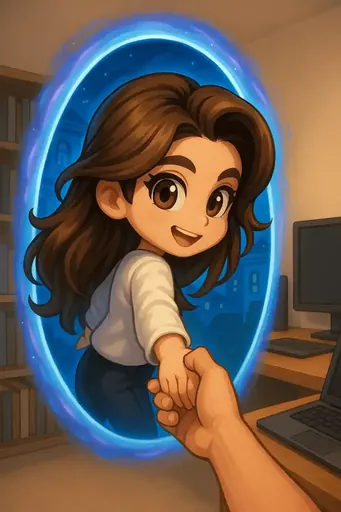
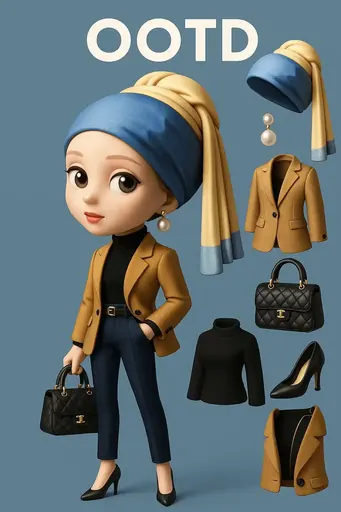
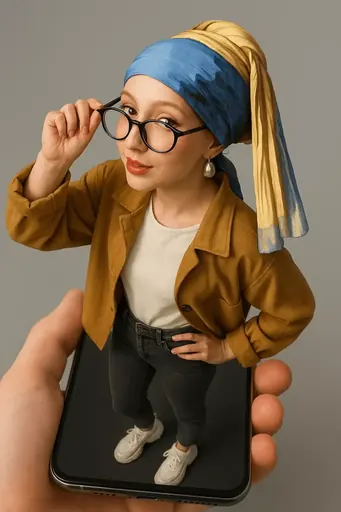
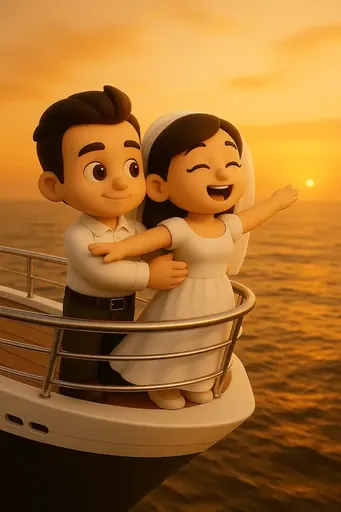
Real presets from the 3D family — each tile is an actual template output.
Why the ratio matters more than the size
Every platform crops to its own shape. Upload a landscape picture where a square slot is expected and the service crops the middle out of it, which is exactly where faces tend to be. Generating at 1024×1024 first means the composition is decided by you rather than by an automatic crop.
What makes an image work at this size
This generates the finished 3D-style design, not a printable mesh — you take the render to a print service or use it as the modelling reference.
Frequently asked questions
What size should I use for 3D printing?
The slot is 1024×1024 (1:1). Generating at that ratio is the safest option, because the platform then has no reason to re-crop.
Is this free?
Yes. The free plan needs no card and includes one generation credit per month at 800×800 without a watermark; paid plans raise the credits and the resolution.
Can I use the image commercially?
Yes — generated artwork carries full commercial rights, including on merchandise.
Do I need a photo?
No. Without a photo the text-to-image path builds the scene from a written description plus a preset.
Will it still look right on a phone?
That is what the large render is for. Detail that is clear at 1024px can vanish at 128px, so generate big and let the platform shrink it.