3D chibi: the complete guide
A 3D-looking chibi is not a model file. It is an image where light and material do the structural work that a pencil line would normally do — and that has consequences for how you make it and how you size it.
What actually creates the 3D read
Four things, in order of importance. Light: one clear key direction, with the shadow side of the head agreeing with the shadow side of the body. Material: surfaces that behave like something — matte skin with a little translucency, cloth with a soft highlight, eyes with one sharp specular dot. Contact: a shadow under the feet, even a soft one, which anchors the figure in space. Edges: no outline. Remove any of the first three and the figure flattens; keep an outline and it stops reading as a render at all.
Where the proportions go
The 3D register rewards slightly more detail than flat styles, which usually means pushing toward 3.5 to 4 heads tall rather than the extreme 2-head icon look. The extra half-head gives room for clothing folds, a defined shoe and a real hairstyle without turning the figure into a shrunken adult.
How to produce one
The fast path is a style preset: the preset encodes the proportion scheme, the material treatment and the lighting habit in one choice, so the model does not have to infer them from a written description. Render at the largest size available — 1024 pixels and up. The whole style depends on soft gradients and small specular highlights, and those are the first things to disappear when an image is generated at 512 and upscaled afterwards.
Four mistakes that break the effect
Mixed light directions — a highlight on the left of the head and the right of the shoulder. This is the most common failure and the most obvious. Outline leakage — a dark contour appearing around the silhouette, which immediately makes the image look like a drawing with a filter. Plastic everything — one glossy material applied to skin, cloth and hair alike. No ground shadow — the figure floats, and the brain reads the whole image as a cut-out.
Presets in this style family
Each tile opens that preset's page.
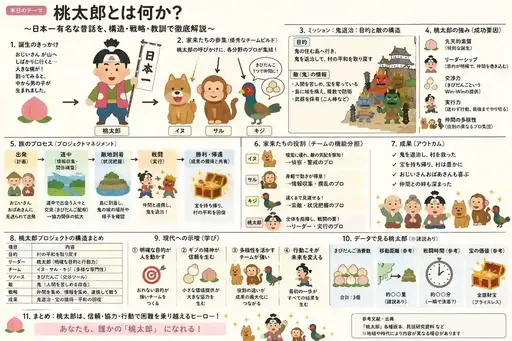
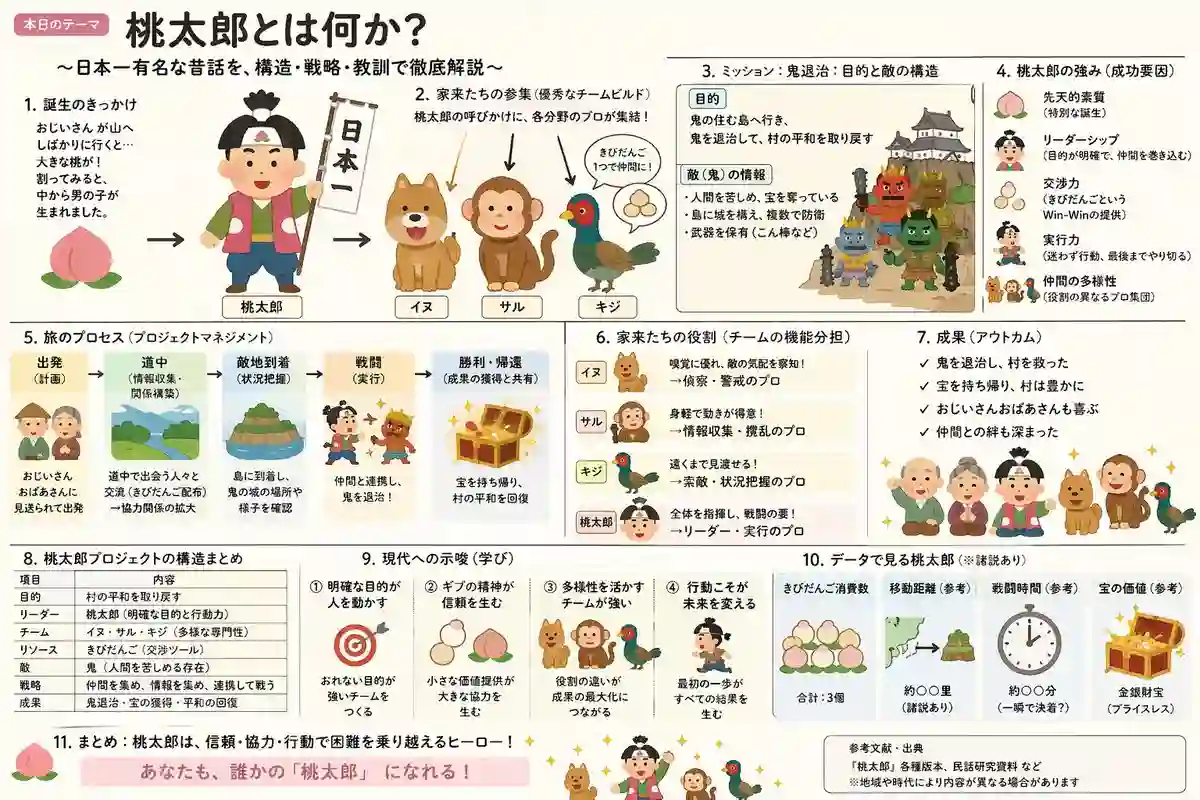
Japanese Dense Illustrated Explanatory Slide
3D chibi: the complete guide →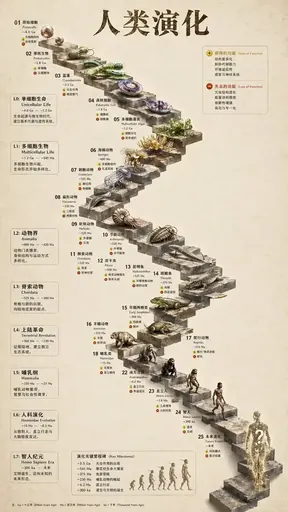
Infographic Evolution Timeline
3D chibi: the complete guide →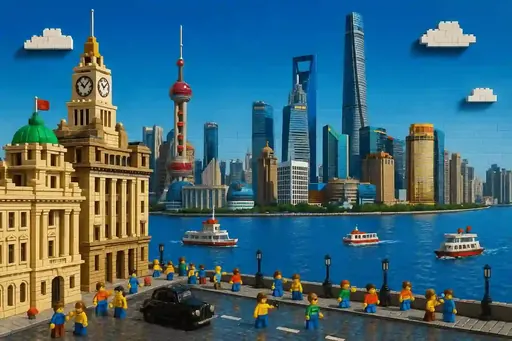
Lego Cityscape
3D chibi: the complete guide →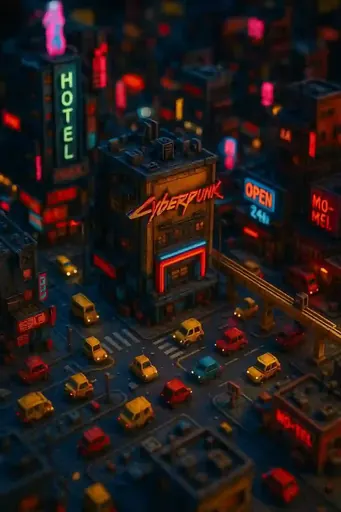
Cyberpunk Tilt-Shift Miniature
3D chibi: the complete guide →
Hyperrealistic 3D Game
3D chibi: the complete guide →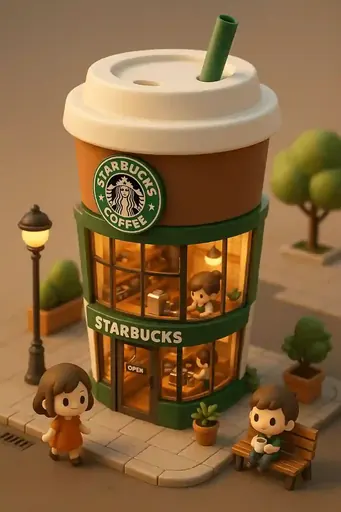
Mini 3D Architecture
3D chibi: the complete guide →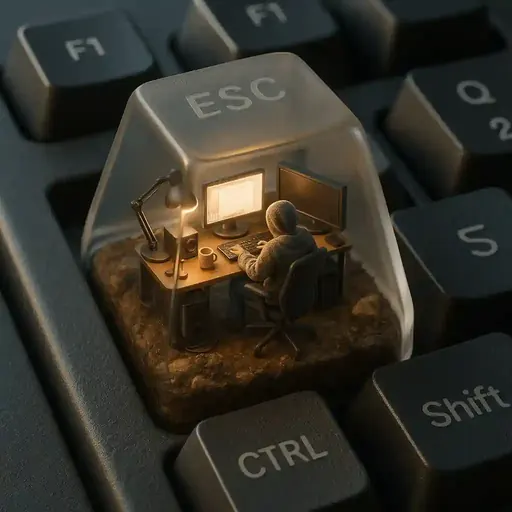
miniature_esc_keycap_diorama
3D chibi: the complete guide →
35mm Film-Style Floating Island
3D chibi: the complete guide →Where to go next
Read next
About this guide
This guide is editorial content written by the ChibiArts team. ChibiArts is not affiliated with, endorsed by or sponsored by any of the studios, brands or trademark owners named on this page — those names are used descriptively, to compare visual styles.
Frequently asked questions
Is 3D chibi the same as a 3D model?
No. It is an image rendered to look like a lit object. It is not a mesh you can print or animate — for that you need a separate modelling step.
What size should I render at?
At least 1024 pixels on the long edge. The soft gradients and small highlights that make the style work are exactly what gets lost at smaller sizes.
How many heads tall should a 3D chibi be?
Three and a half to four, usually. The extra height over a 2-head icon gives room for cloth folds and shoes, which the rendered register is good at showing.
Can I turn a photo into a 3D-look chibi?
Yes, and it is the most common use. The photo supplies the identifiable features and the preset supplies the proportions, materials and lighting.