Chibi art styles and presets
Every preset is a complete visual recipe — medium, palette, lighting, framing and level of detail — so selecting one is the entire creative brief. Here is what the catalogue covers, and which family to reach for depending on the output you need.
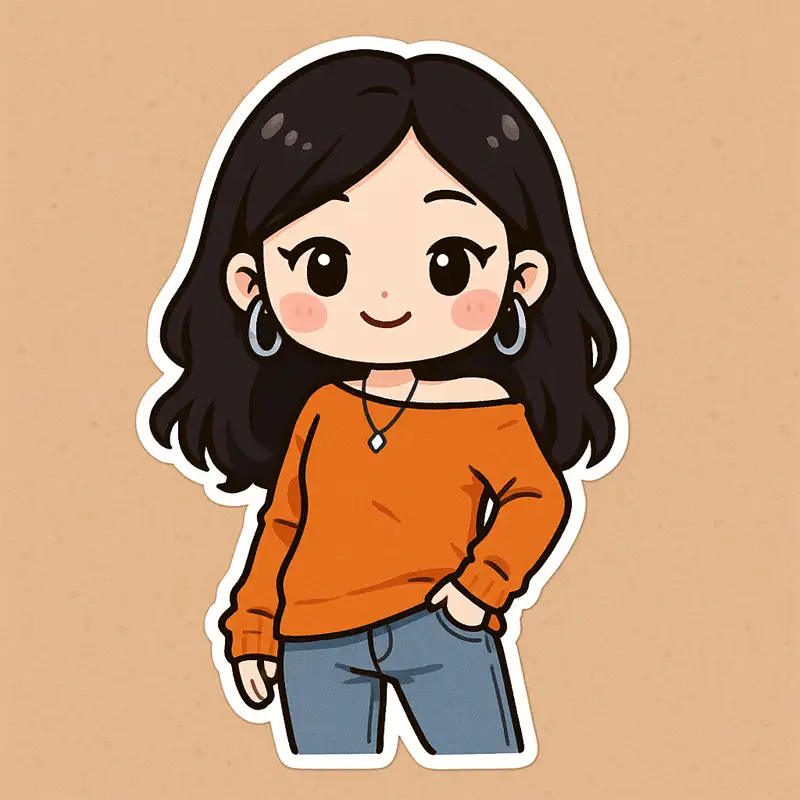
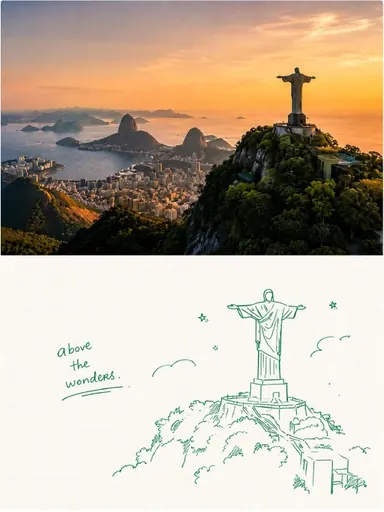
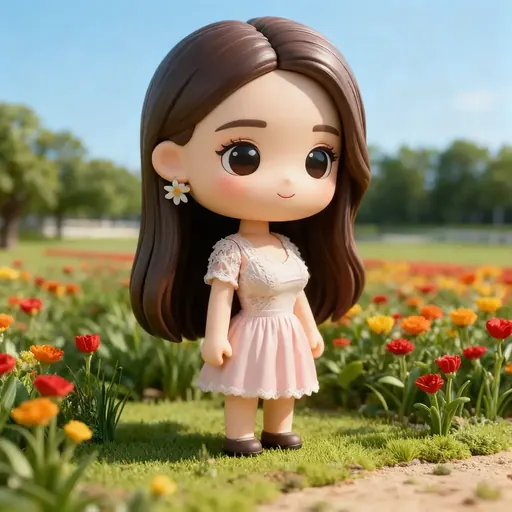
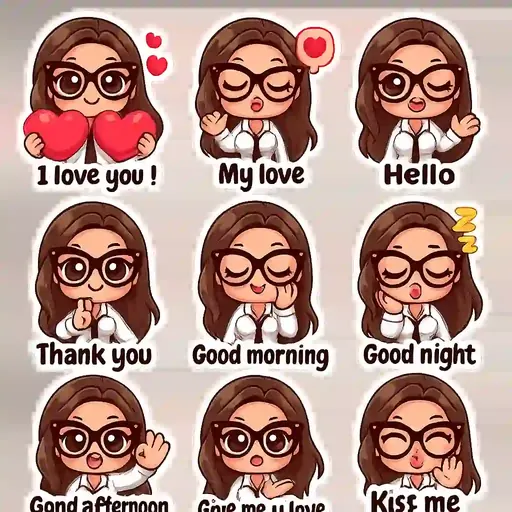
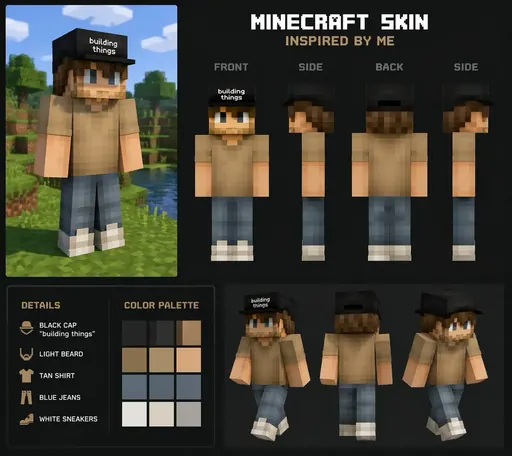
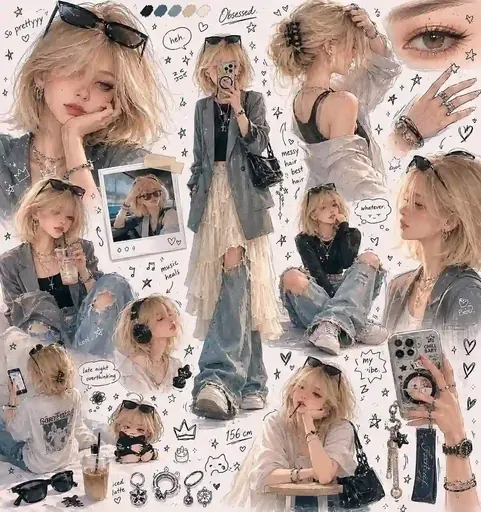
One photo, thirty-six directions
The same source photo pushed through a sample of the preset catalogue.
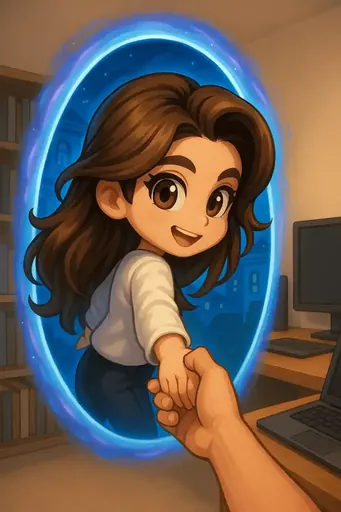
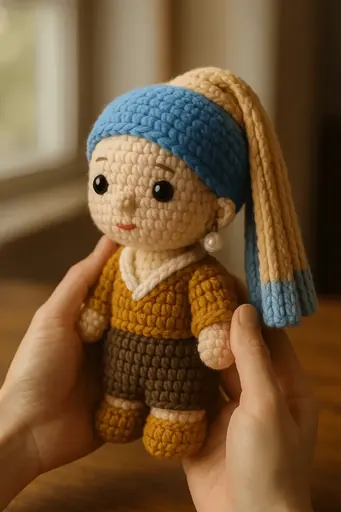
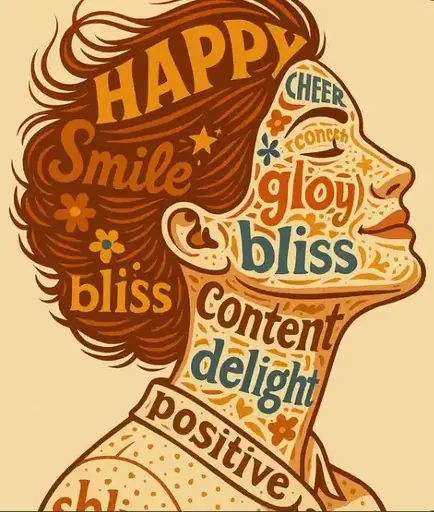
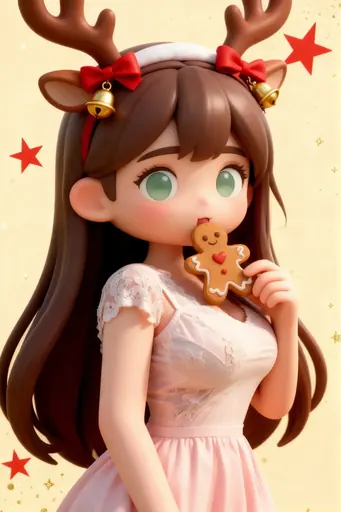
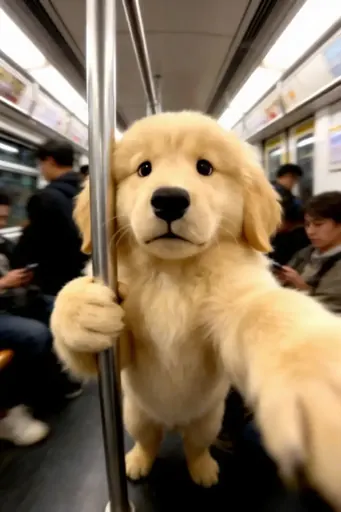
The style families
Grouped by generator. Counts are the number of presets in each family.
🖼️ Image to Image 10 styles
📝 Text to Image 16 styles
🐶 Pet Portrait 6 styles
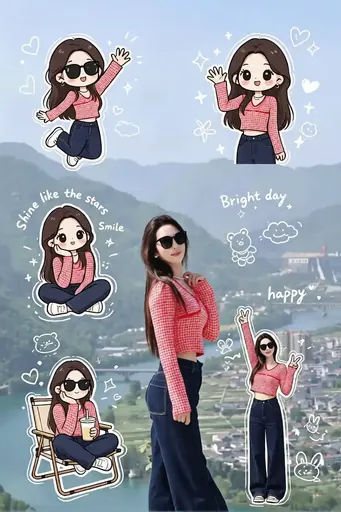
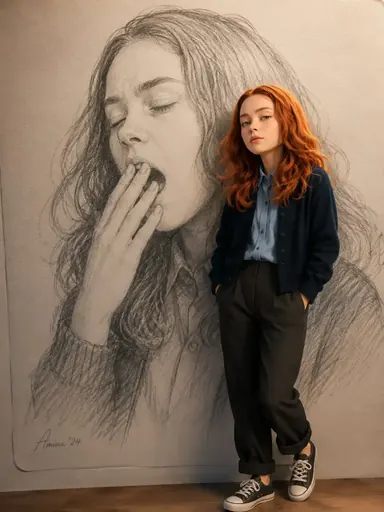
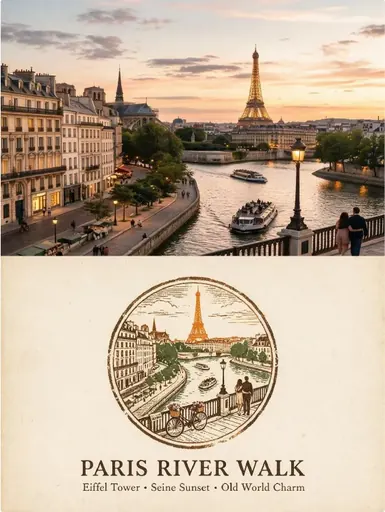
The catalogue in pictures
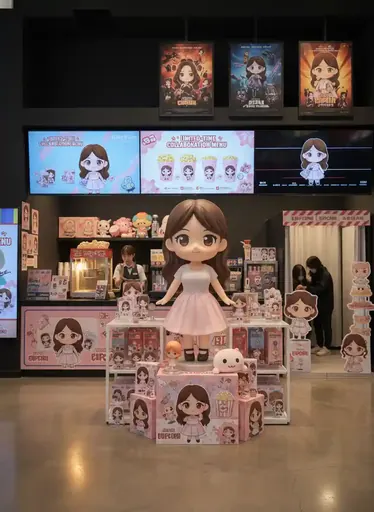
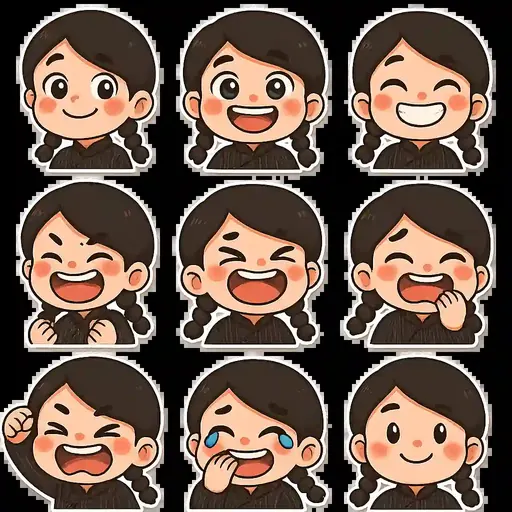
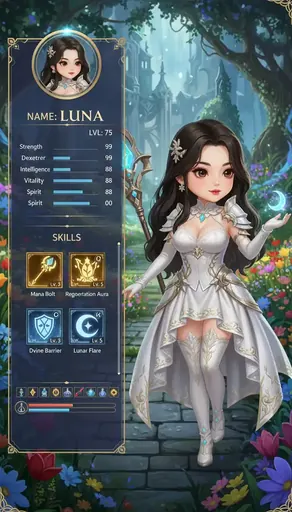
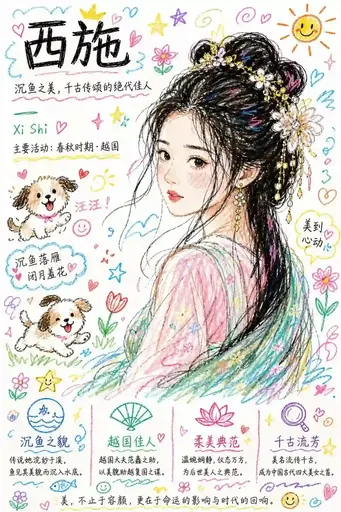
Every tile is a preset cover rendered by ChibiArts from that preset's own recipe. Images are 1:1 and cropped to fill the tile.
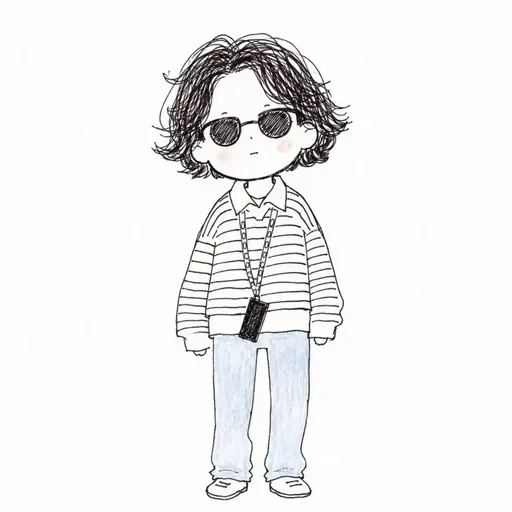
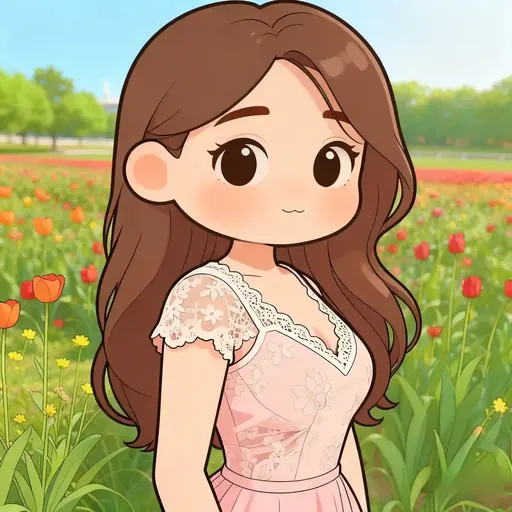
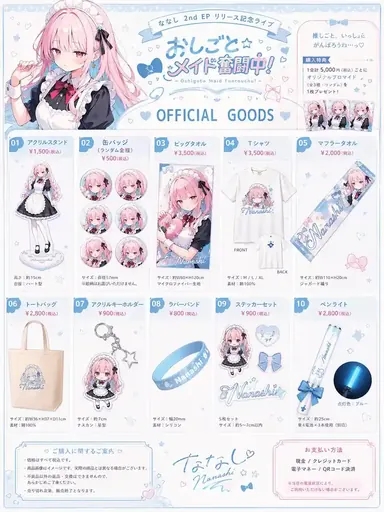
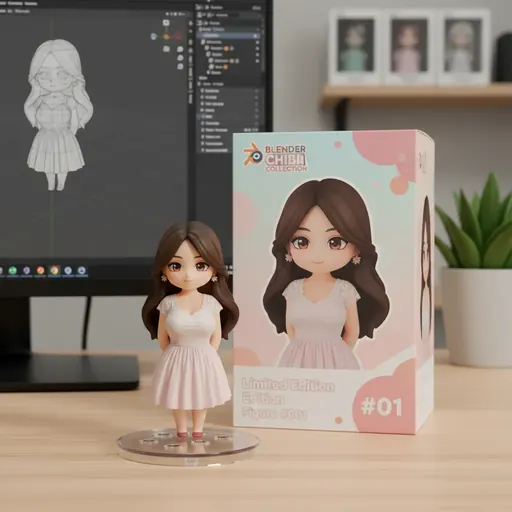
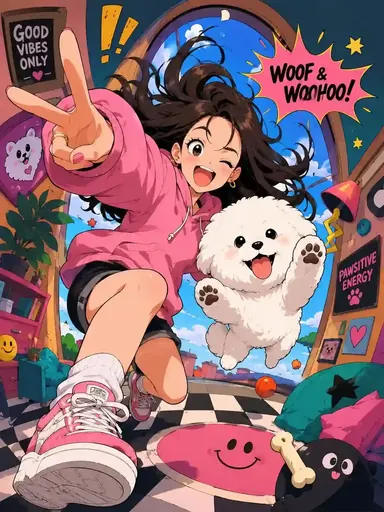
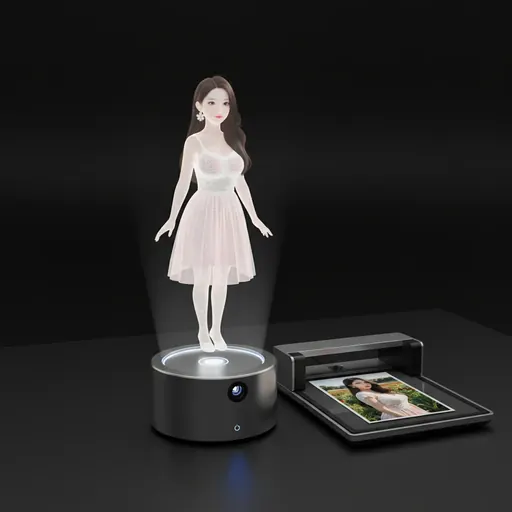
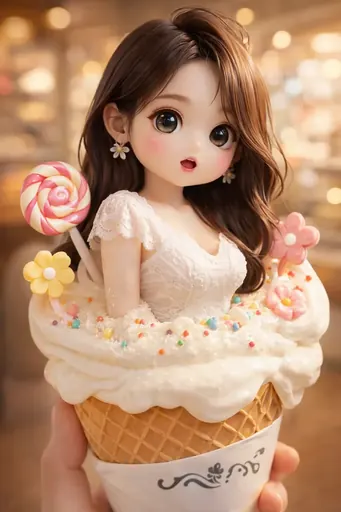
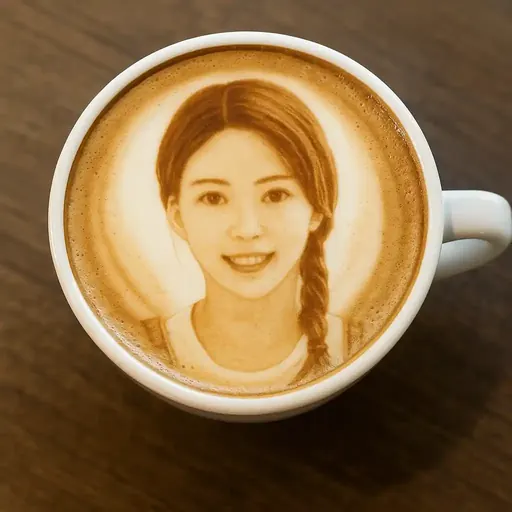
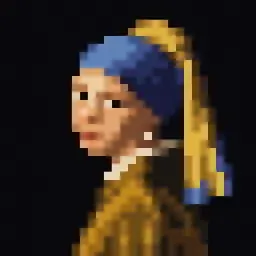
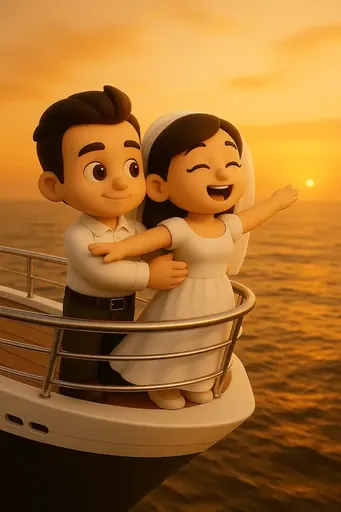
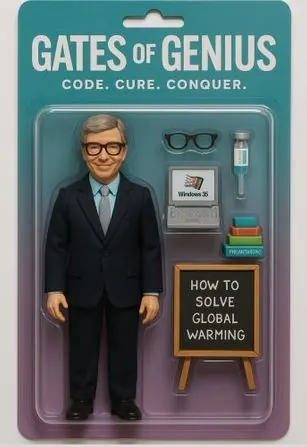
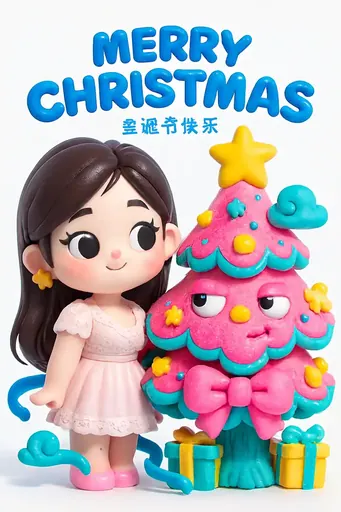

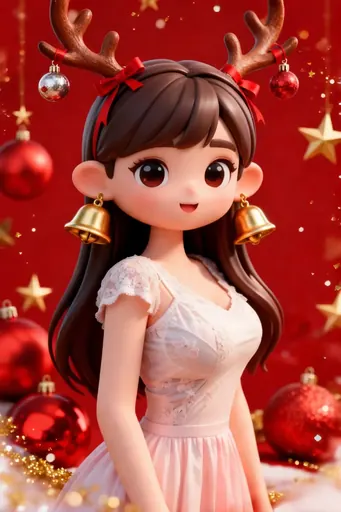
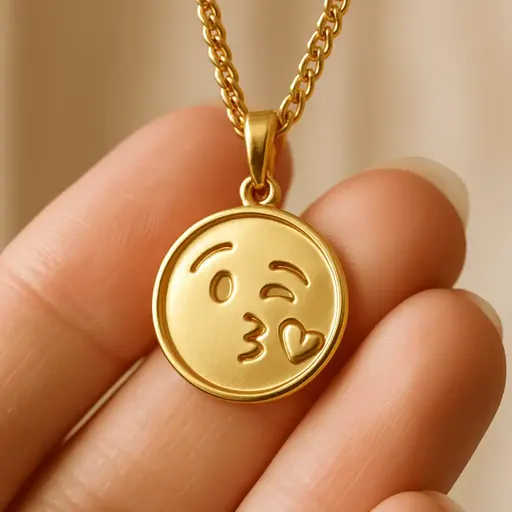
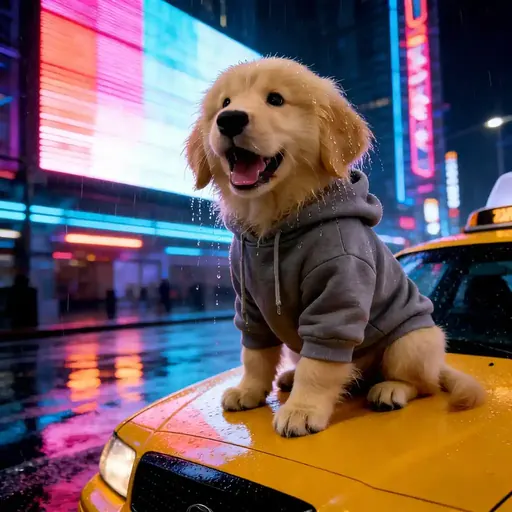
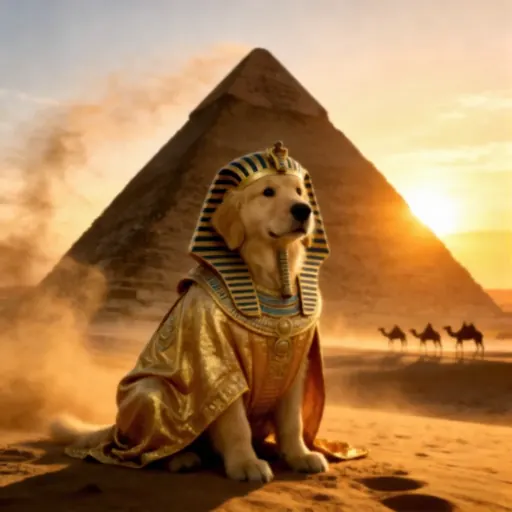
Choosing a style family
Sticker and emoji families add a solid contour line and leave clean margin around the subject. Reach for these when the output will be small — a chat sticker, an icon, a badge — because the outline is what keeps the shape readable at 64 pixels.
3D and figurine families add volume, a soft key light and a shallow depth of field, producing something that reads as a physical object photographed on a table. These are the presets for collectible-toy mockups and product visuals.
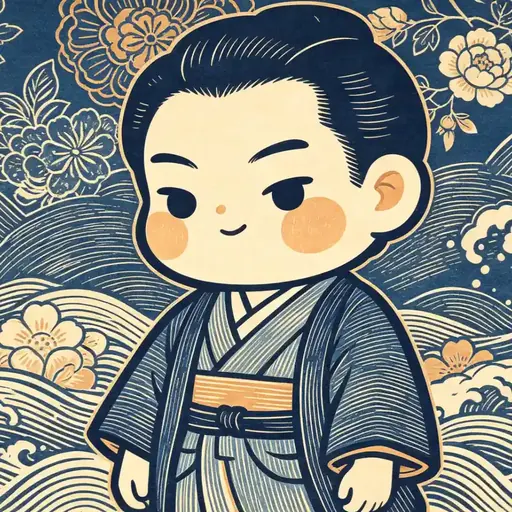
Anime and illustration families keep two-dimensional rendering but push linework and colour toward a drawn look. Realistic families do the opposite — they keep photographic shading and simply apply chibi proportions, which suits portraits where the person should stay recognisable.
Layout families — poster, infographic, storyboard, UI, character sheet — are the only ones that fix a page composition rather than a rendering medium. Use them when the deliverable is a designed sheet rather than a portrait.
Browse every style family
Each family has its own page, with the real presets and examples that belong to it.
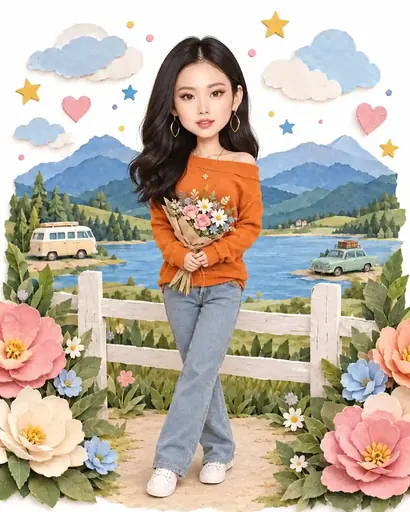
chibi
108 presets →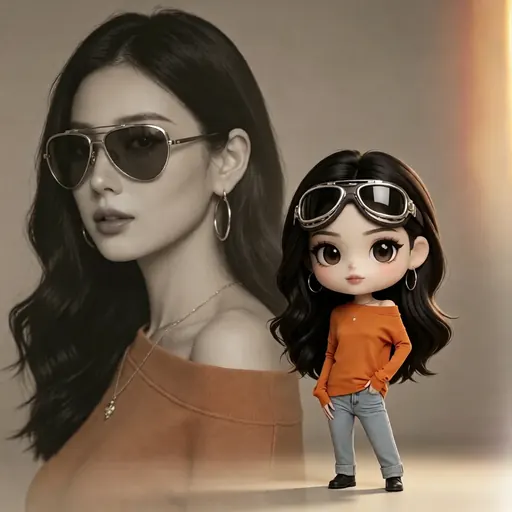
avatar
83 presets →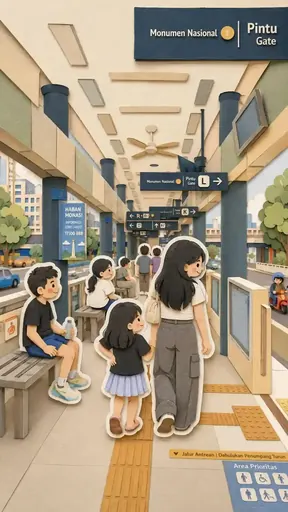
sticker
30 presets →creative
76 presets →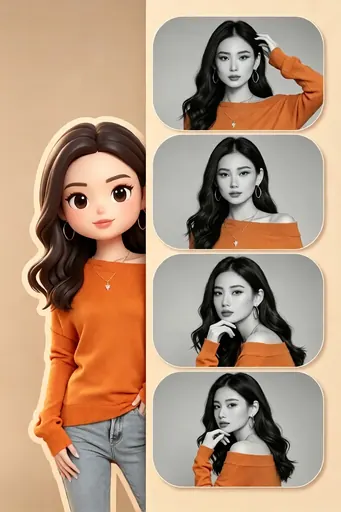
3D
45 presets →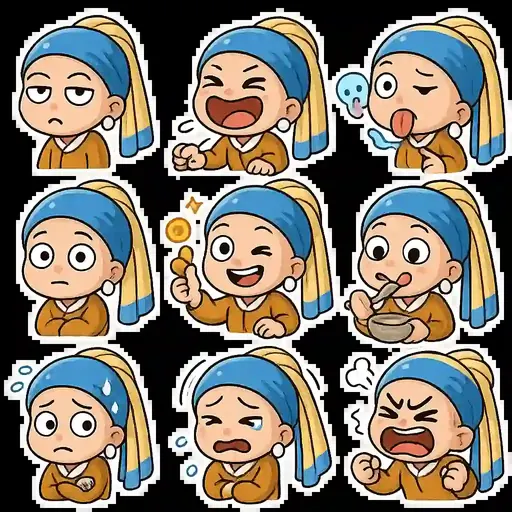
emoji
24 presets →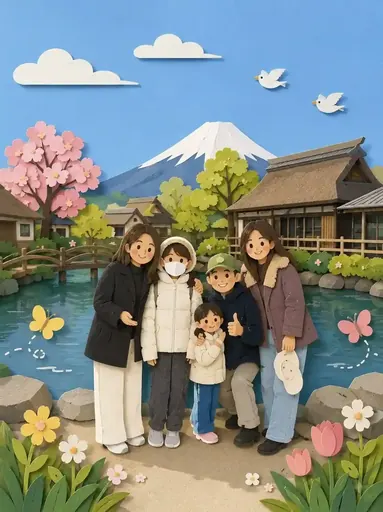
anime
66 presets →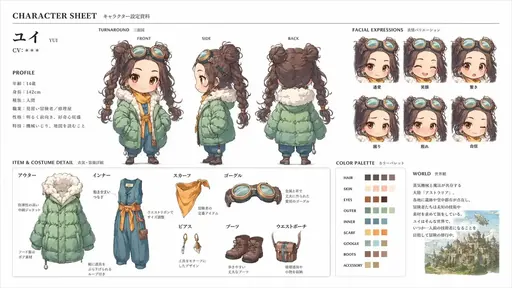
realistic
64 presets →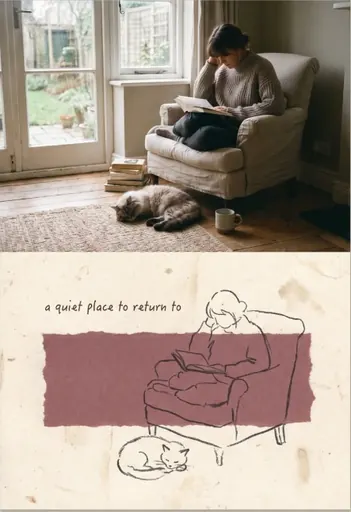
restyle
44 presets →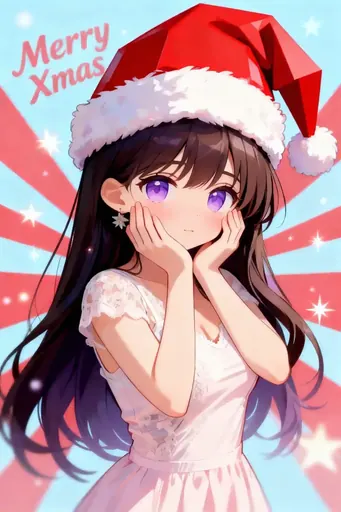
Xmas
18 presets →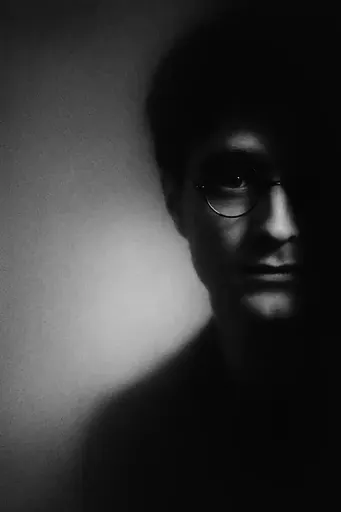
art
9 presets →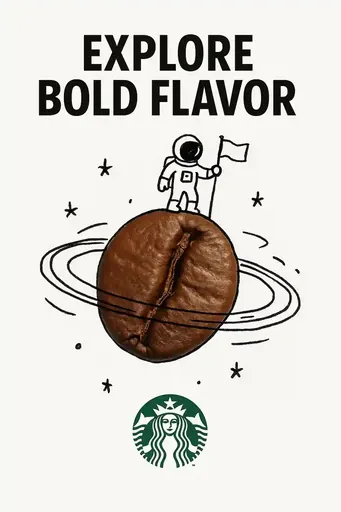
brand
9 presets →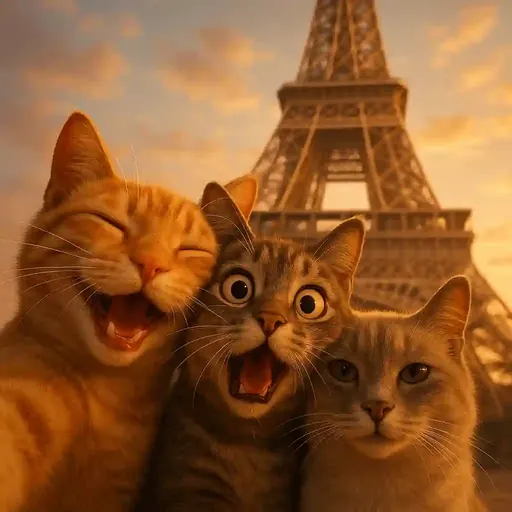
photo
6 presets →
emoji
8 presets →
3d
9 presets →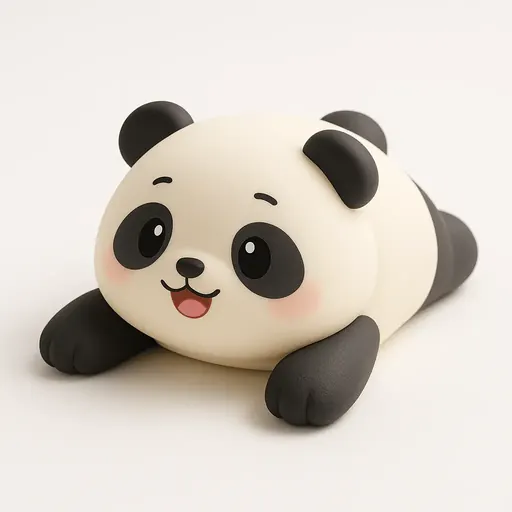
fun
9 presets →
poster
12 presets →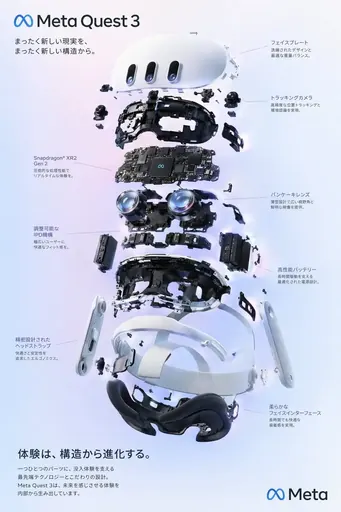
infographic
8 presets →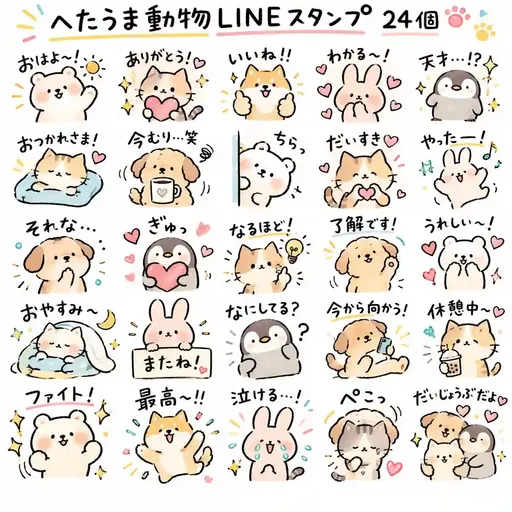
ui
14 presets →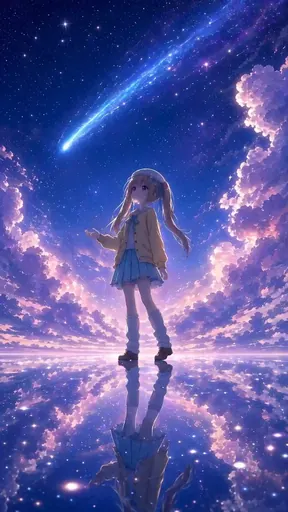
illustration
8 presets →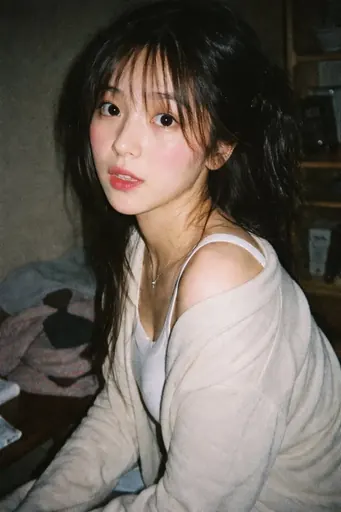
realistic
13 presets →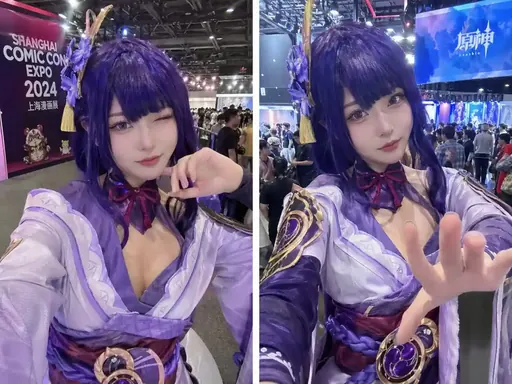
character
13 presets →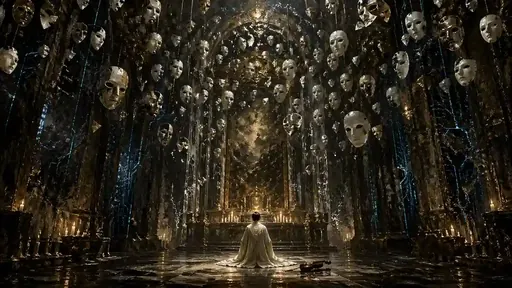
architecture
1 presets →
product
3 presets →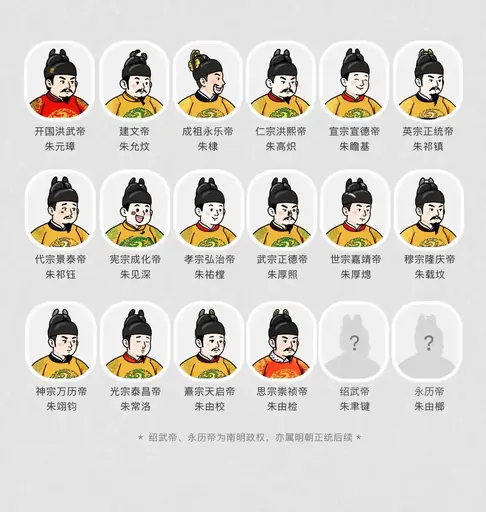
classical
1 presets →
other
11 presets →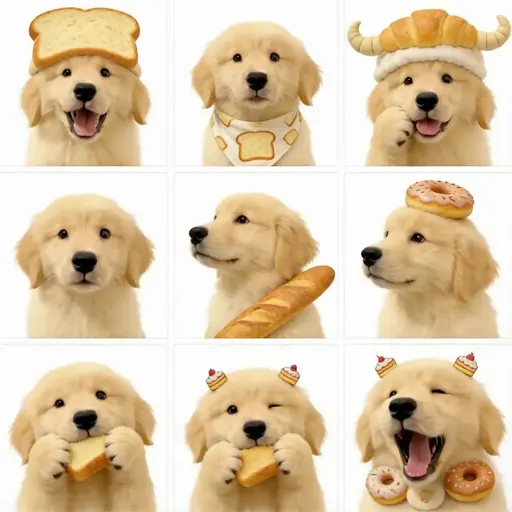
pet-emoji
8 presets →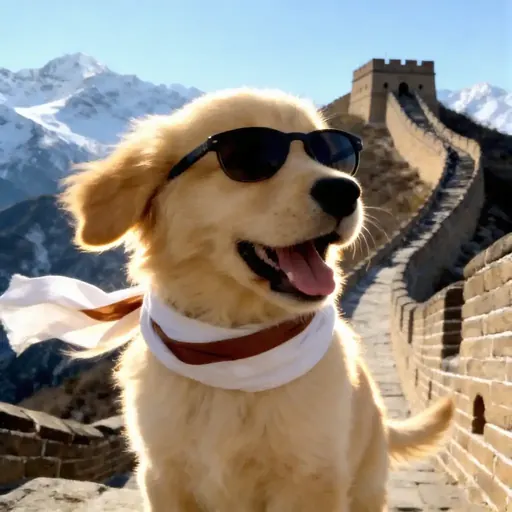
pet-travel
8 presets →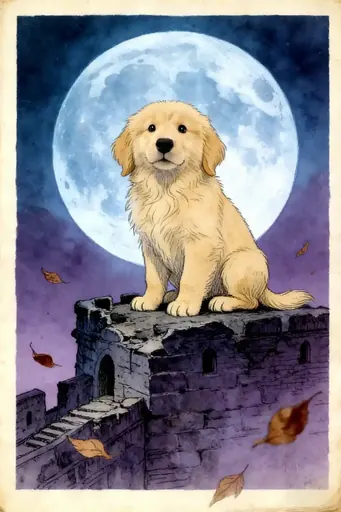
pet-animation
5 presets →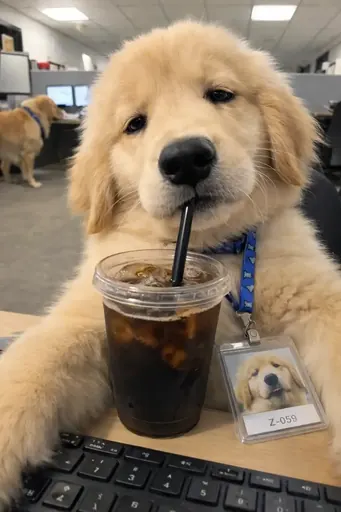
pet-humanized
3 presets →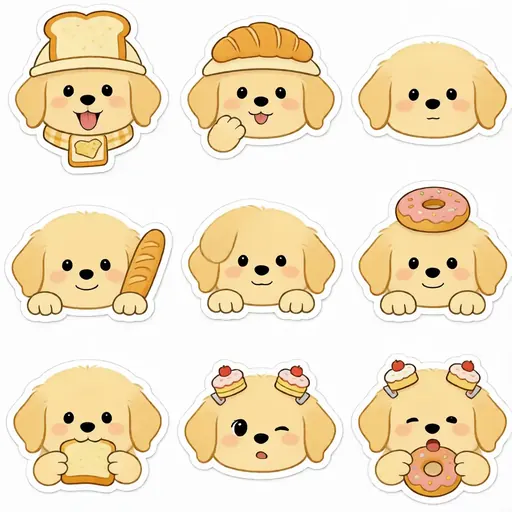
pet-sticker
3 presets →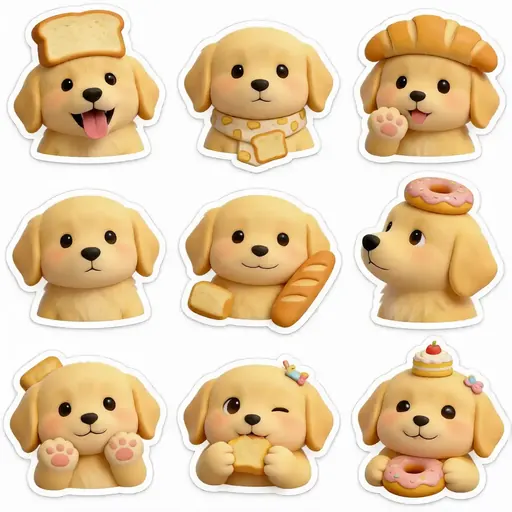
pet-3d
2 presets →Gallery
Pose library
Frequently asked questions
How many chibi presets are there?
304 presets organised into 32 style families, covering photo-to-chibi, text-to-image and pet portraits.
What is the difference between a style and a preset?
A style family is a rendering approach — sticker, 3D, anime, watercolor. A preset is one complete recipe inside that family, including the specific setting, palette and framing.
Do presets require prompts?
No. A preset carries the full visual recipe, so photo conversion and text generation both work with an empty prompt field.
Which presets are best for stickers?
The sticker and emoji families. They add a solid outline and clean margin, which is what keeps the image readable when scaled down into a chat bubble.
Which presets keep the subject most recognisable?
The realistic and 3D families. They retain photographic shading and volume rather than flattening the subject into linework.
How many preview images does the catalogue include?
One cover per preset: 297 previews, each rendered by ChibiArts from that preset's own recipe.
Are collection images square?
The collection grid is standardised to 1:1 with a fill crop so rows stay even. Generation itself supports eight aspect ratios from 1:1 to 21:9.