AI Avatar Generator
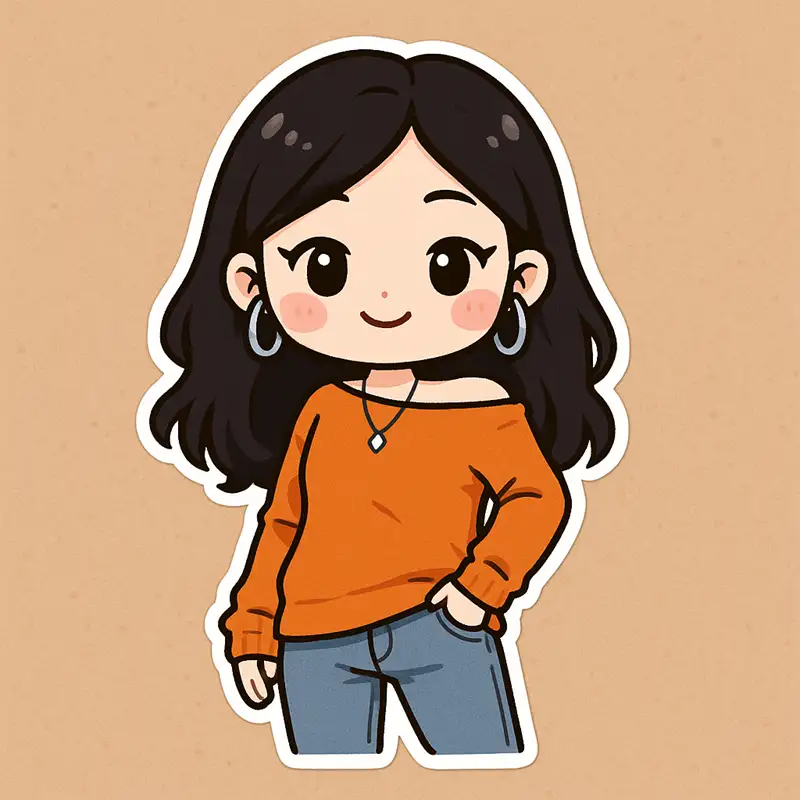
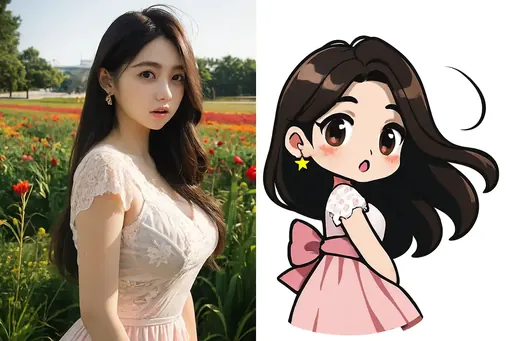
Upload a portrait or describe a scene and this tool renders it in chibi proportions using any of the 83 presets in the avatar family. Everything runs in the browser, results land in your gallery, and no prompt is required.
What you get
83 presets in the avatar family
Each preset is a complete visual recipe — switching one changes the whole look without touching a prompt.
Photo in, or text in
Upload a portrait and the model reads the face, or describe a scene in one sentence and generate with nothing uploaded.
Eight aspect ratios, up to 2K
From 1:1 squares to 21:9 banners. Render large and downscale — never the other way round.
Saved to your gallery
Every generation is stored automatically, so you can compare variants and re-download without re-running.
How to use it
Pick a preset
Choose any of the 83 avatar presets — previews show what each one produces.
Add your input
Upload a photo, type a short scene description, or use both together.
Generate and download
The render takes seconds at full resolution and lands in your gallery.
avatar presets
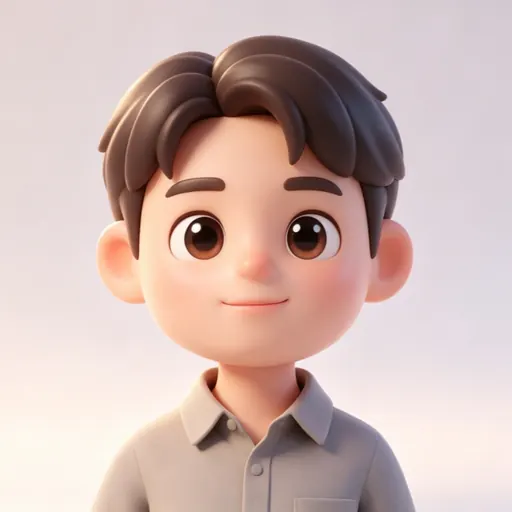
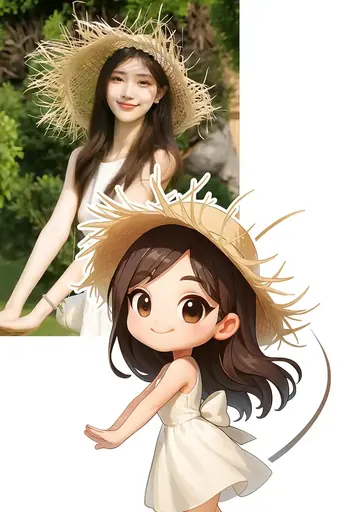
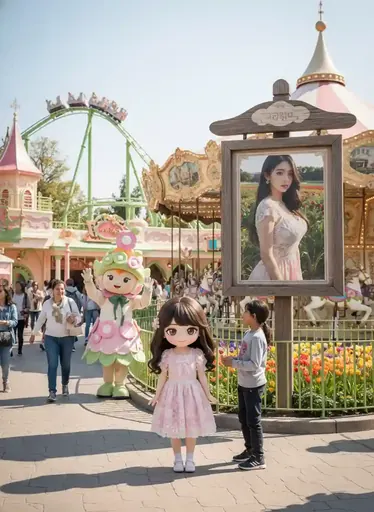
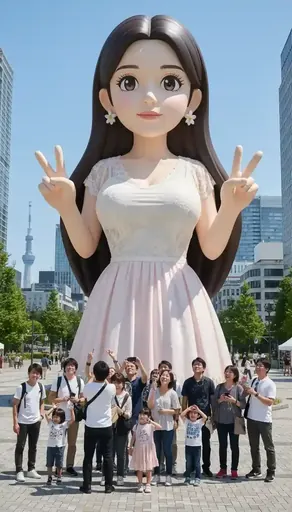
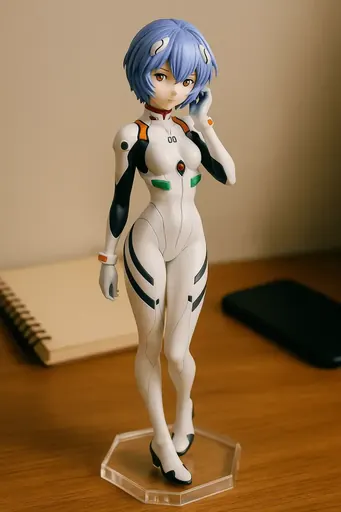
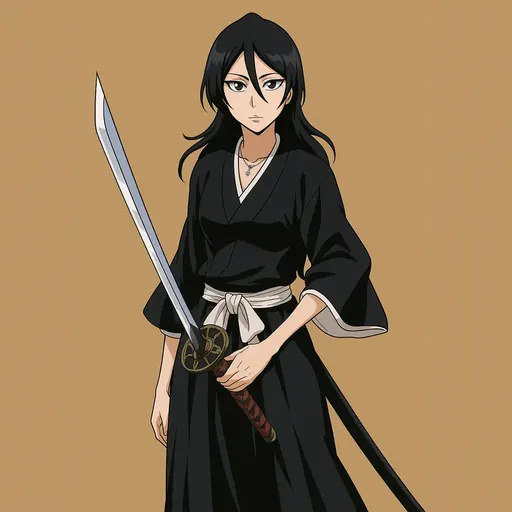
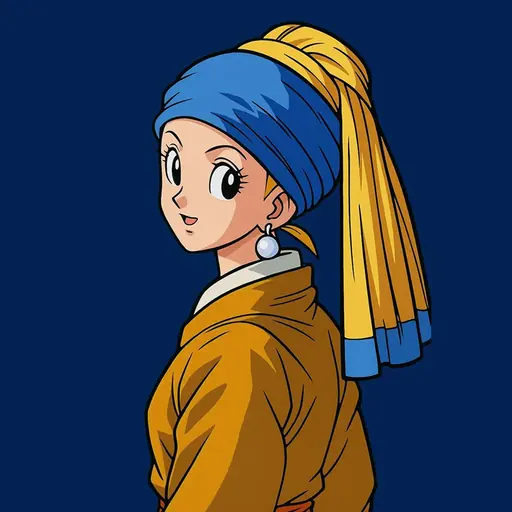
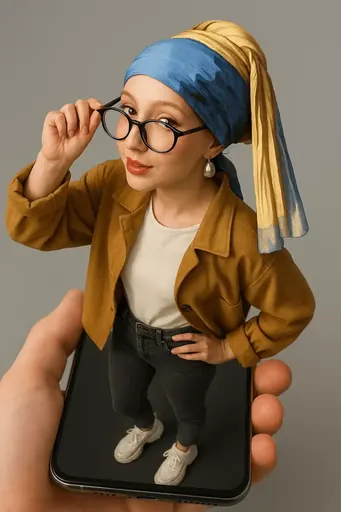
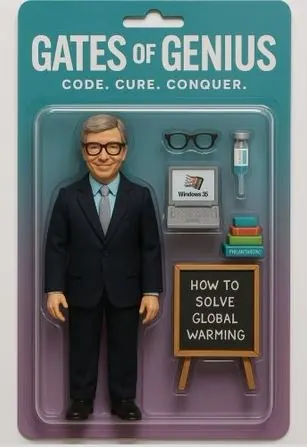
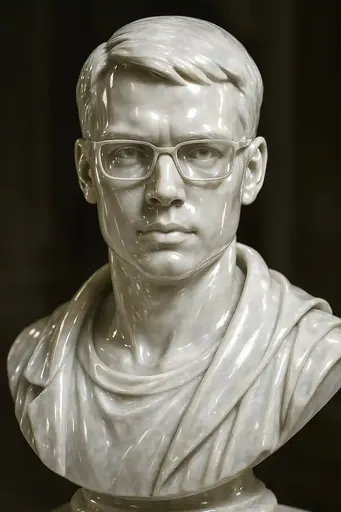
Real presets tagged avatar — each tile is an actual template output.
Why presets beat prompts here
A generator is only as good as its presets. Ask a raw image model for the same thing twice and you get two different results: outline weight, framing and expression all drift. A fixed preset removes that drift — the avatar family pins down composition, line weight and colour treatment, so twenty renders read as twenty parts of one set rather than twenty separate attempts.
The two things that change your result most
First, the source photo. A centred, evenly lit subject keeps the preset legible; a low-contrast upload flattens every preset toward the same soft look. Second, output size. Detail that is clear at 1024px can disappear in a 128px thumbnail, so render at the largest size available and scale down afterwards instead of starting small.
Frequently asked questions
Is AI Avatar Generator free?
Yes. The free plan needs no card and includes one generation credit per month at 800×800 with no watermark. Paid plans raise the credit allowance and the output resolution.
Do I need to write a prompt?
No. The 83 avatar presets carry the full visual recipe; an optional sentence only steers the background or the scene.
What can I upload?
JPG, PNG or WebP. Two-person and pet subjects have their own tools, where you upload one photo per subject.
Can I use the results commercially?
Yes — generated artwork carries full commercial rights, including printing it on stickers, apparel and posters.
How long does one generation take?
Usually a few seconds. The image-to-video tool is the slow one, because it renders a sequence of frames rather than a single image.