3d chibi art
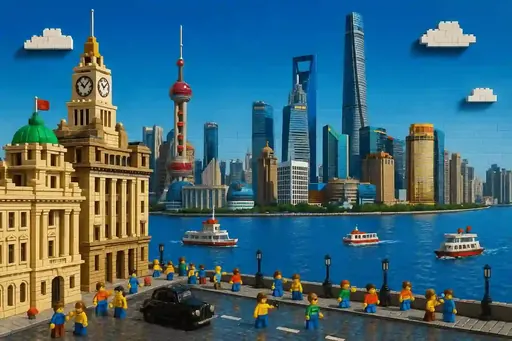
The 3d family holds 9 presets. Upload a photo or describe a scene, pick any preset below, and the render comes back in chibi proportions inside that style.
3d presets
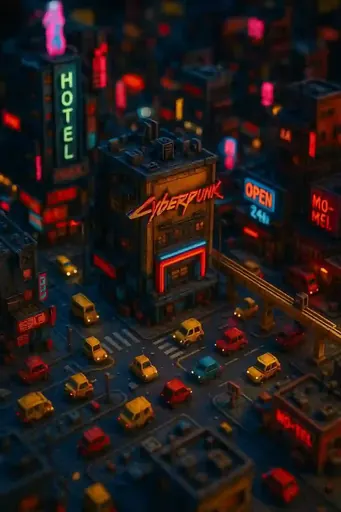
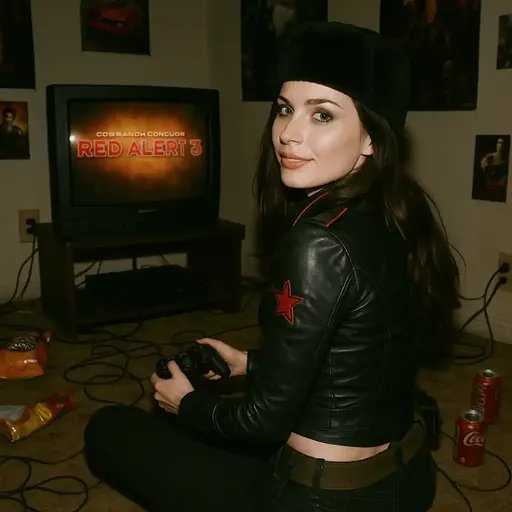
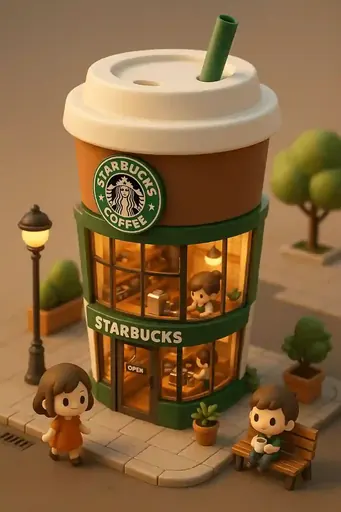
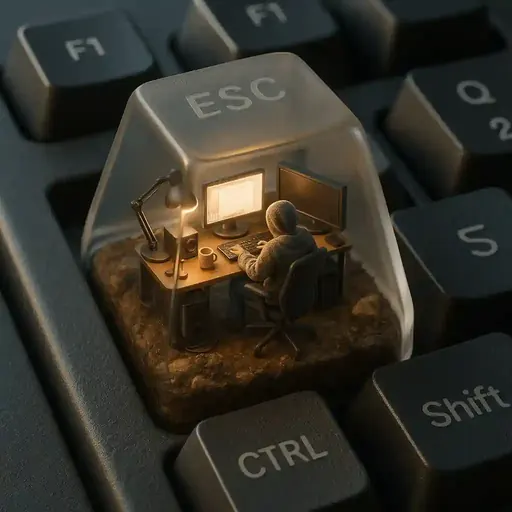
Real presets tagged 3d — each tile is the actual template output.
How it works
Pick a 3d preset
Every tile above is one preset. Preview before you commit.
Upload a photo or write a scene
Photo-to-chibi reads a face; text-to-image needs only a sentence.
Render and download
Seconds later you get a full-resolution image, saved to your gallery.
What the 3d family is for
3d presets commit to a specific look before the model runs, so the result is consistent between sessions instead of drifting with every generation. There are 9 of them here, and they can be combined with any of the other families through the shared preset picker.
Choosing between 3d and its neighbours
Families overlap at the edges, and that is deliberate: a preset tagged both 3d and a neighbouring family renders whichever reading the source photo supports. Start with the family that matches your intent, then step sideways through the sibling links below if the first render lands slightly off. Switching family does not reset your upload, so trying three or four costs nothing but time.
Two practical notes. First, a style reads most clearly when the subject is centred and well lit — a low-contrast source flattens every family toward the same soft look. Second, output size matters more than usual here: 3d details that are legible at 1024px can disappear in a 128px chat thumbnail, so render at the largest size you can and downscale afterwards rather than the other way round.
Other families in Text to Image
Every preset in this family
Each tile opens that preset's own page.
Frequently asked questions
What is 3d chibi art?
It is chibi art rendered in the 3d style — the same exaggerated big-head, small-body proportions, pushed toward the 3d look by a fixed preset rather than a written prompt.
How many 3d presets are there?
There are 9 presets tagged 3d. Each one is a complete visual recipe, so switching between them changes the whole look without touching the prompt.
Can I use 3d chibi art commercially?
Yes. Artwork you generate carries full commercial rights, including print and merchandise.
How do I switch between 3d and other styles?
Every preset lives in one shared picker. Pick a different tile and the next render uses the new preset; your uploaded photo stays in place, so you can compare families back to back.
What output size should I use for 3d?
The largest available. 3d detail survives downscaling far better than it survives being rendered small, and the paid plans render at the higher resolution.