155 single-character poses, each with a ready-to-use prompt
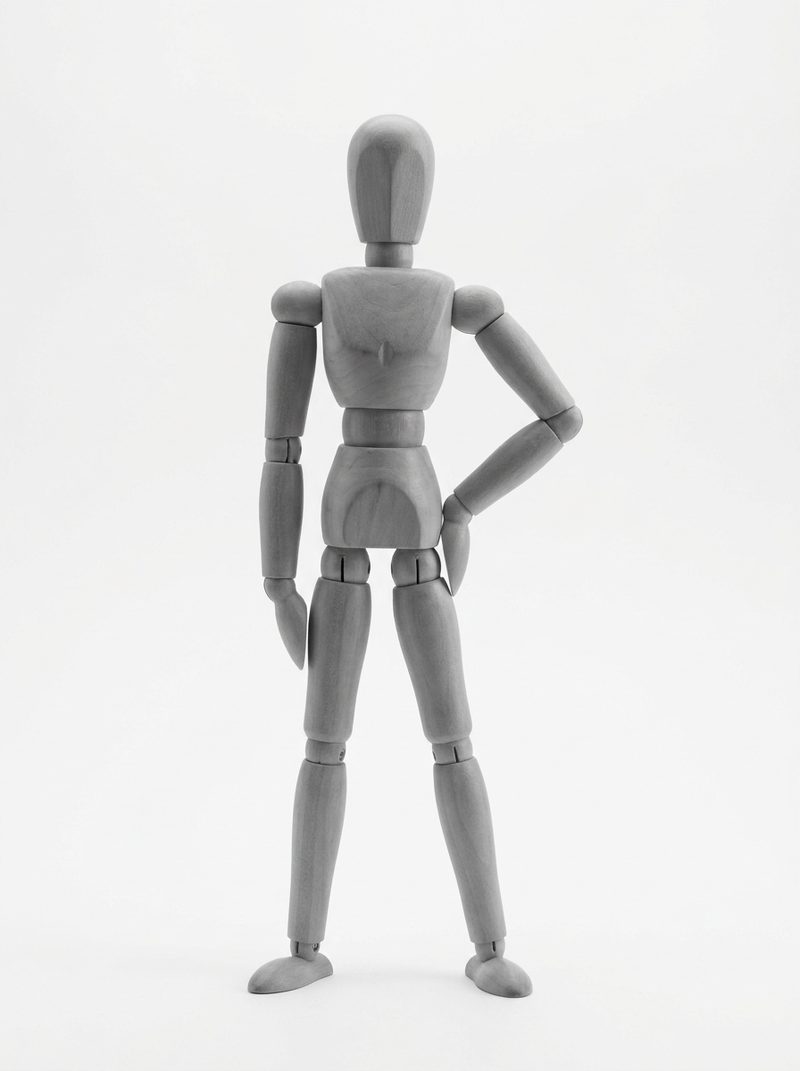
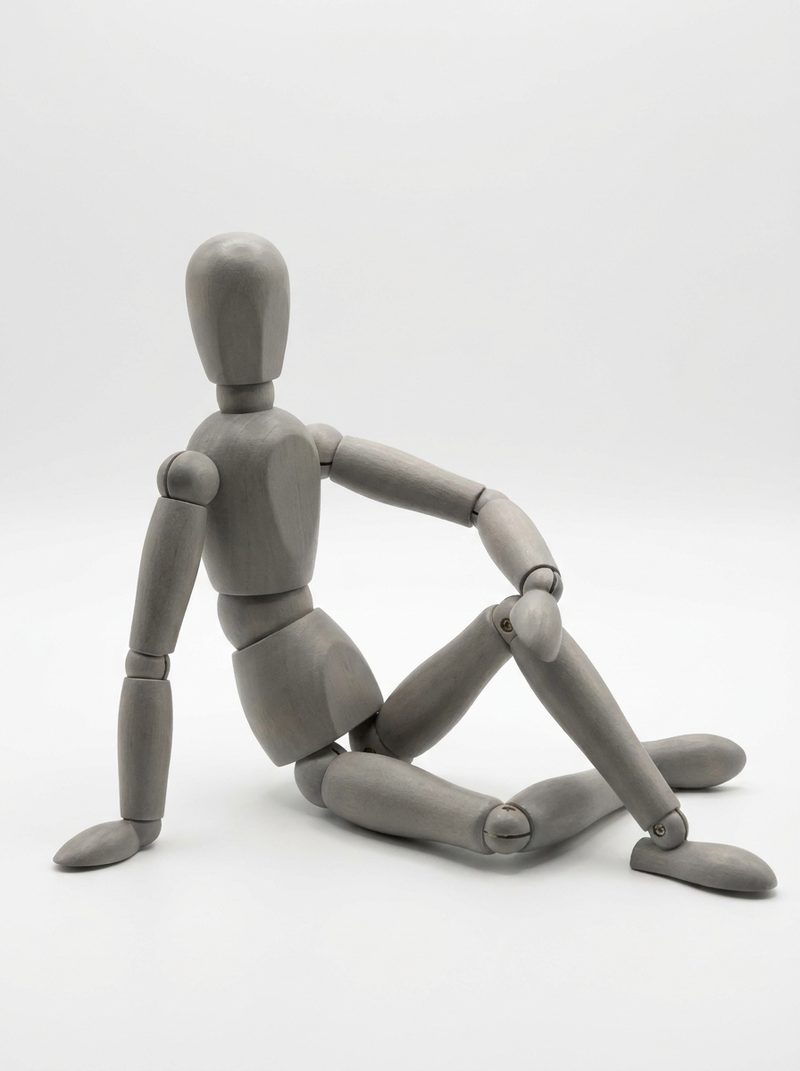
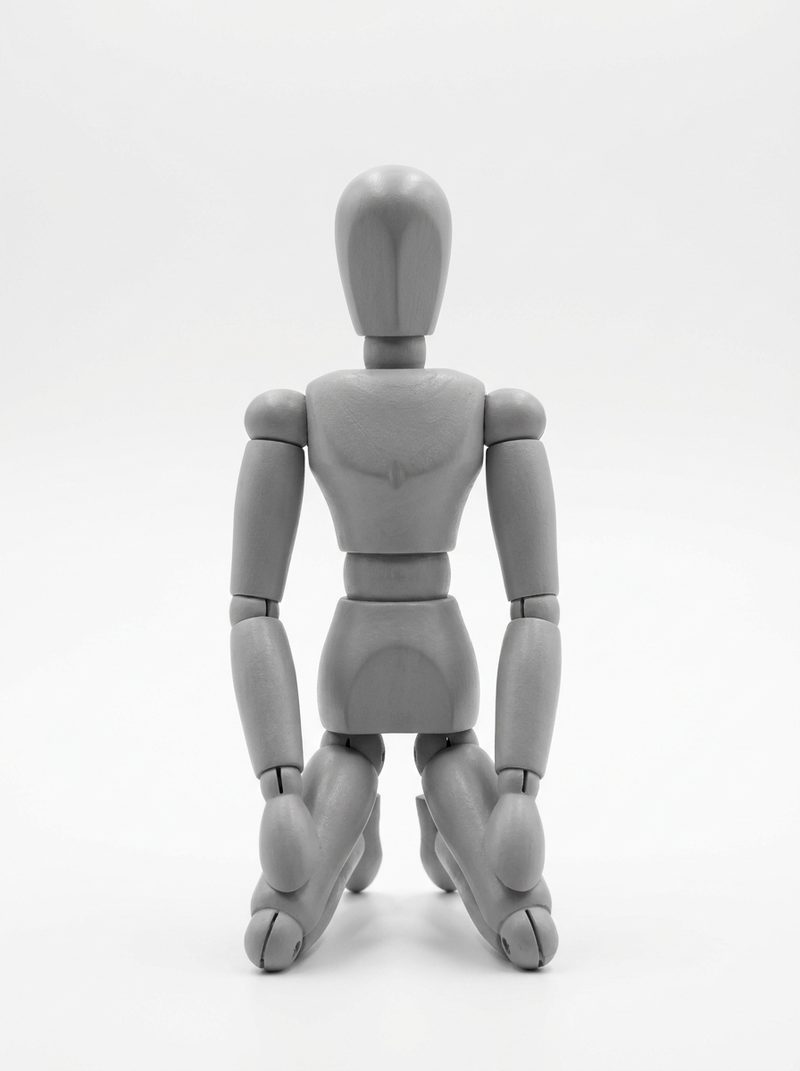
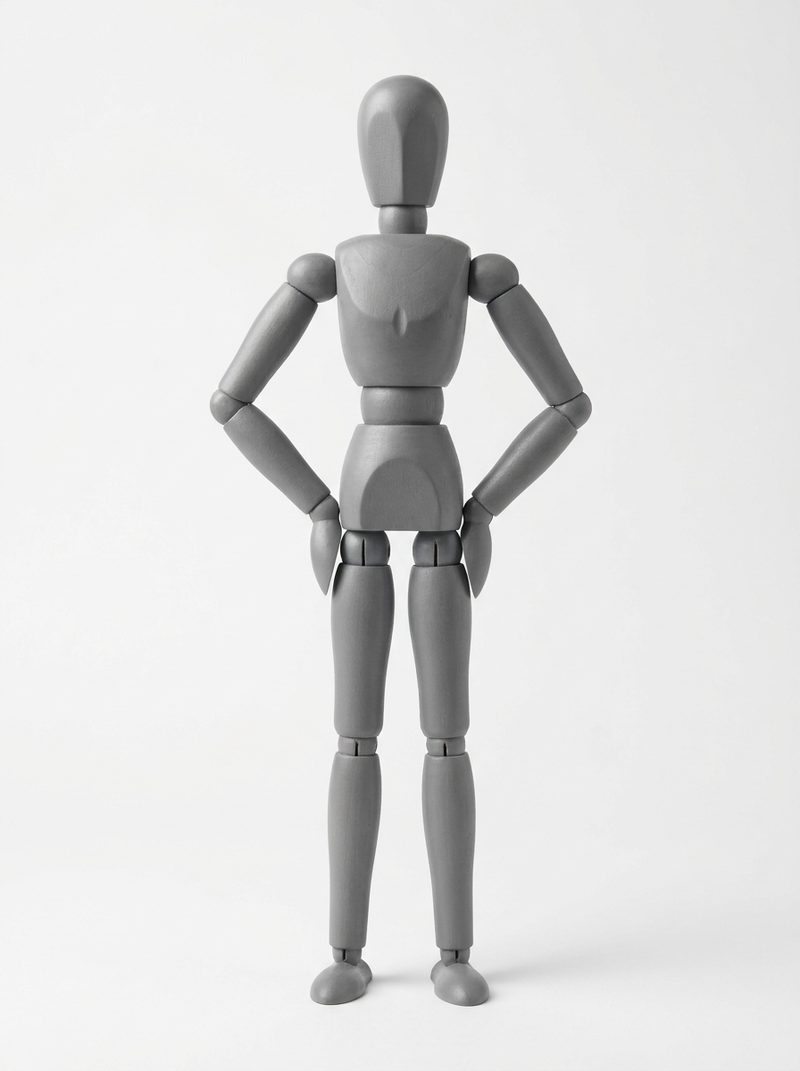
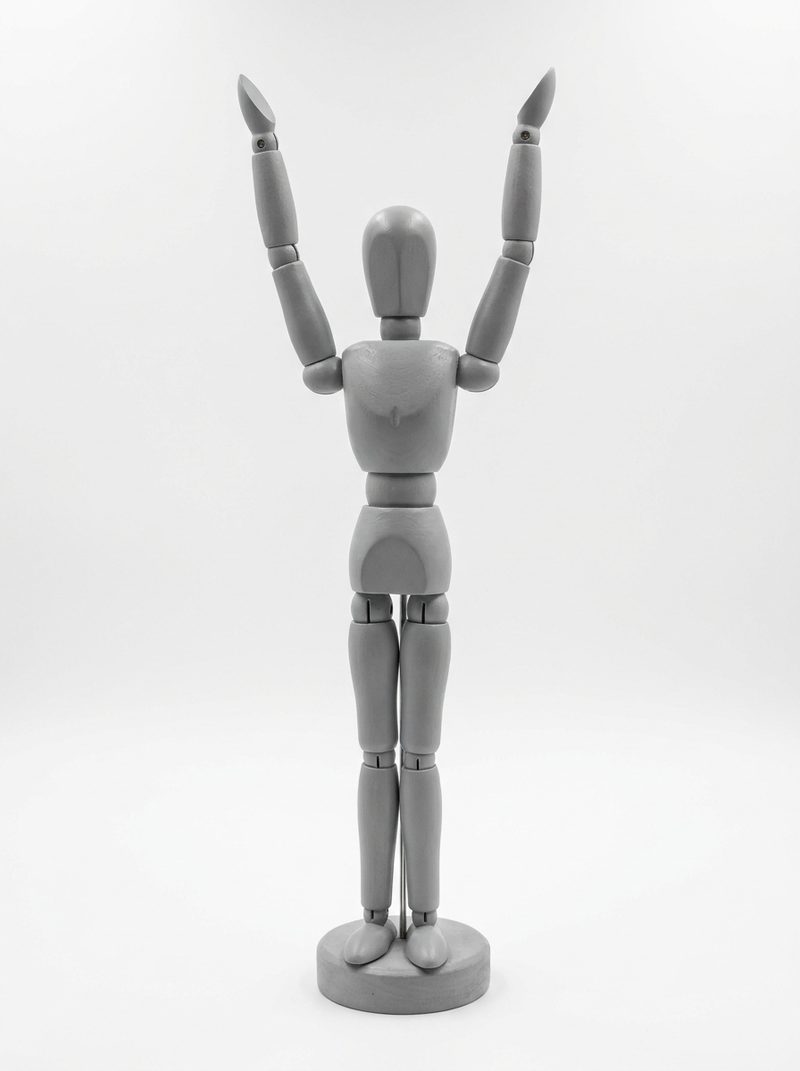
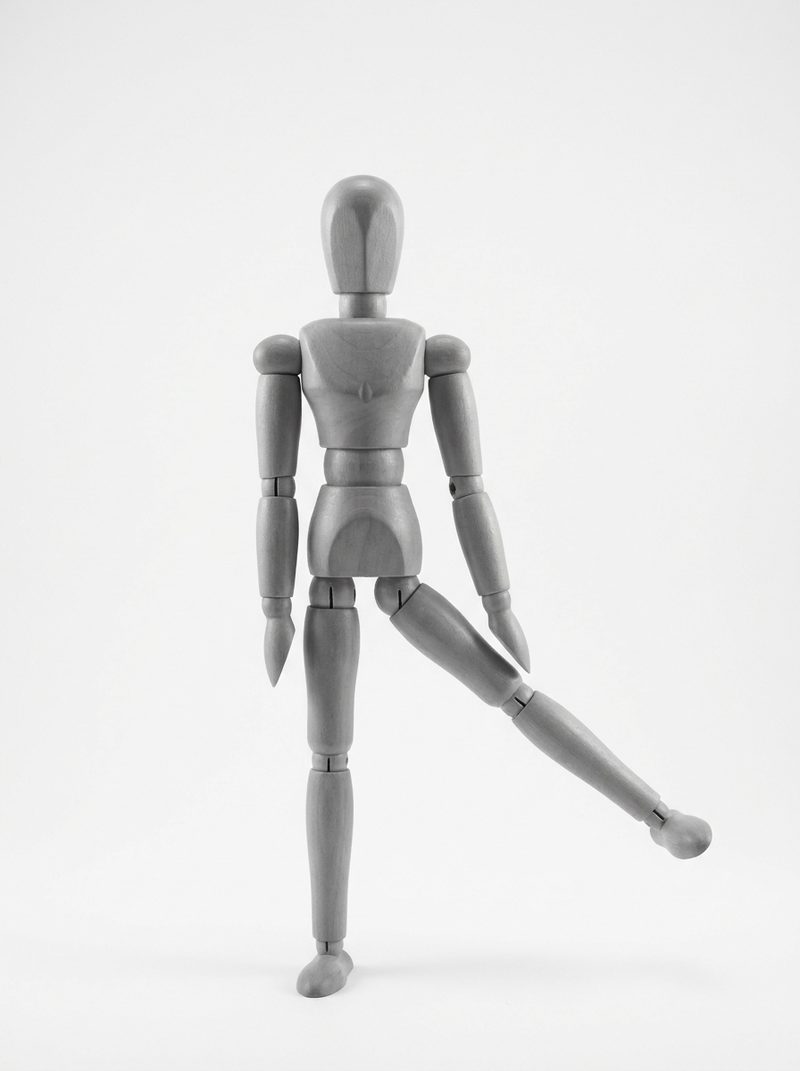
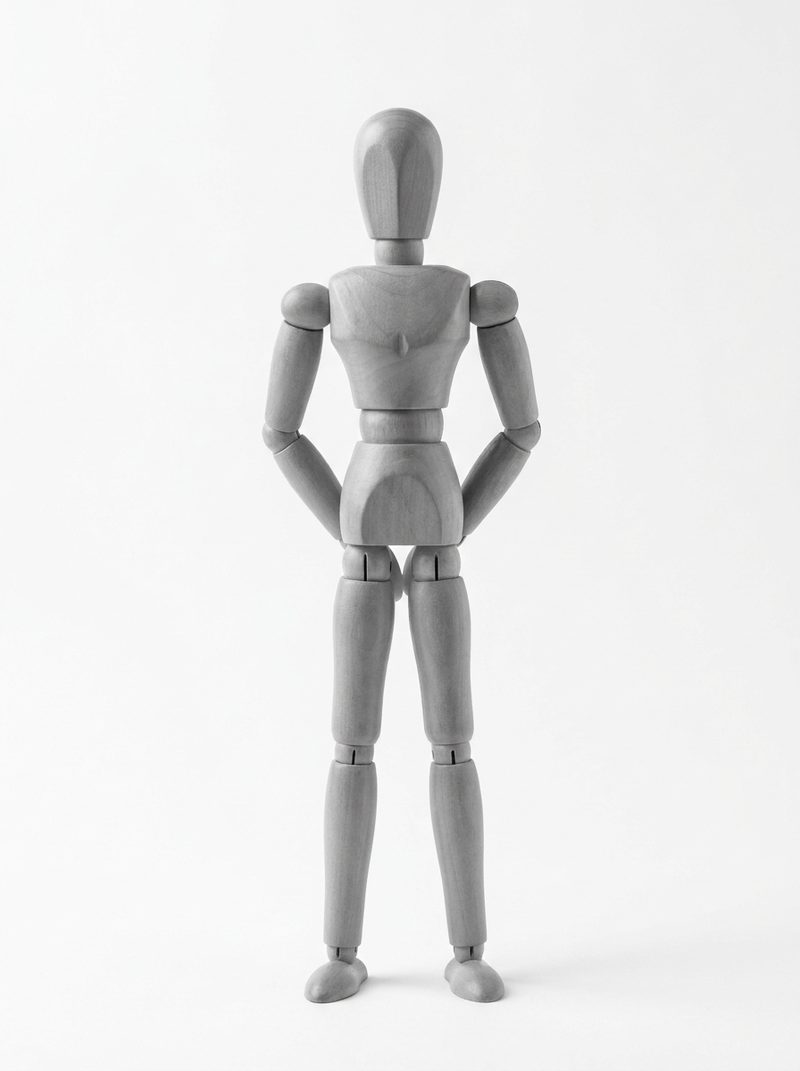
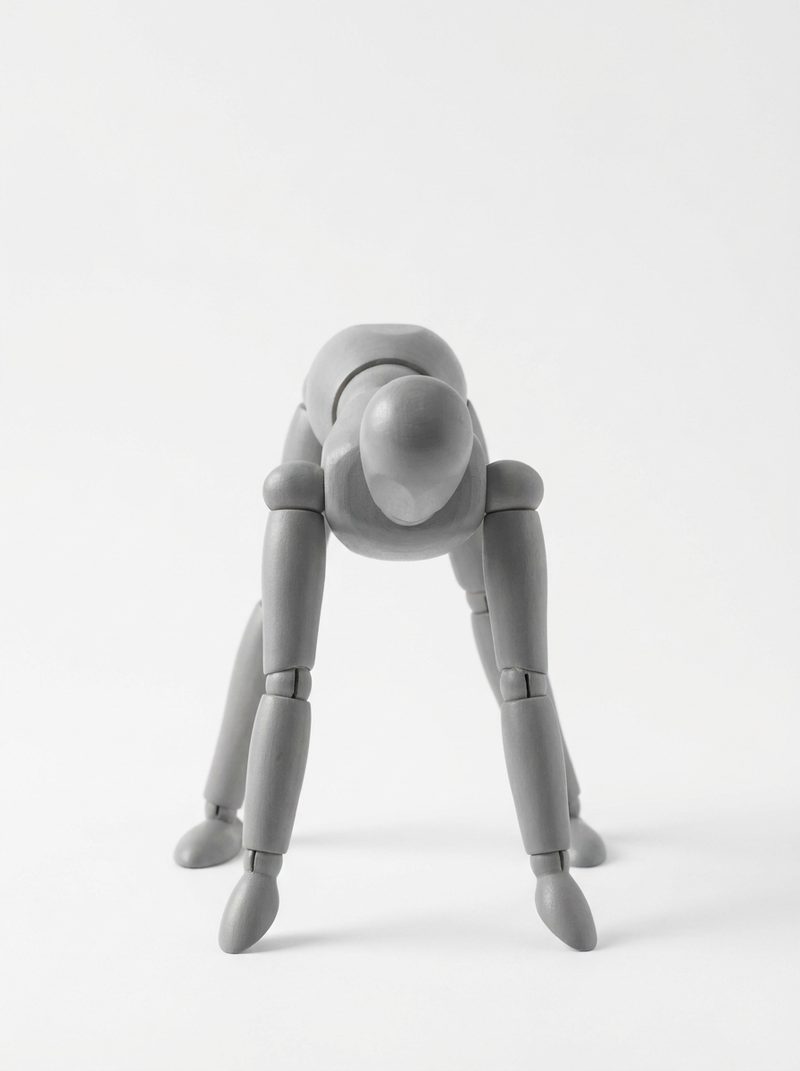
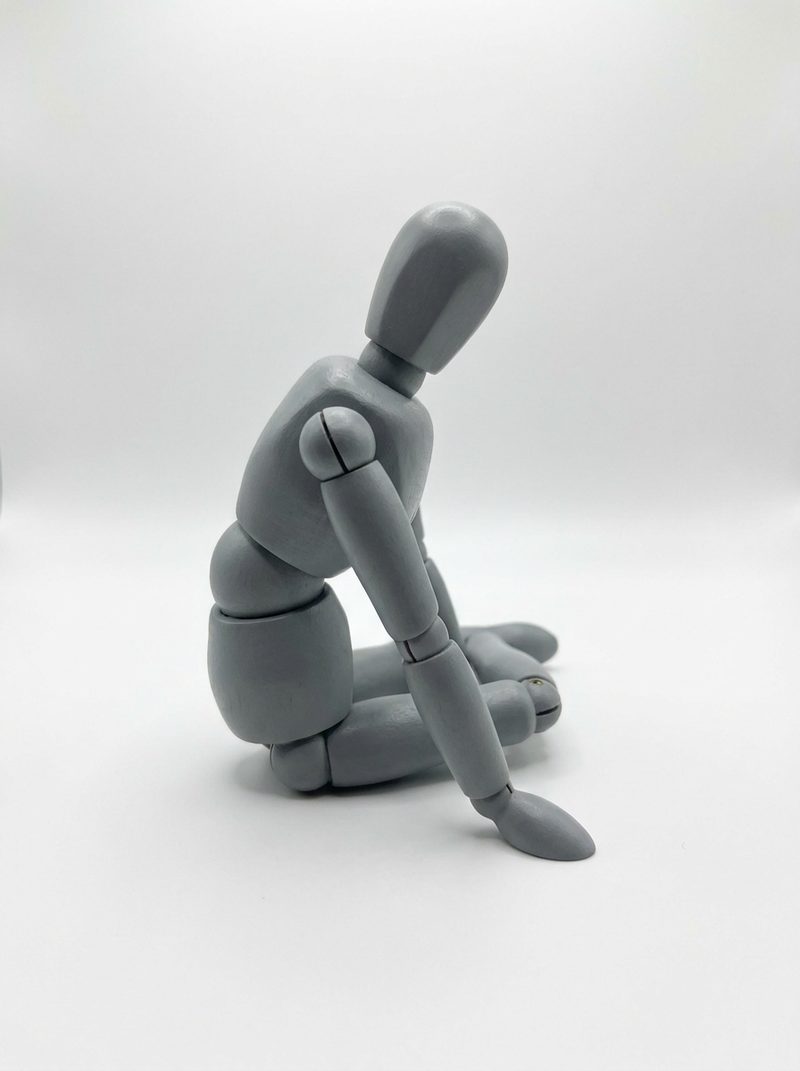
Filter by framing or category, copy the prompt, or send the pose straight into the text-to-image generator. Every thumbnail is our own studio render of a wooden artist mannequin — no third-party photo is used anywhere in the library.
Why a pose library beats guessing descriptions
Why a pose library beats guessing descriptions
Copy the prompt in one tap
Each pose carries an English prompt: the body description first, then a short chibi style tail. Use it as-is or edit the parts you care about.
Filter, then search
Narrow the set by framing — full body or upper body — and by one of the eleven categories, then search the pose tags if you already know what you want.
Straight into the generator
Hitting “use this pose” opens the text-to-image page with the prompt already filled in. Saving the result costs one credit; browsing and copying are free.
Style stays yours
Pose prompts describe the body only. Add your own character, outfit and art style on top — the pose stays put while everything else changes.
A slice of the library
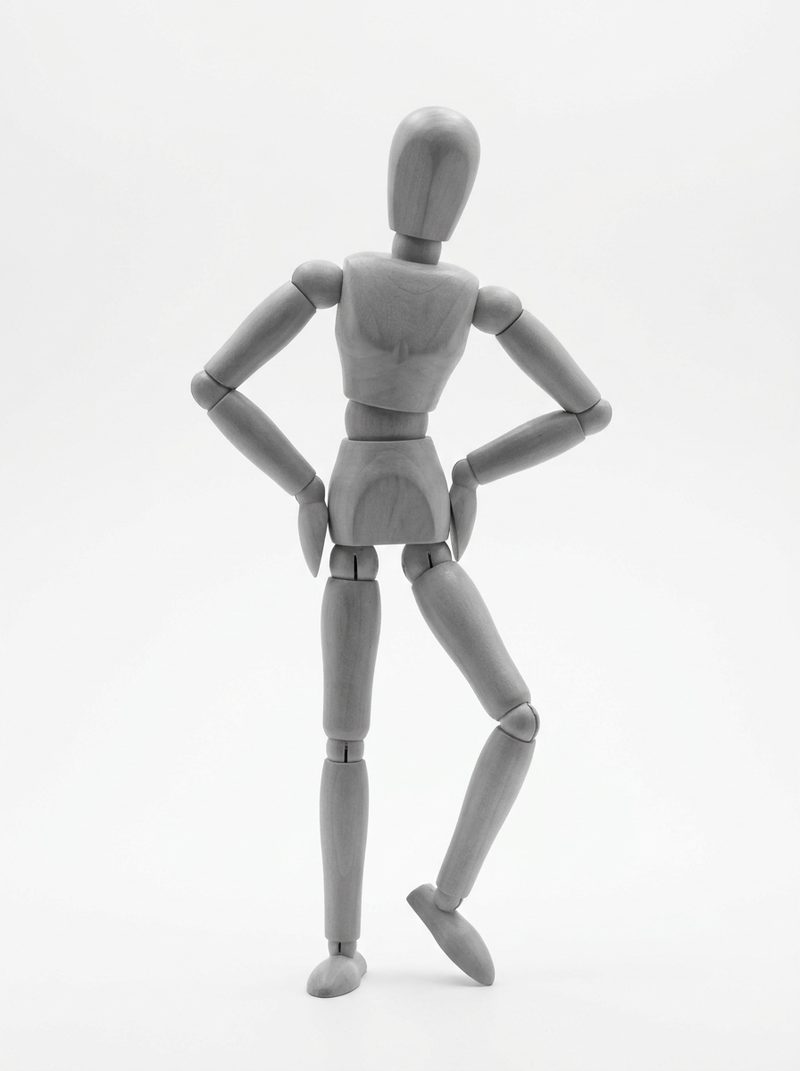
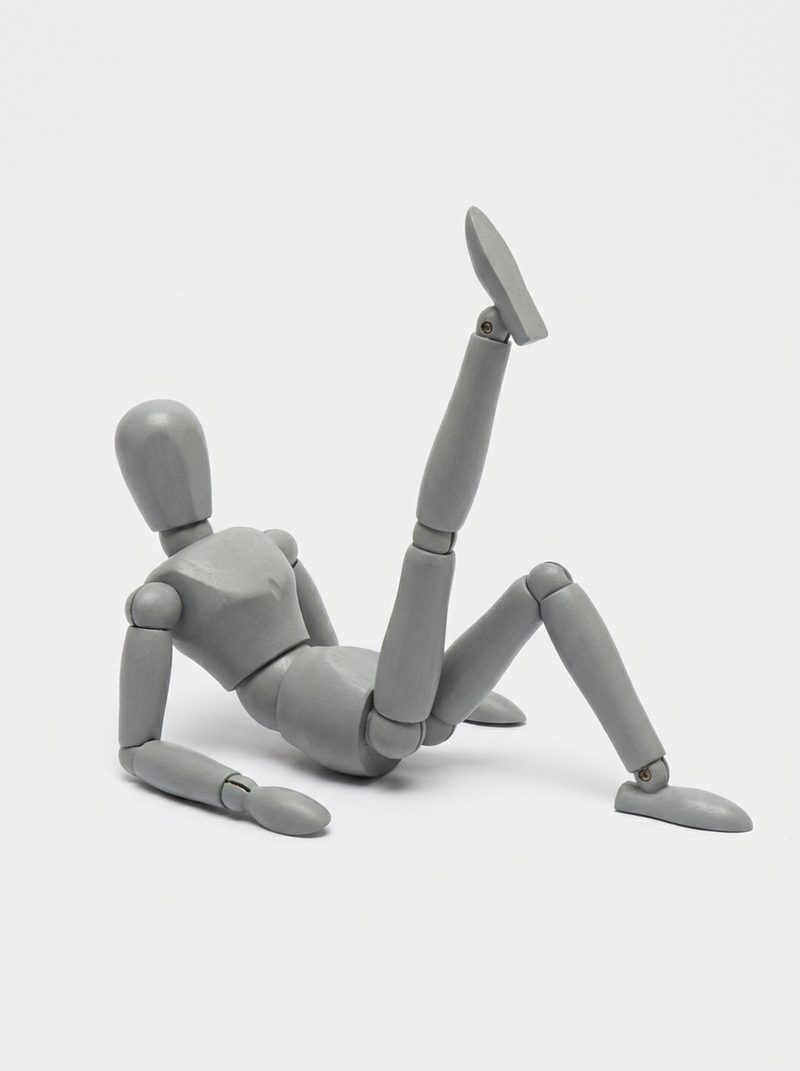
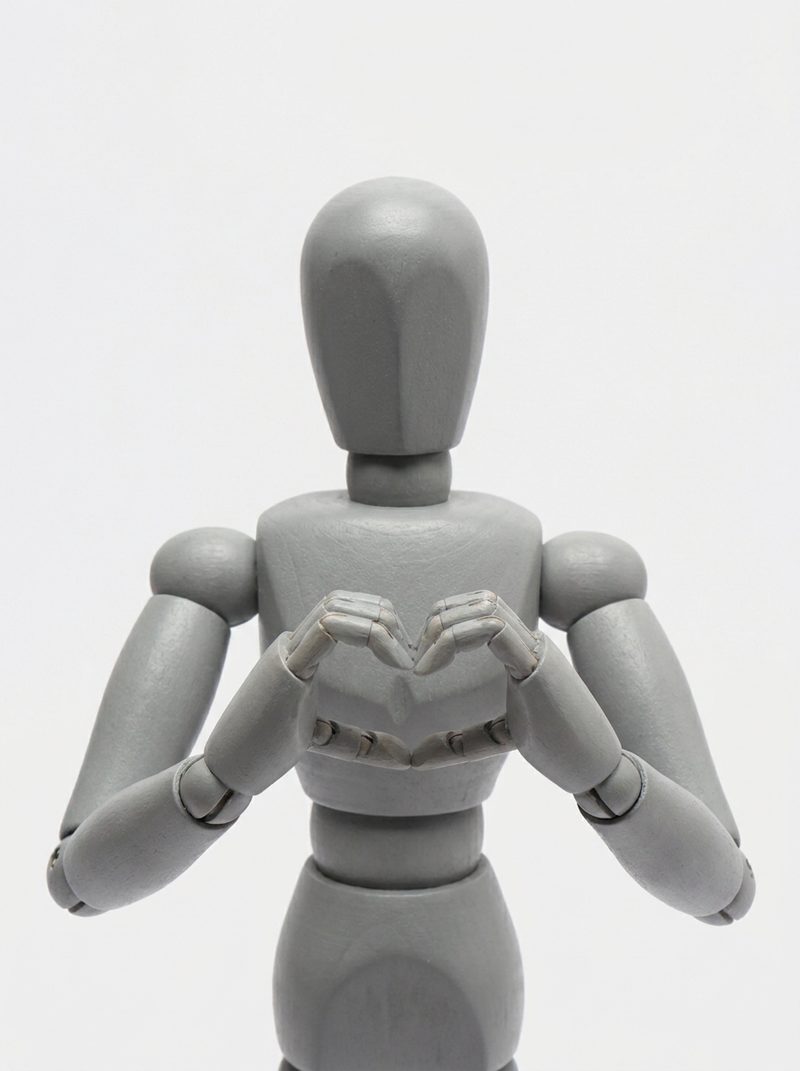
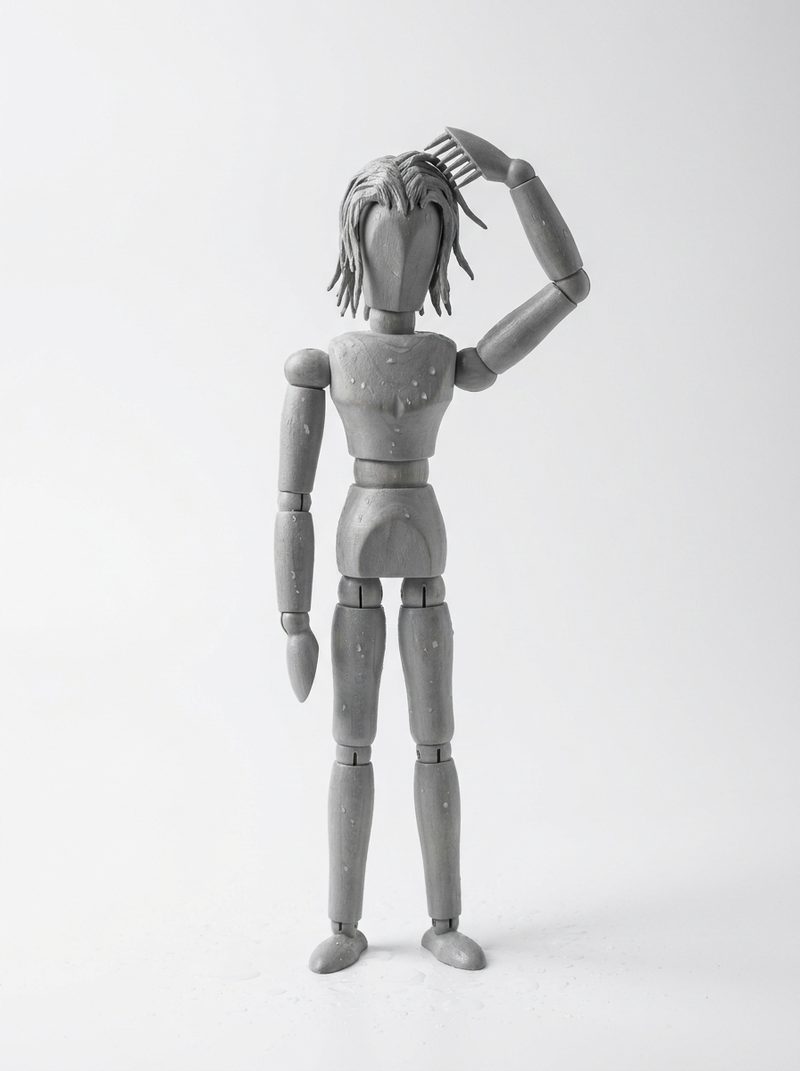
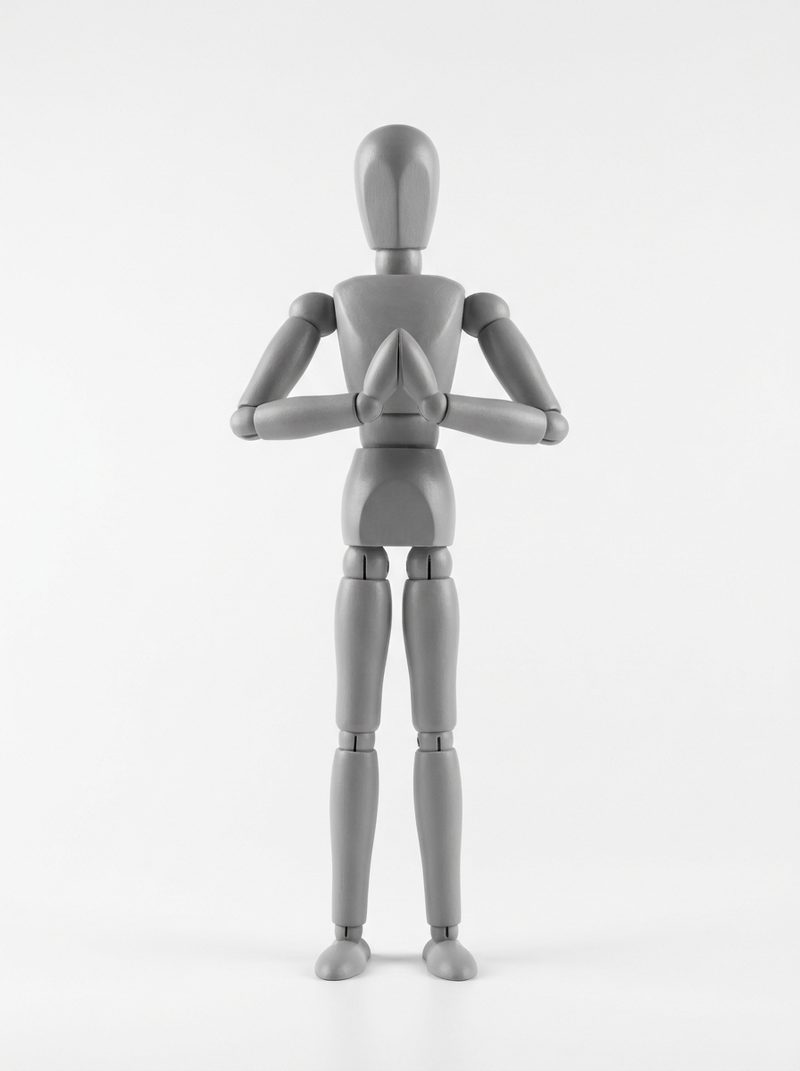
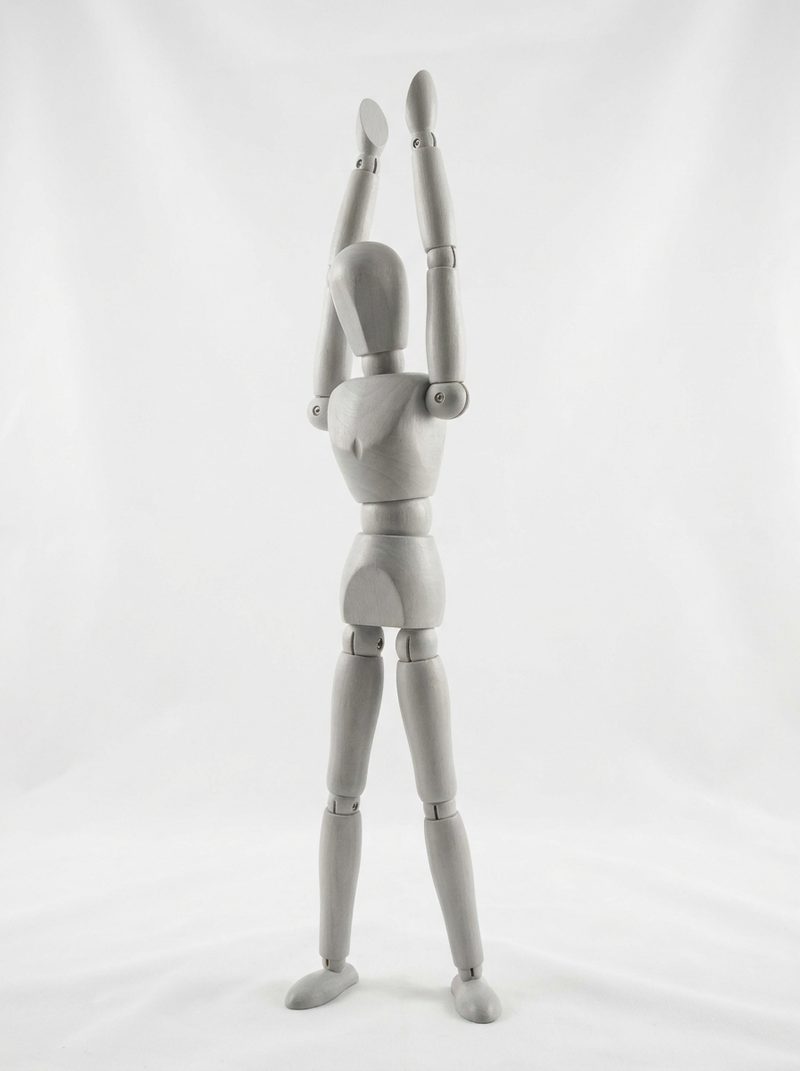
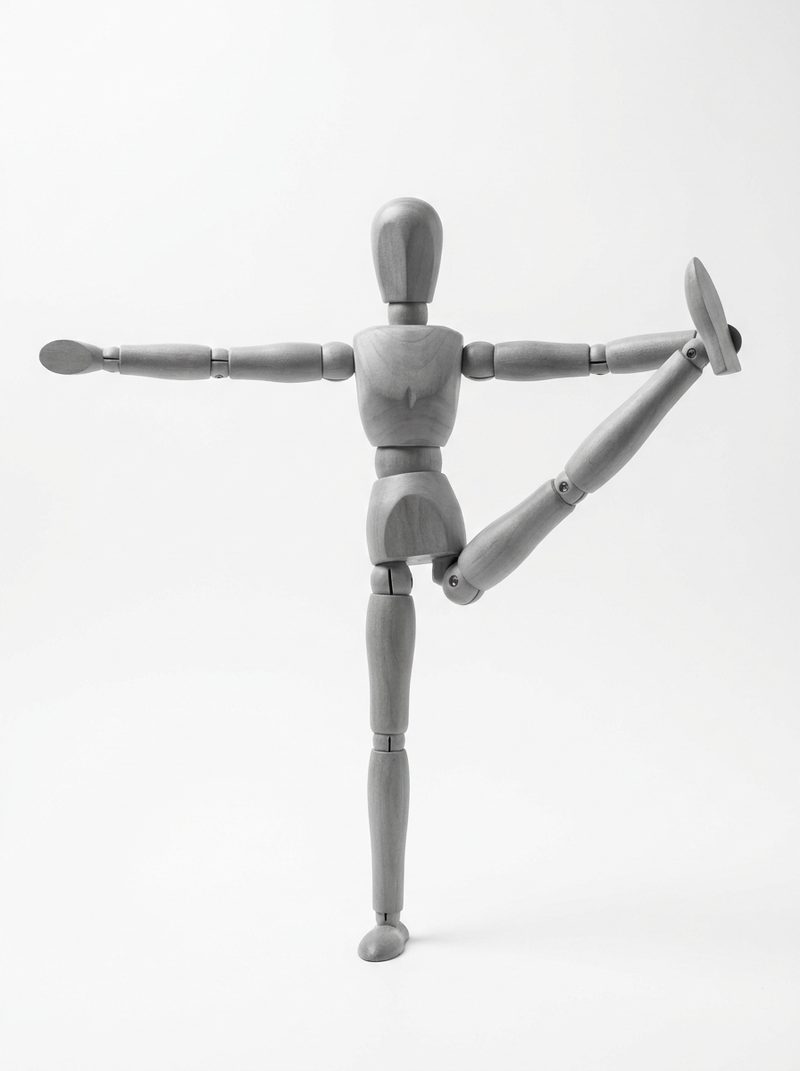
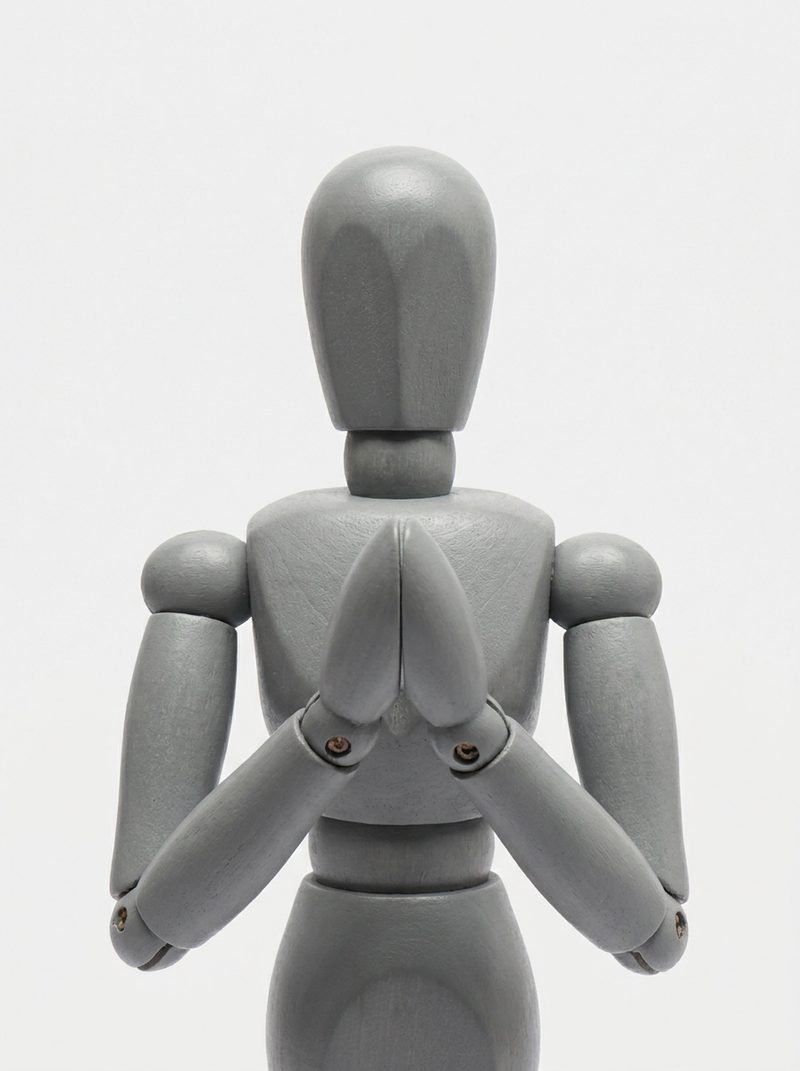
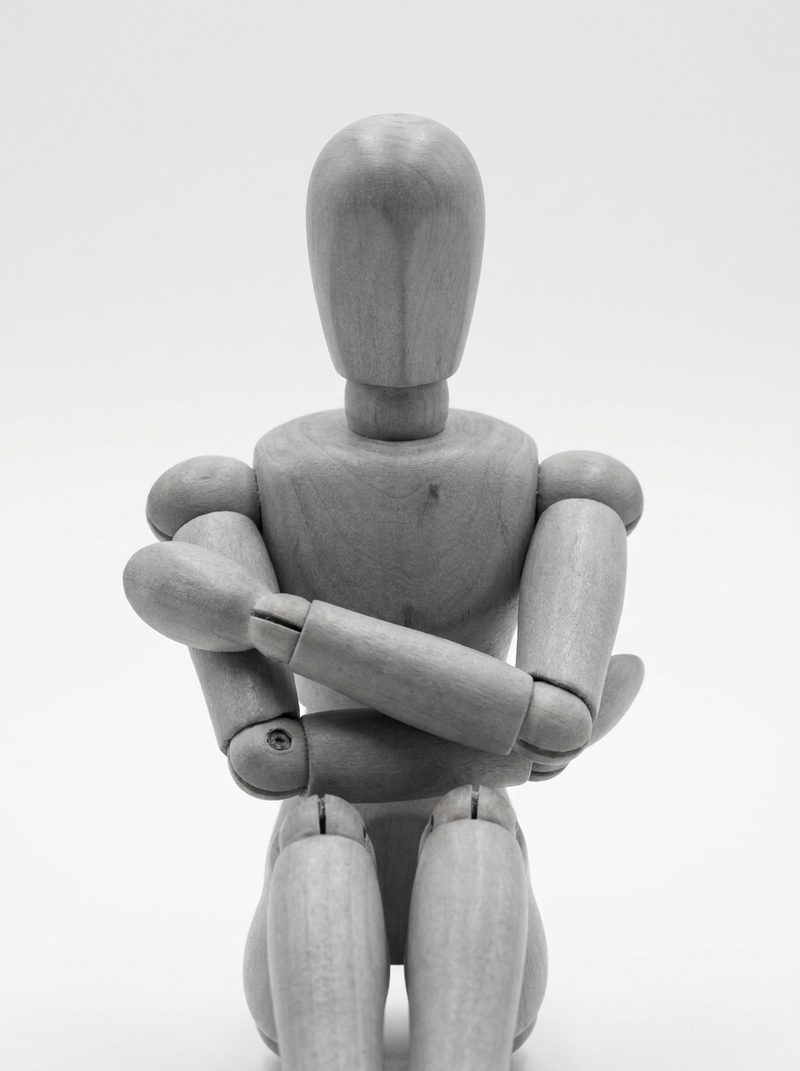
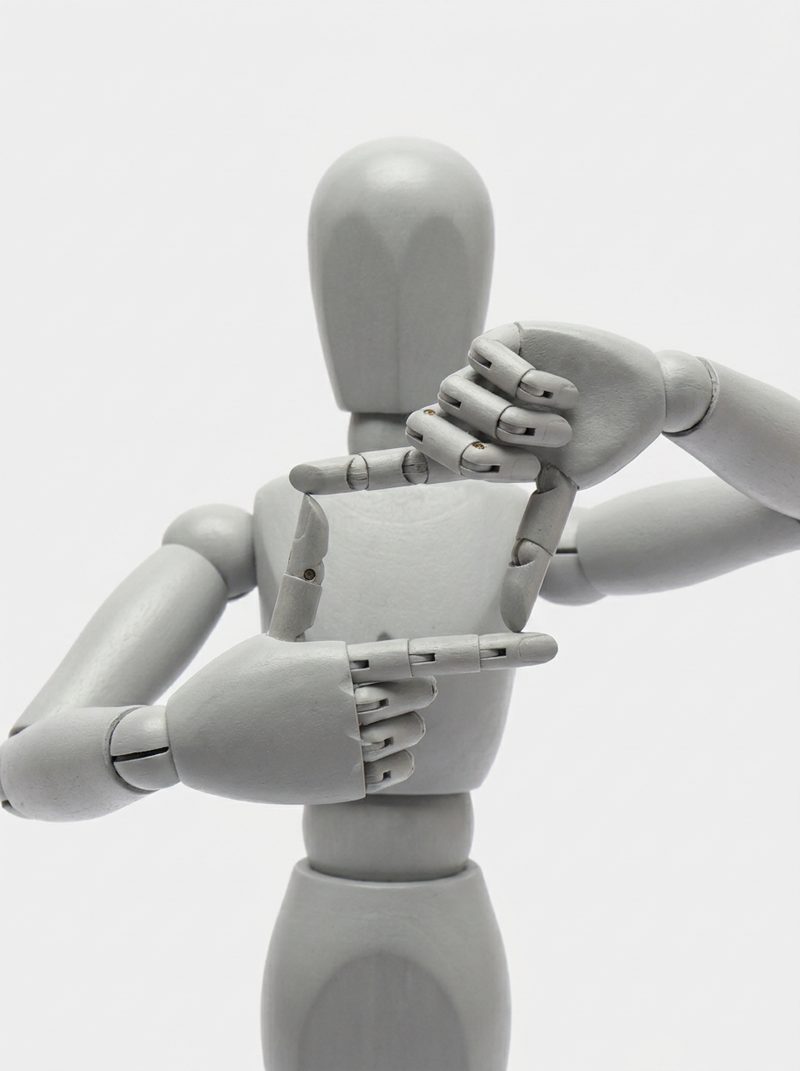
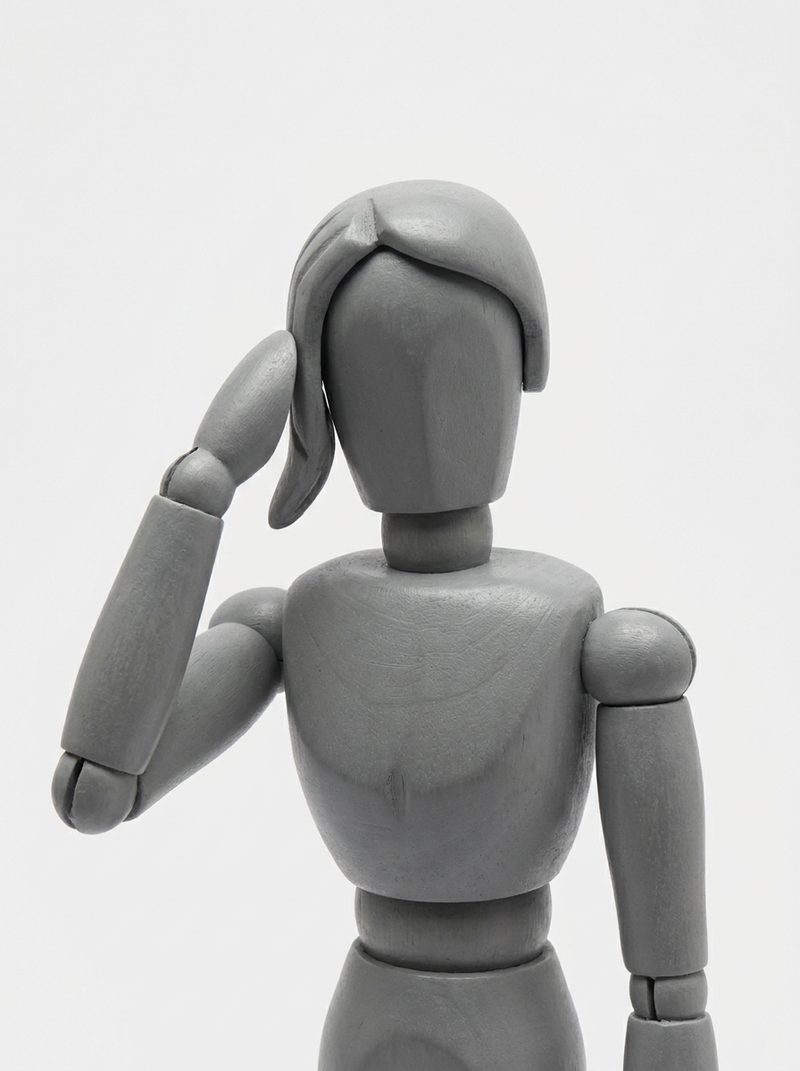
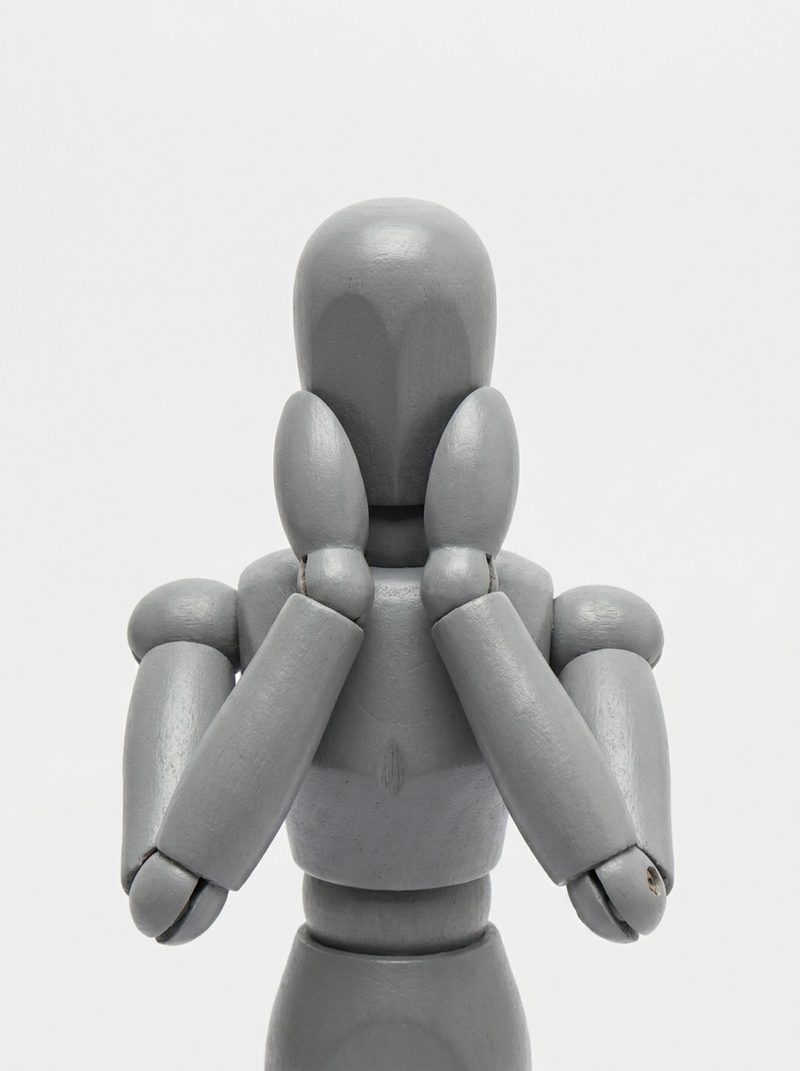
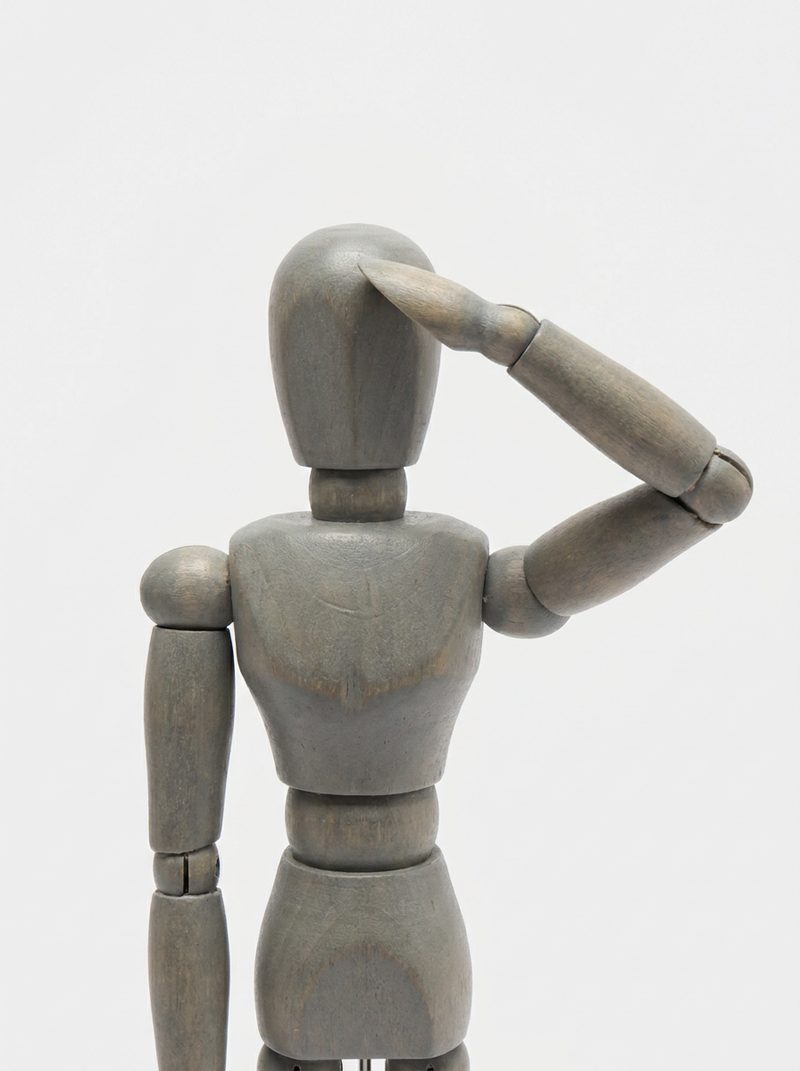
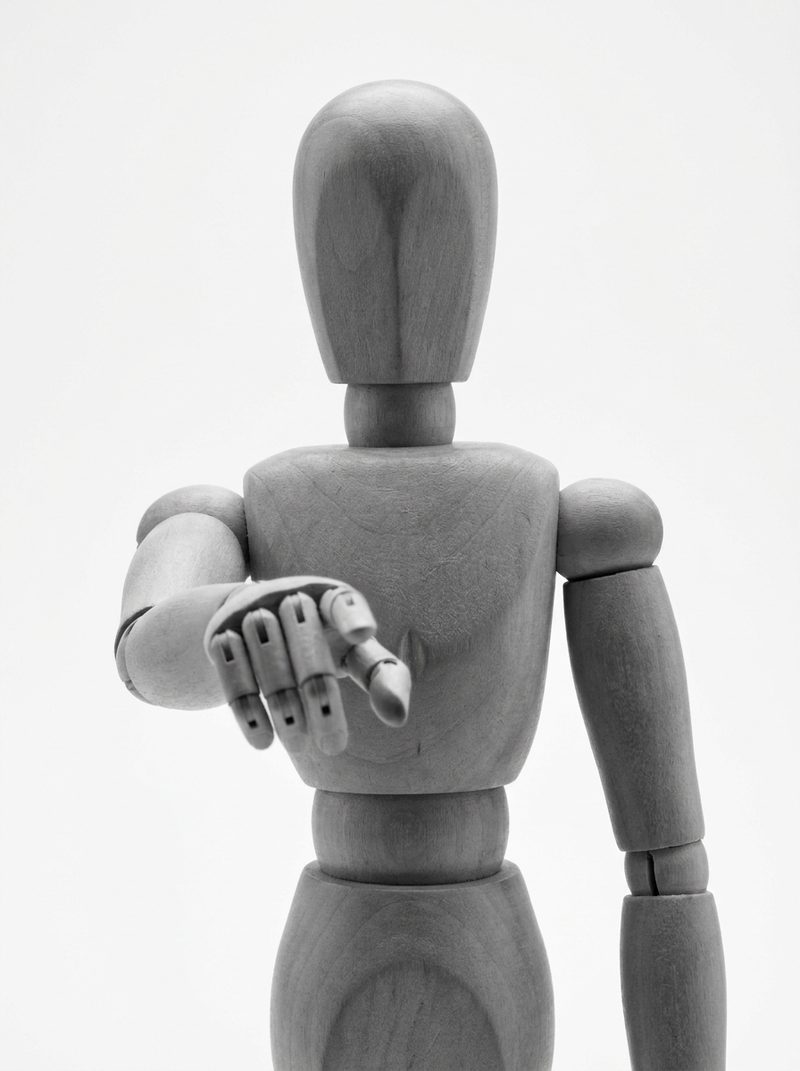
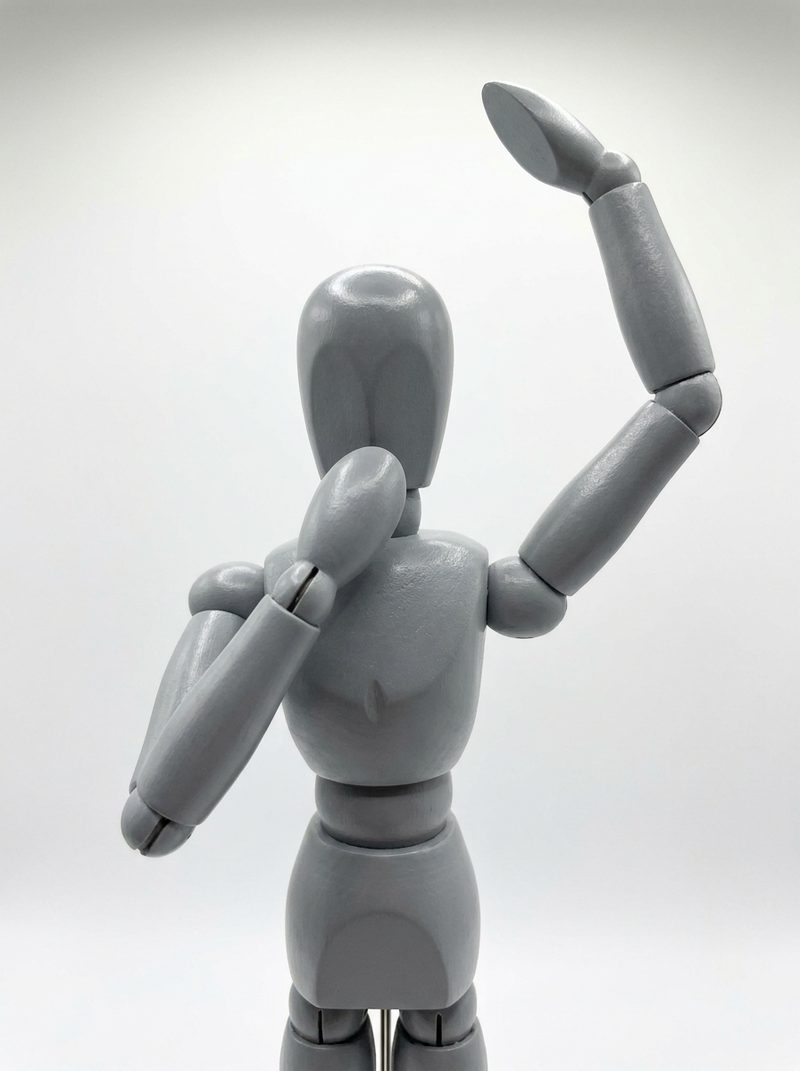
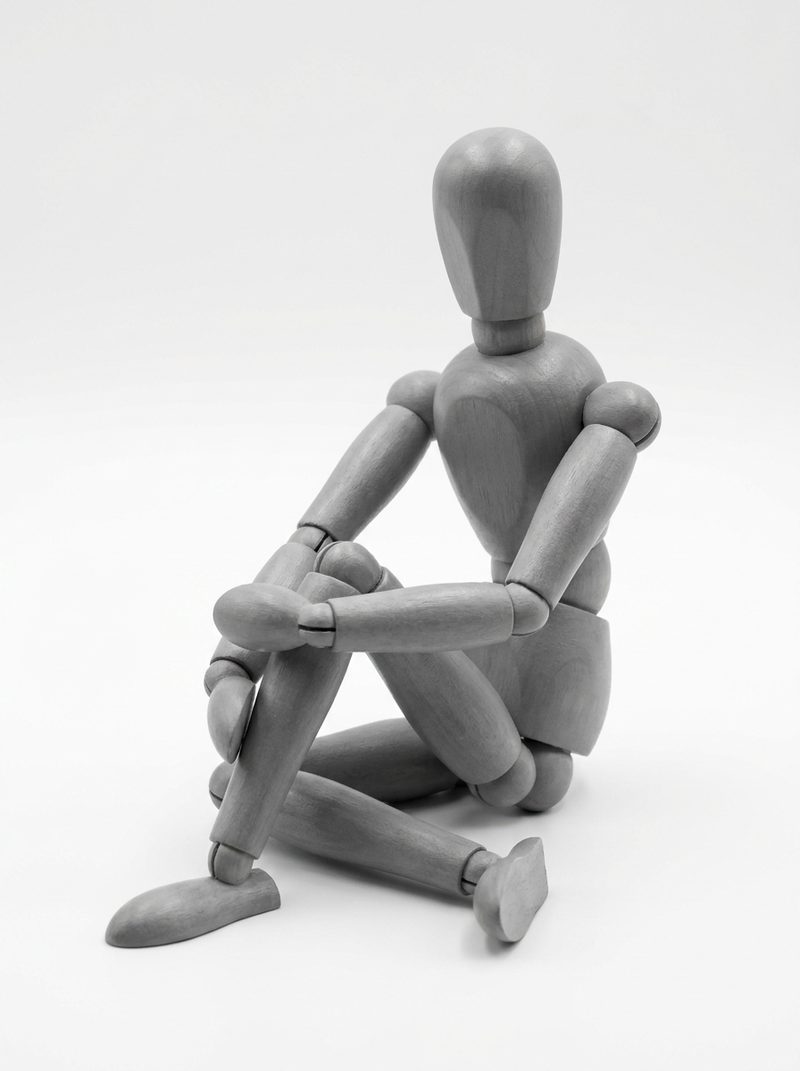
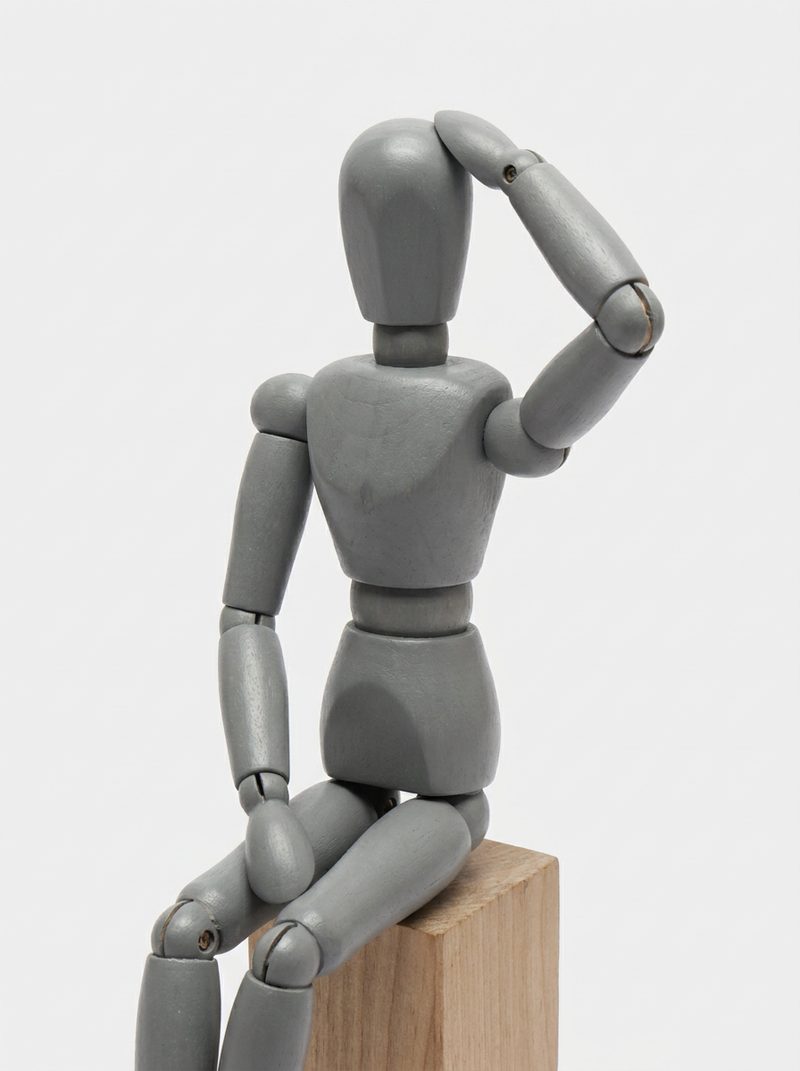
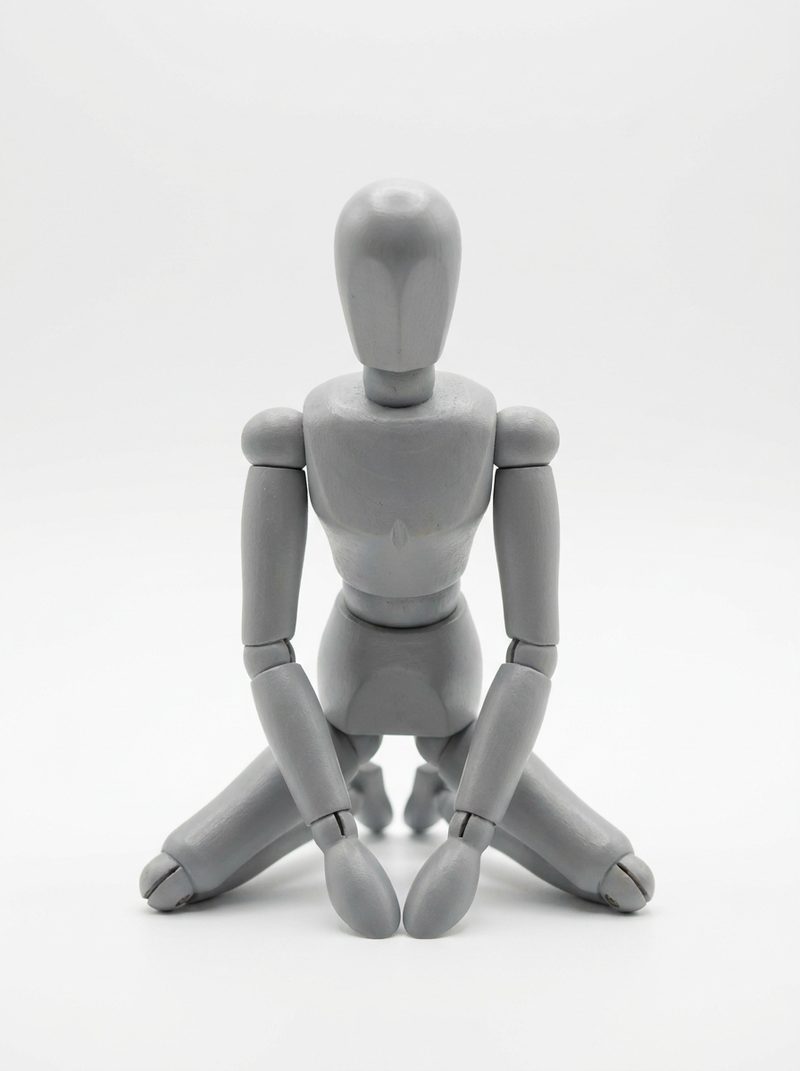
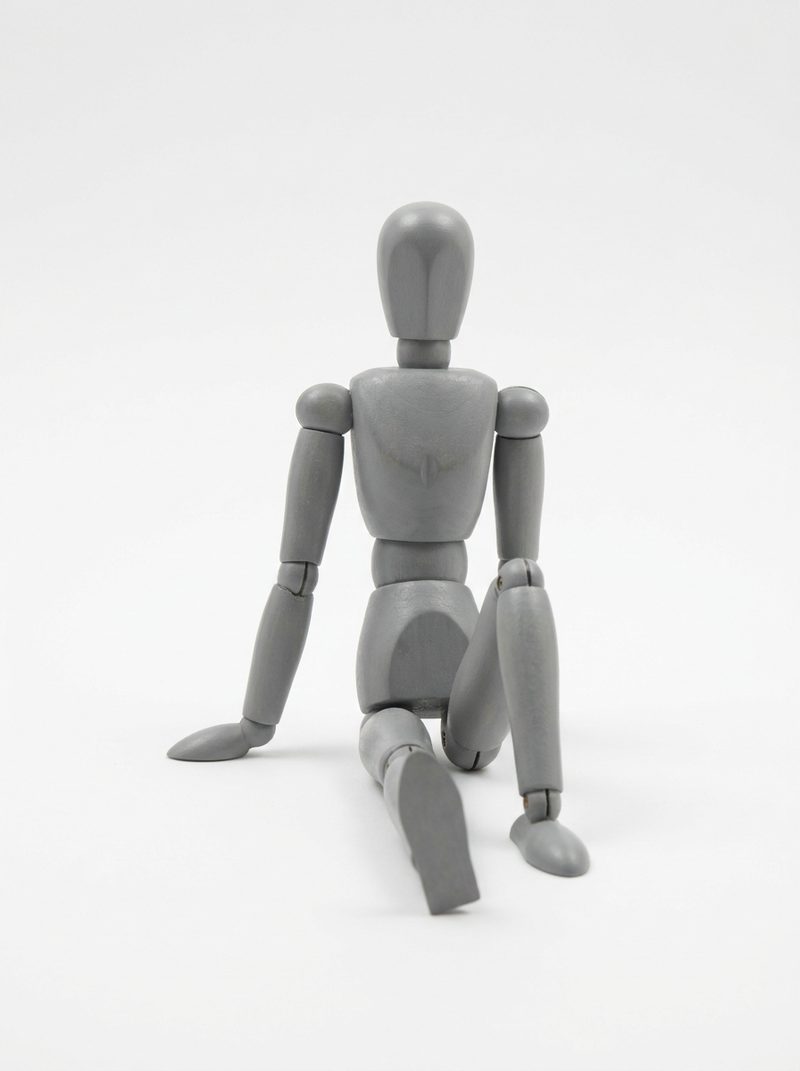
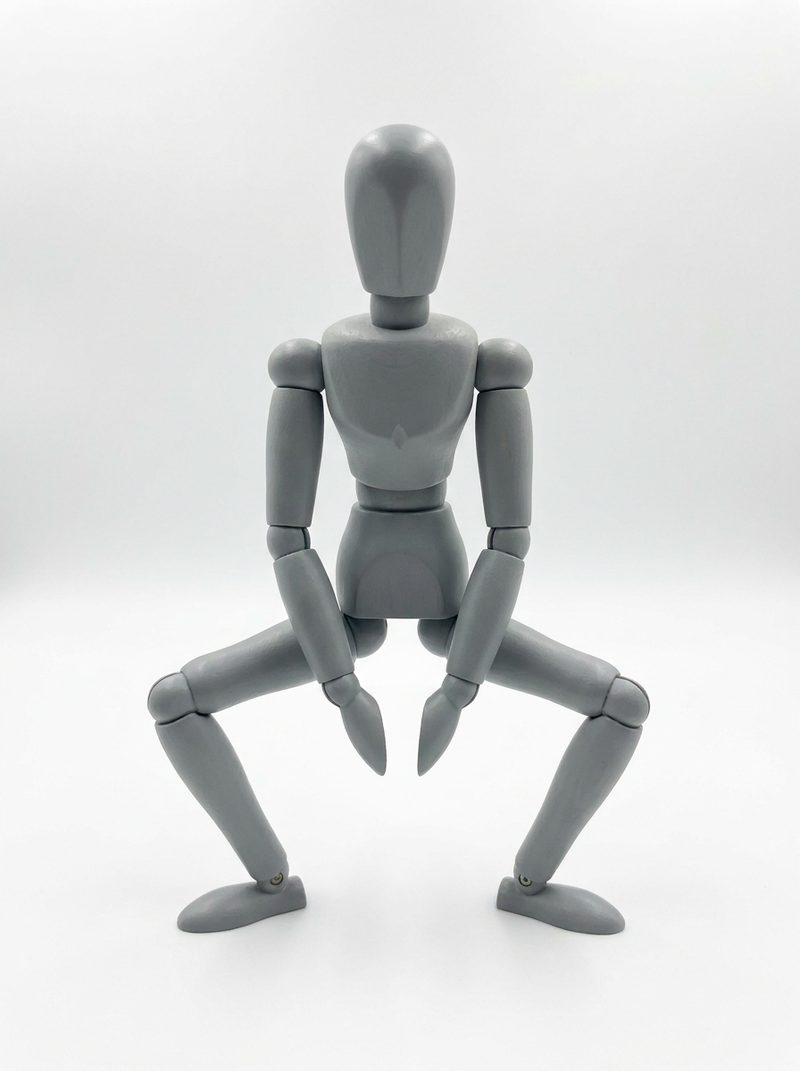
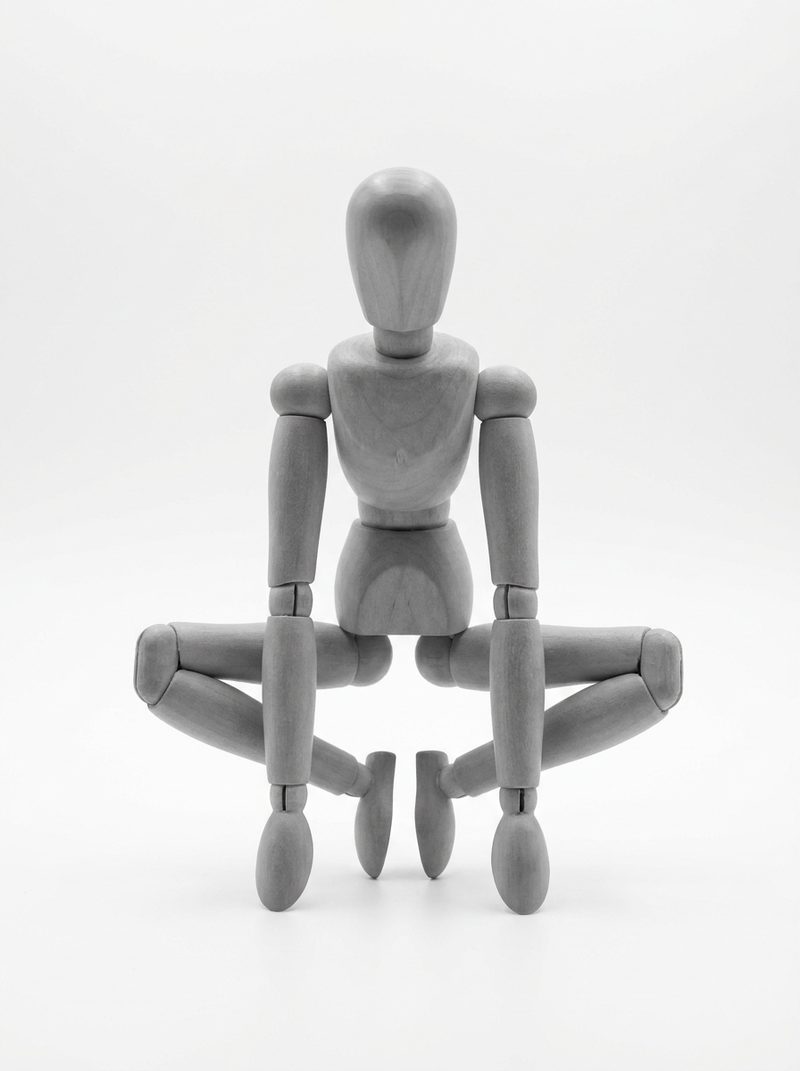
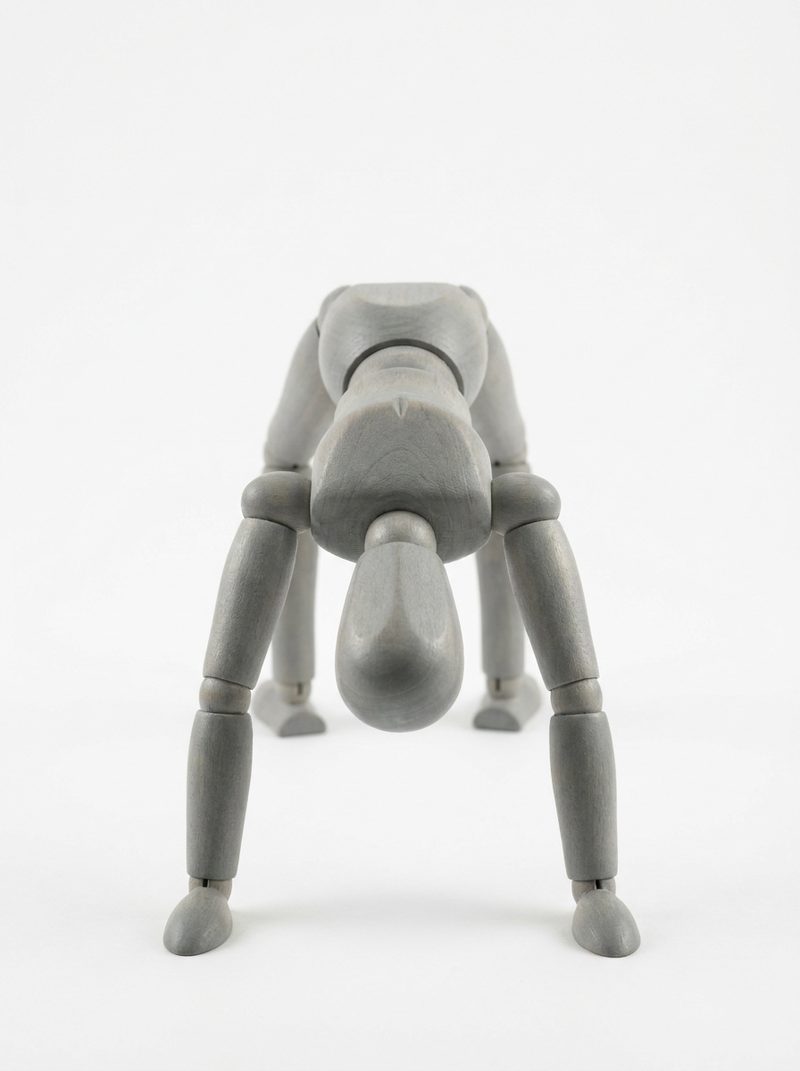
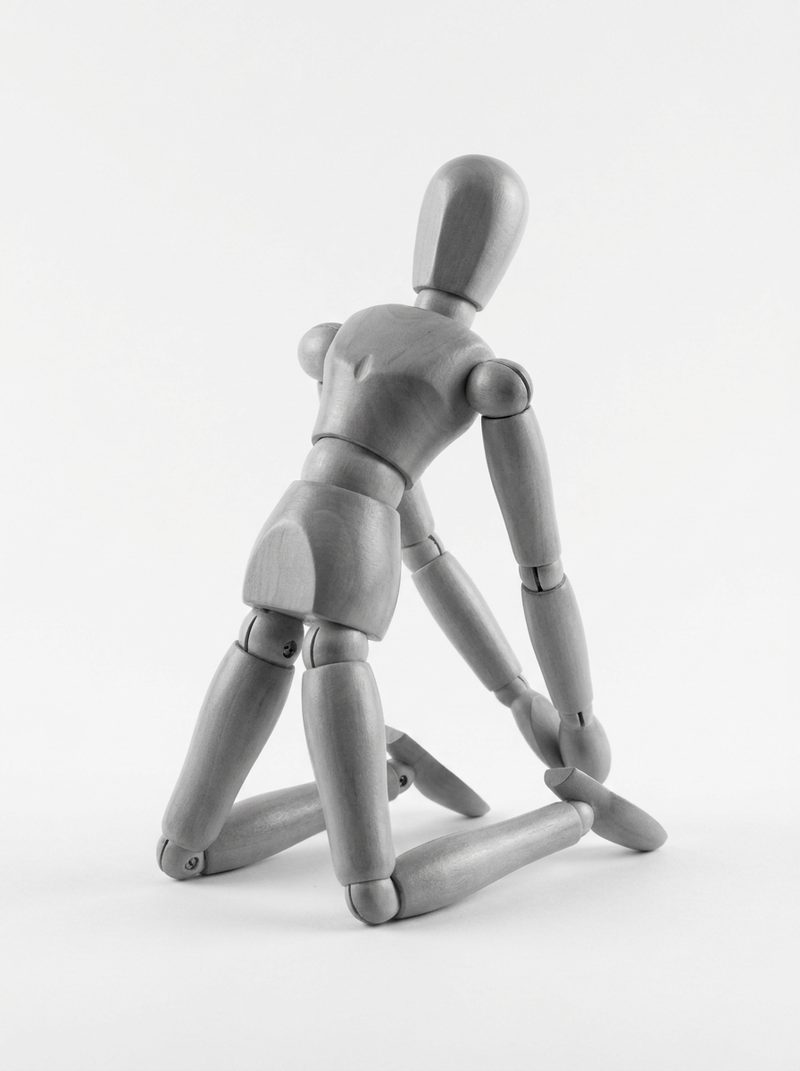
One example from each category. The full set of 155 lives in the app.
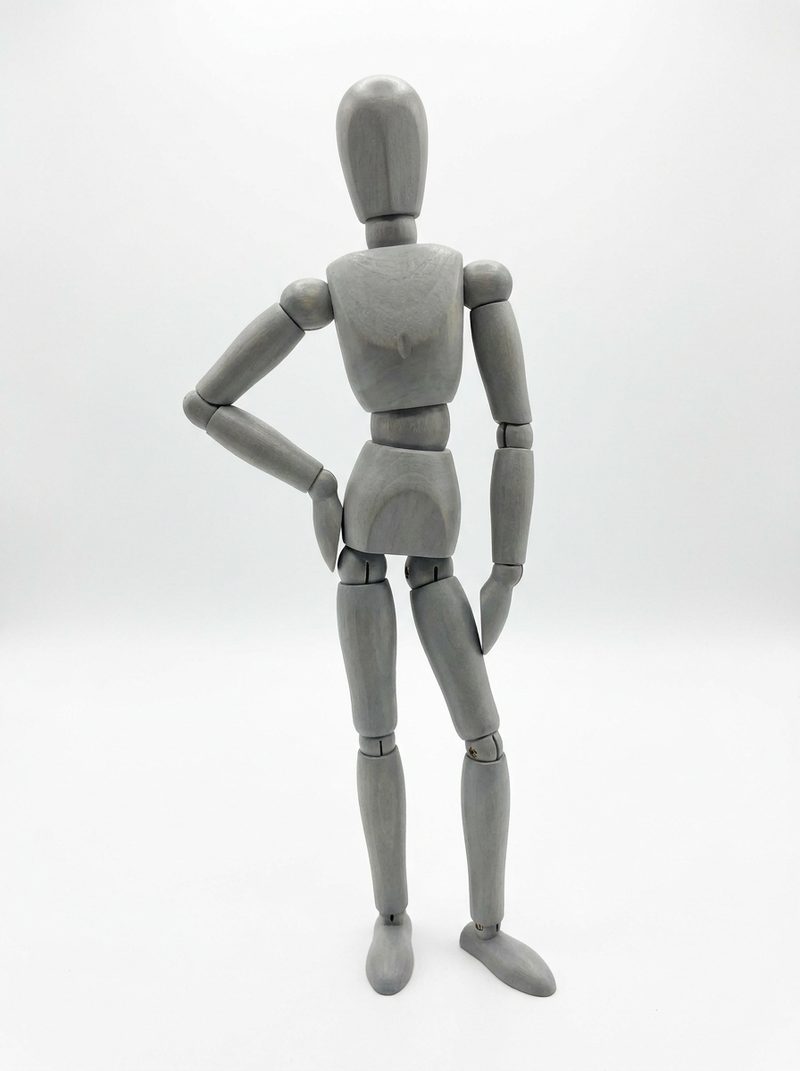
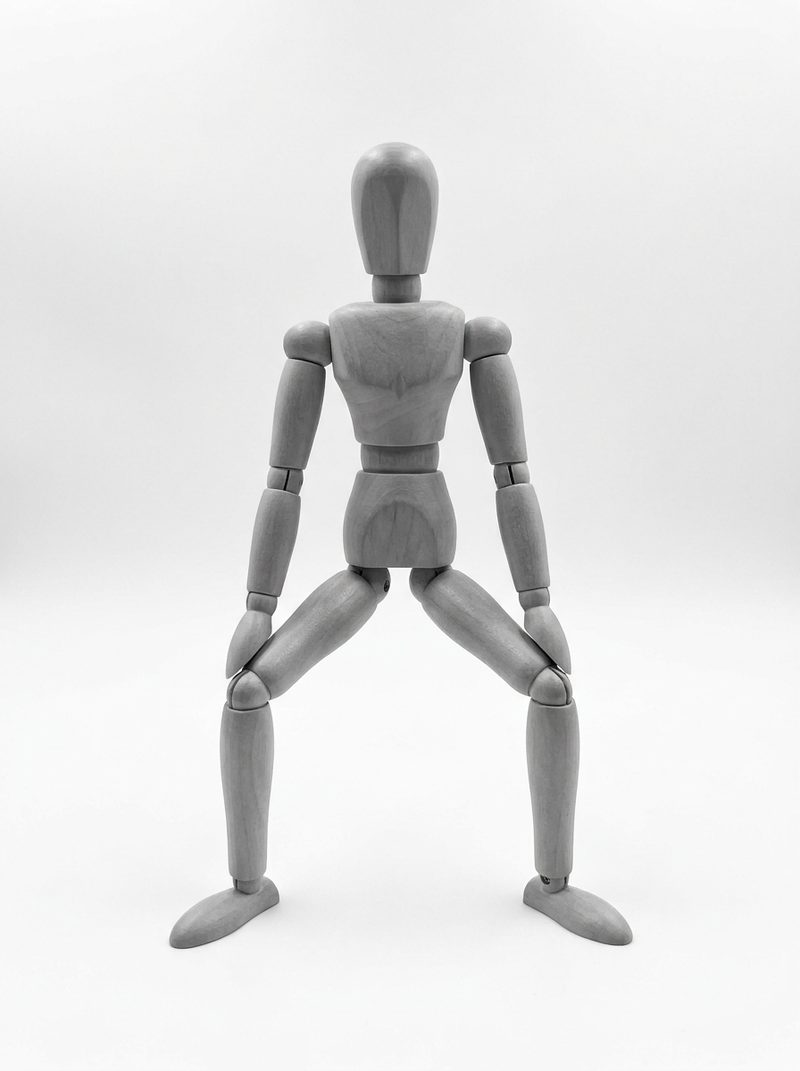
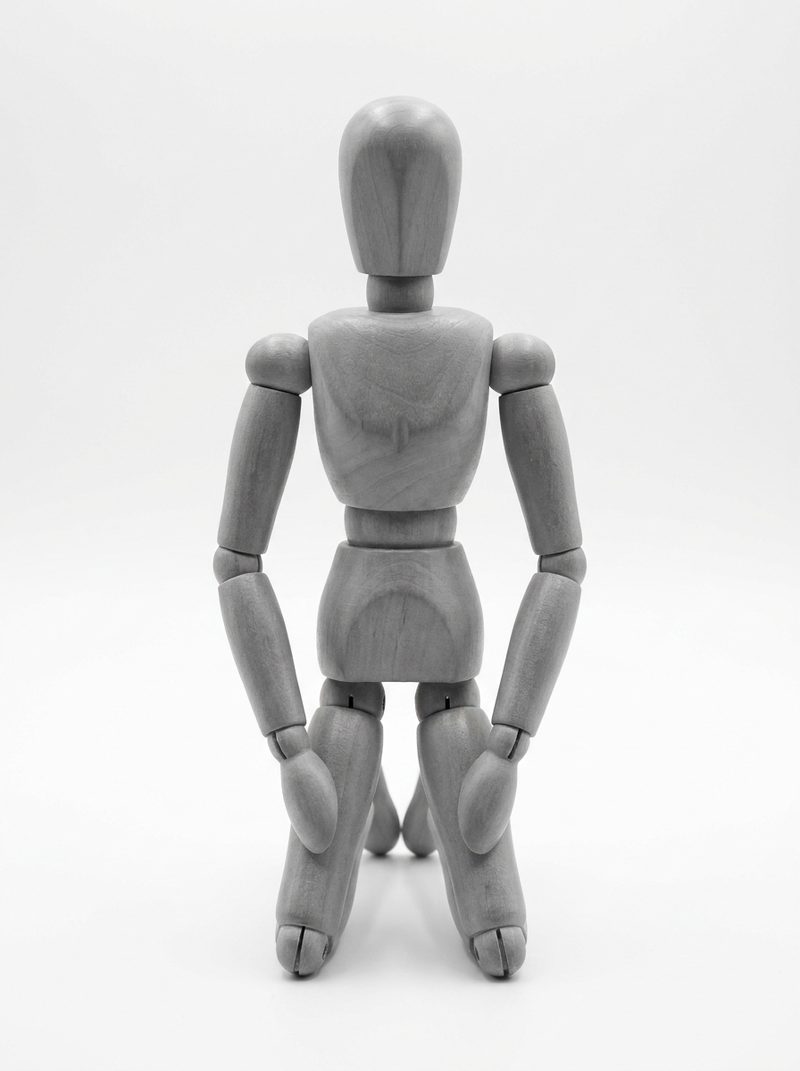
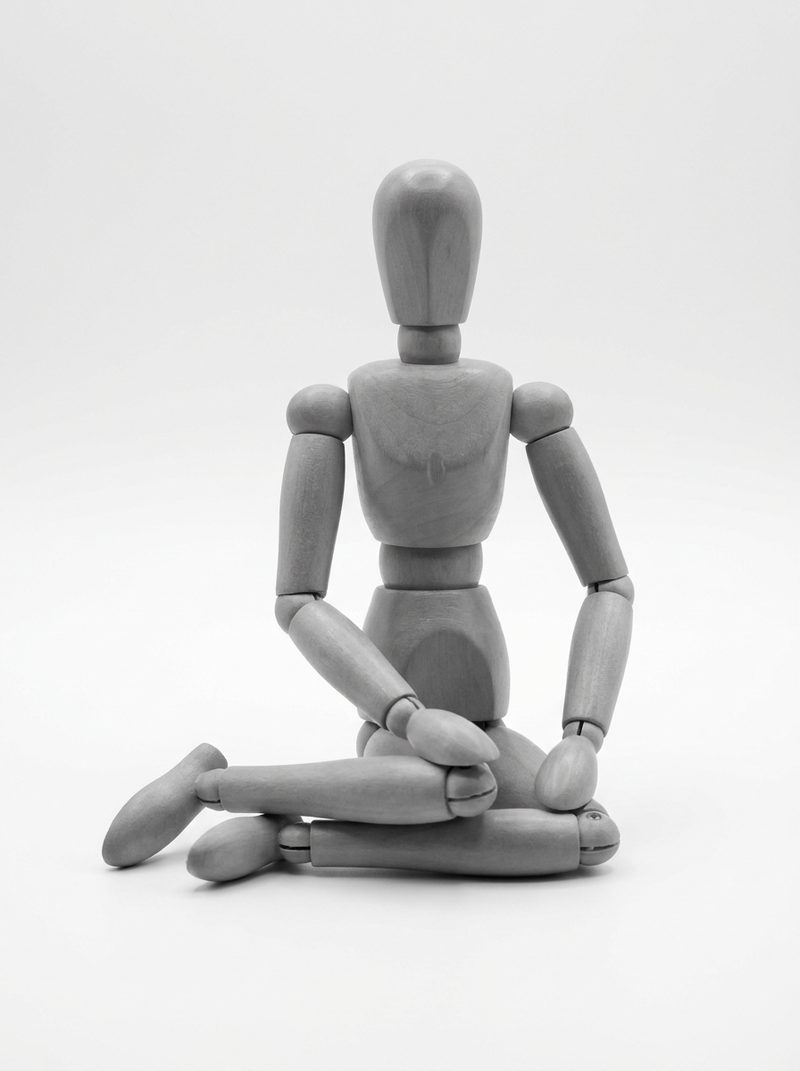
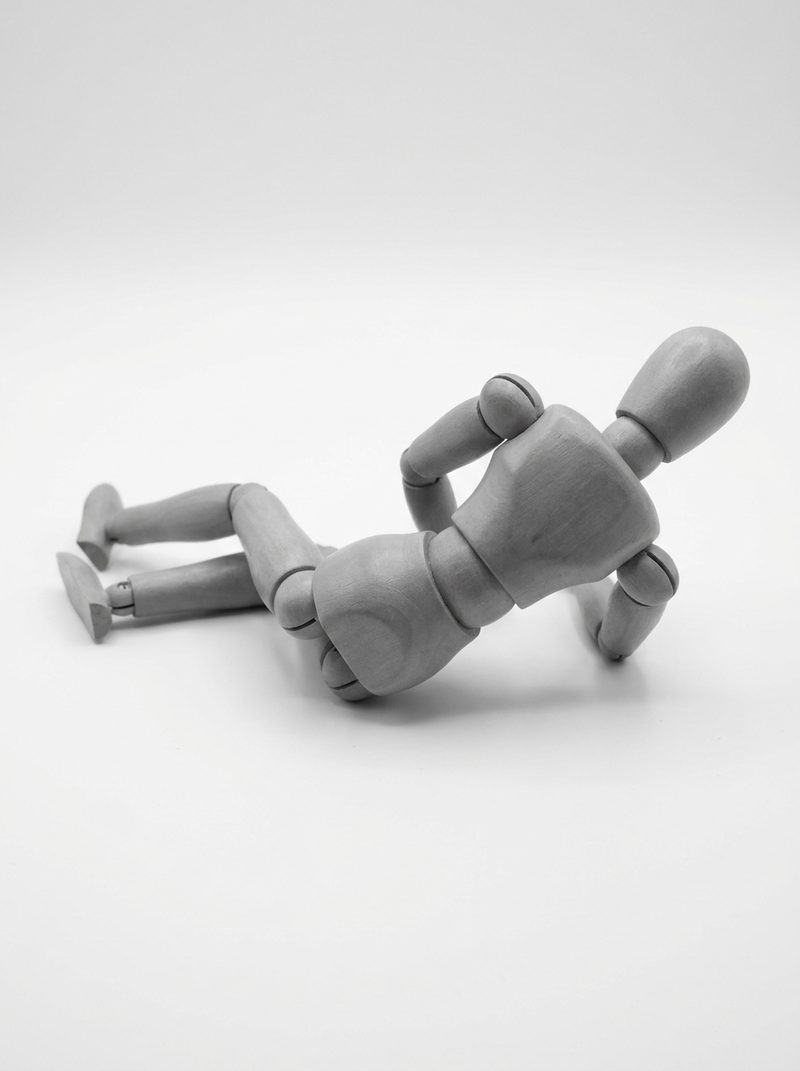
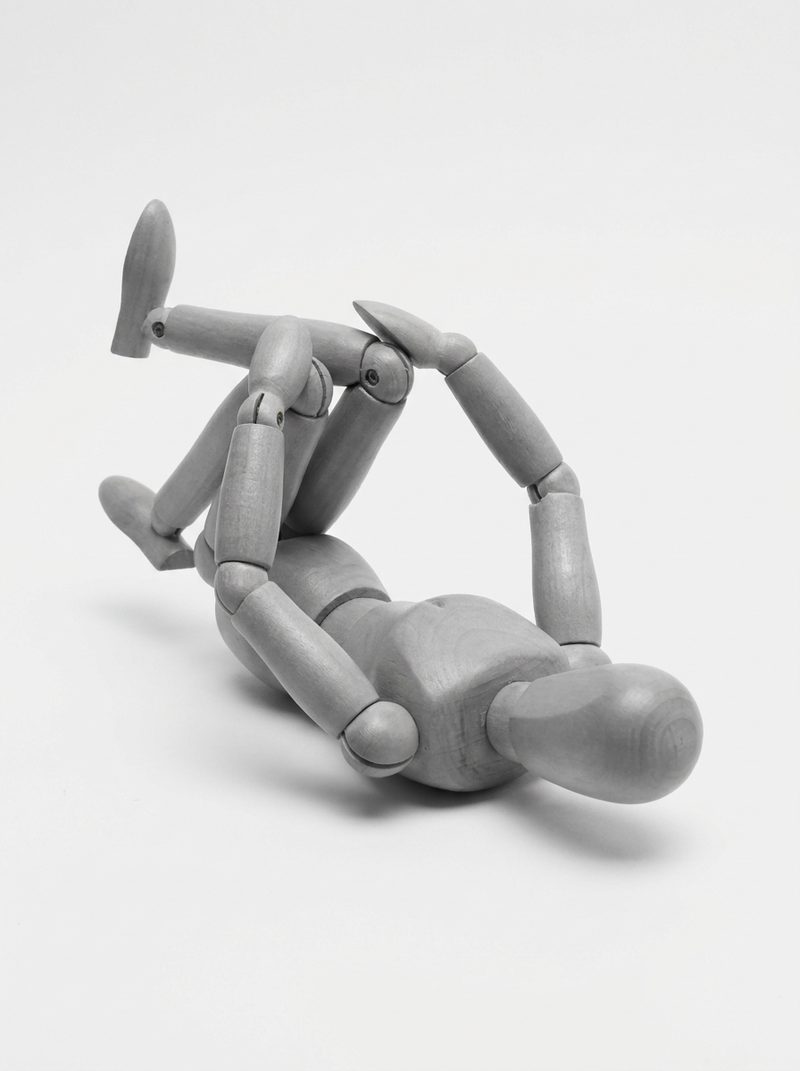
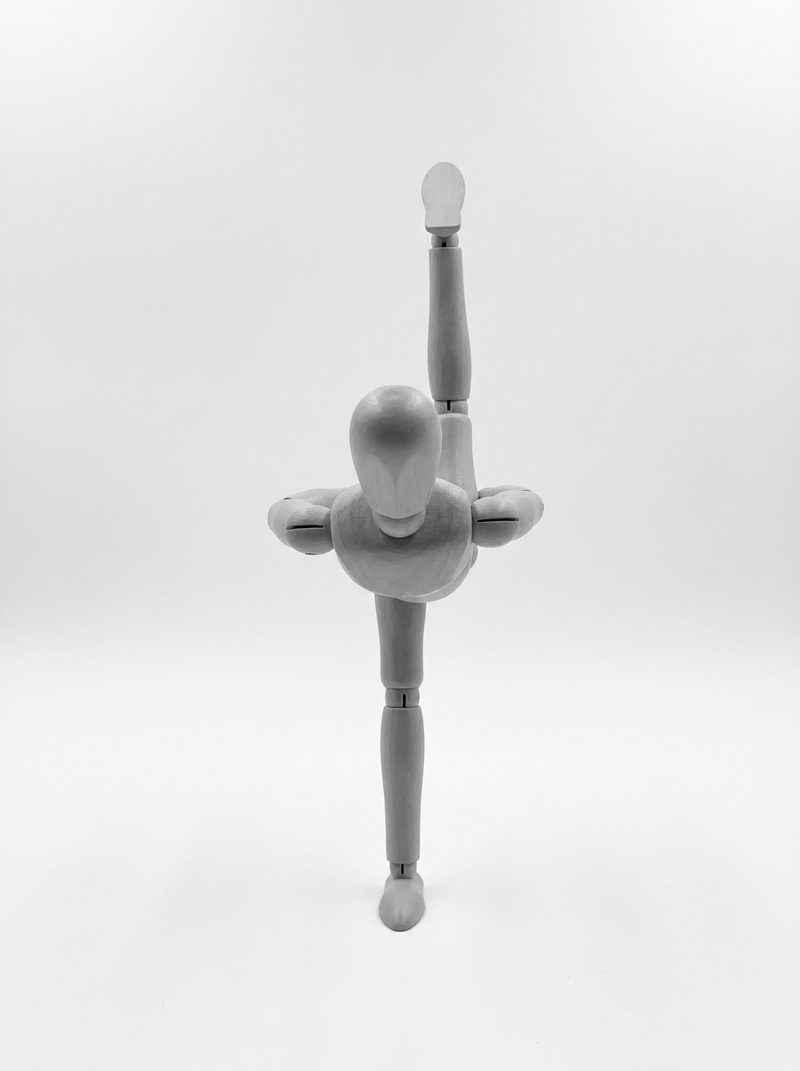
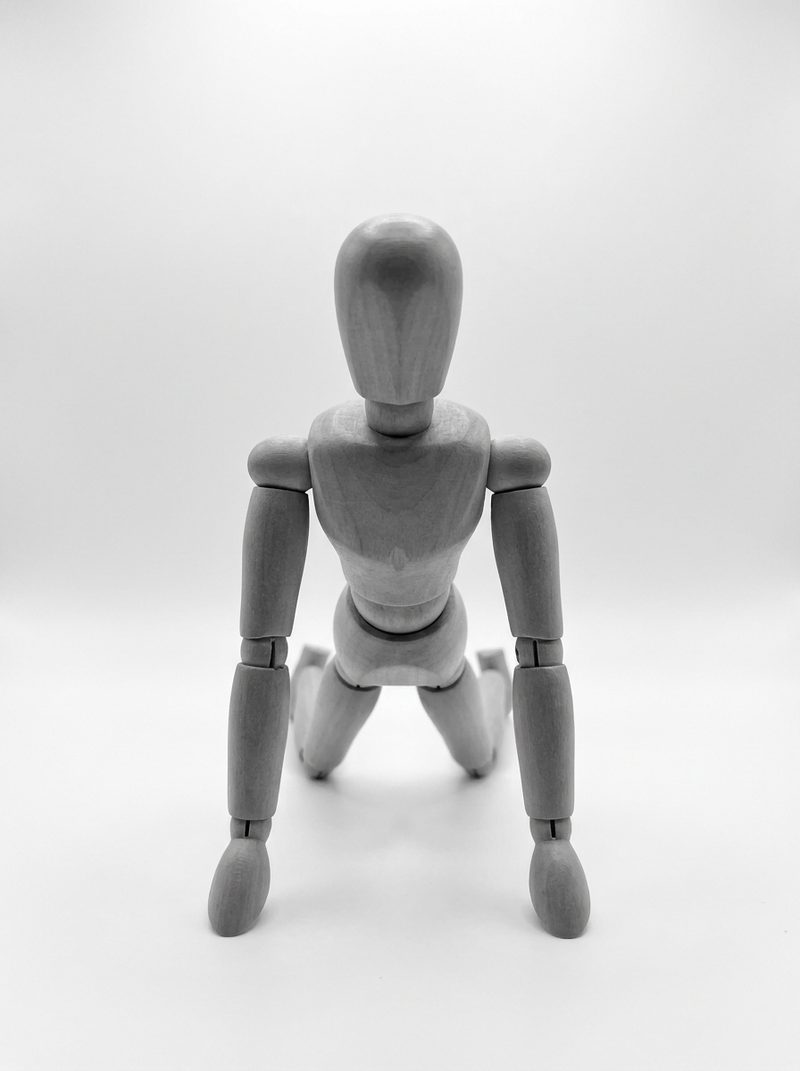
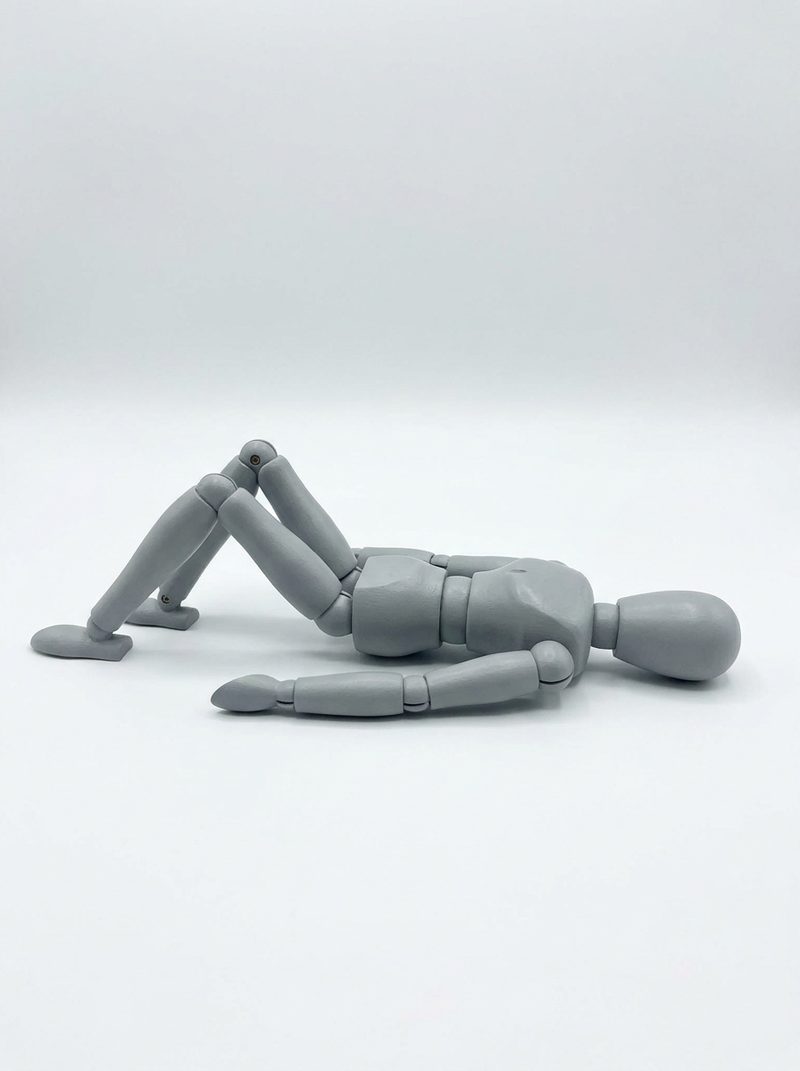
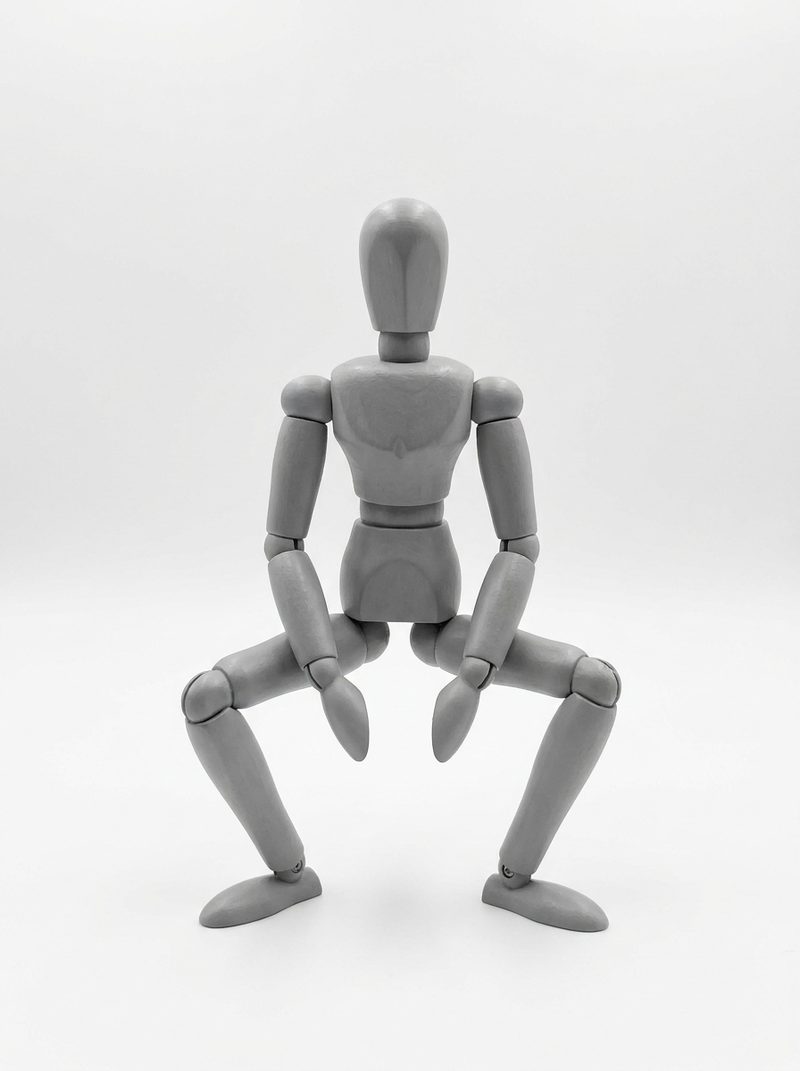
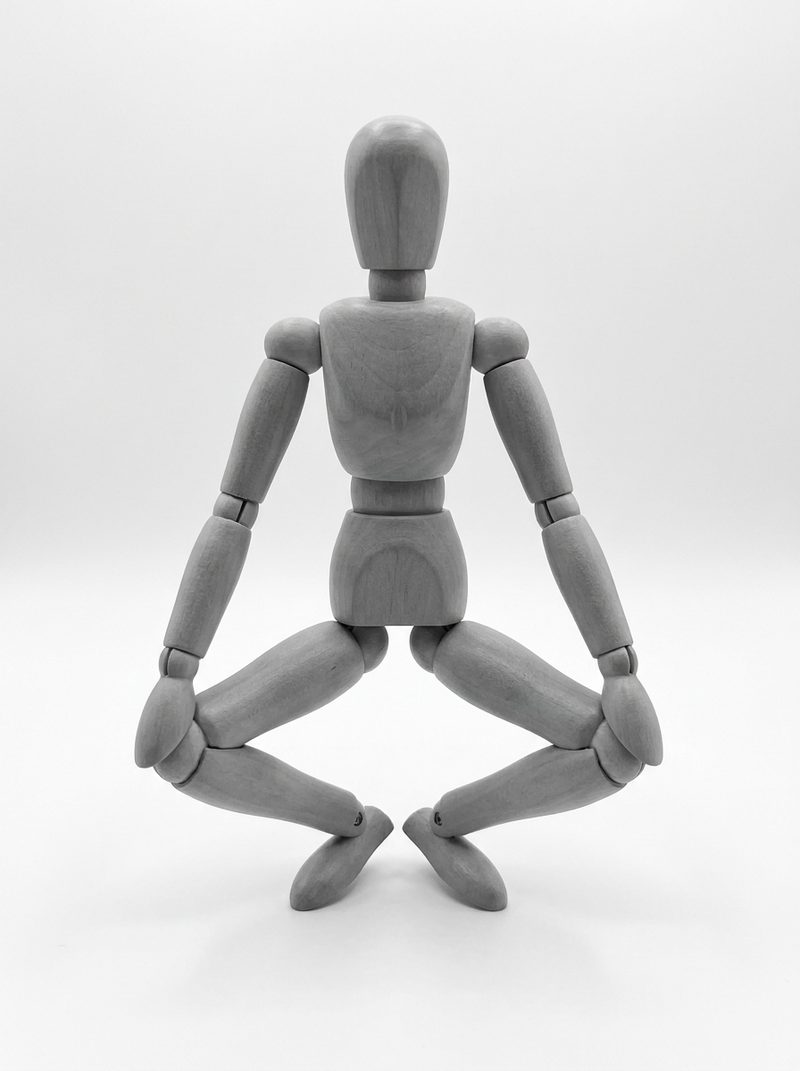
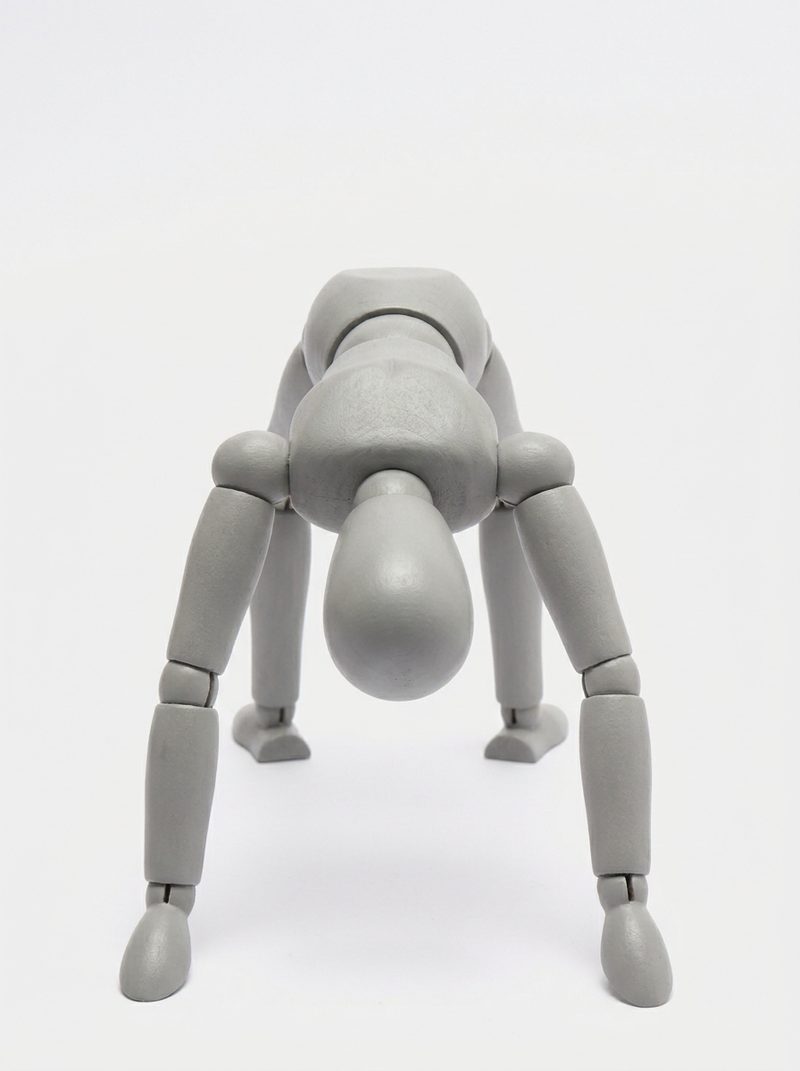
The full library — all 155 poses
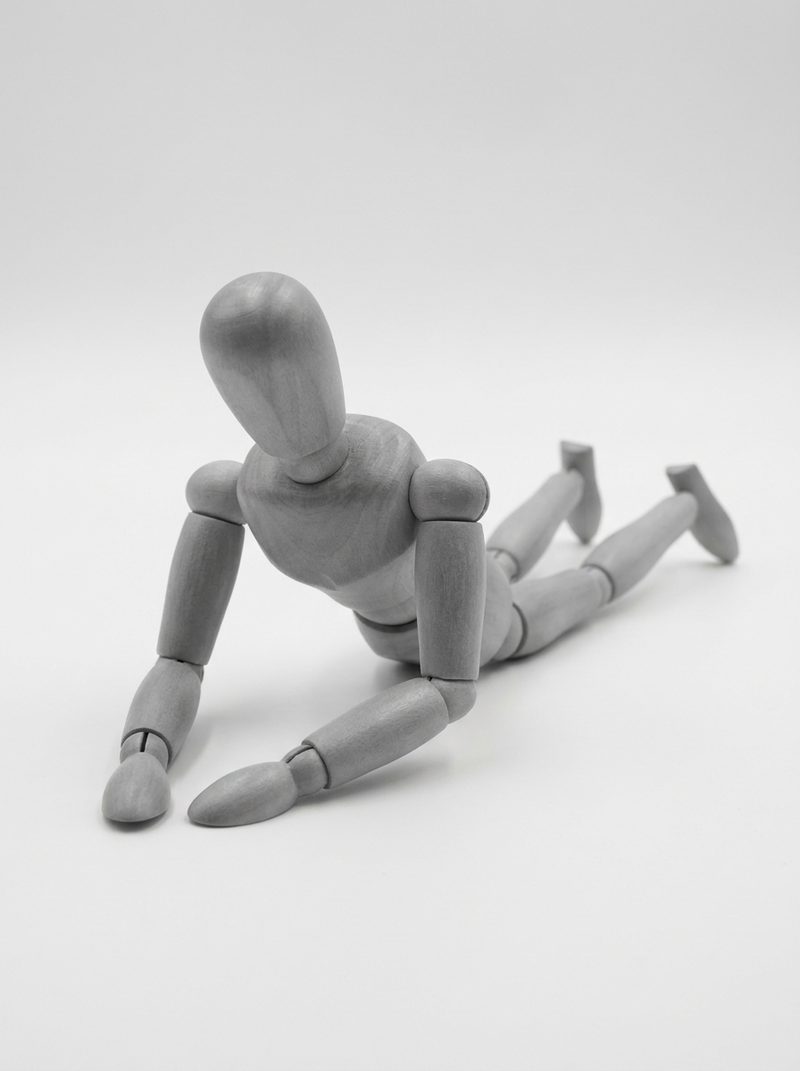
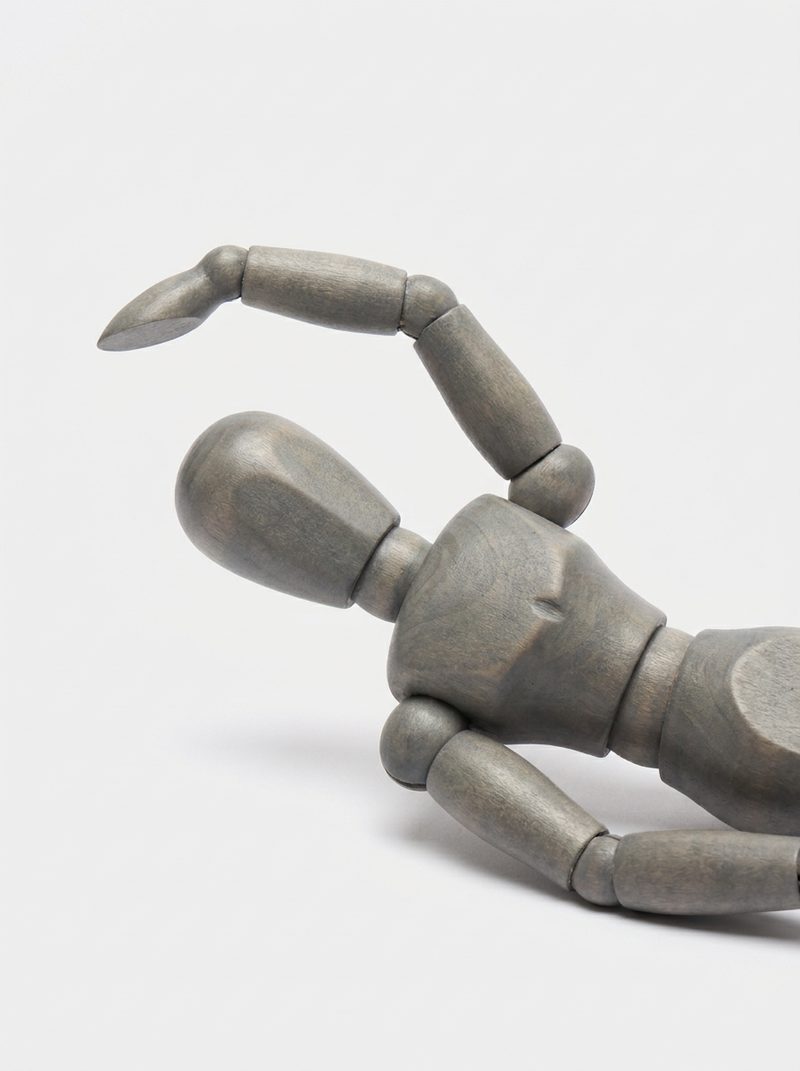
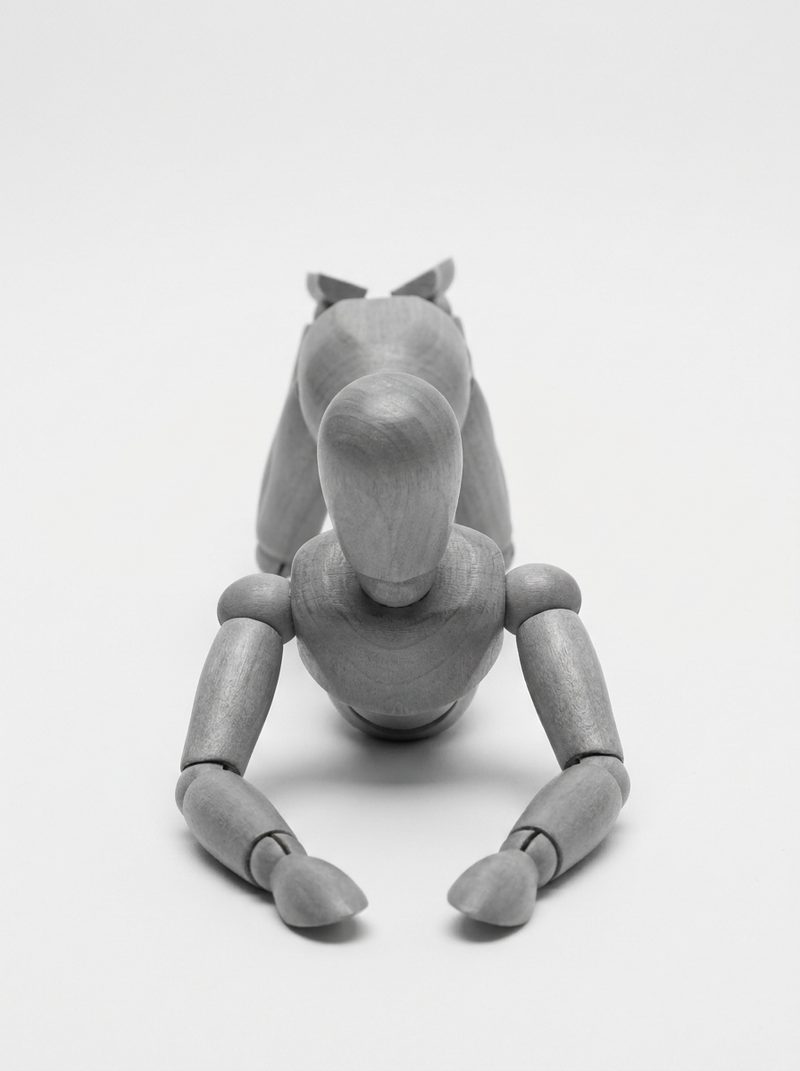
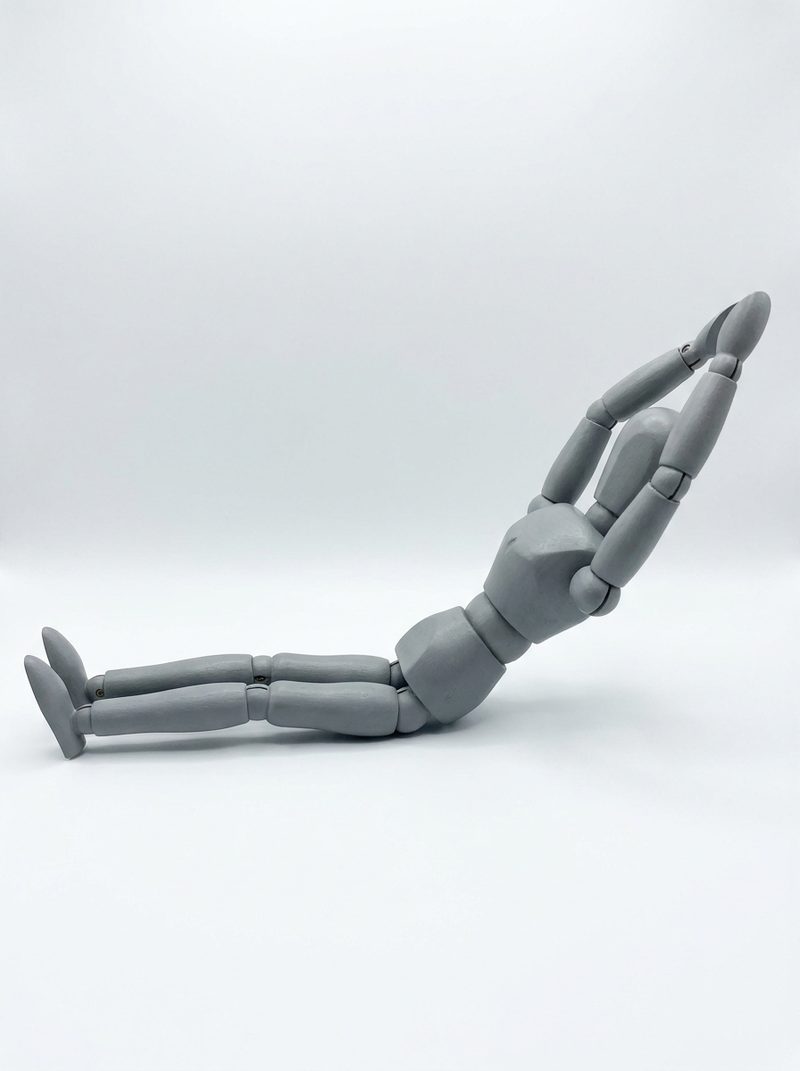
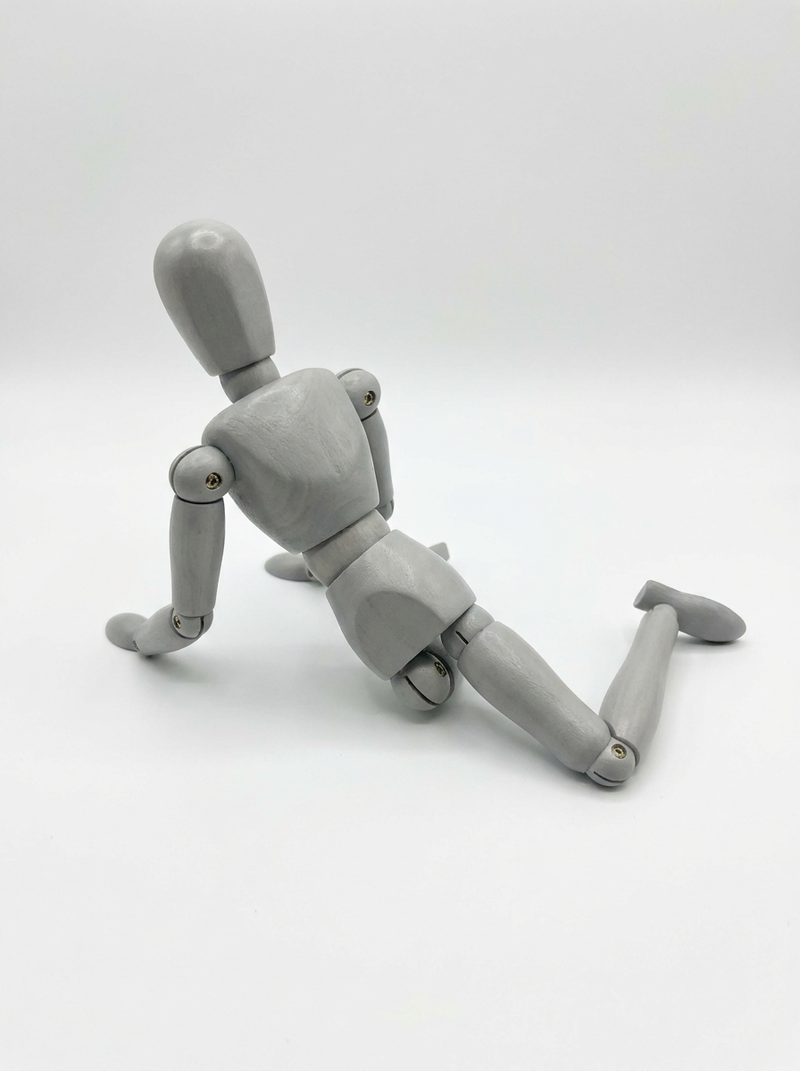
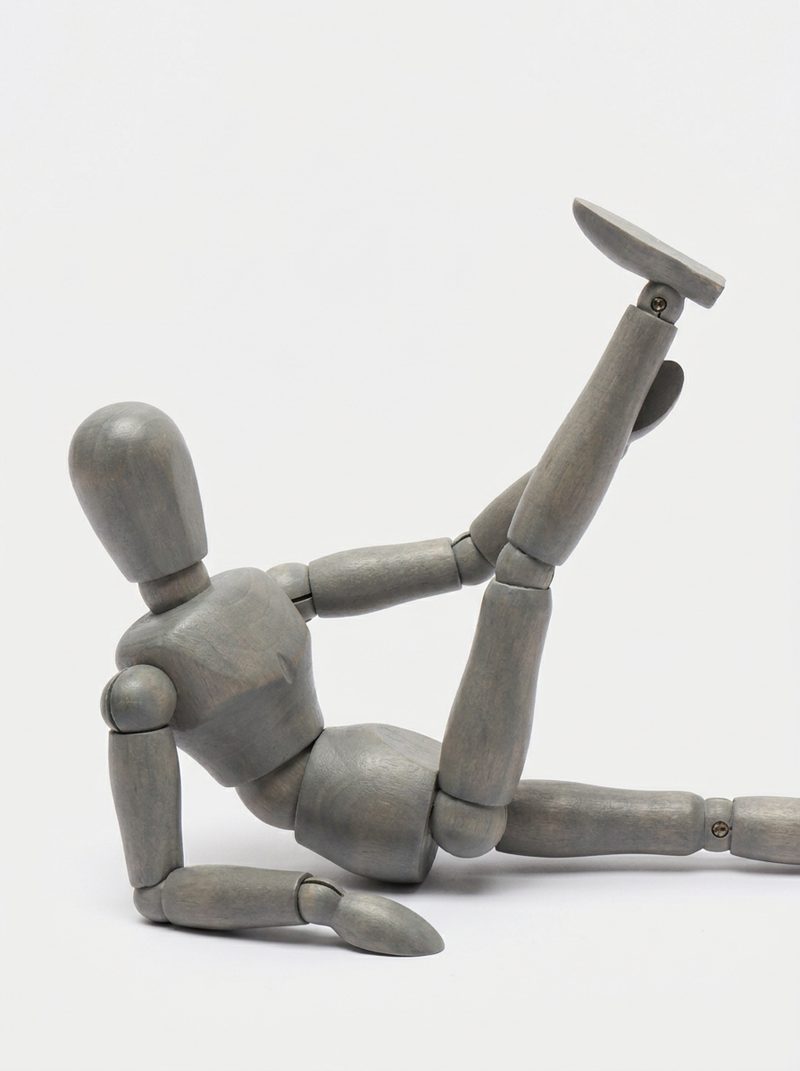
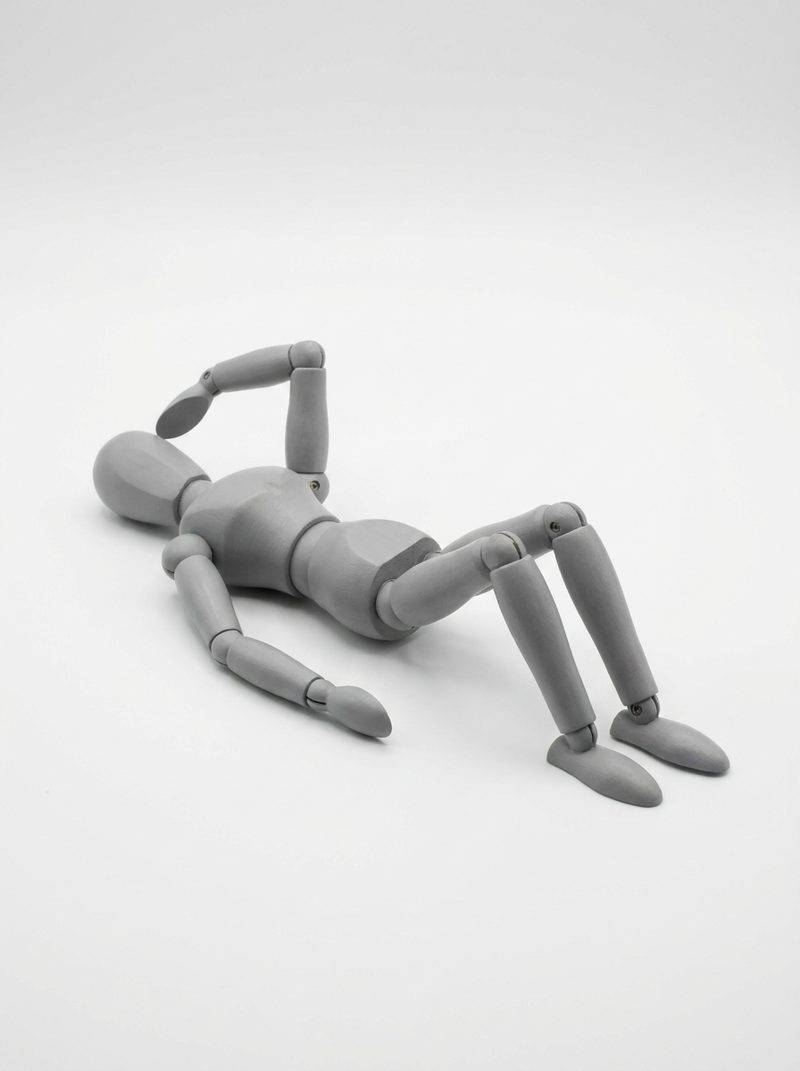
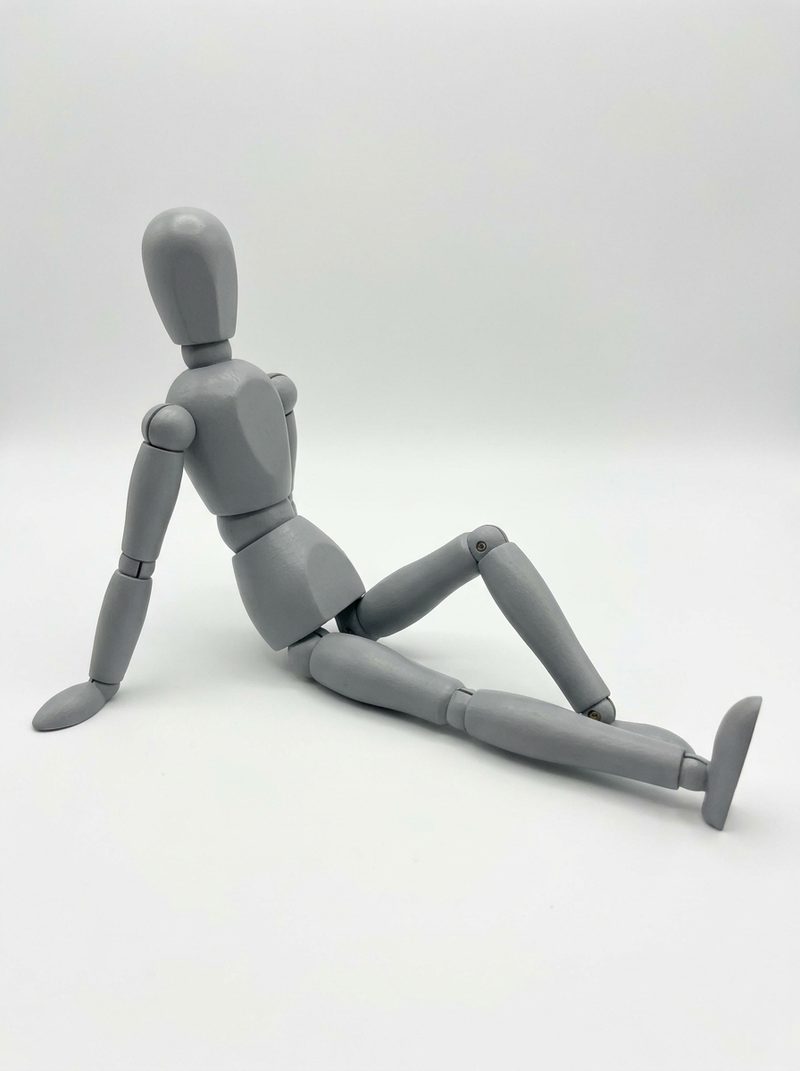
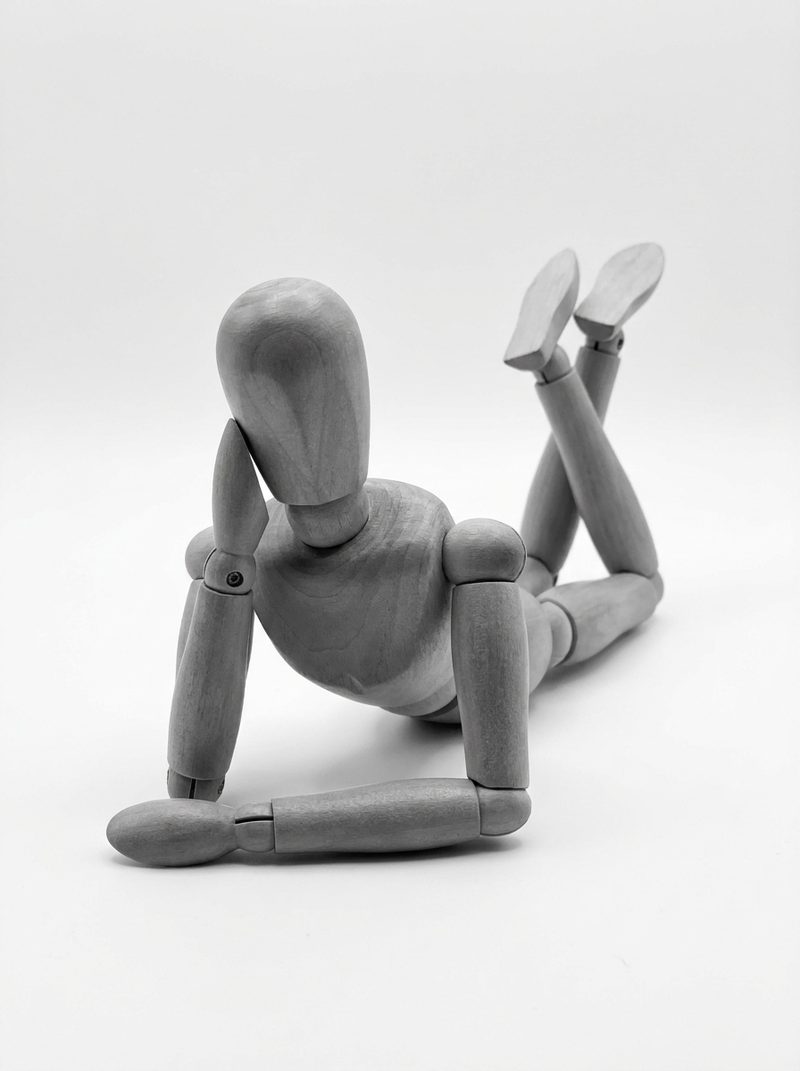
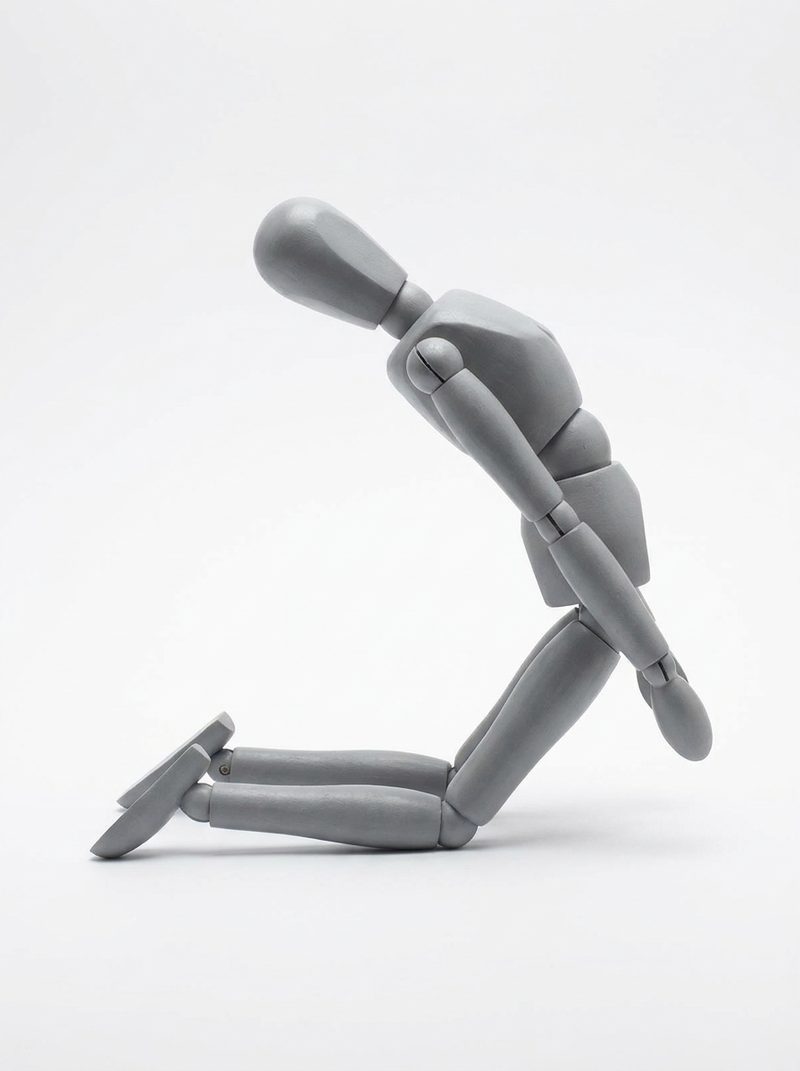
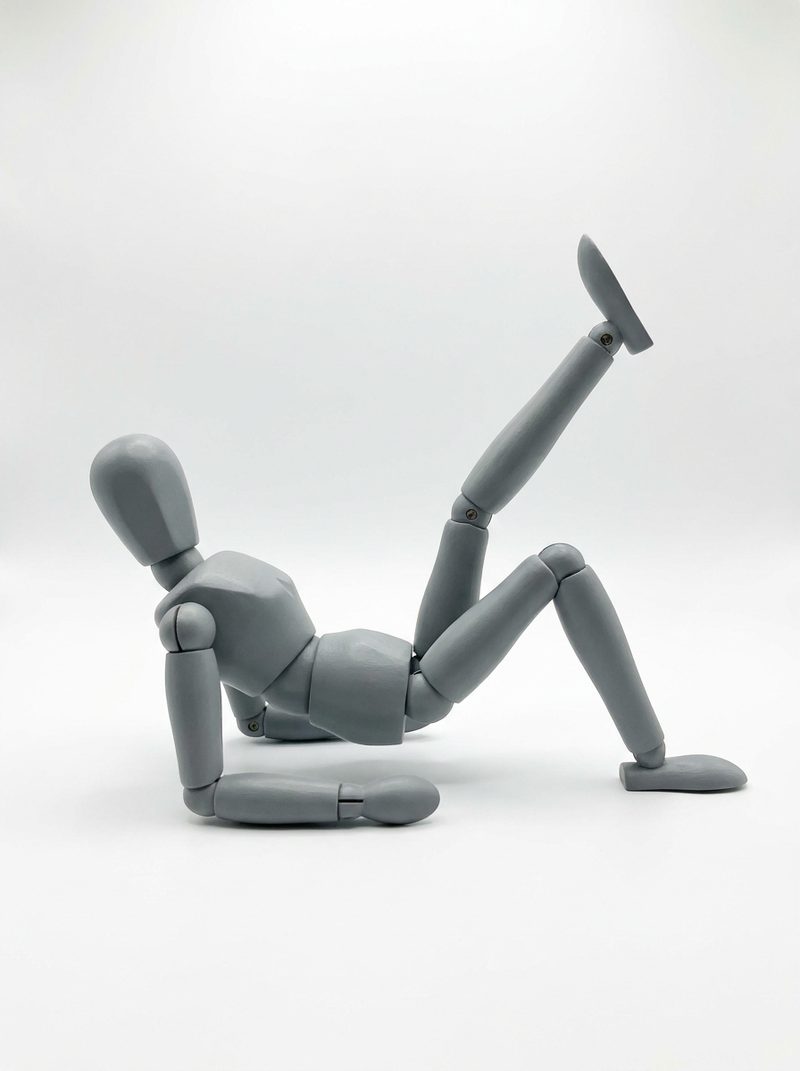
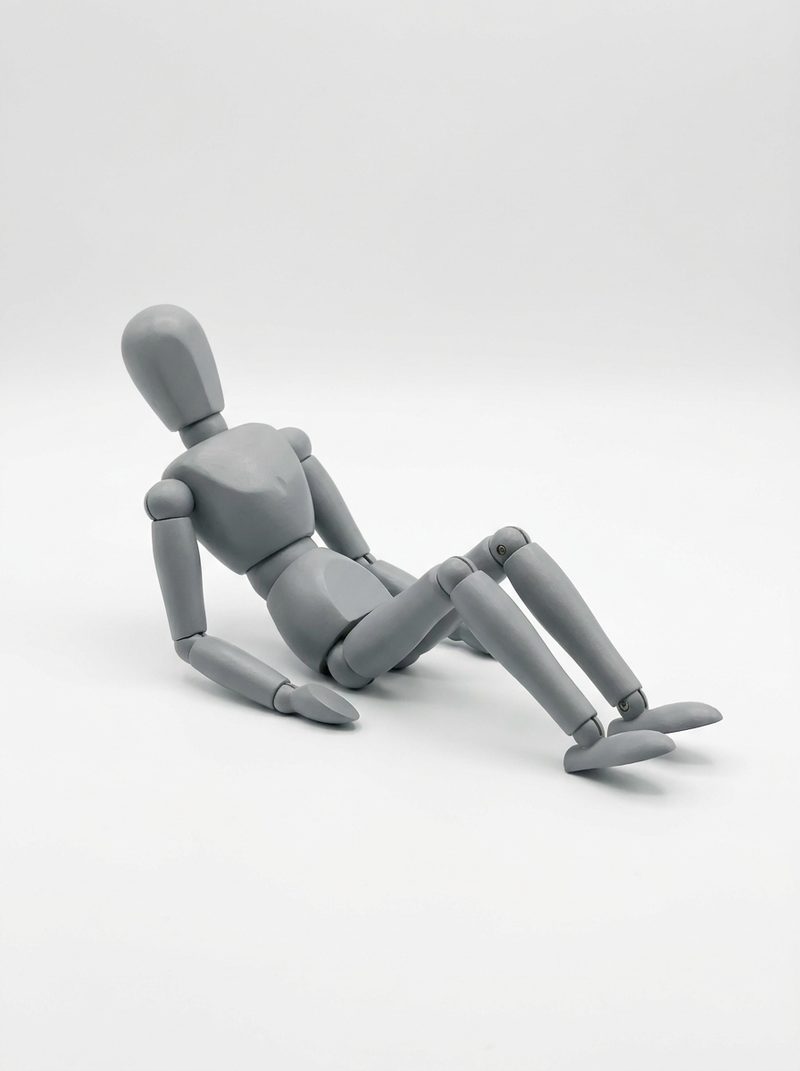
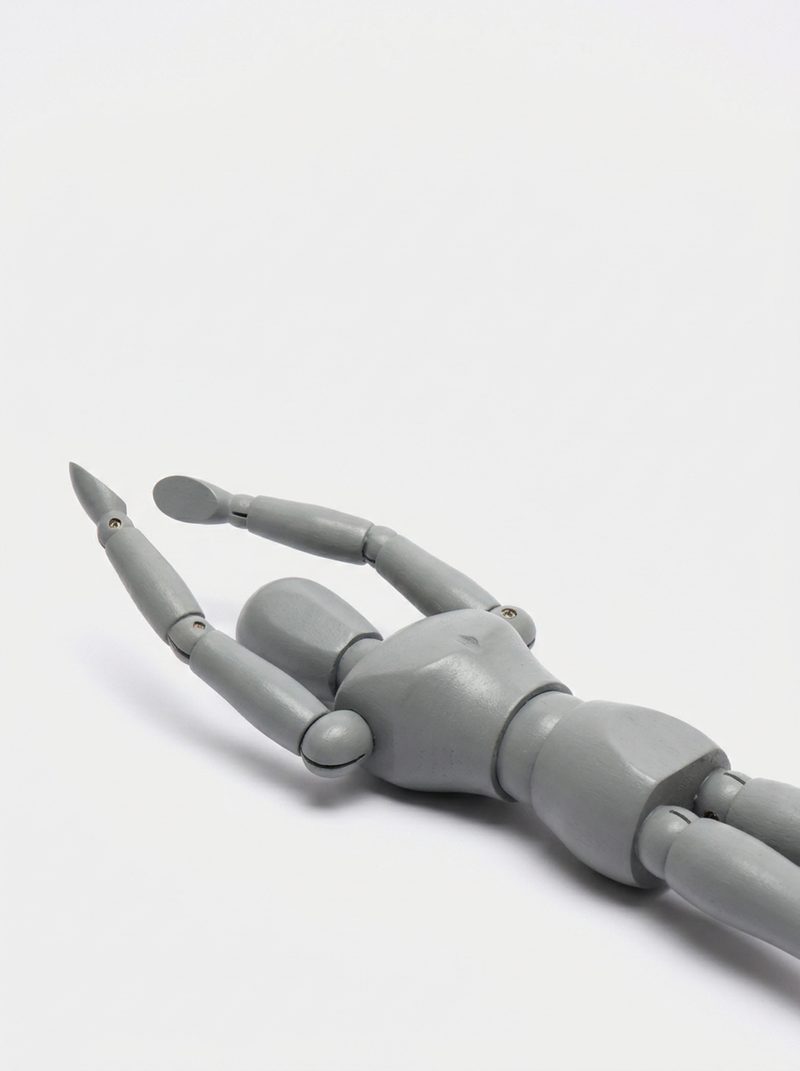
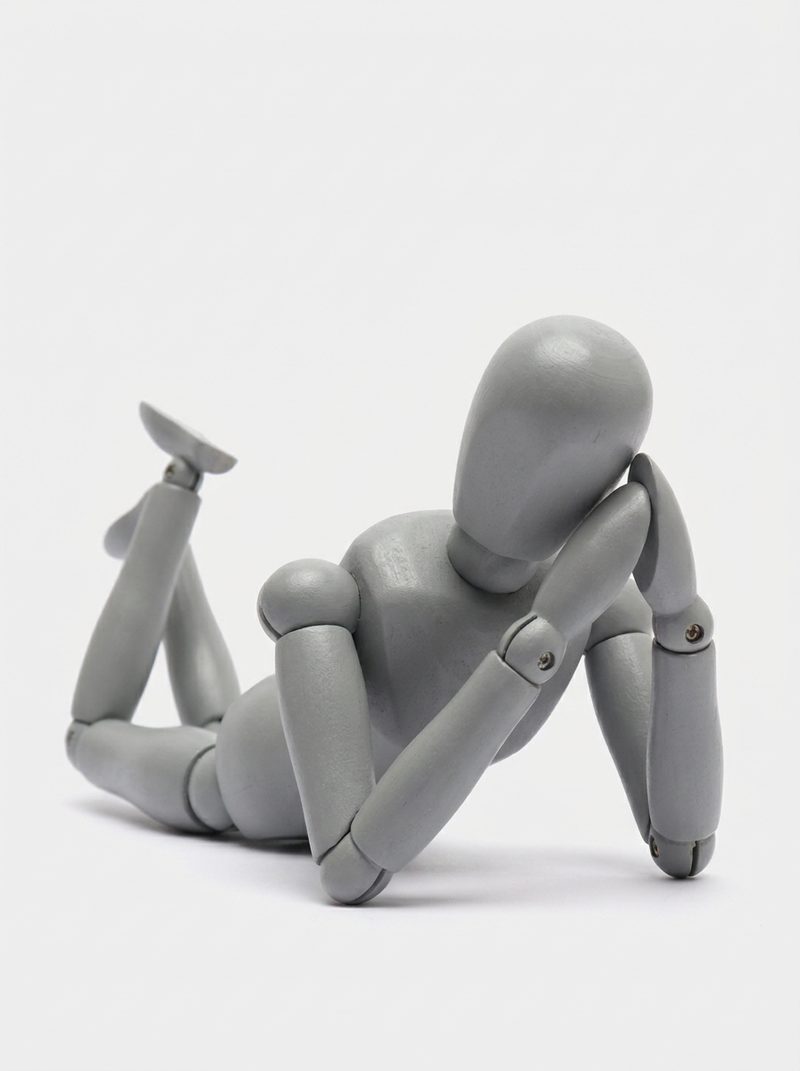
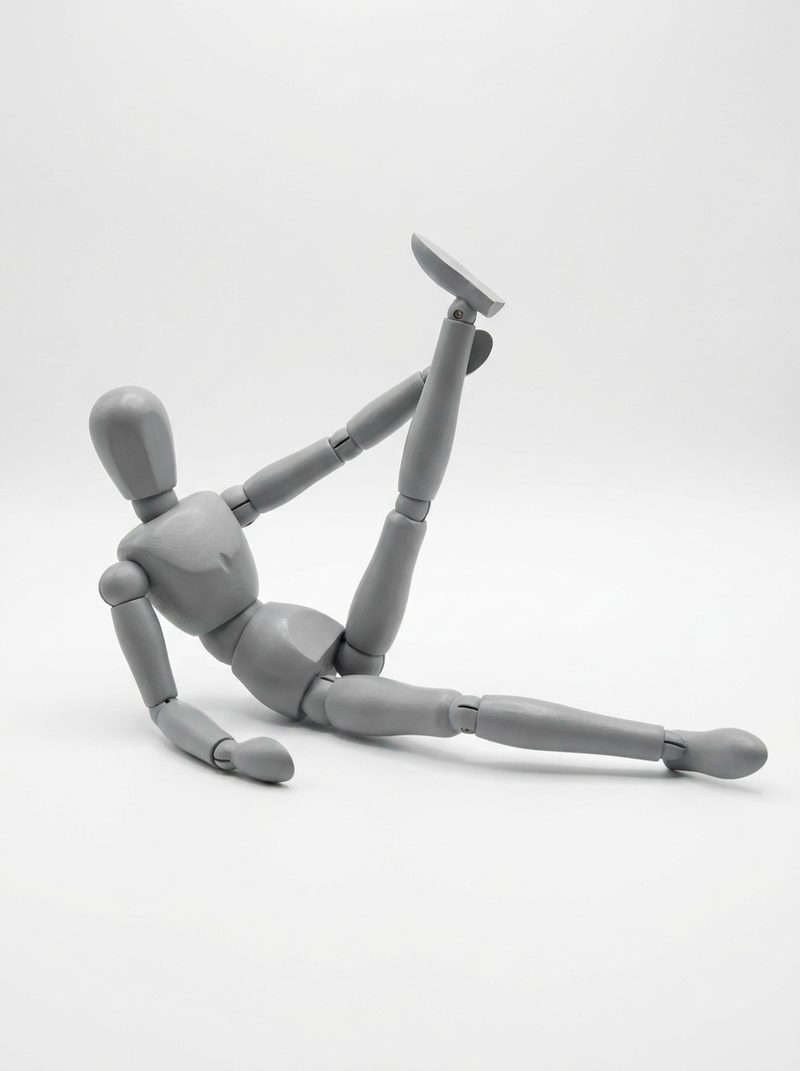
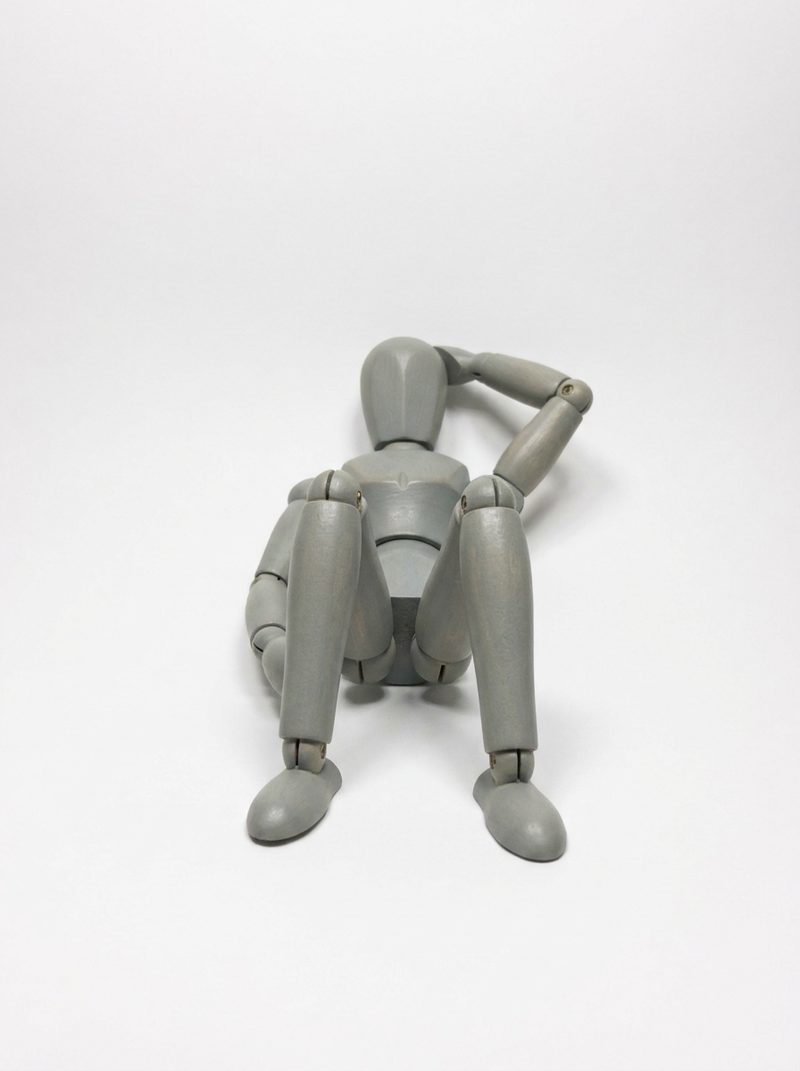
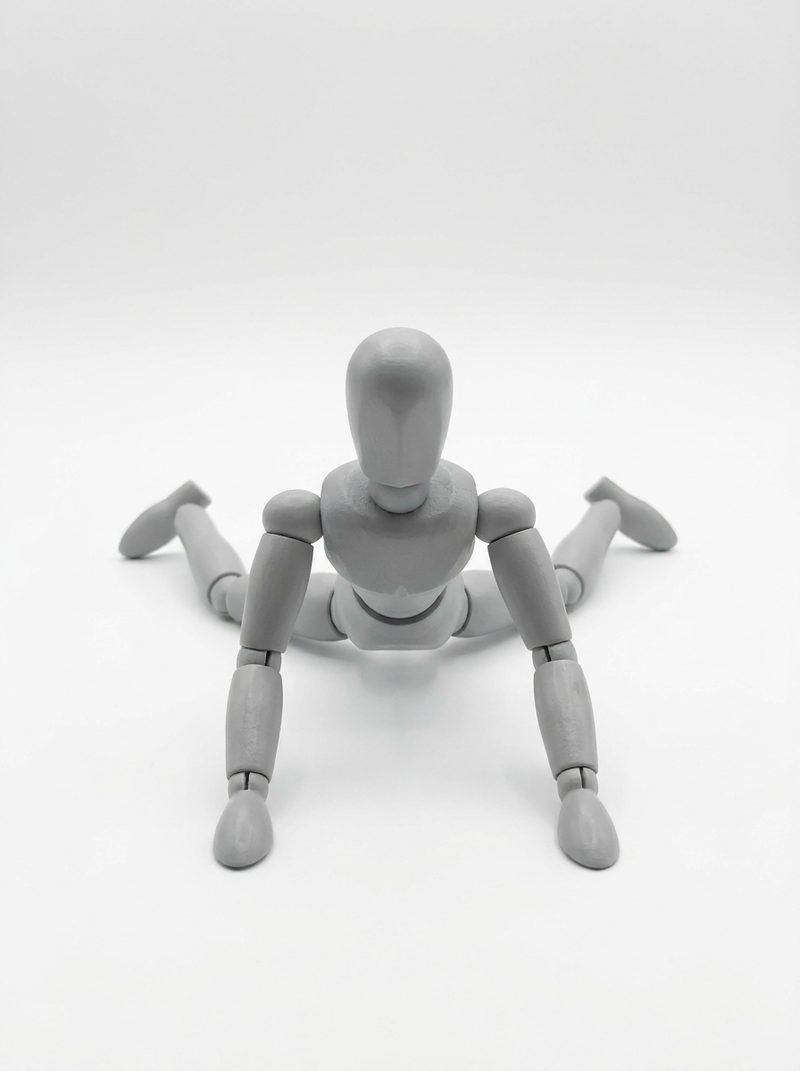
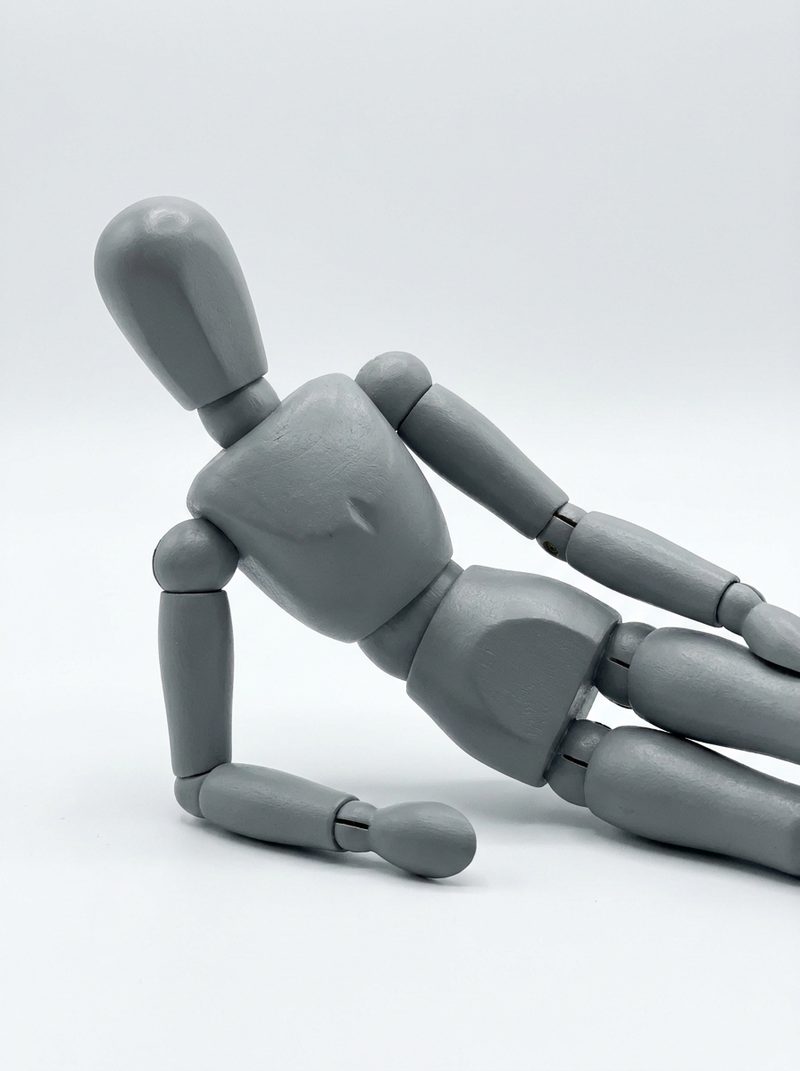
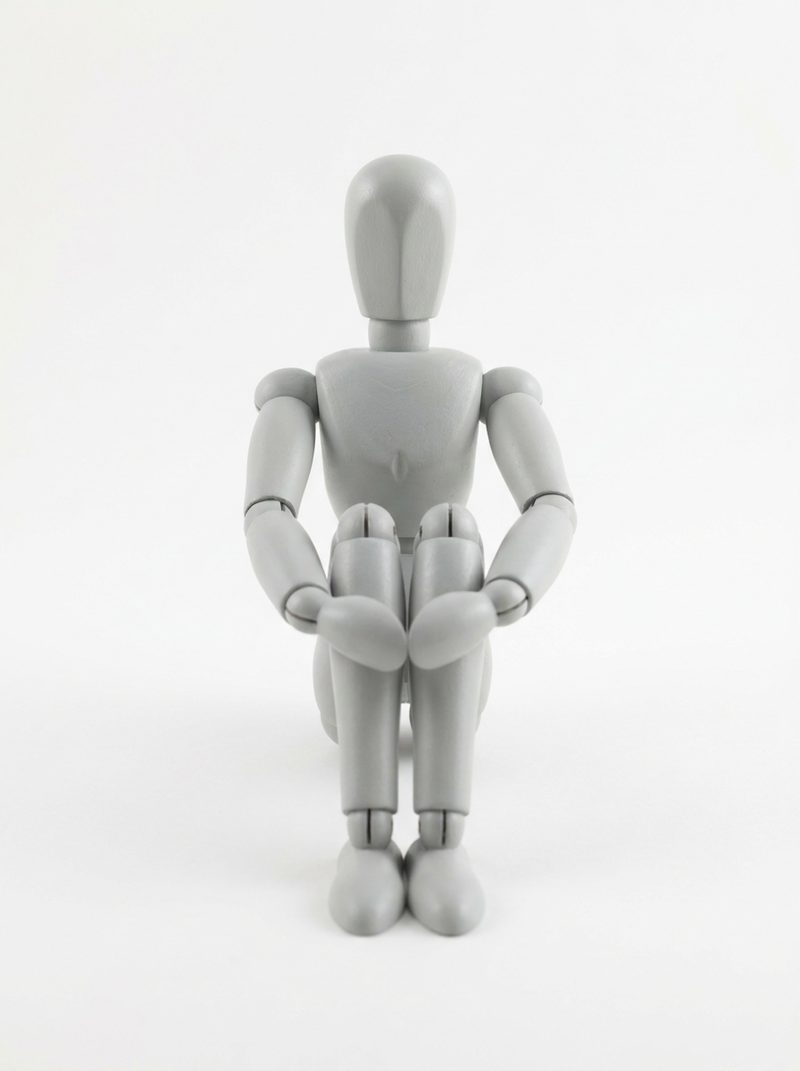
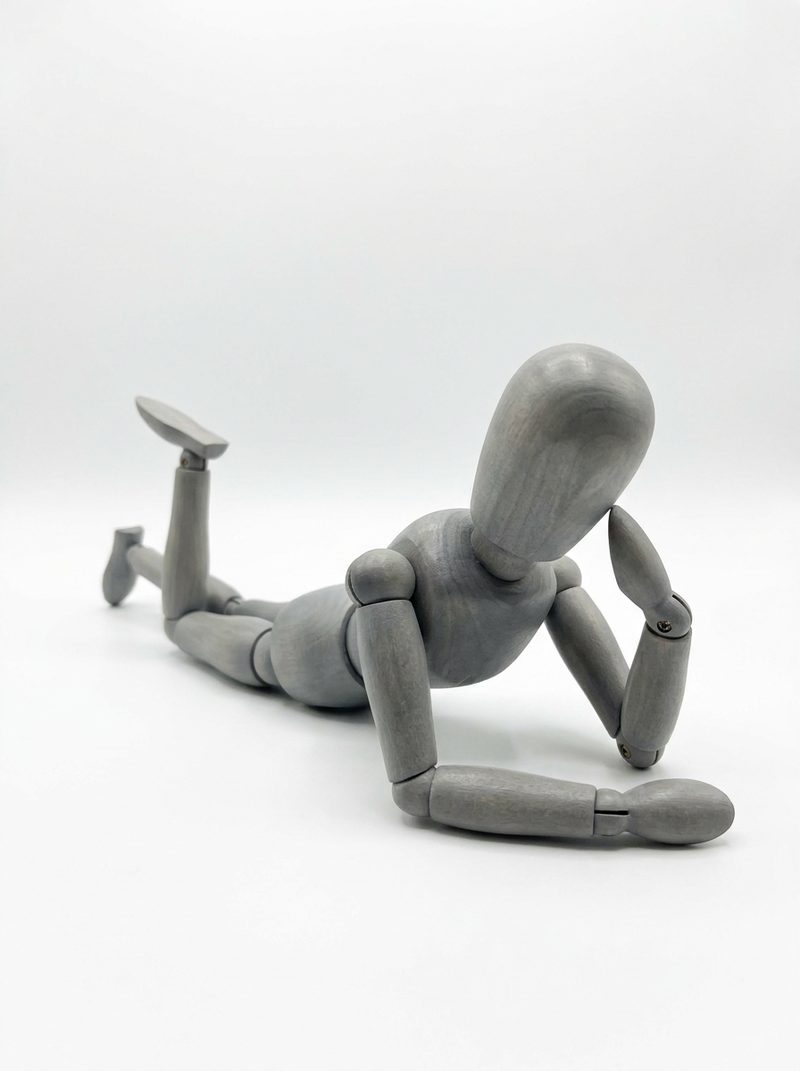
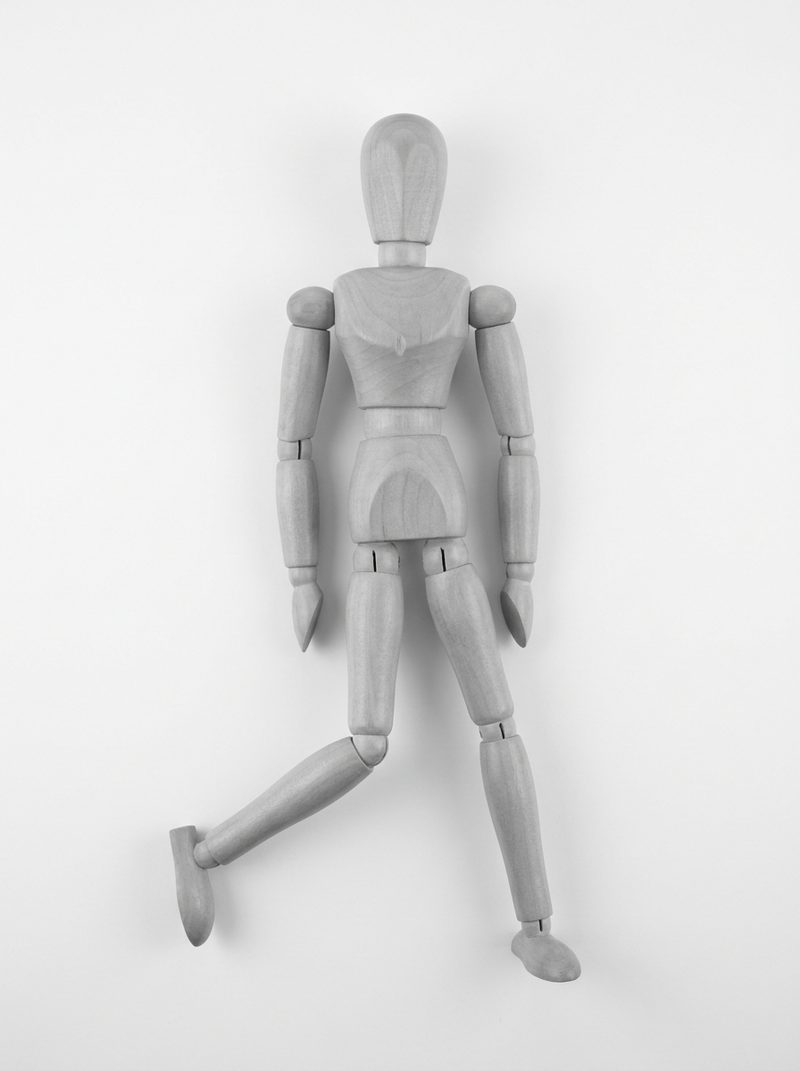
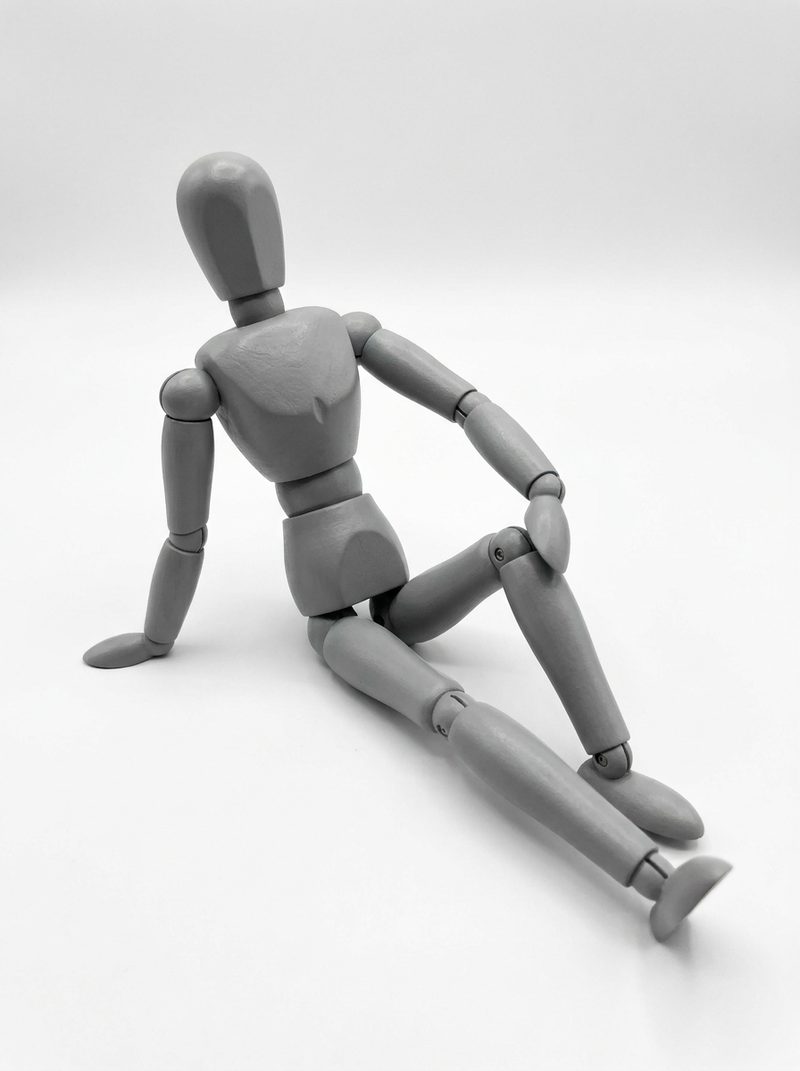
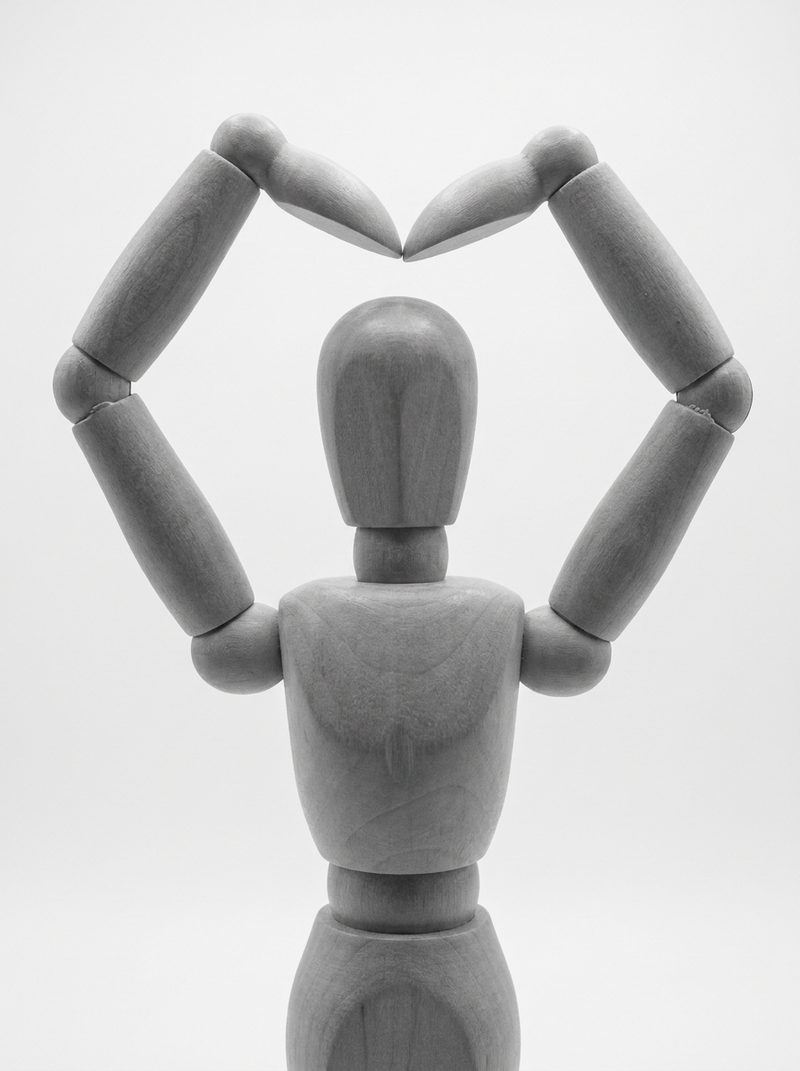
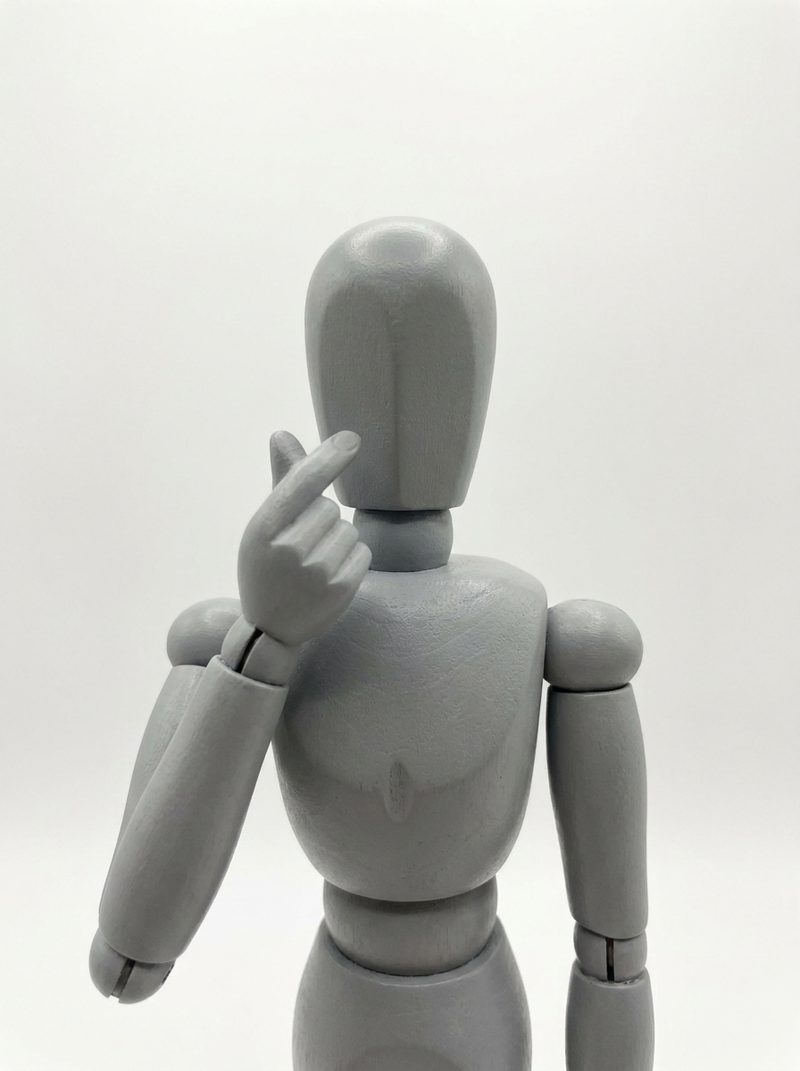
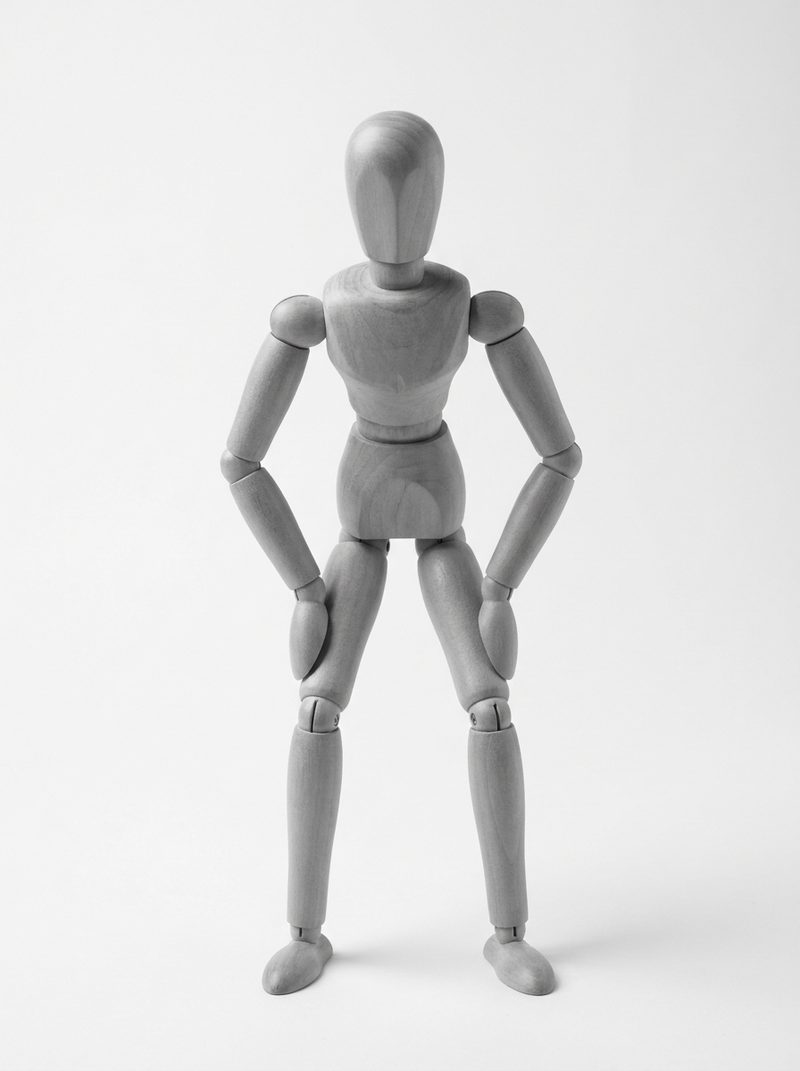
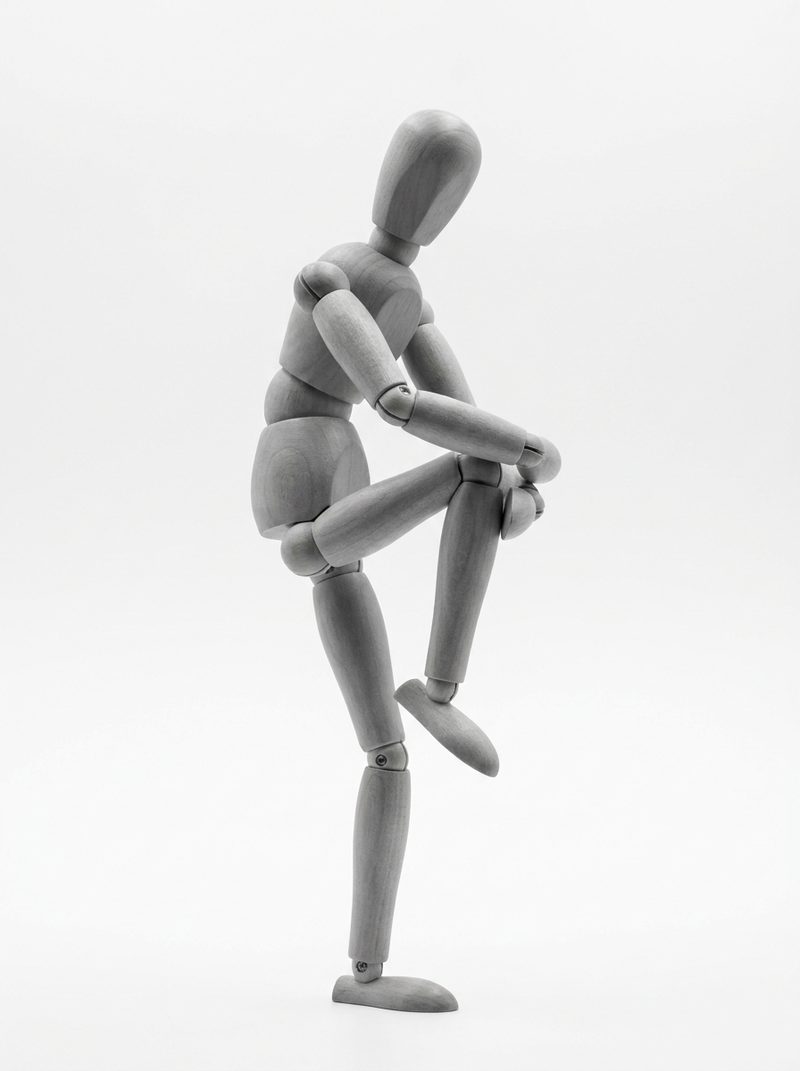
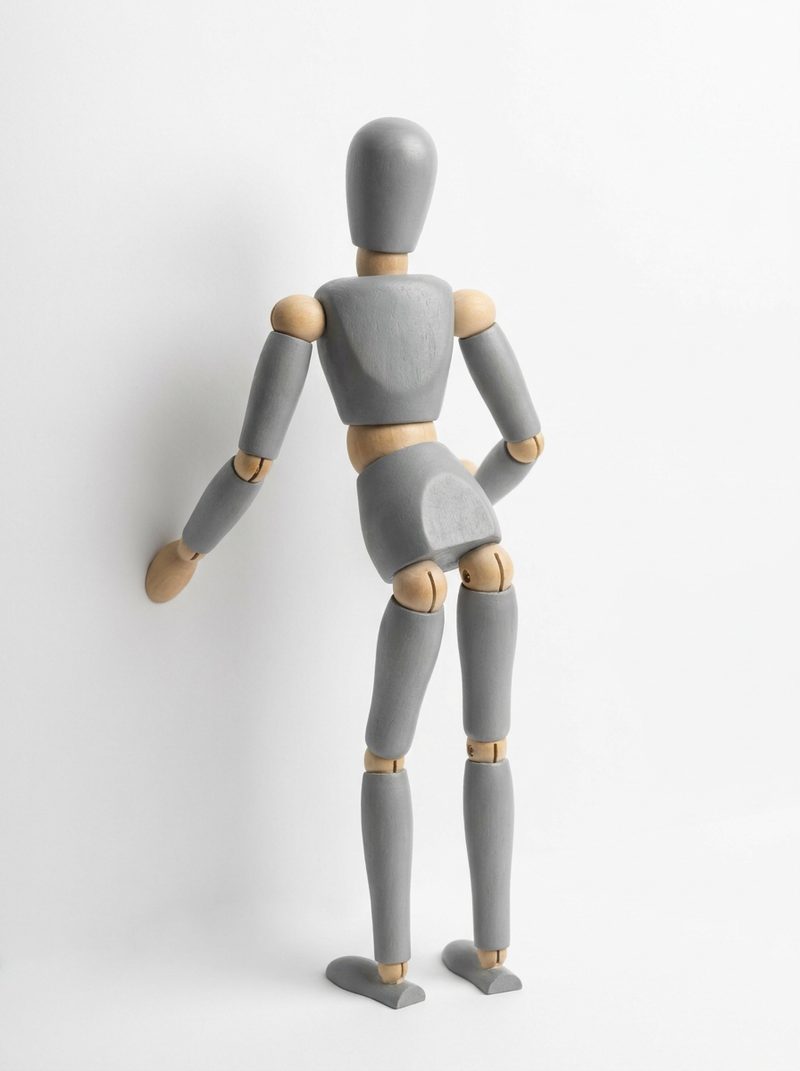
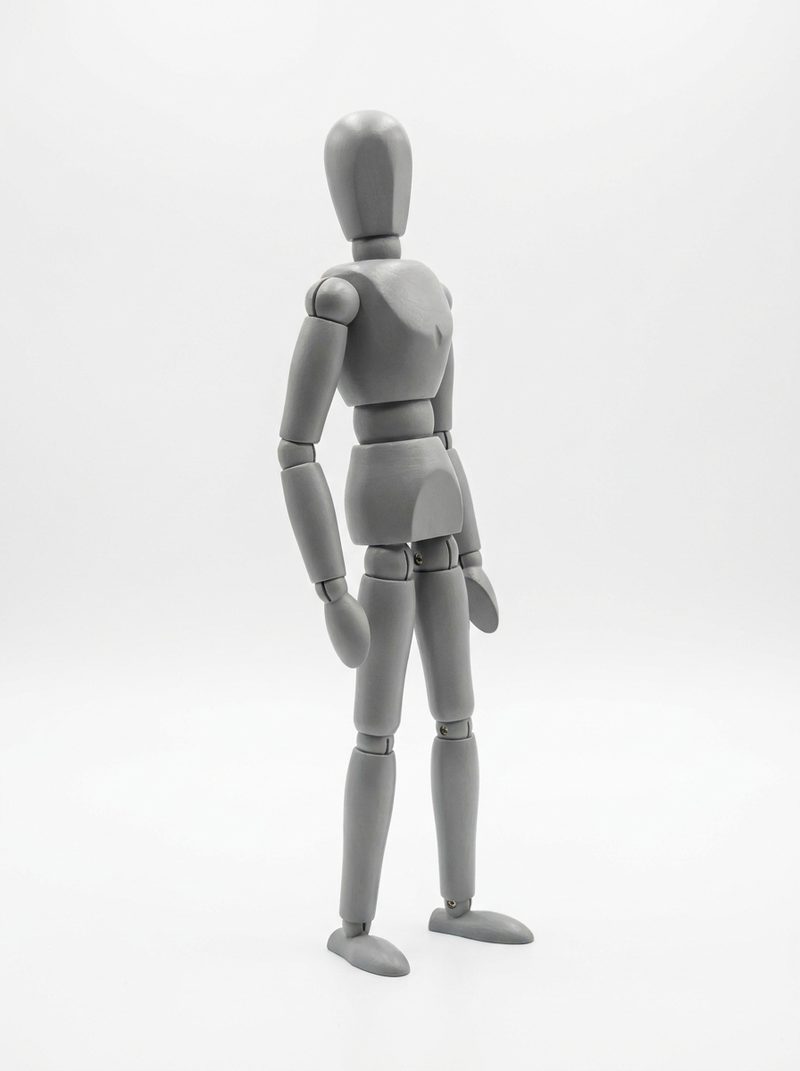
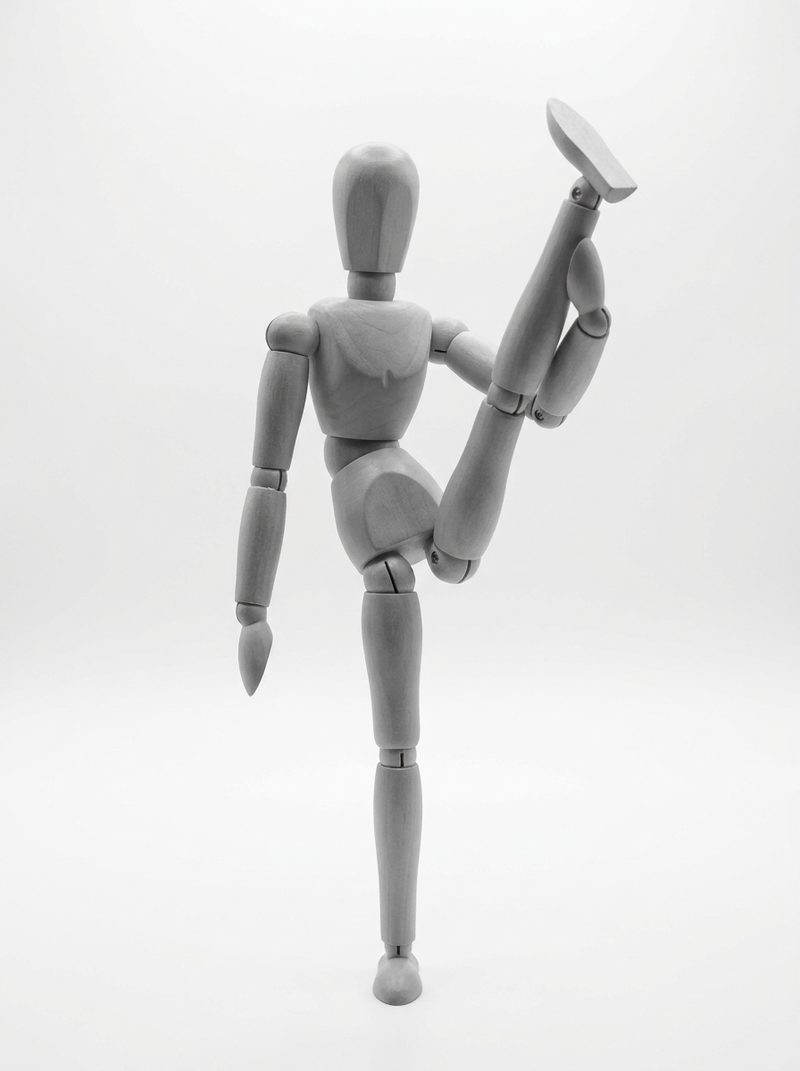
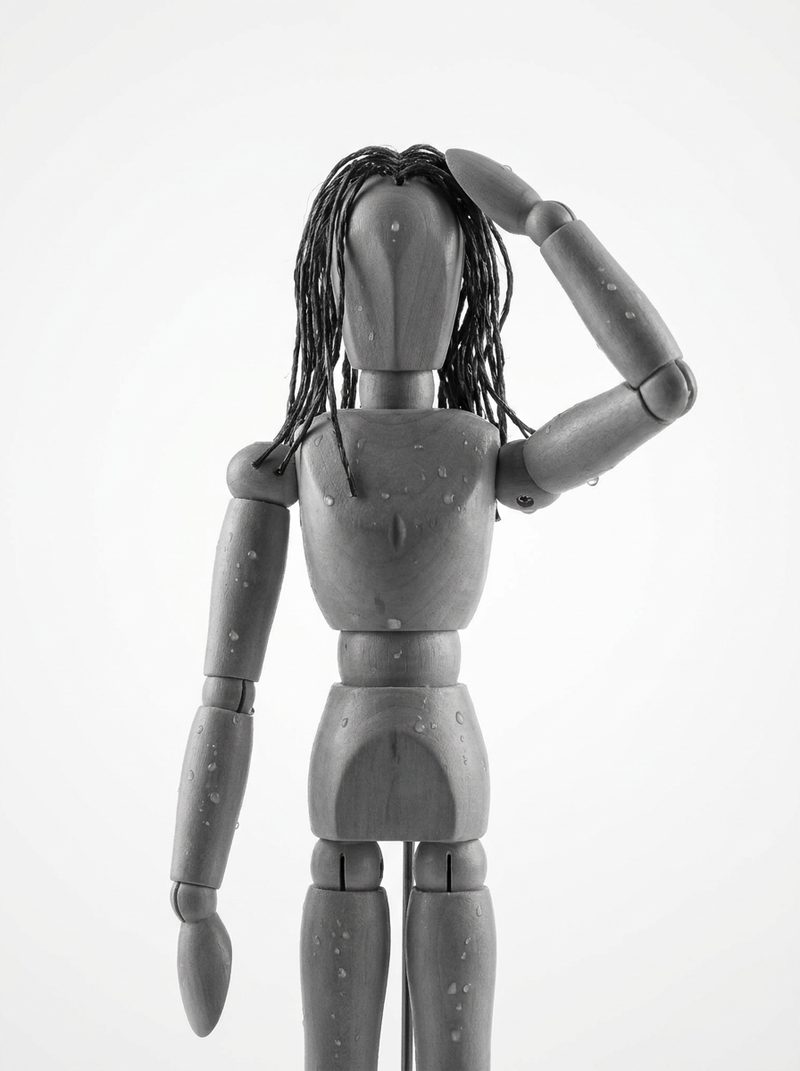
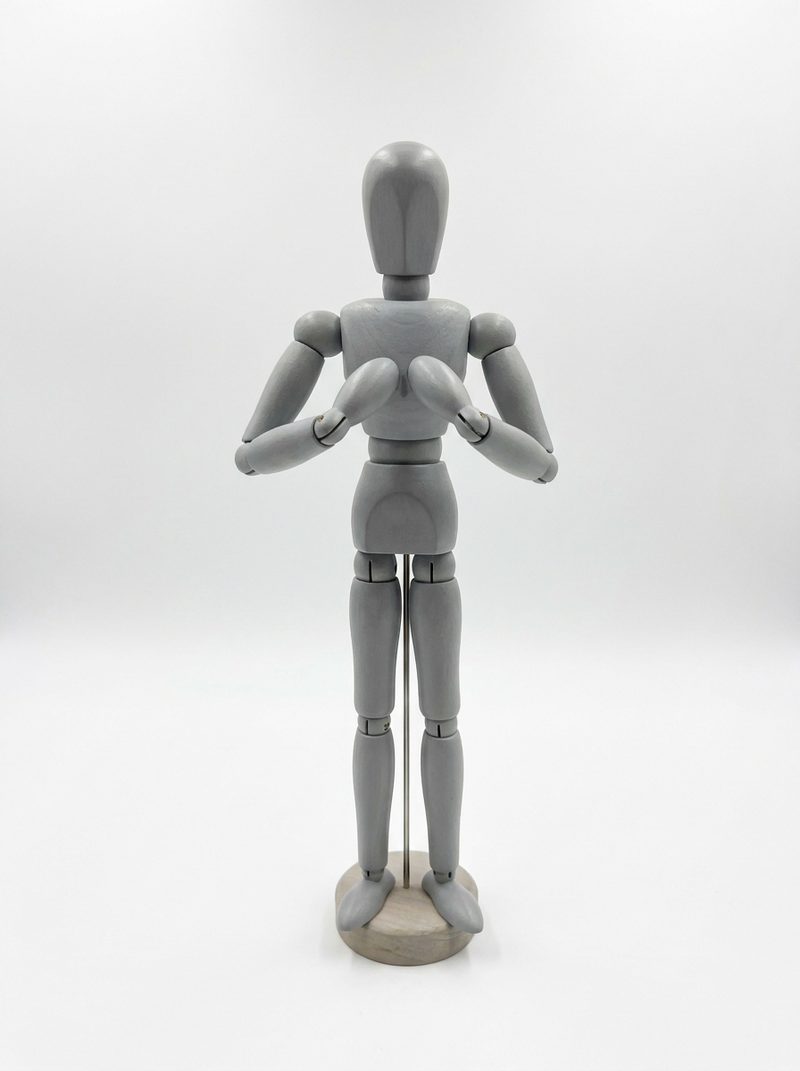
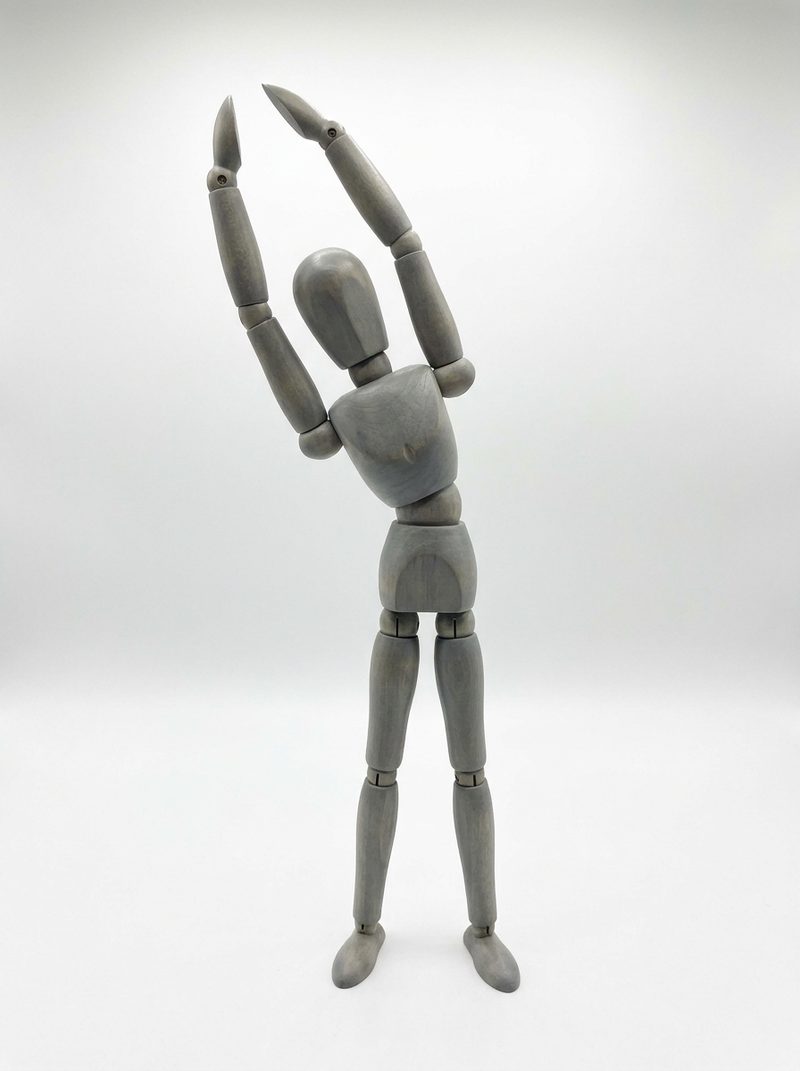
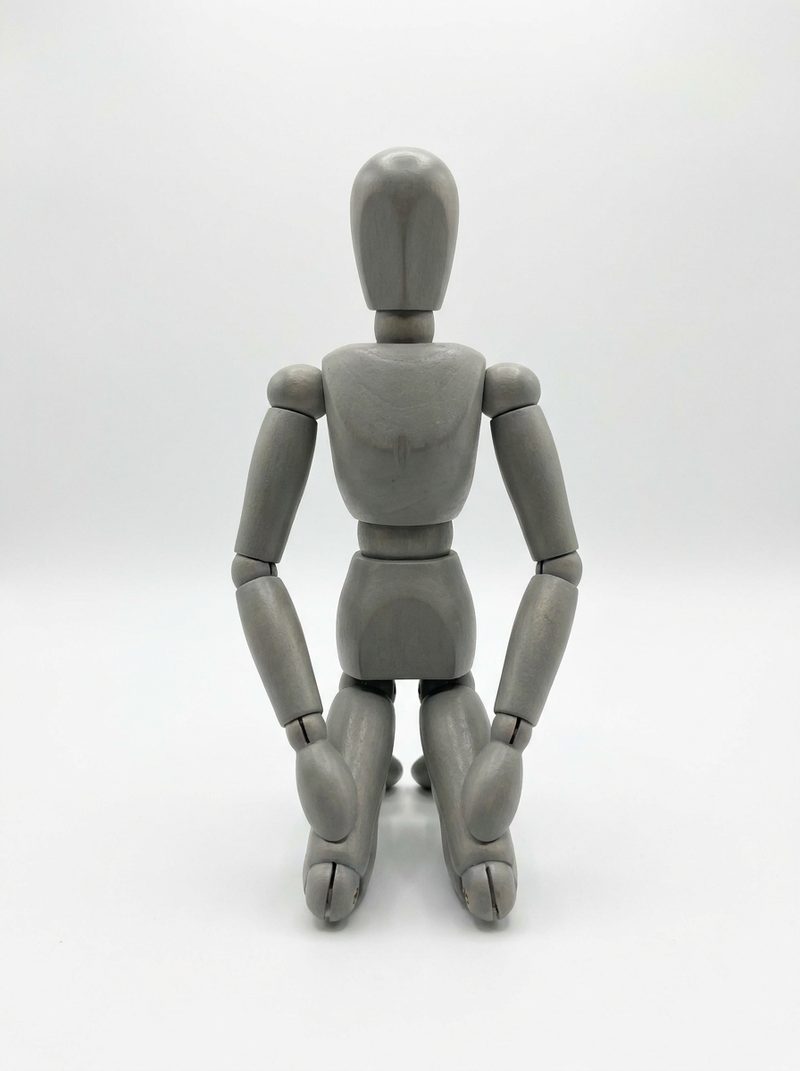
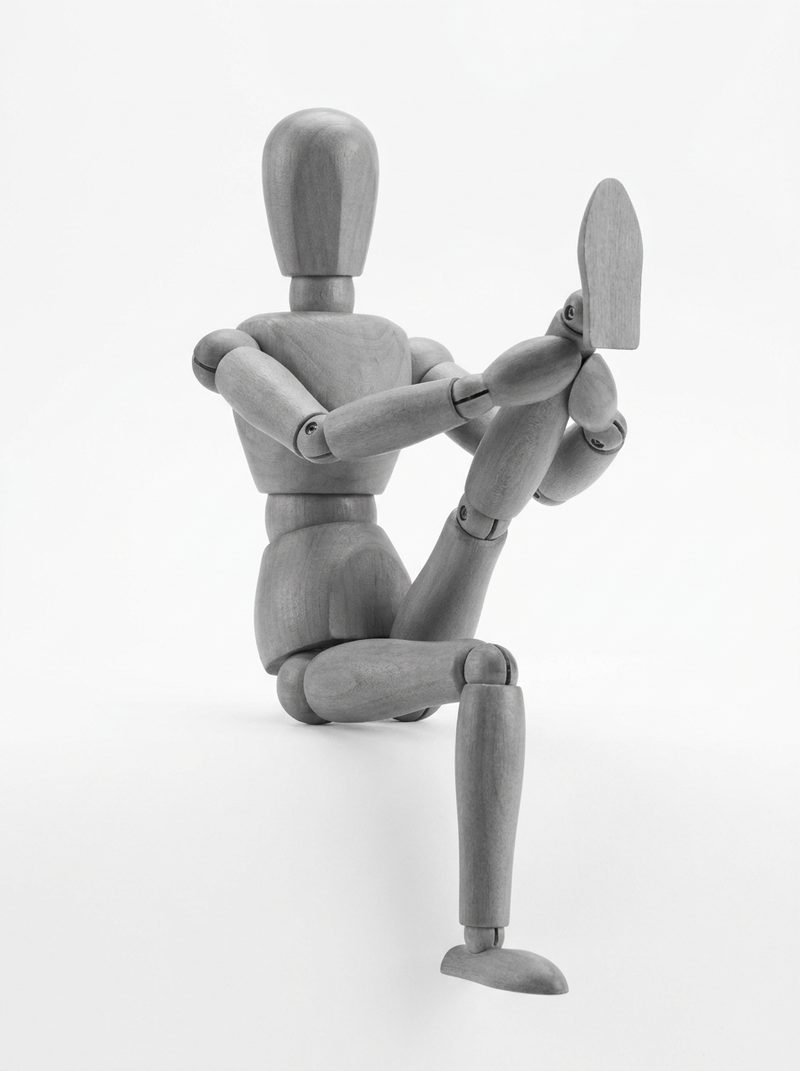
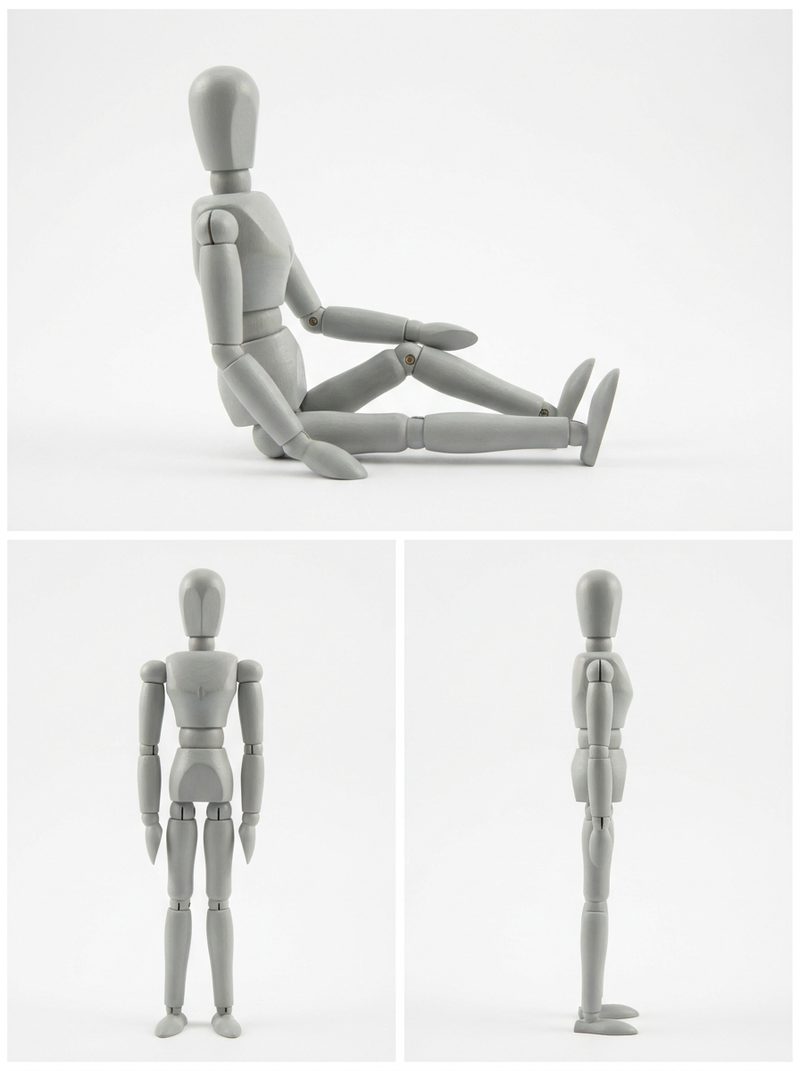
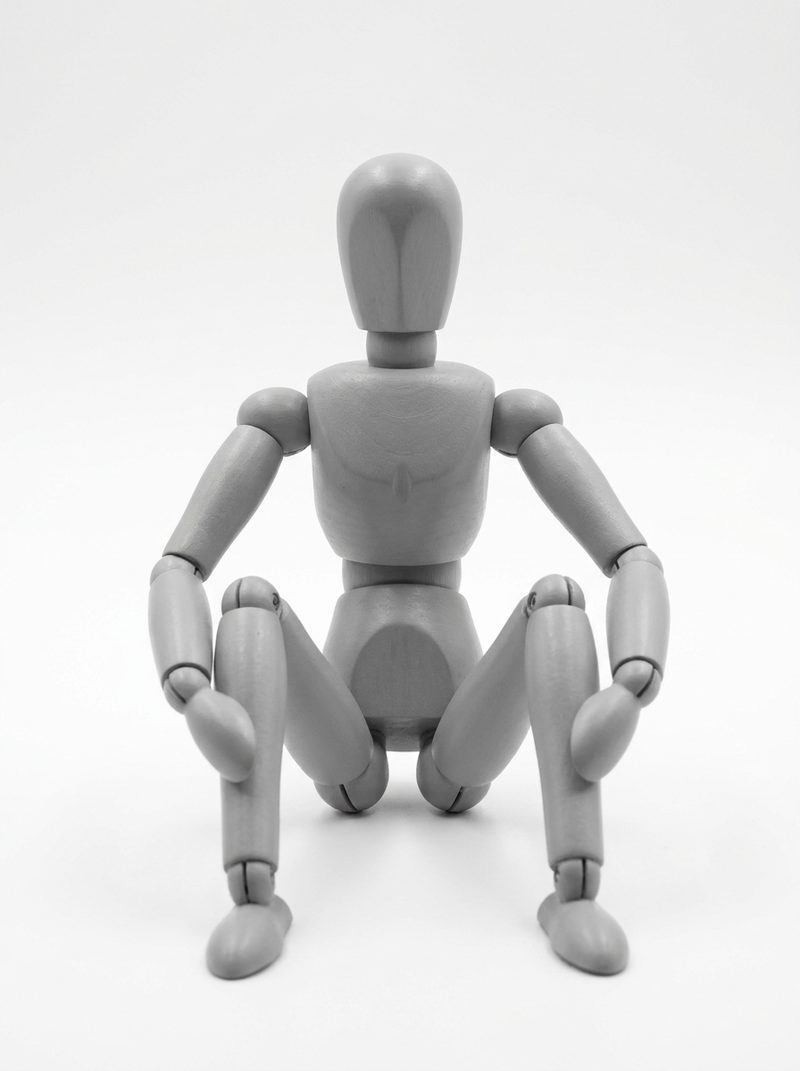
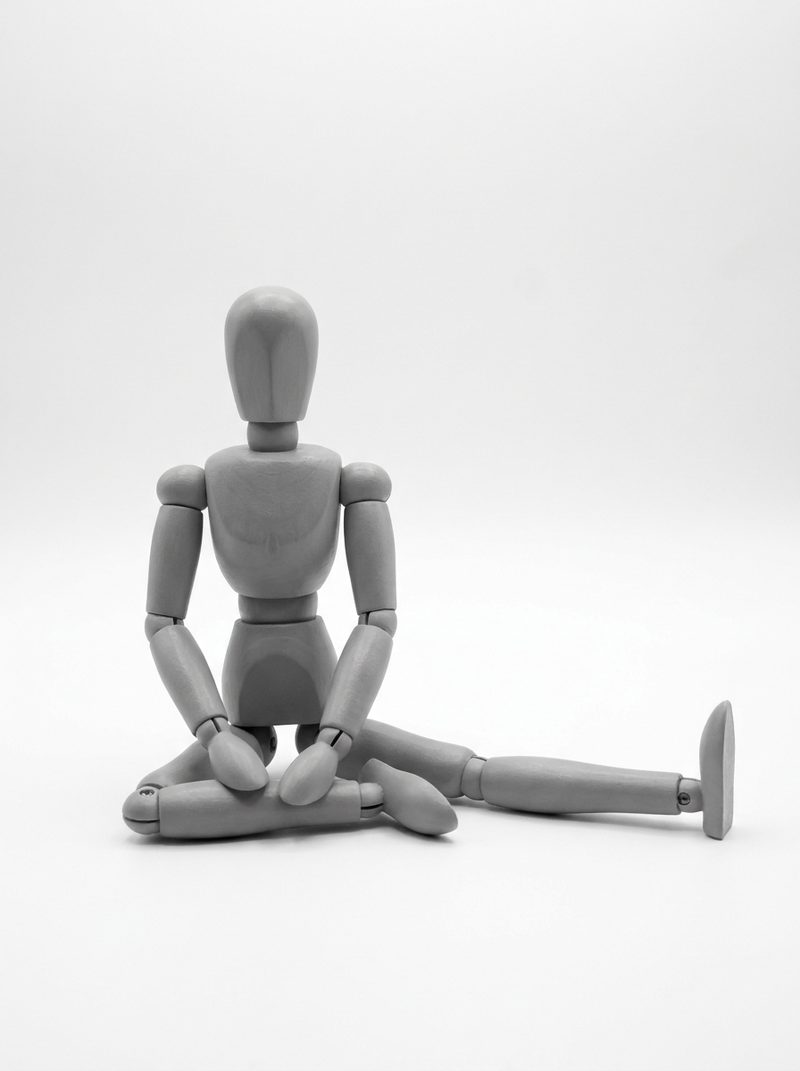
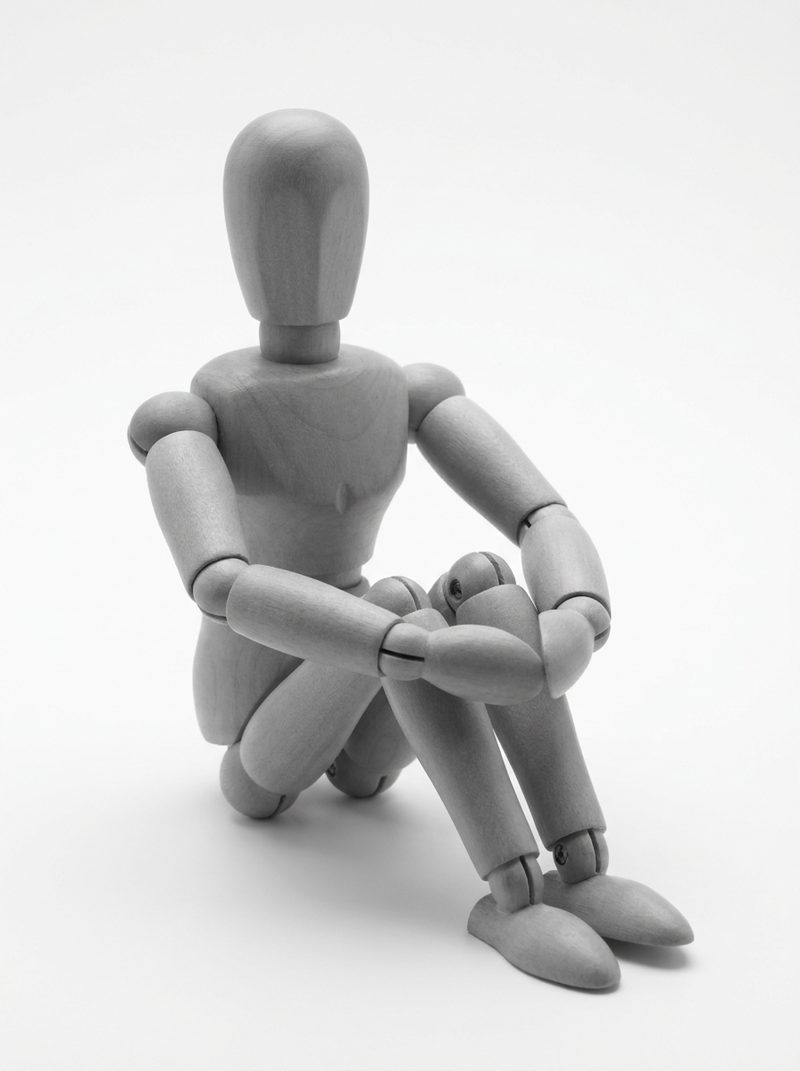
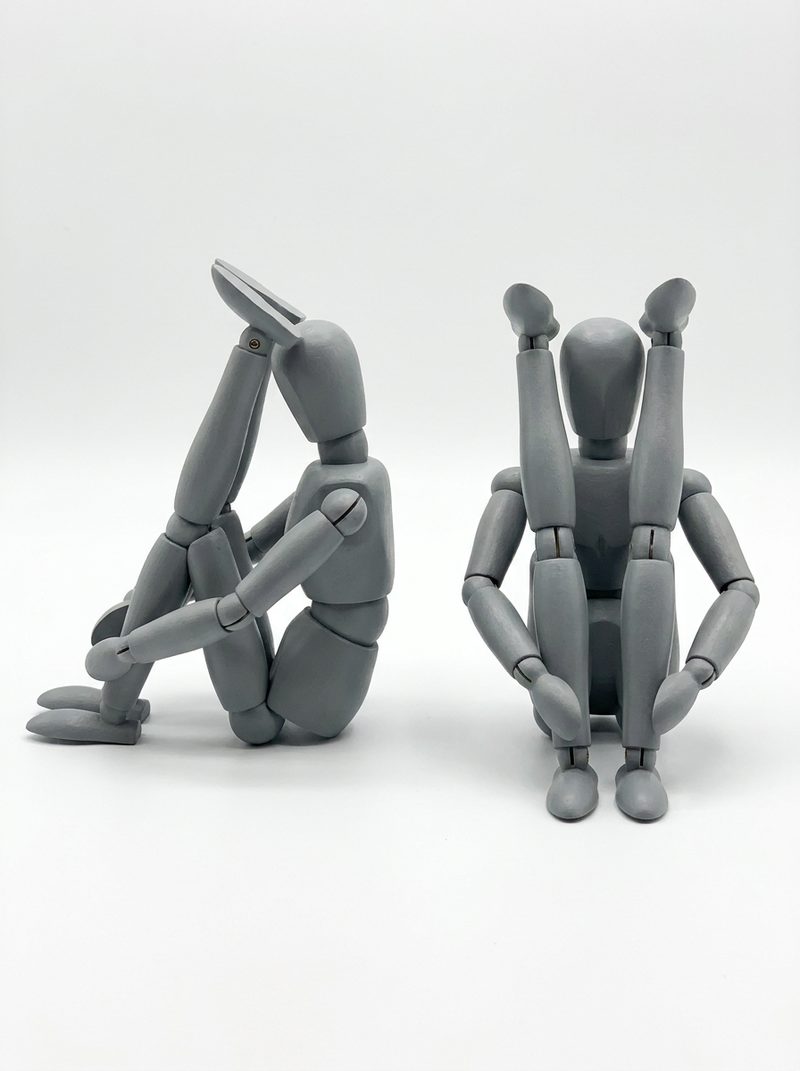
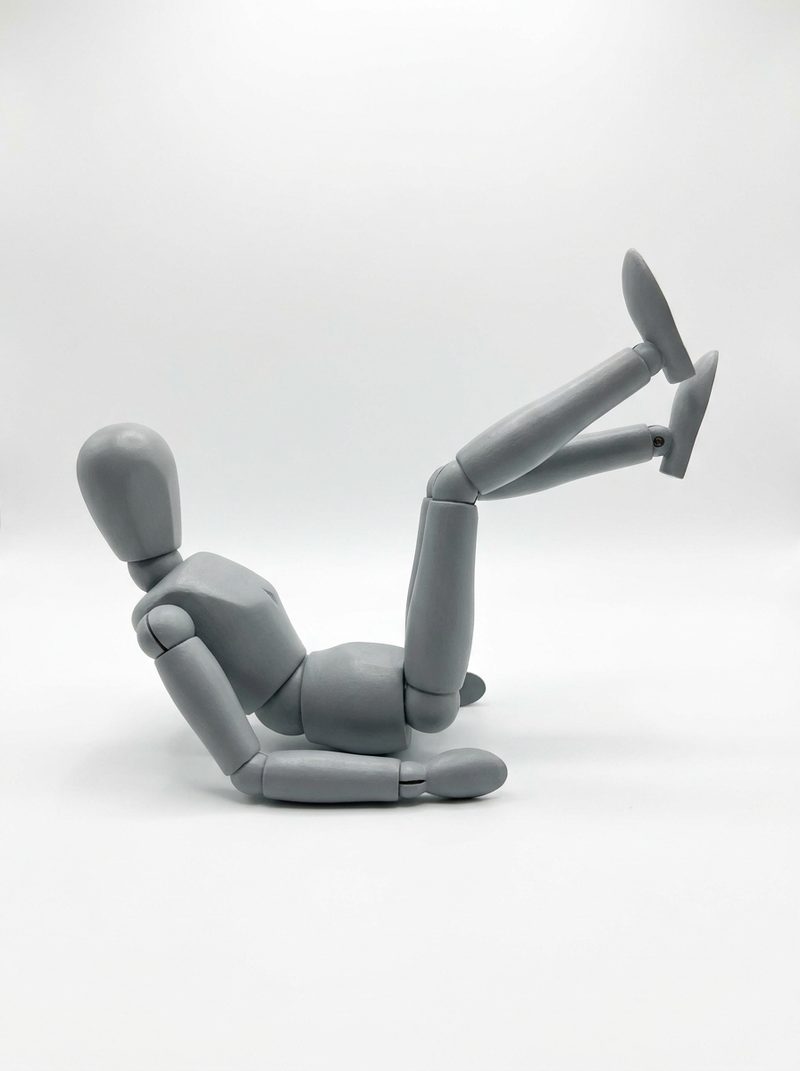
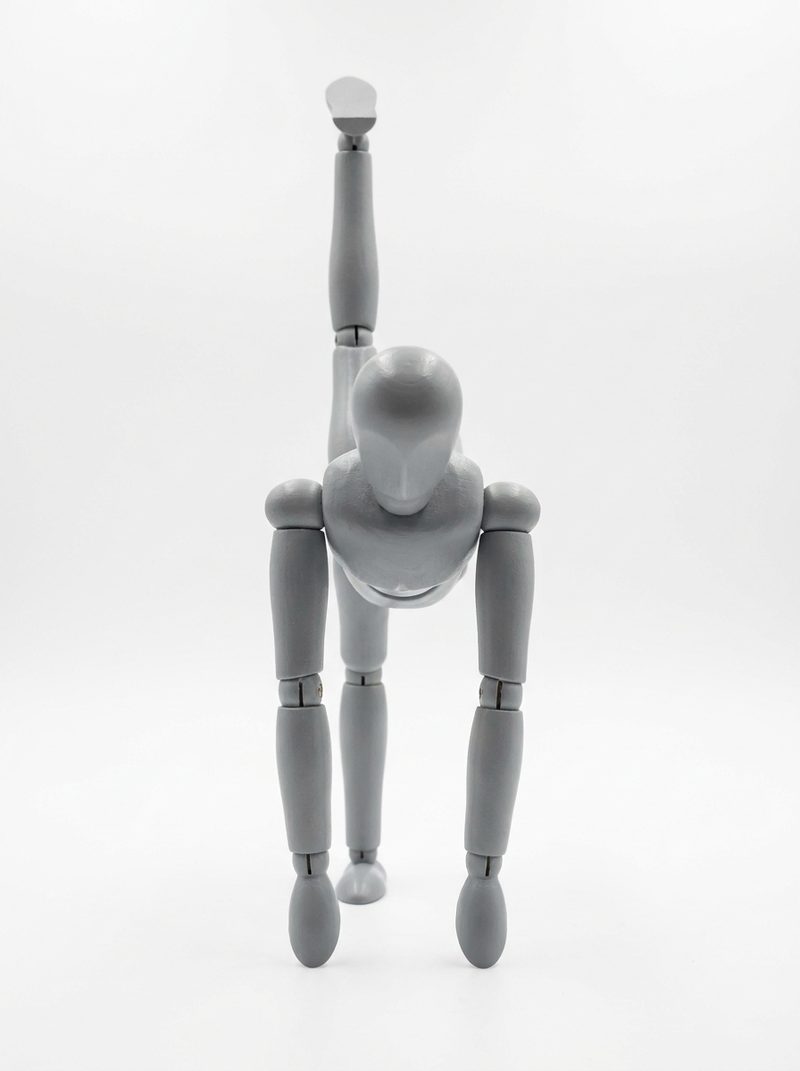
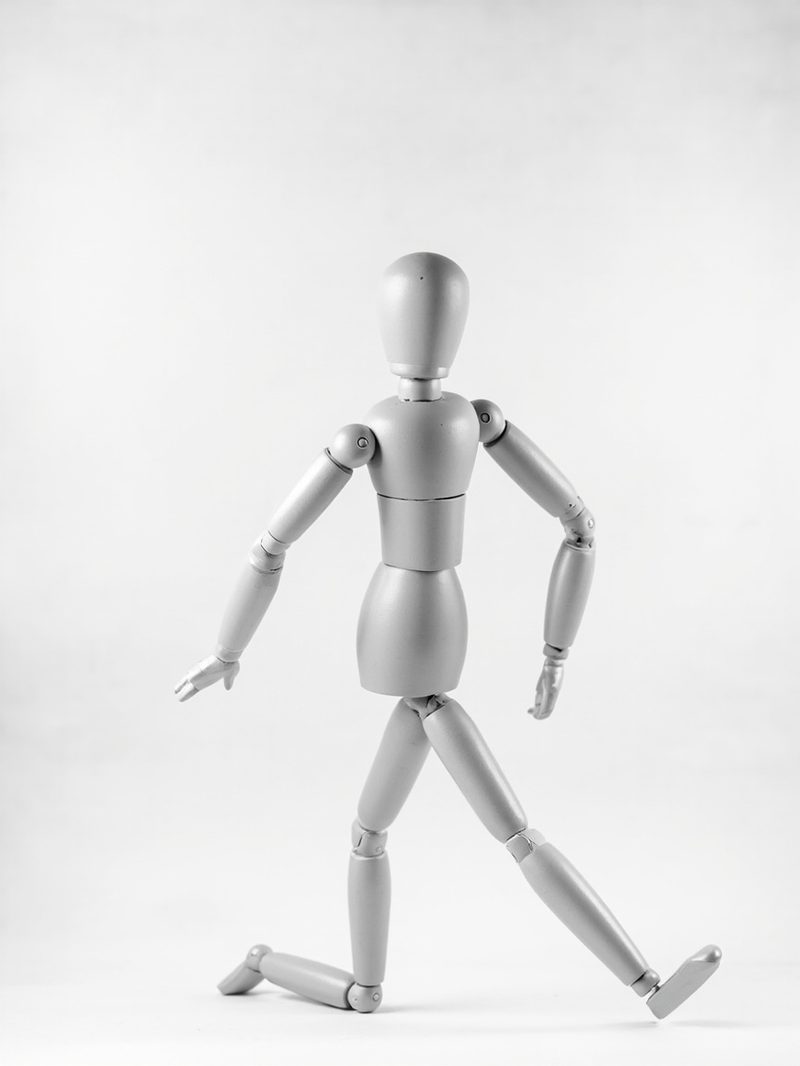
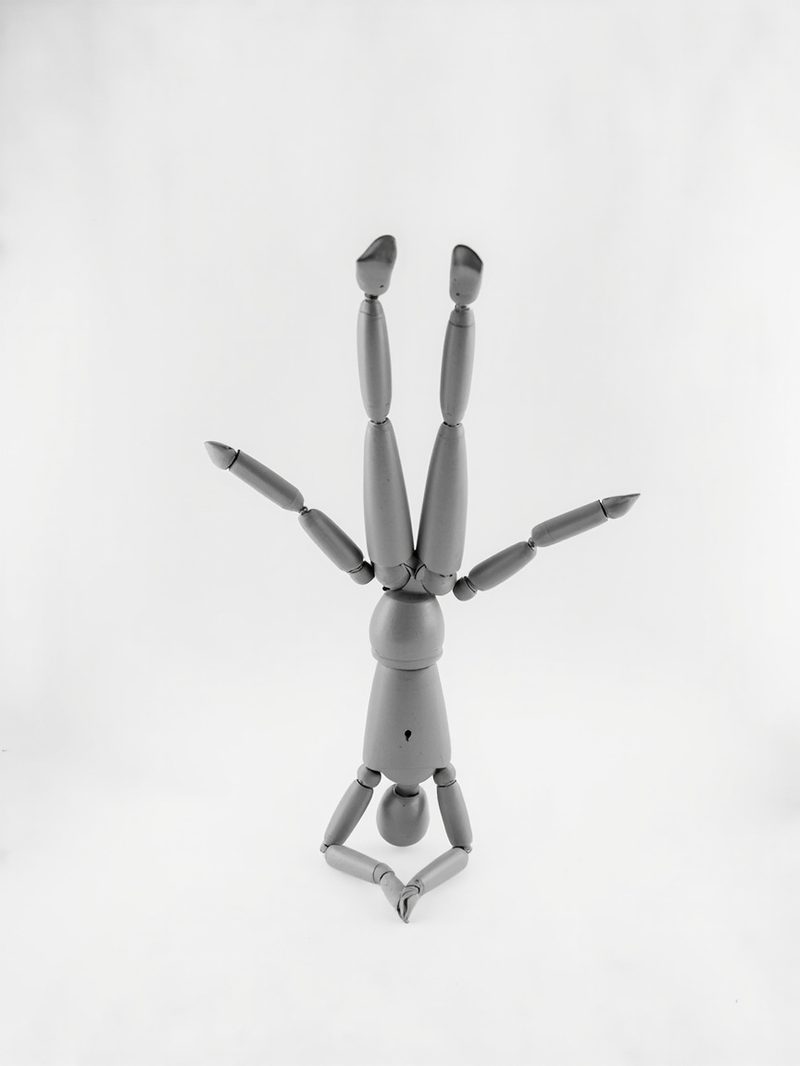
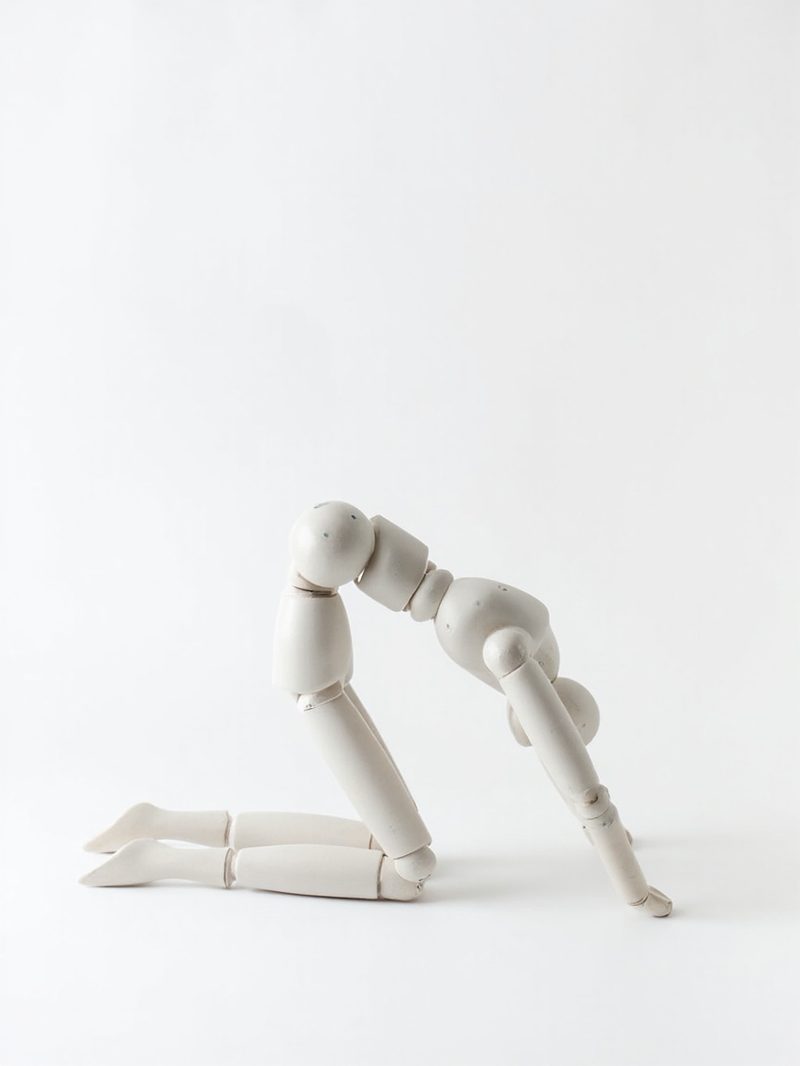
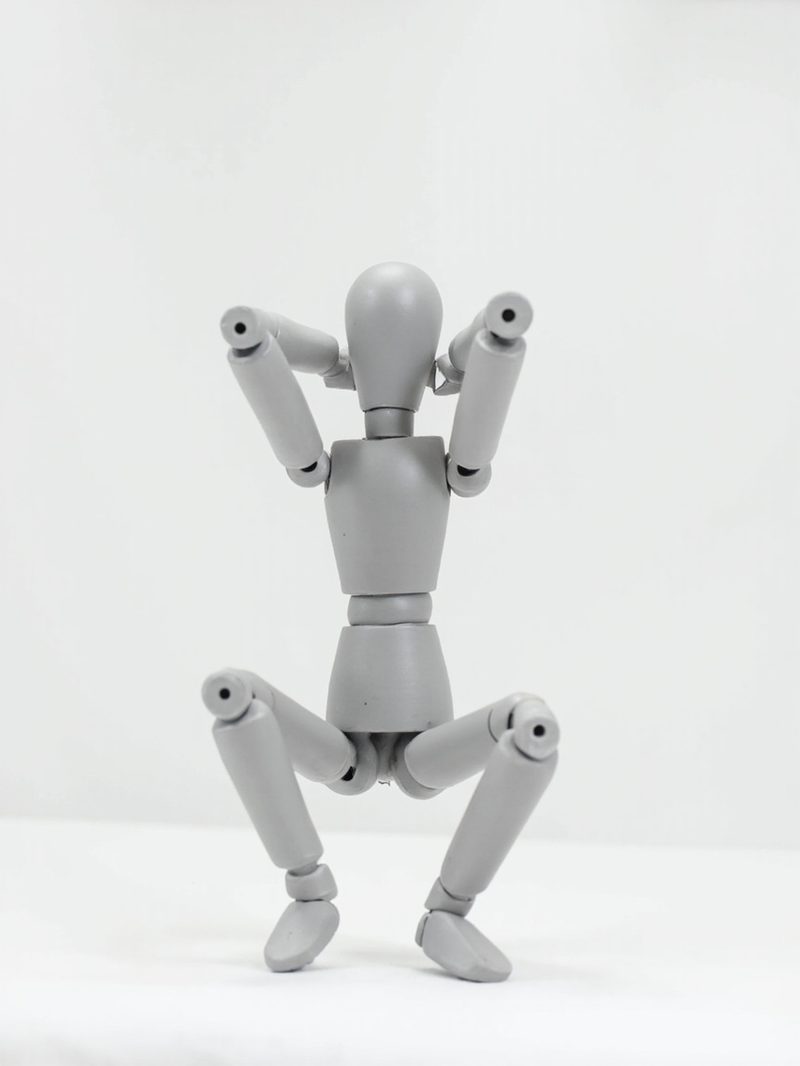
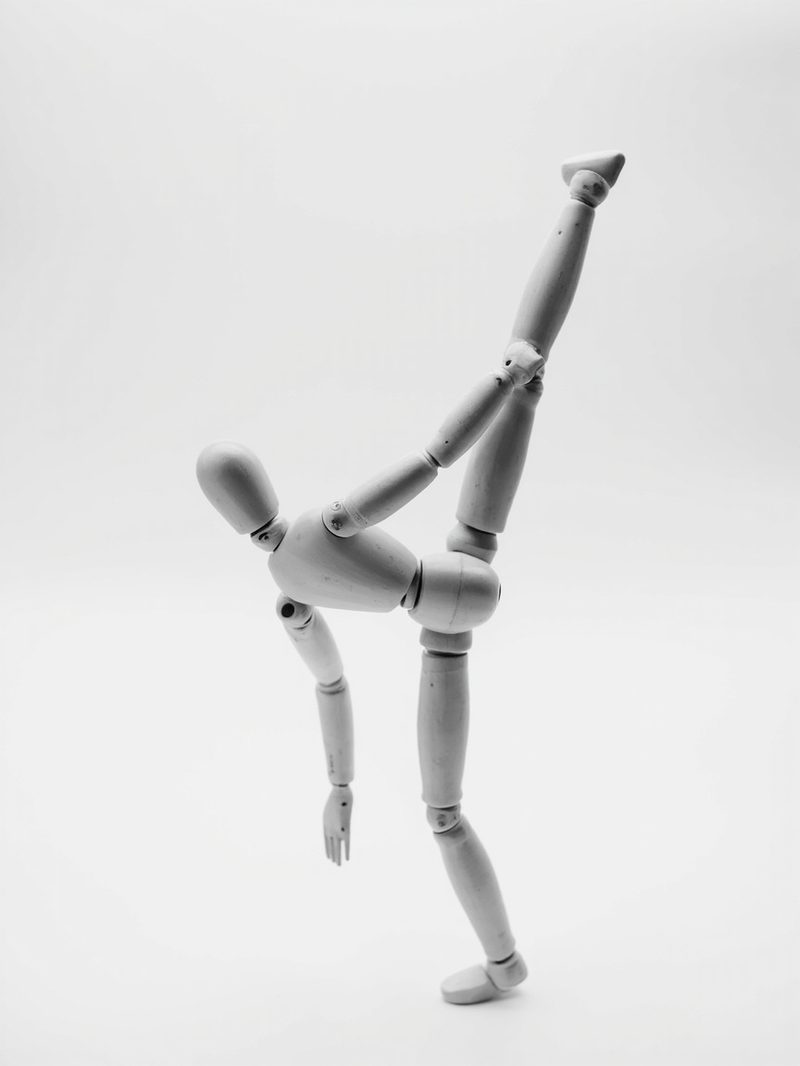
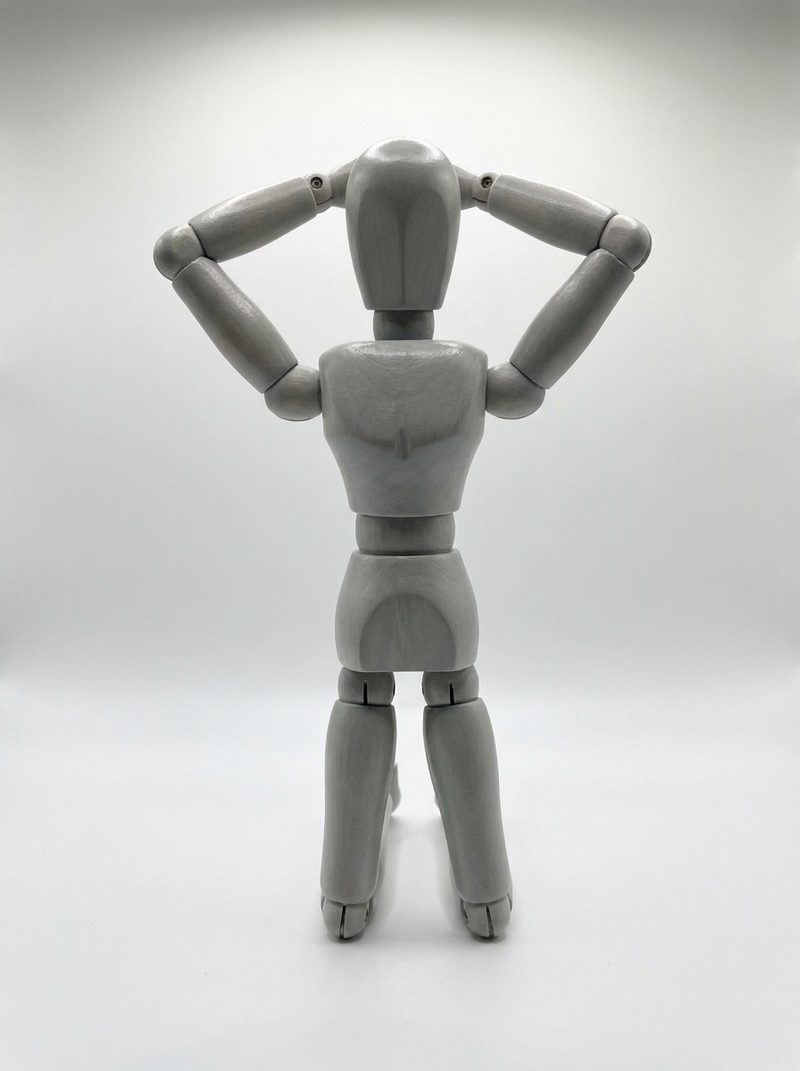
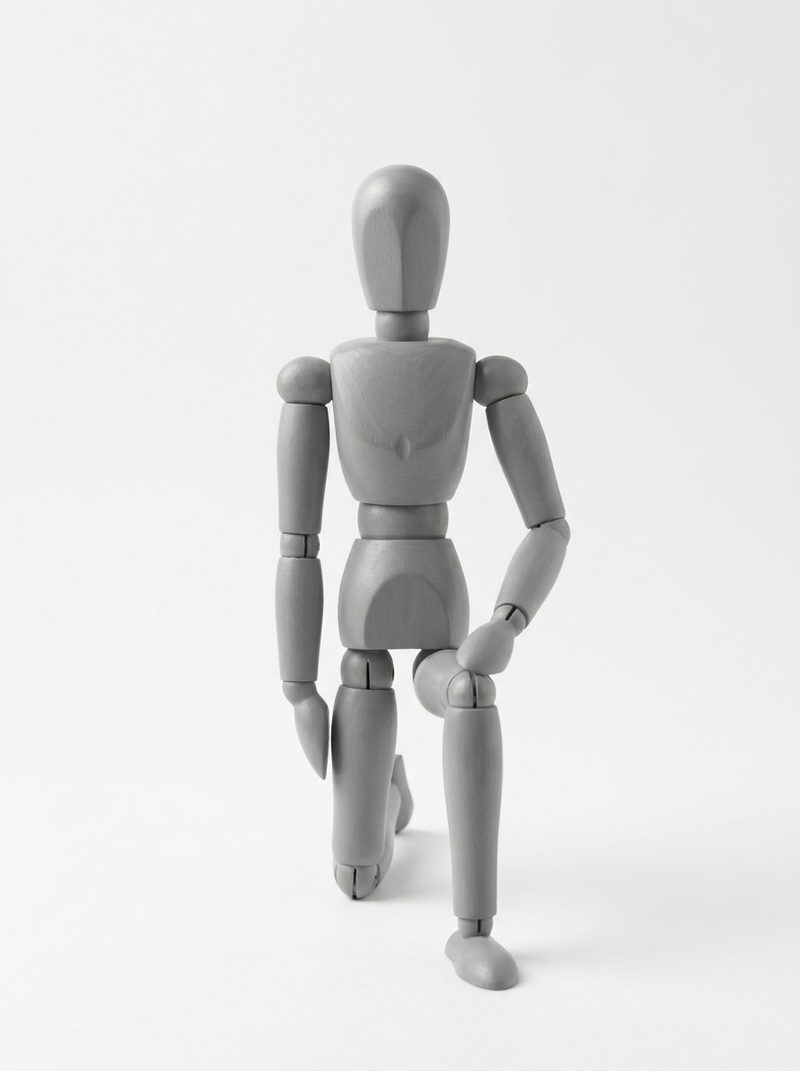
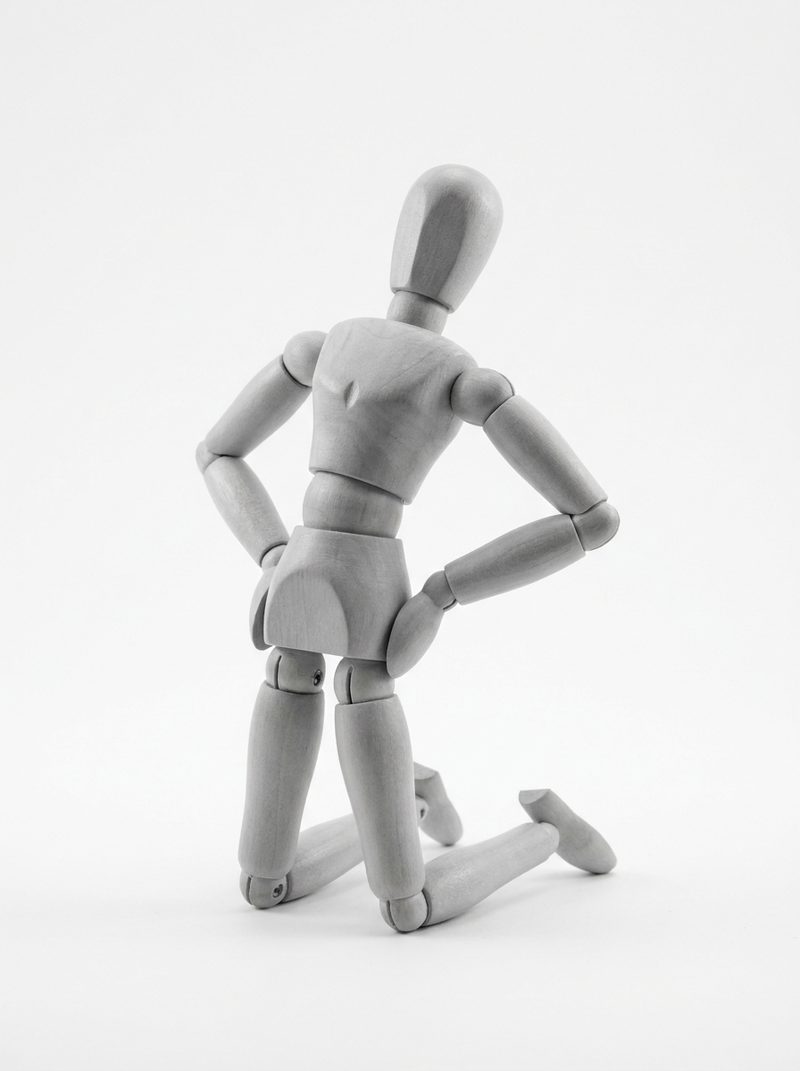
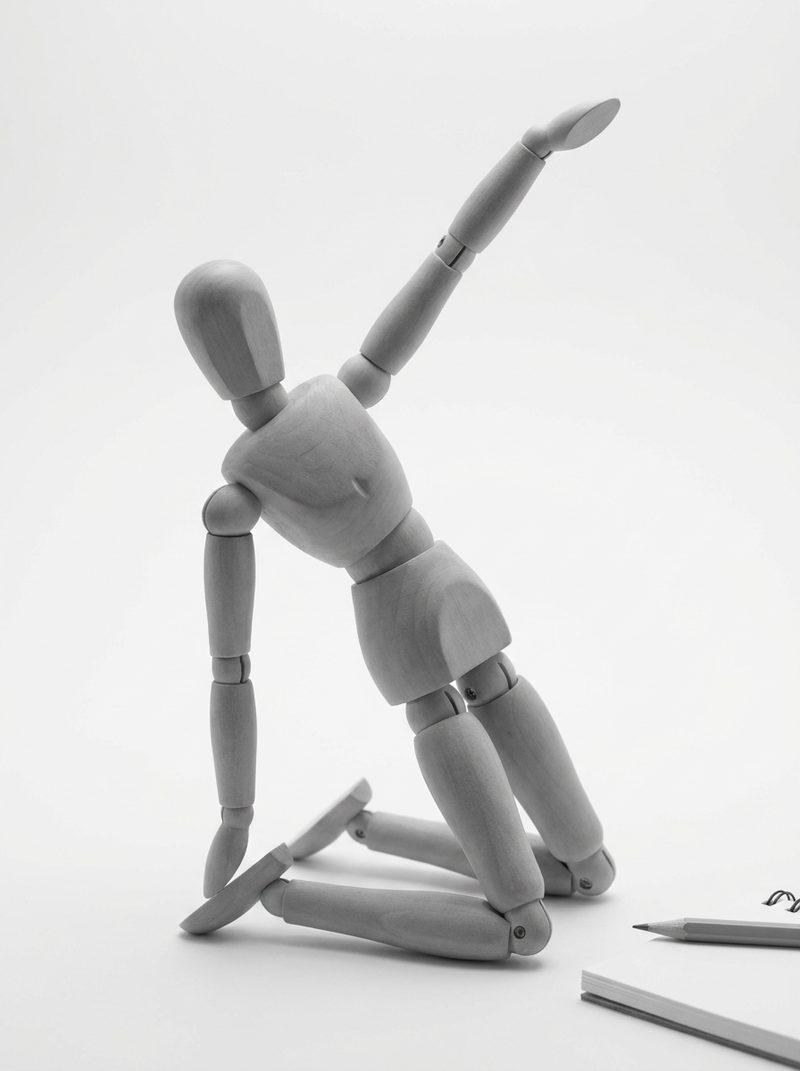
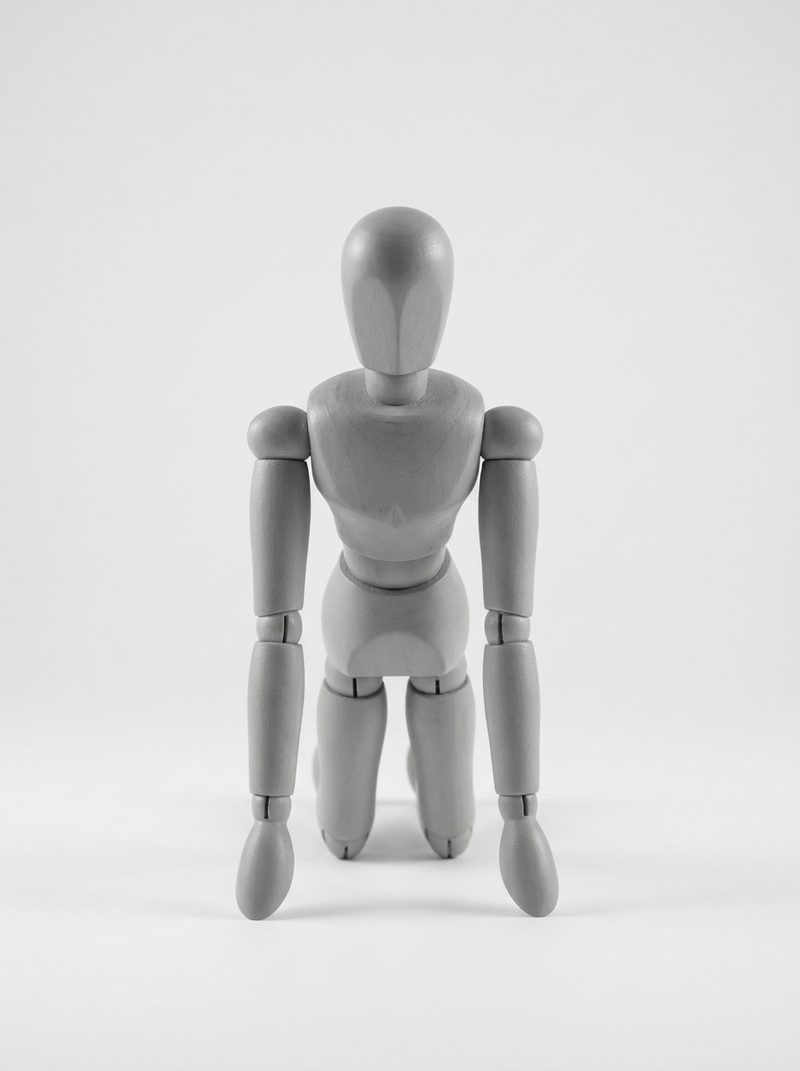
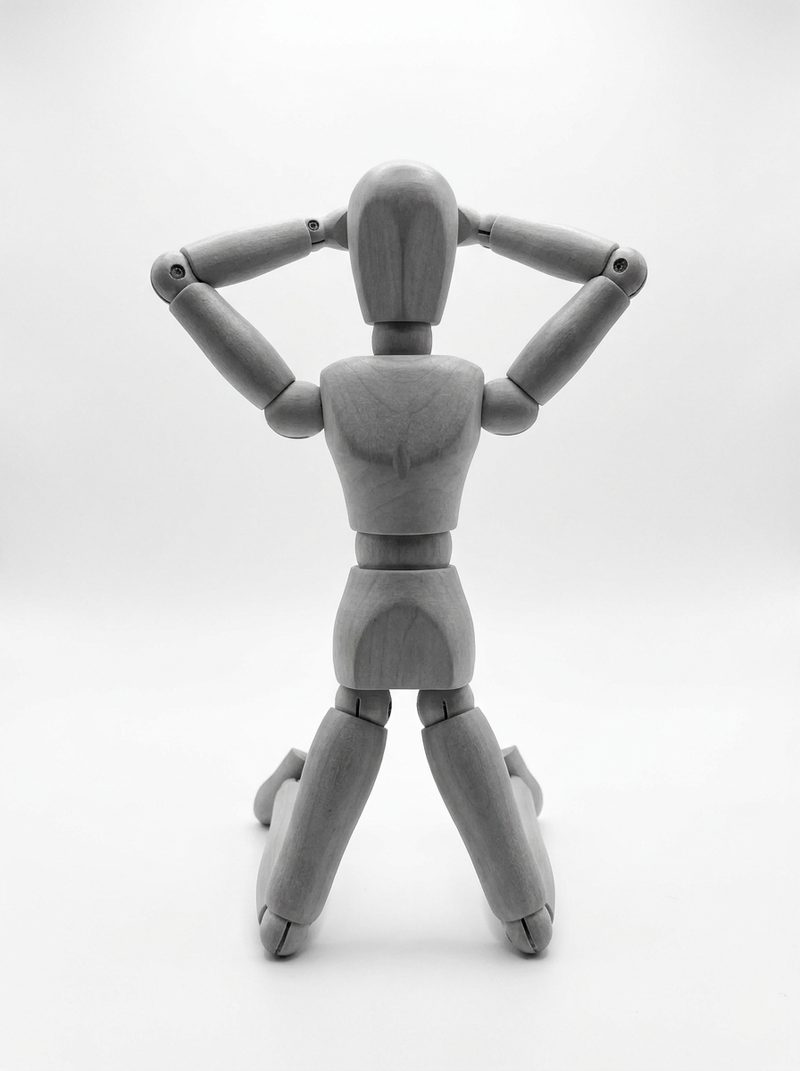
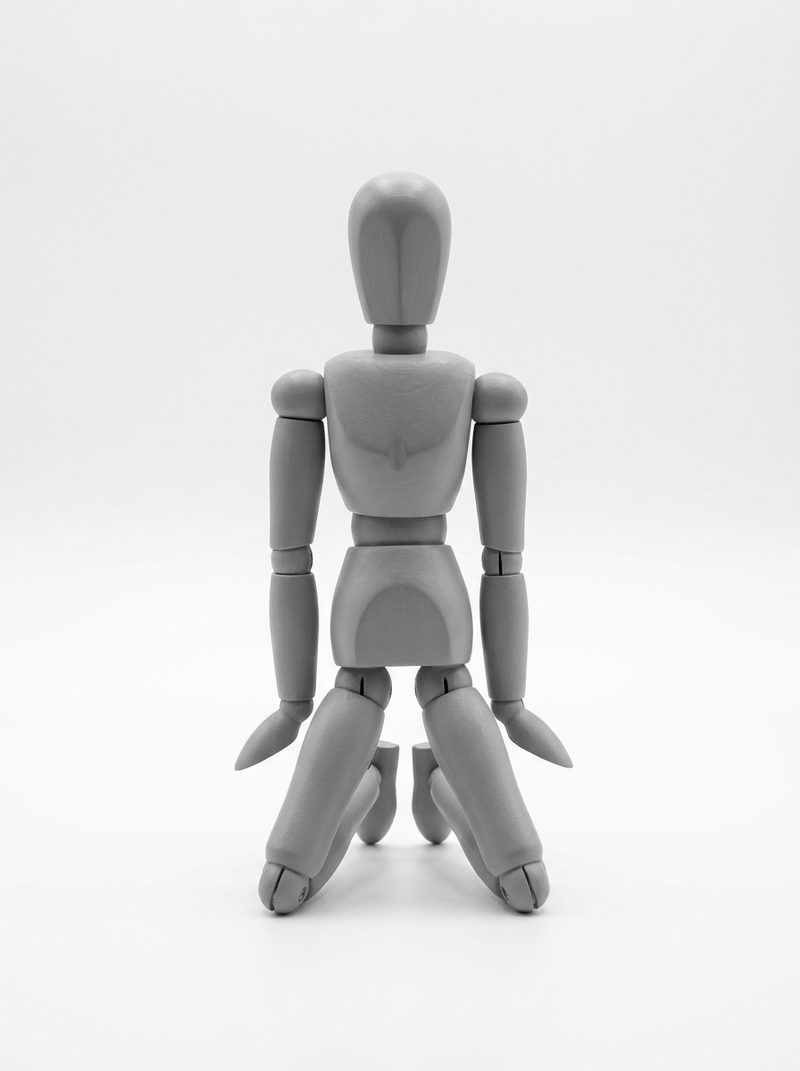
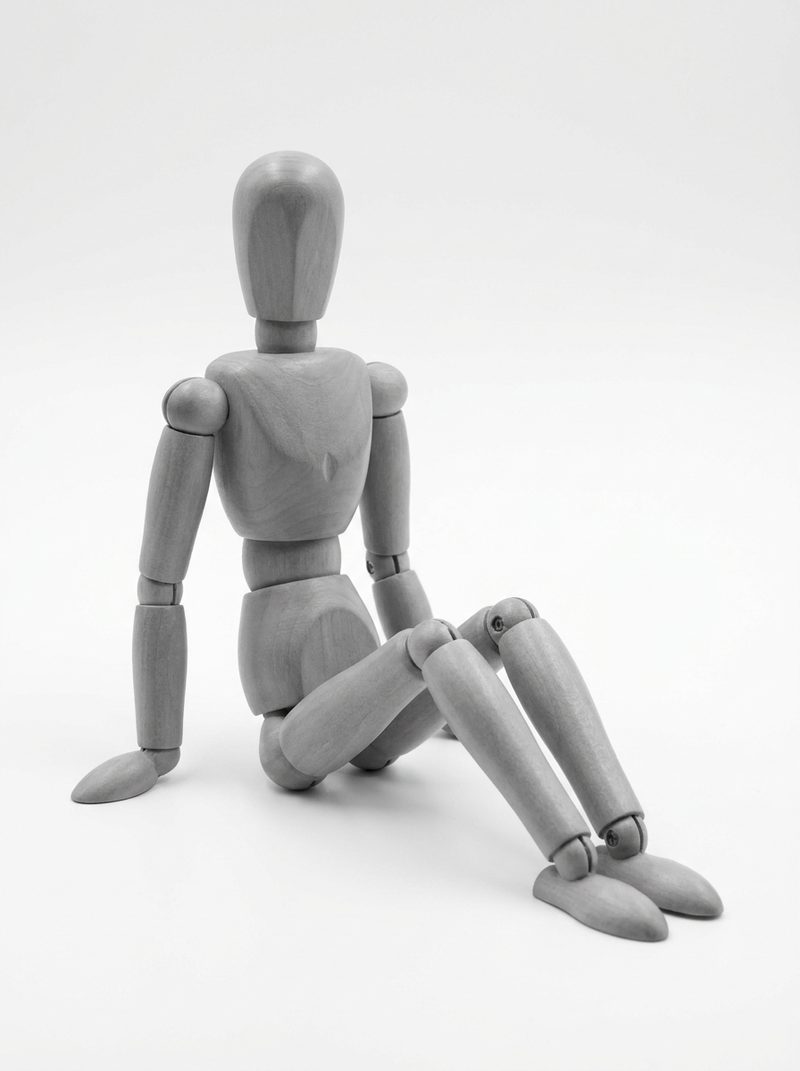
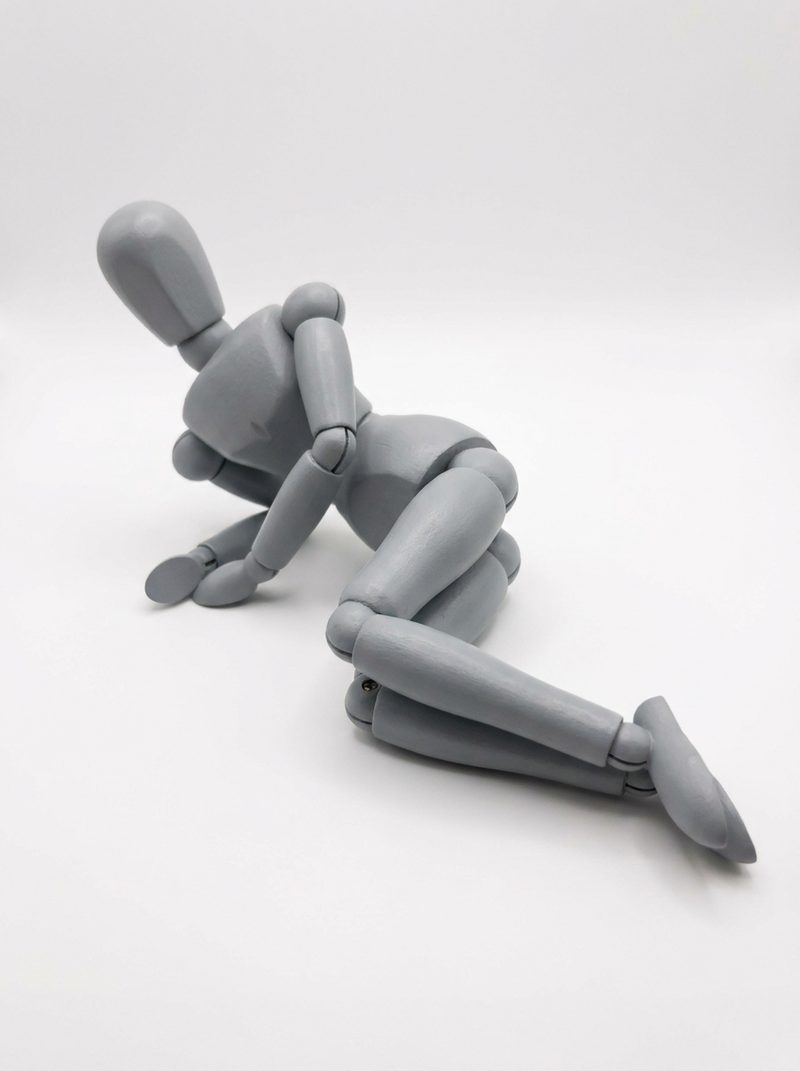
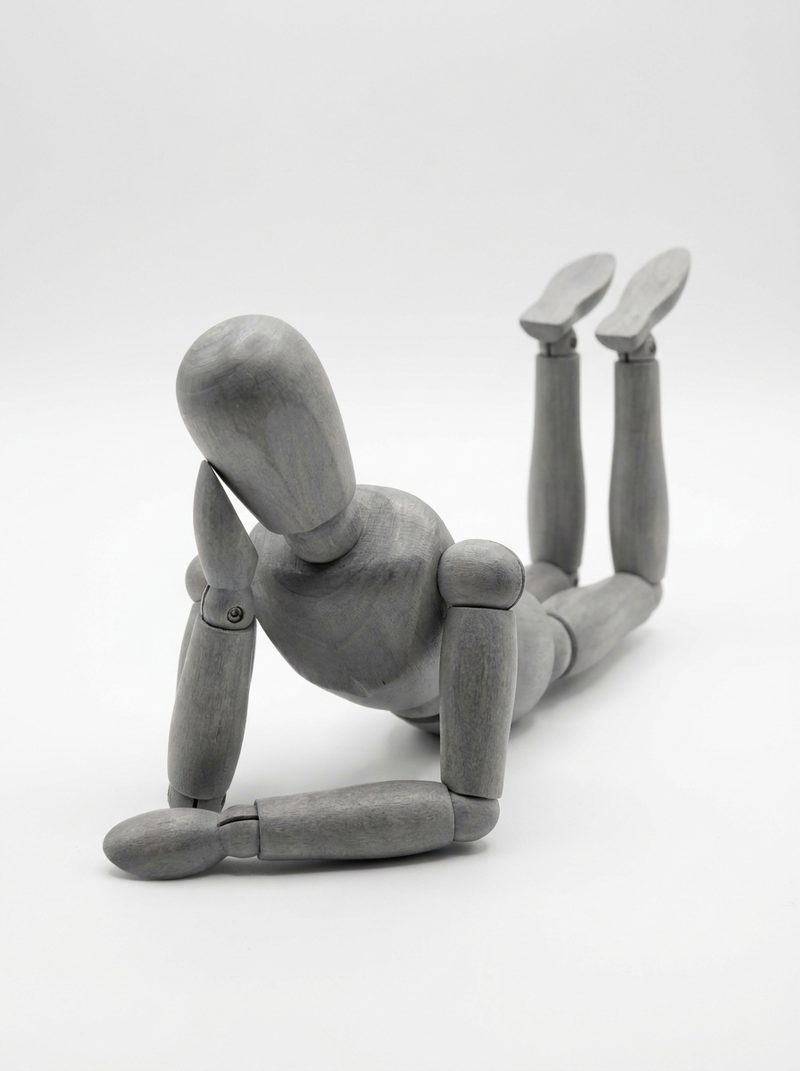
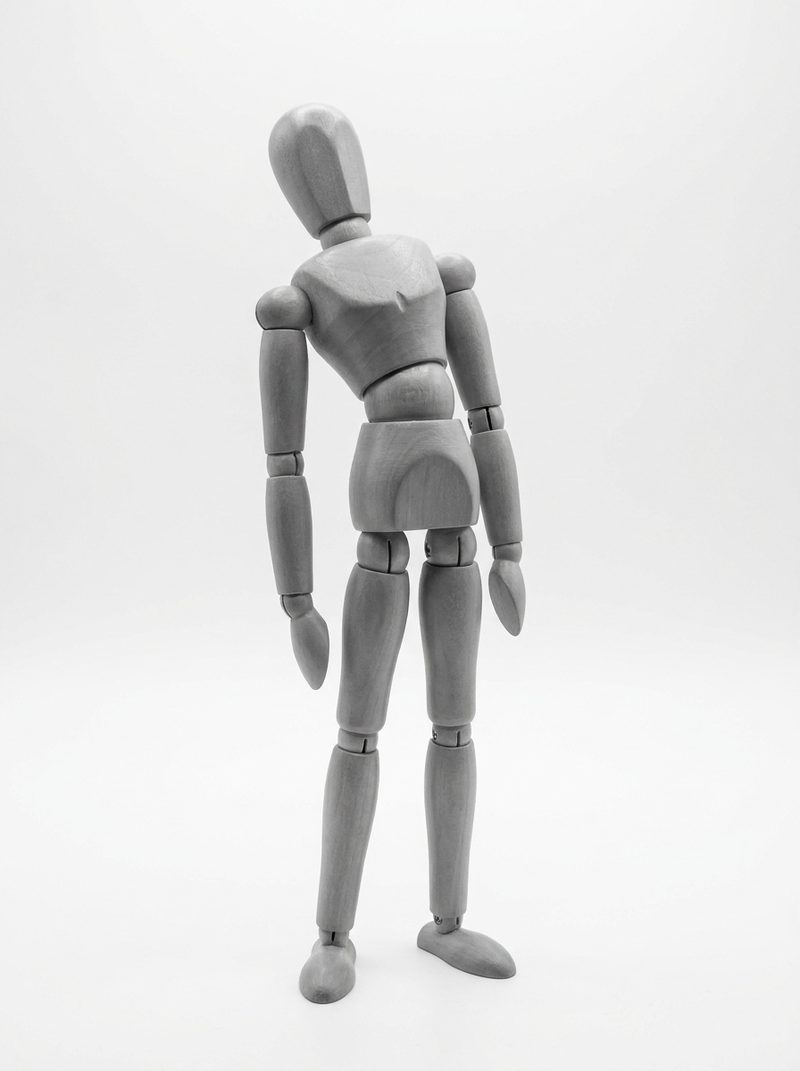
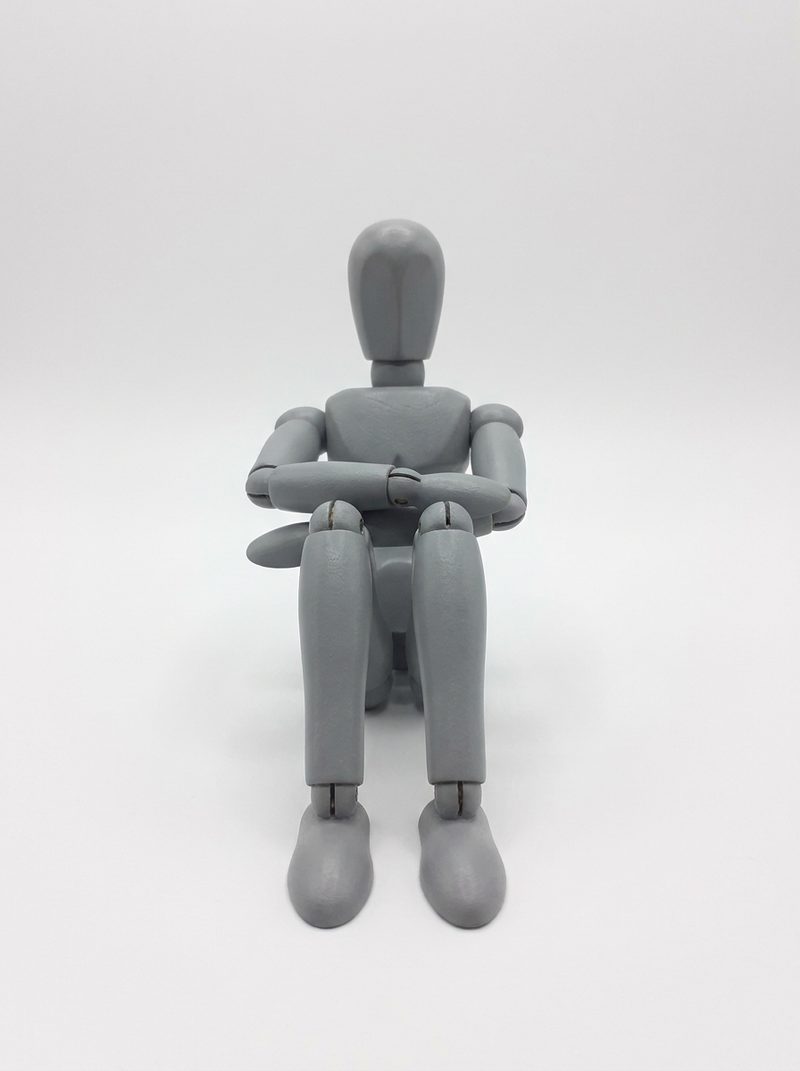
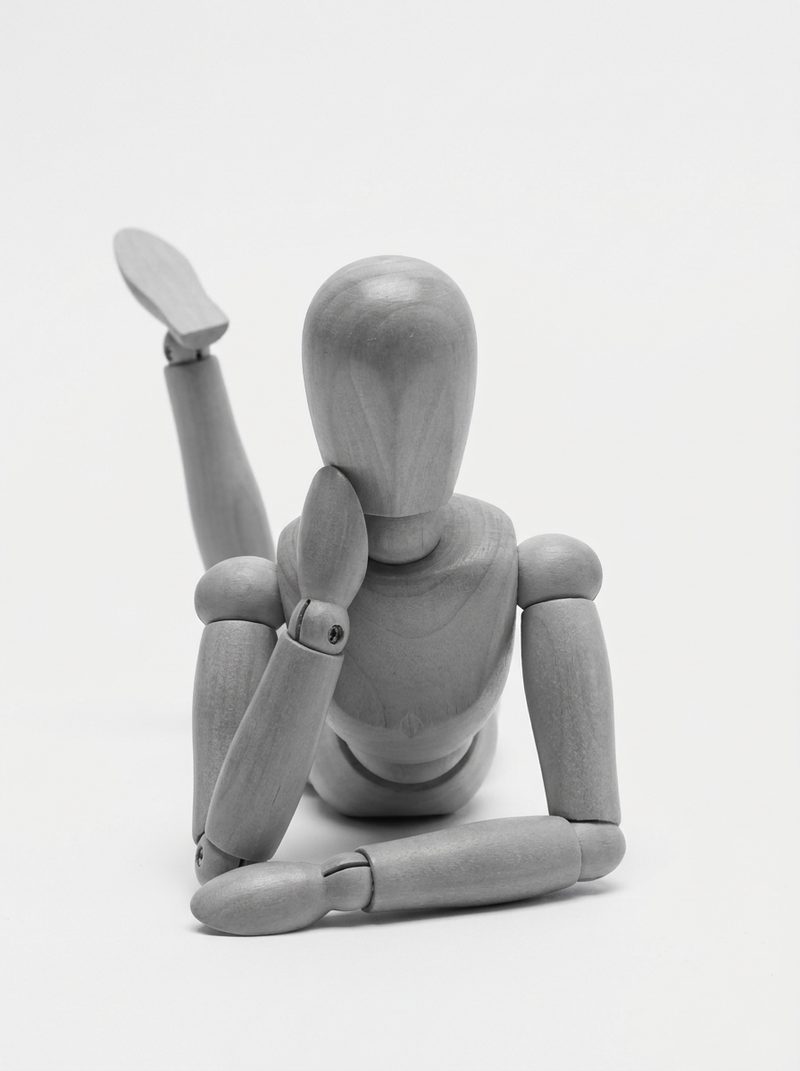
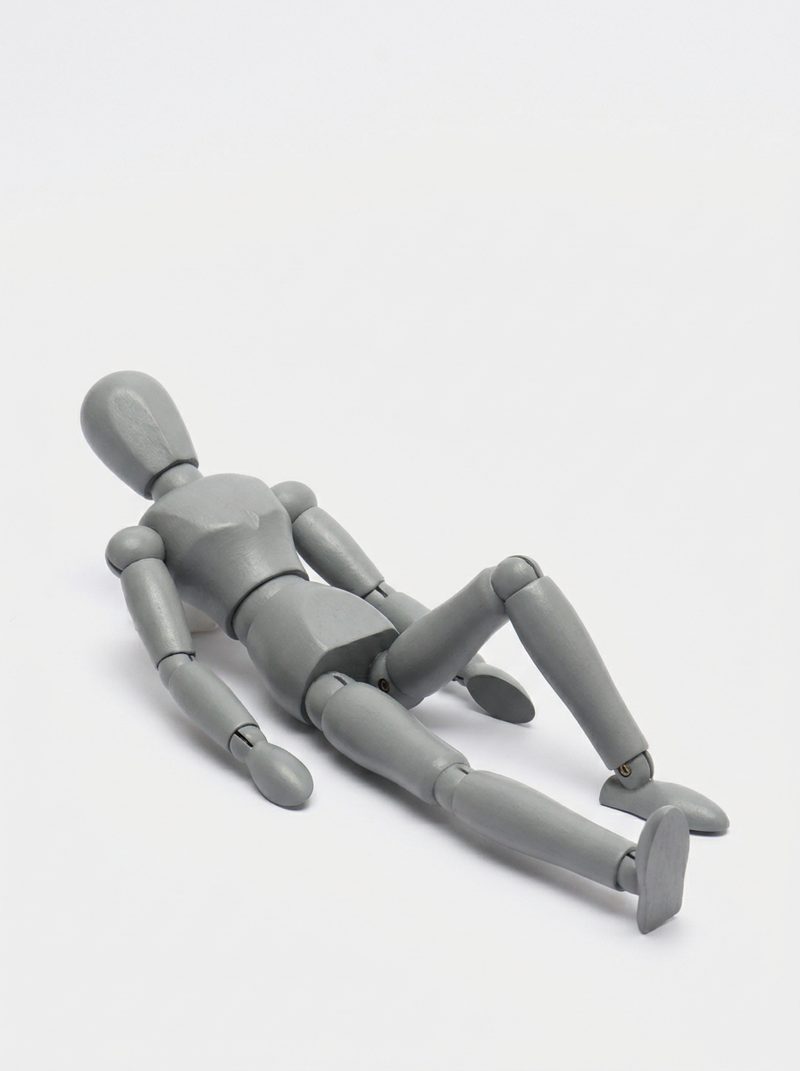
Every reference render in the set, grouped loosely by category. Prompts for each pose live in the app — open the library to copy them.
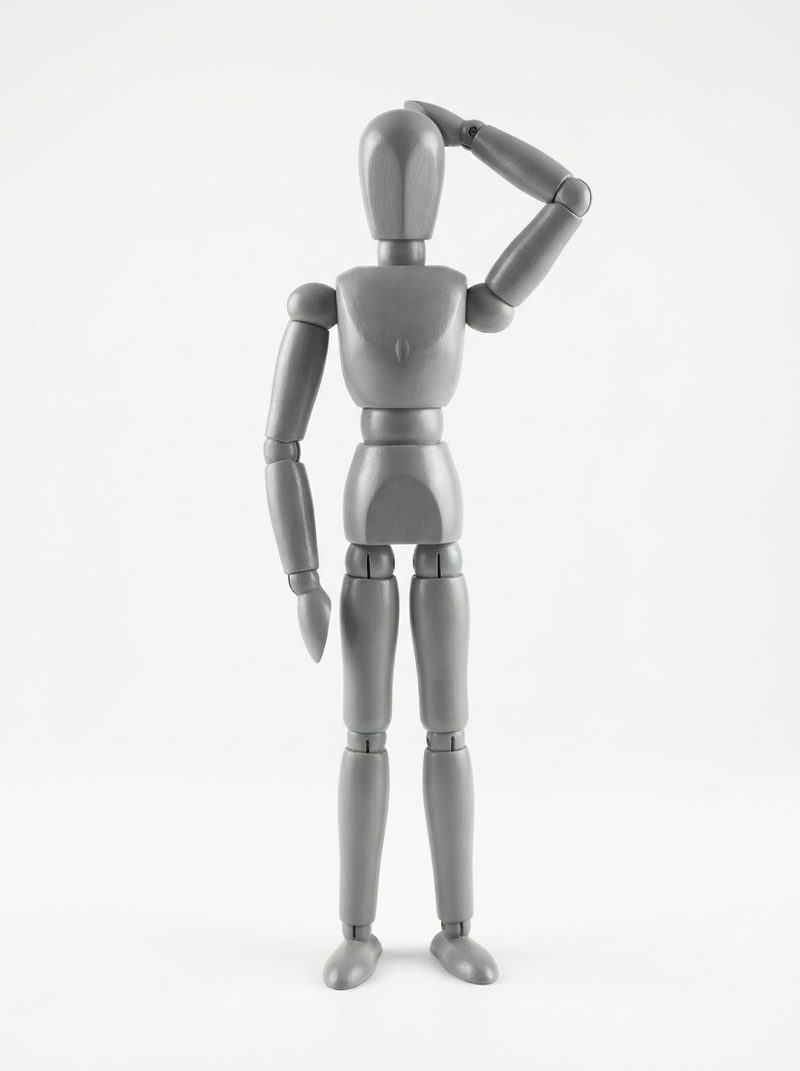
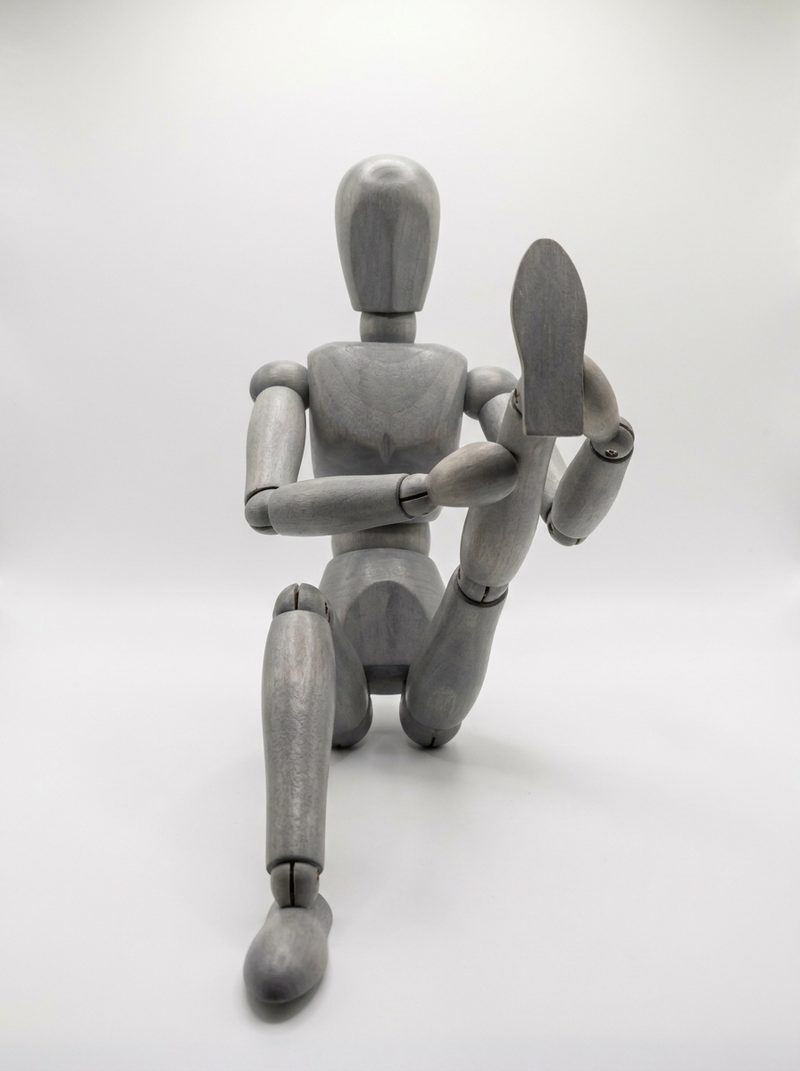
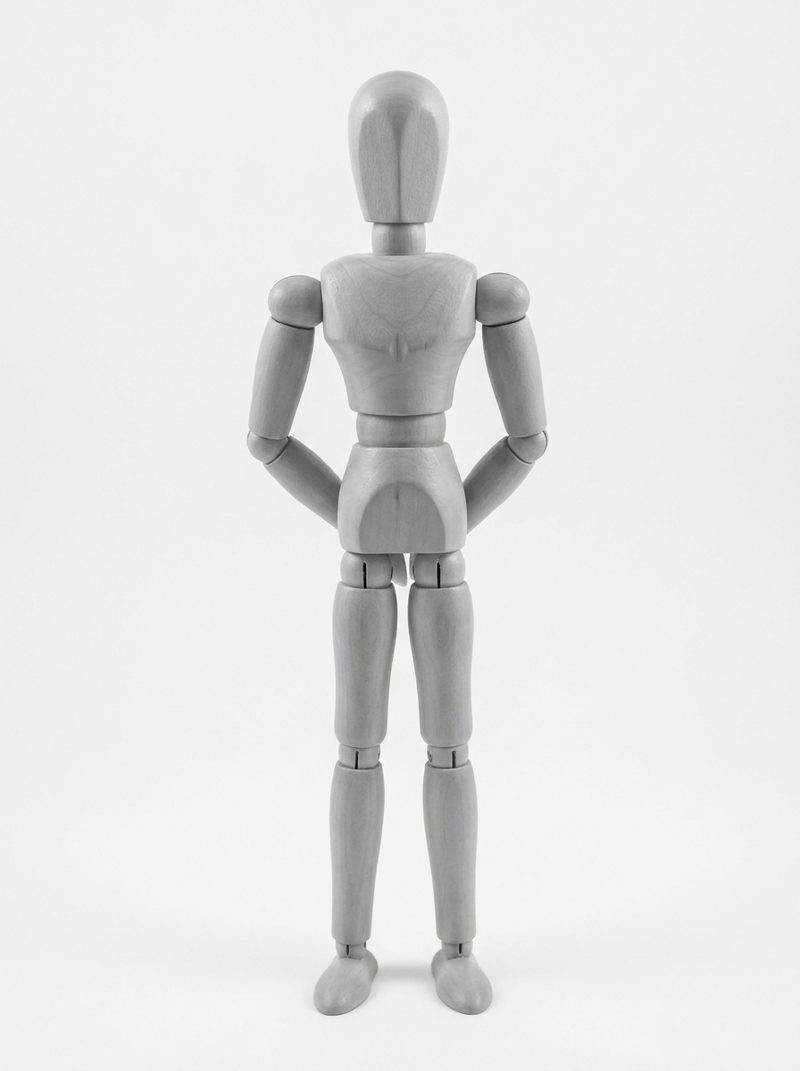
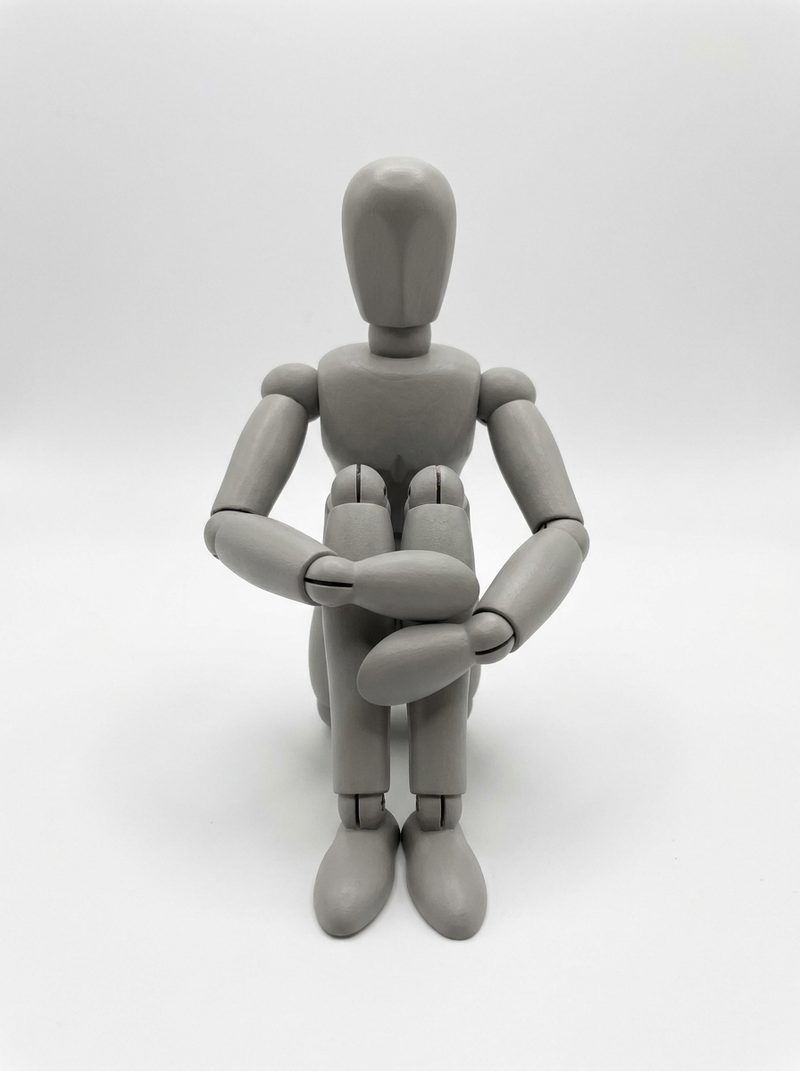
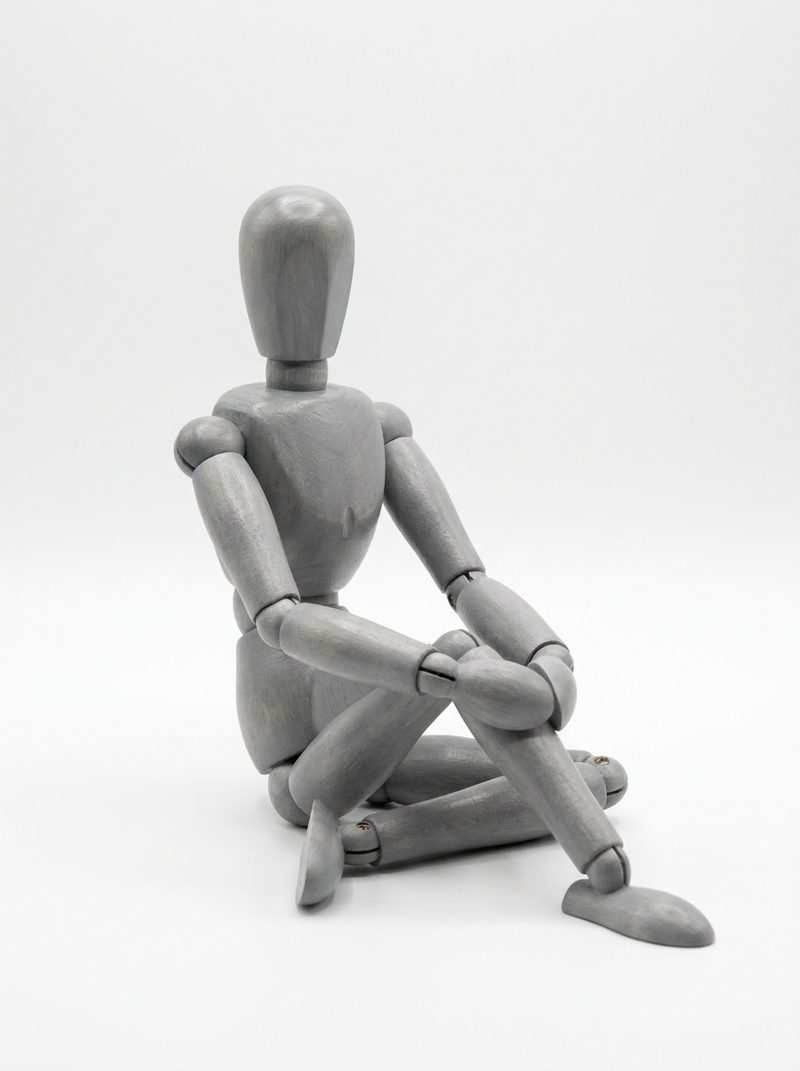
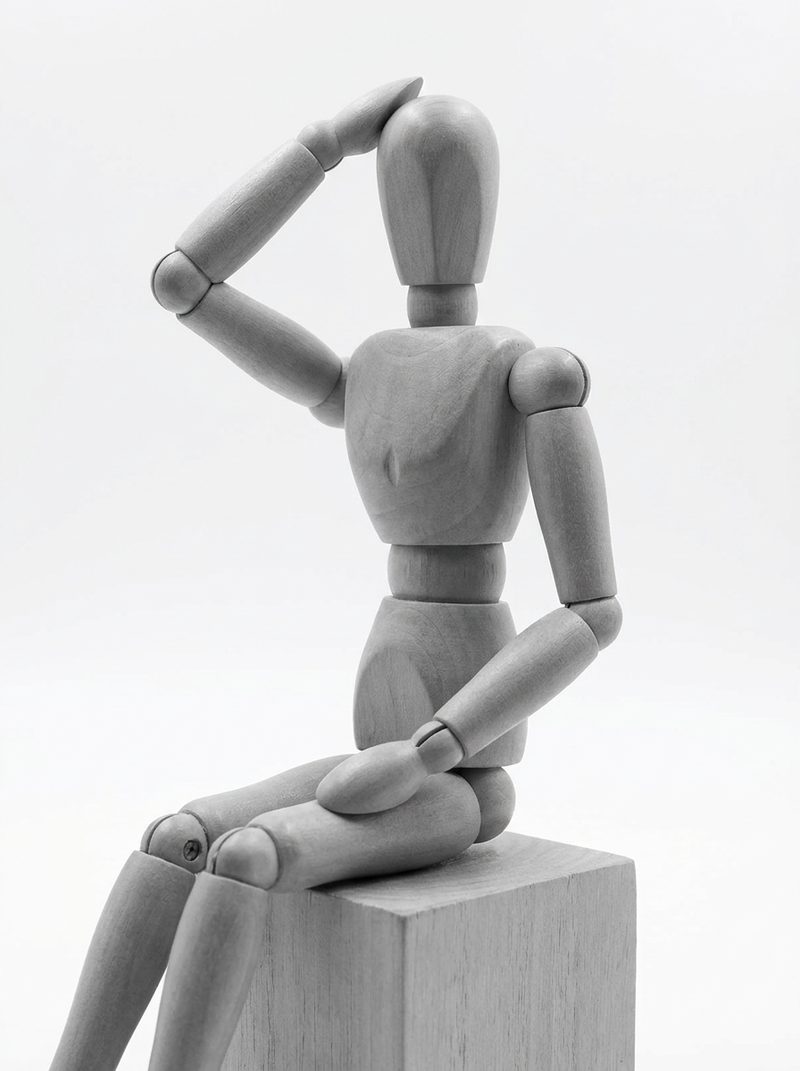
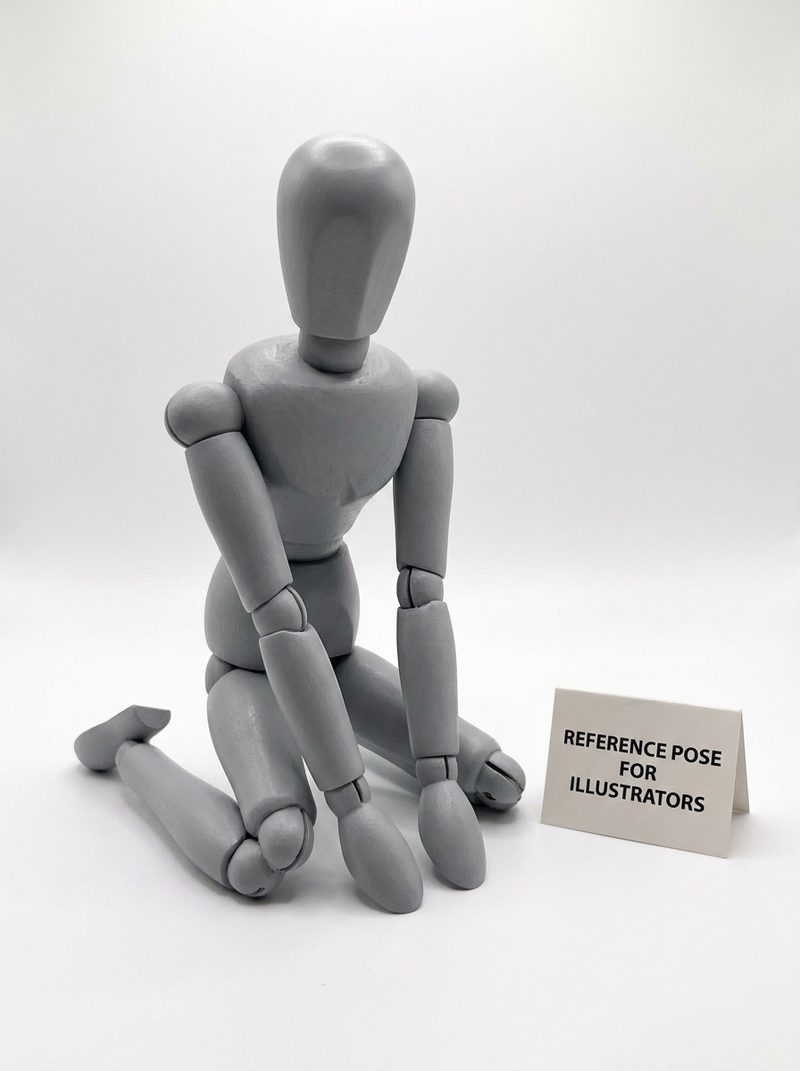
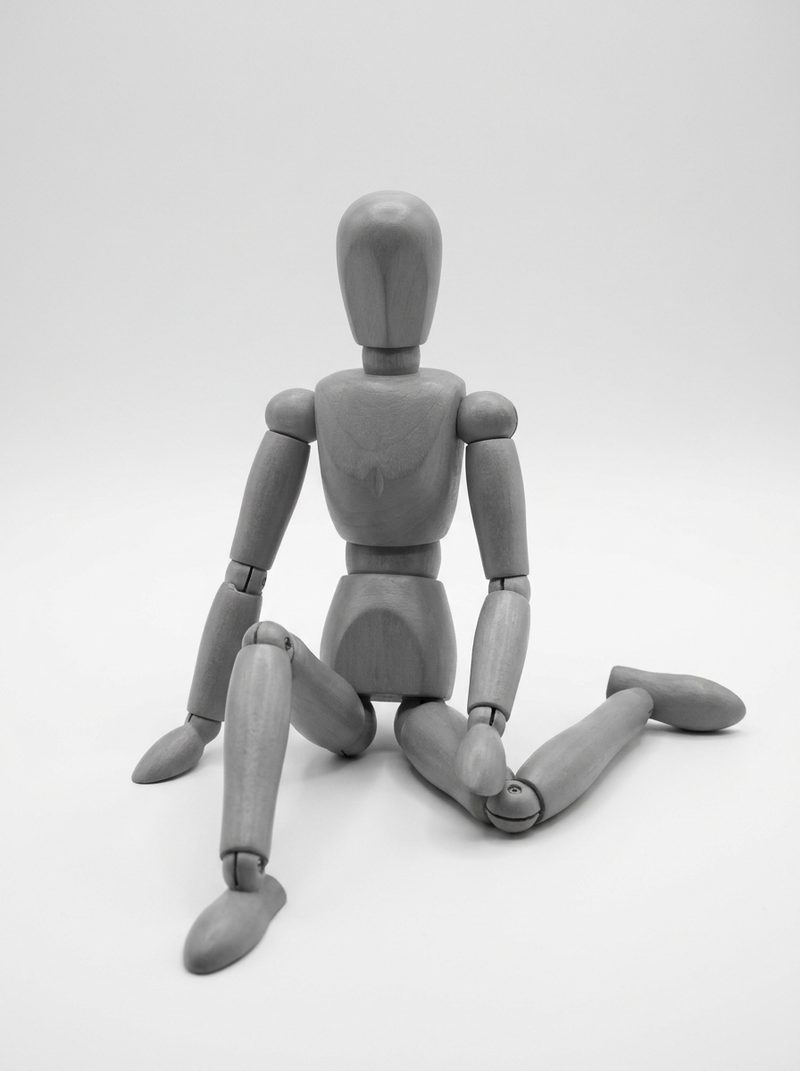
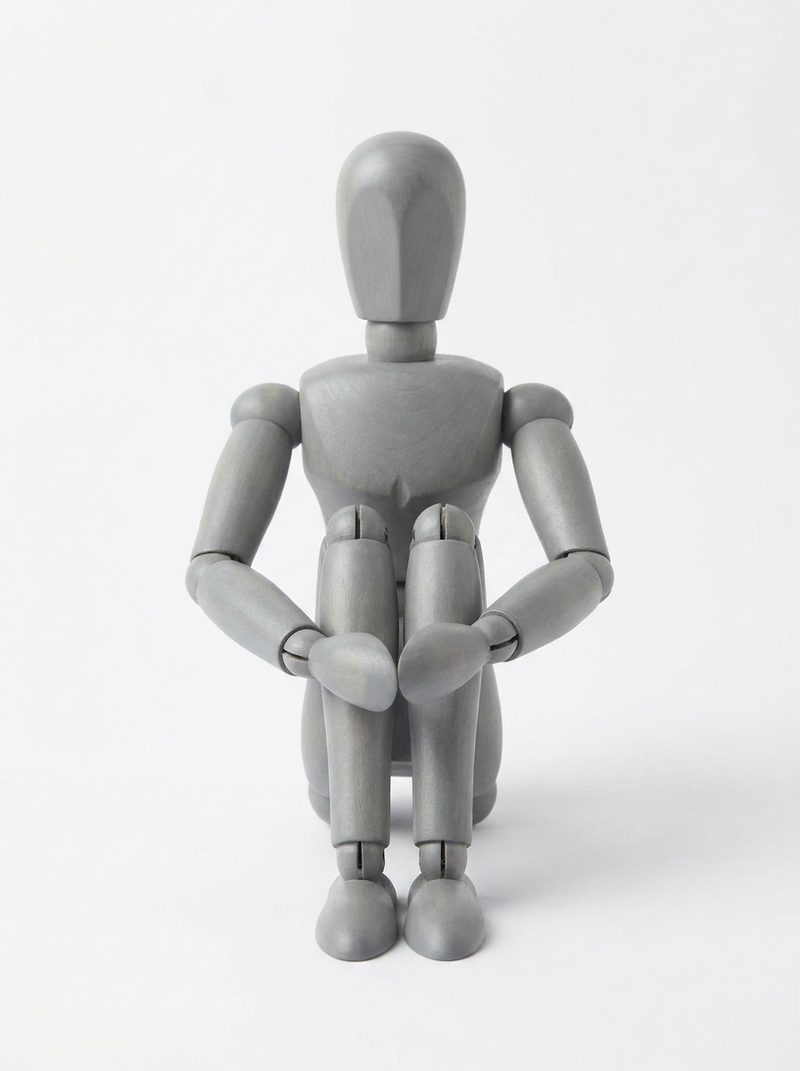
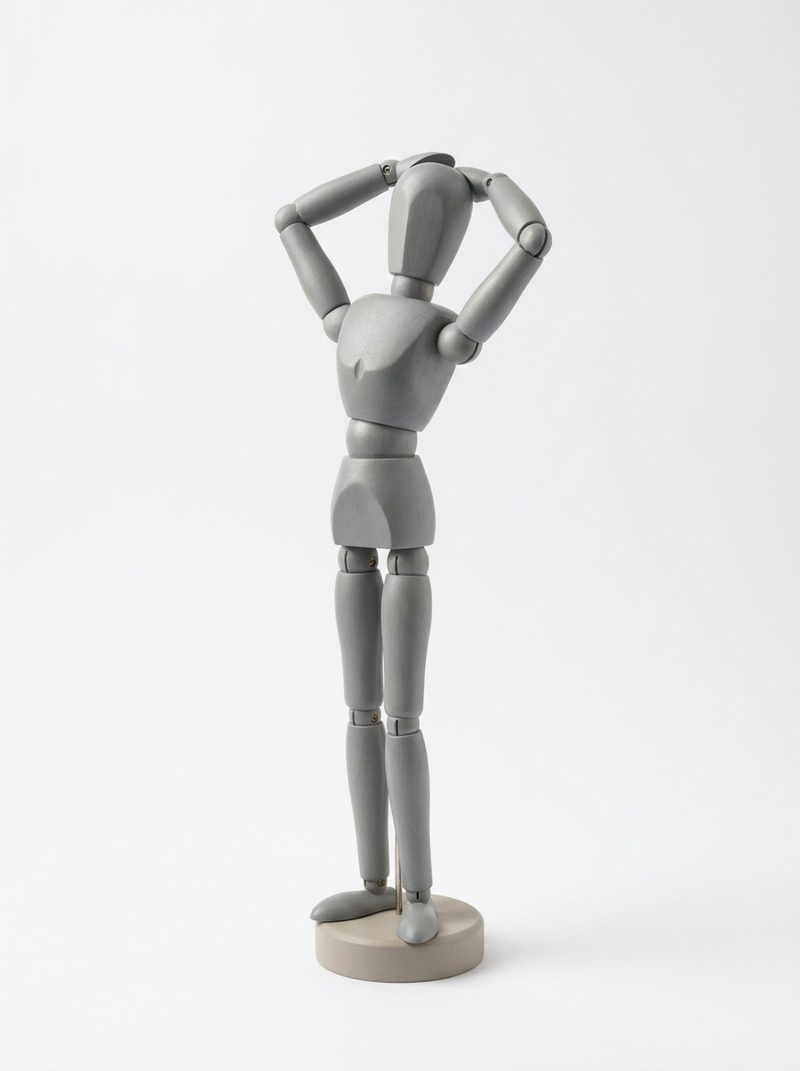
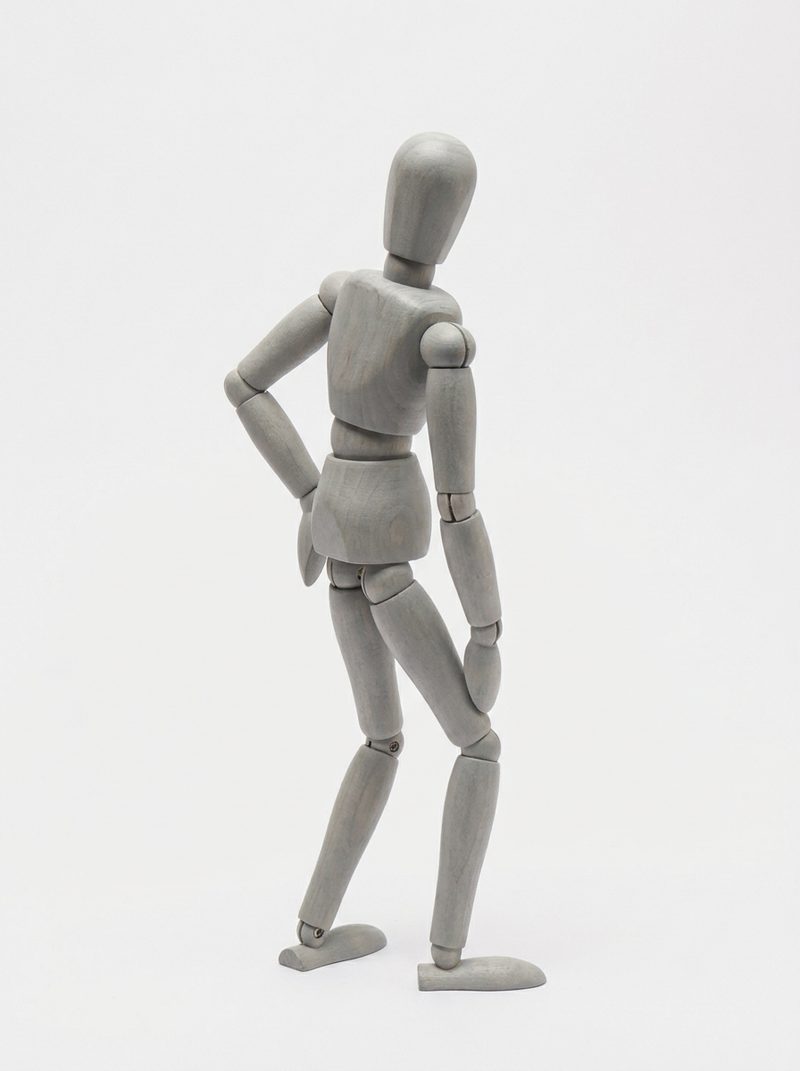
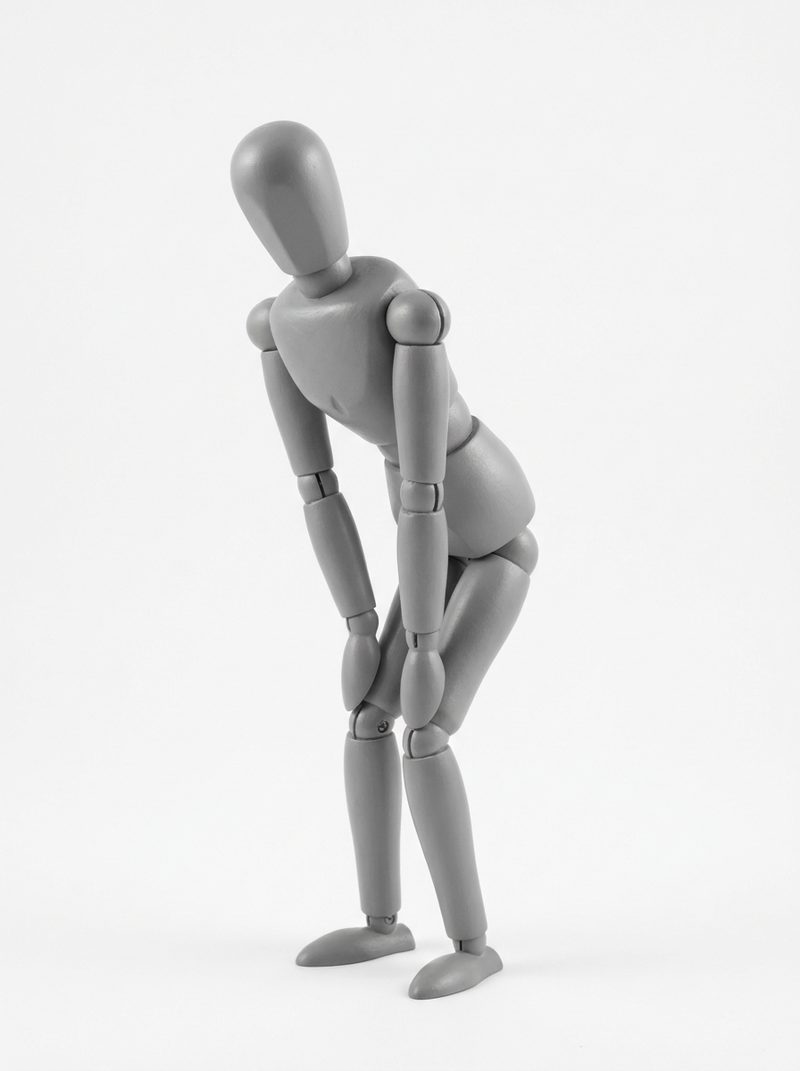
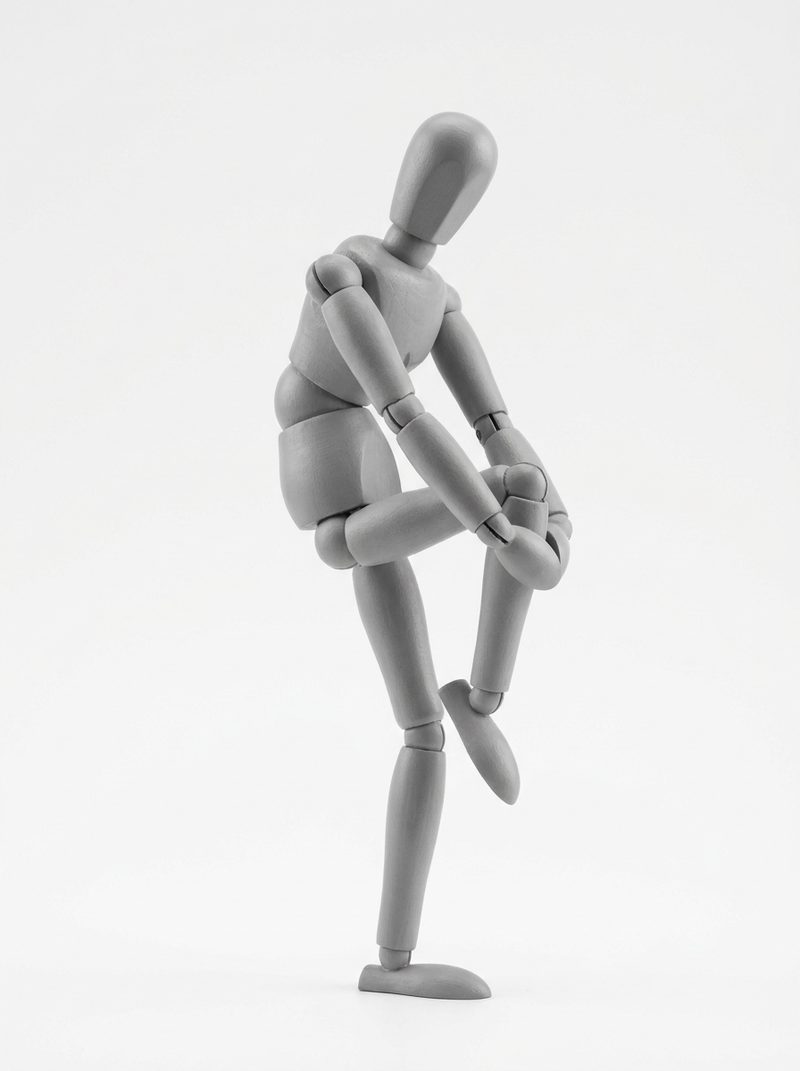
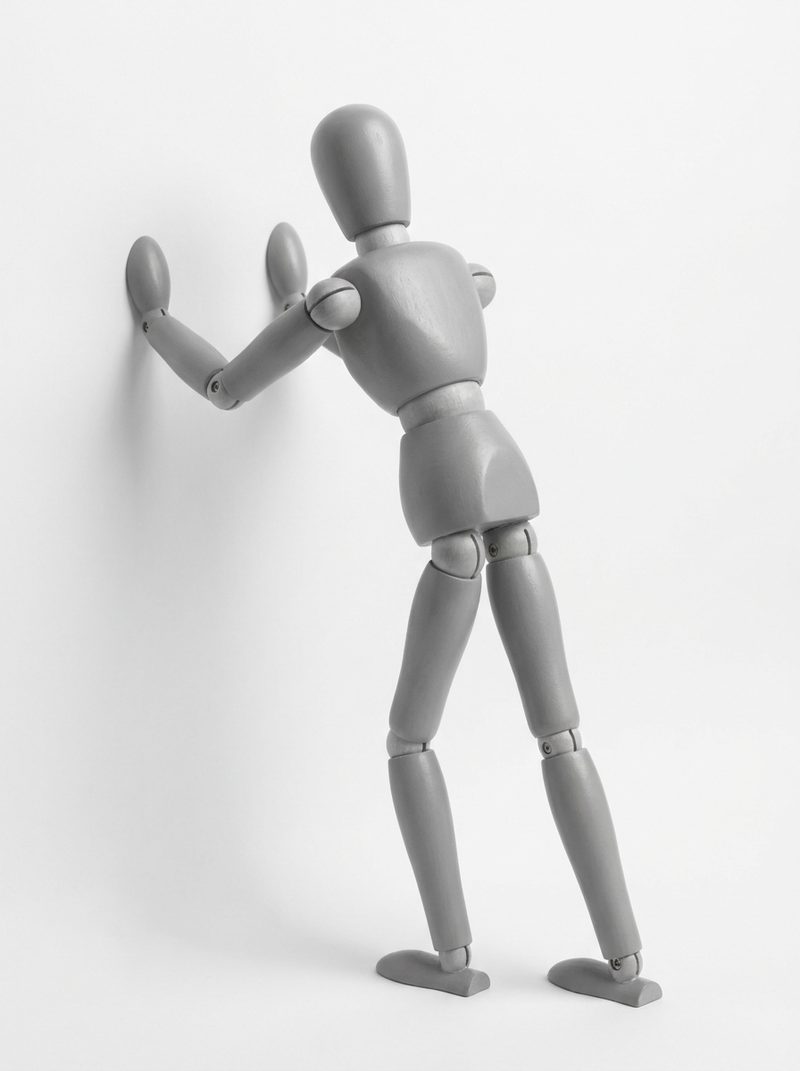
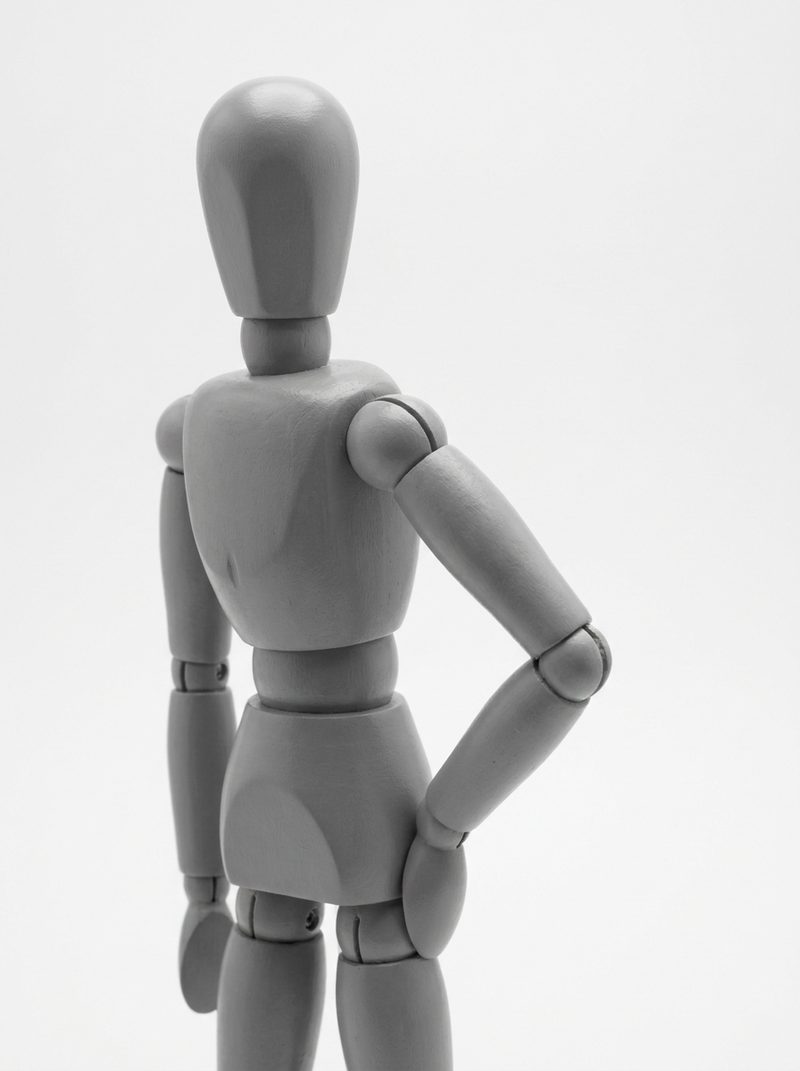
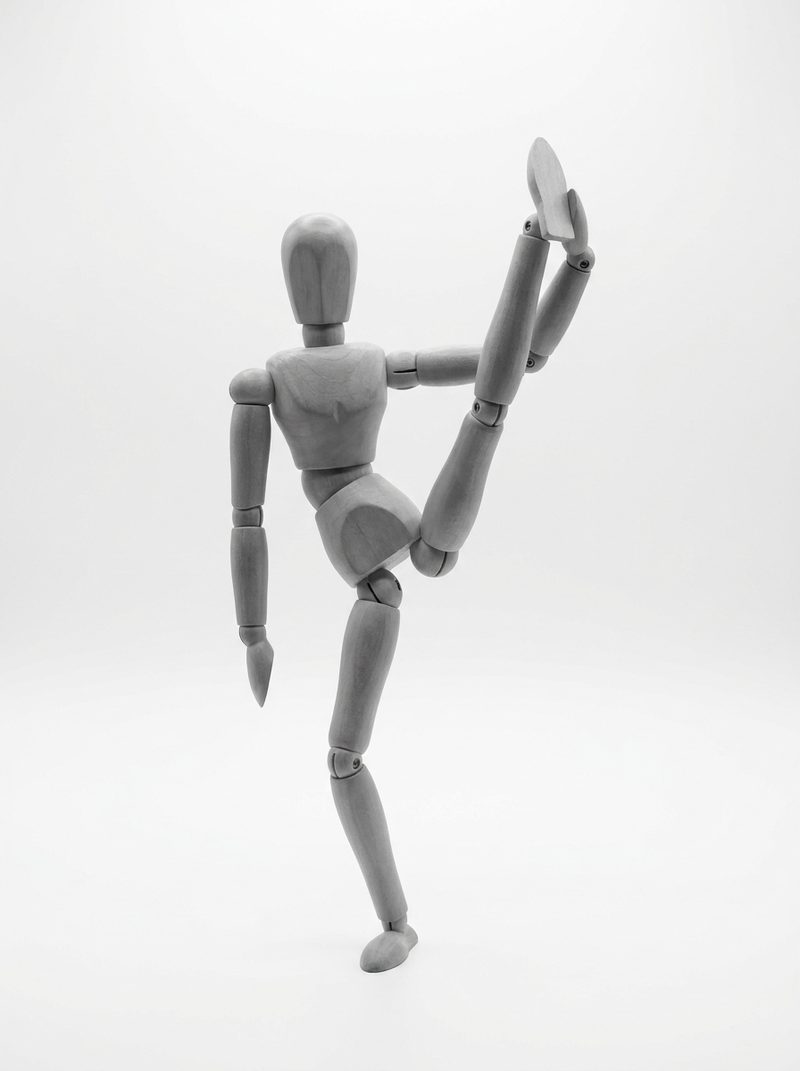
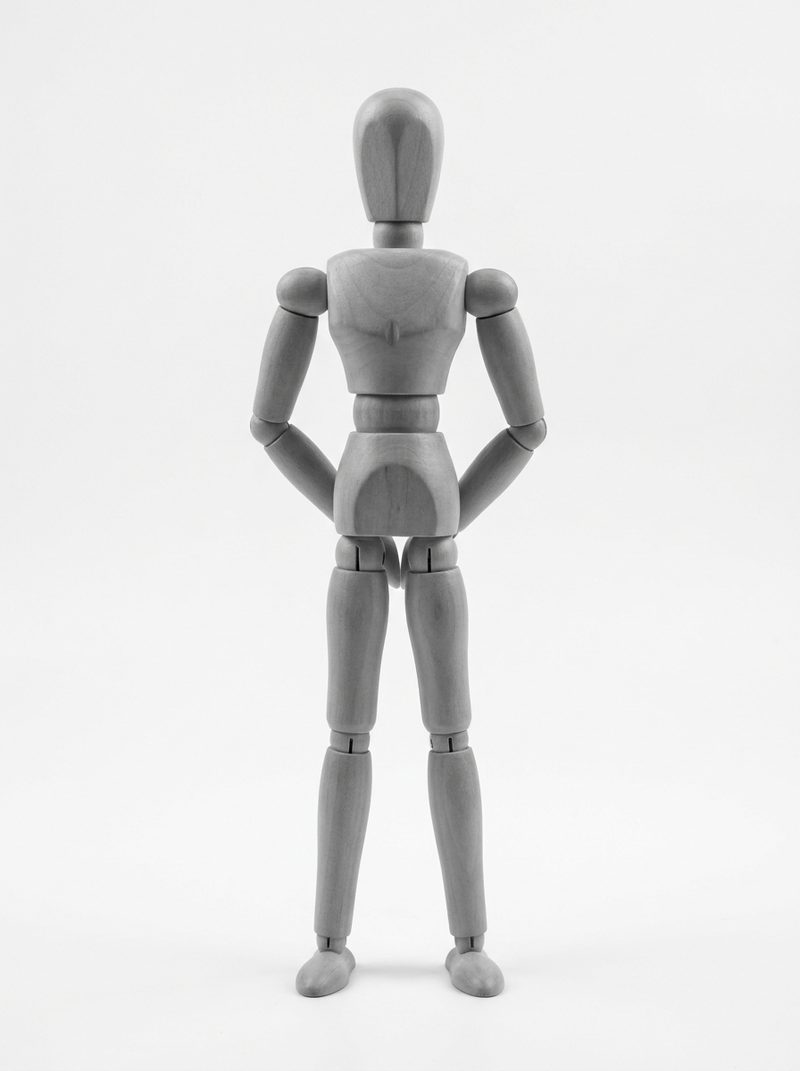
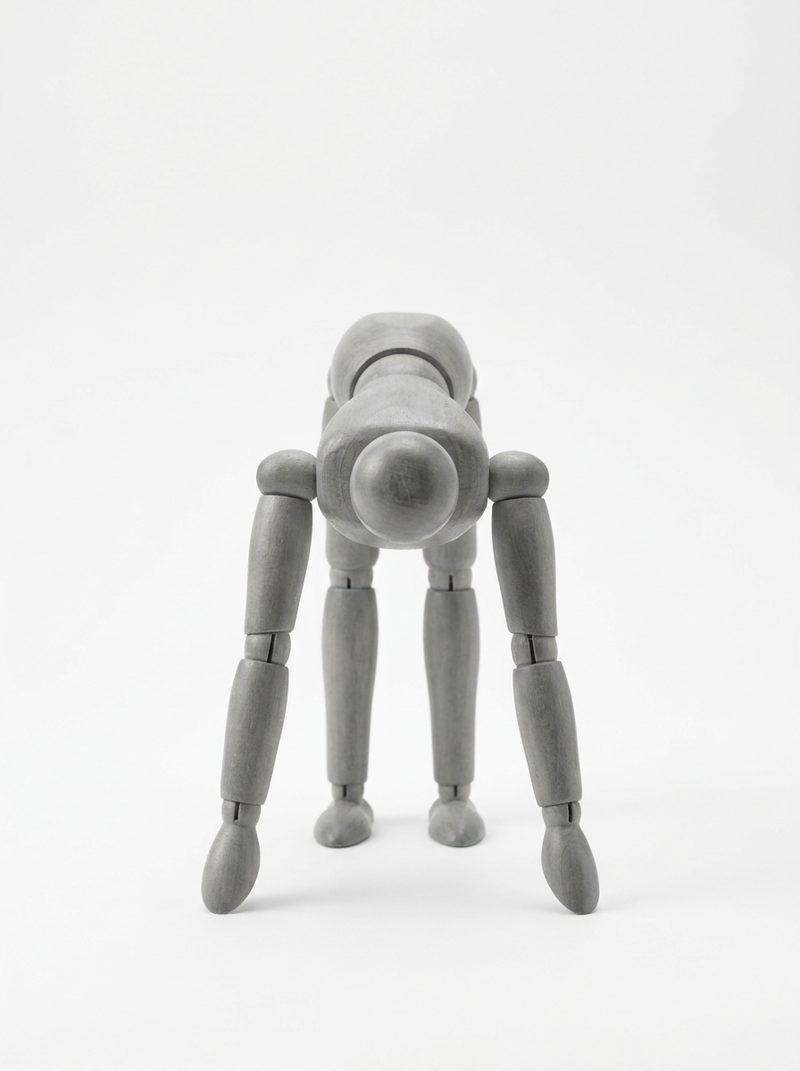
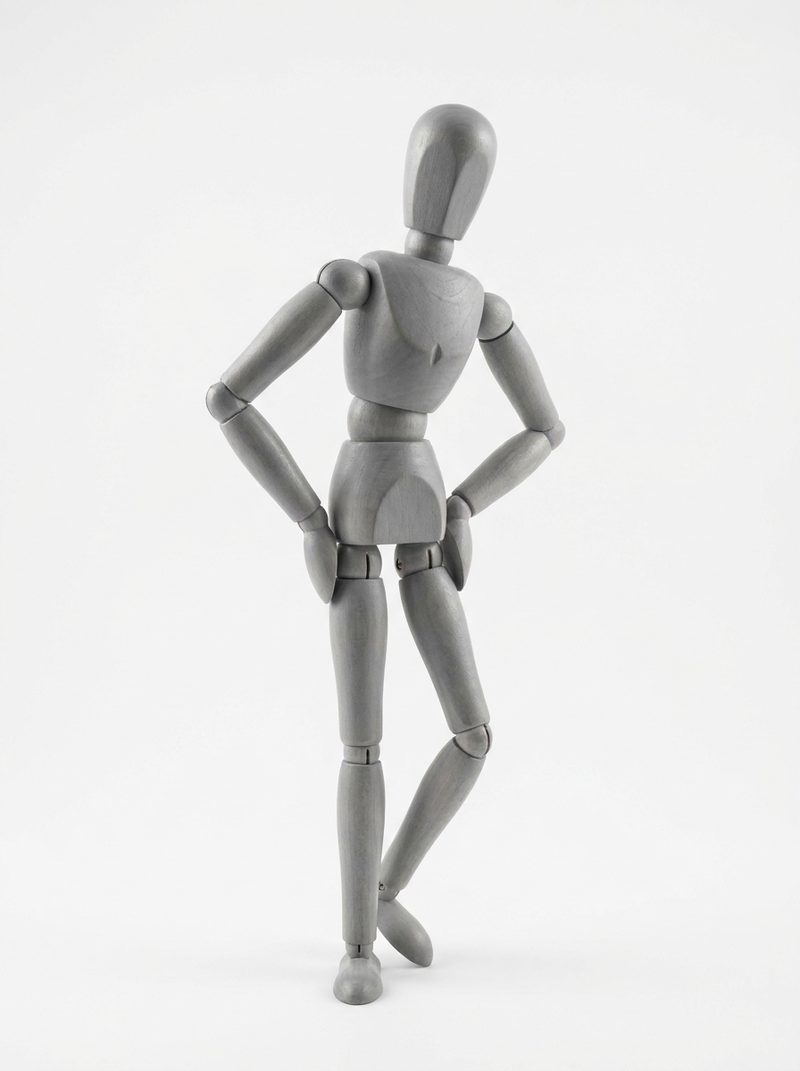
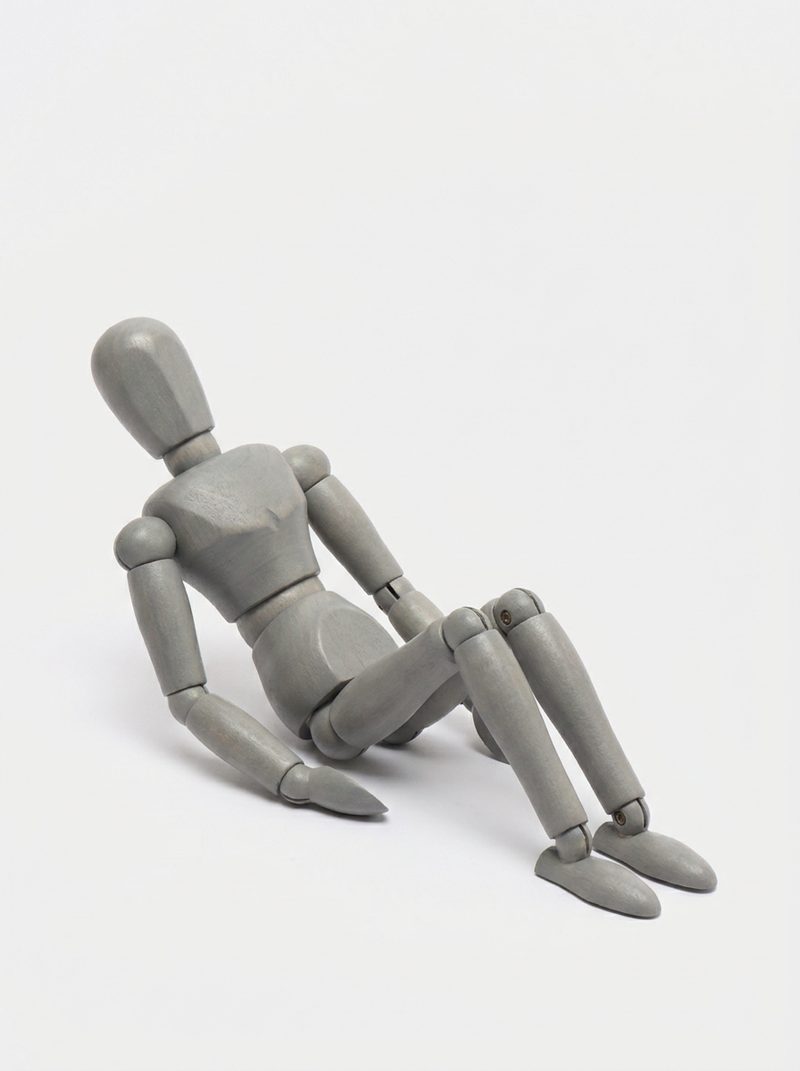
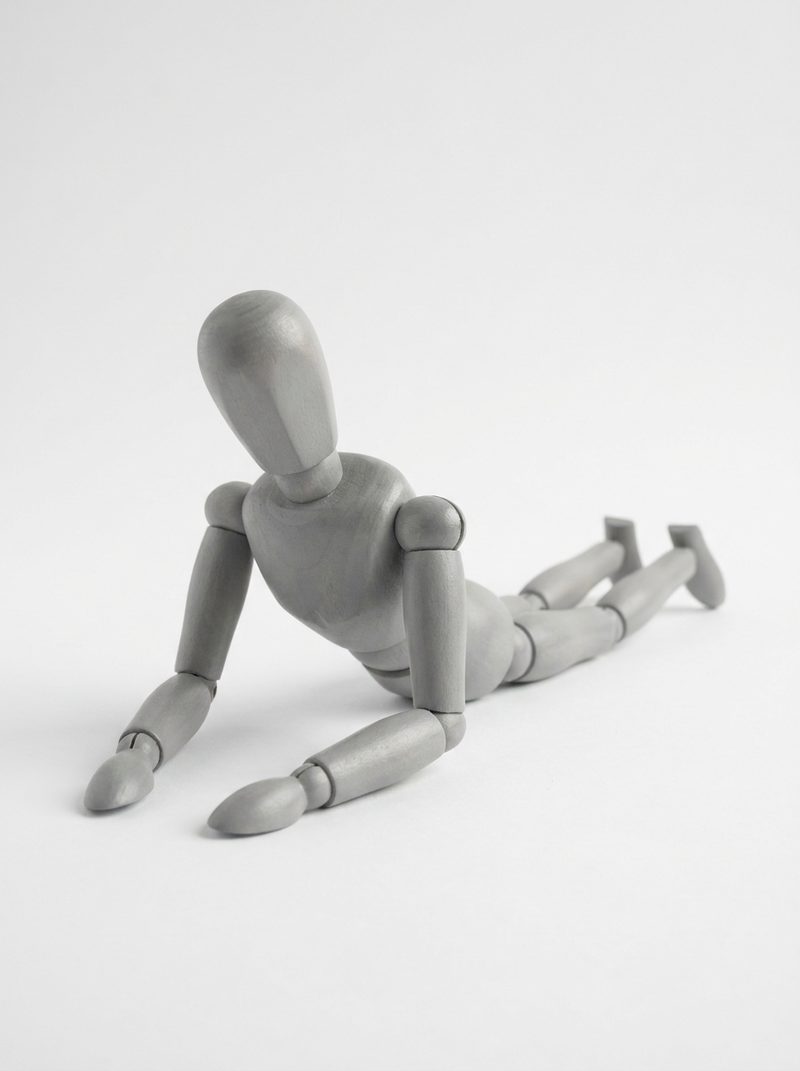
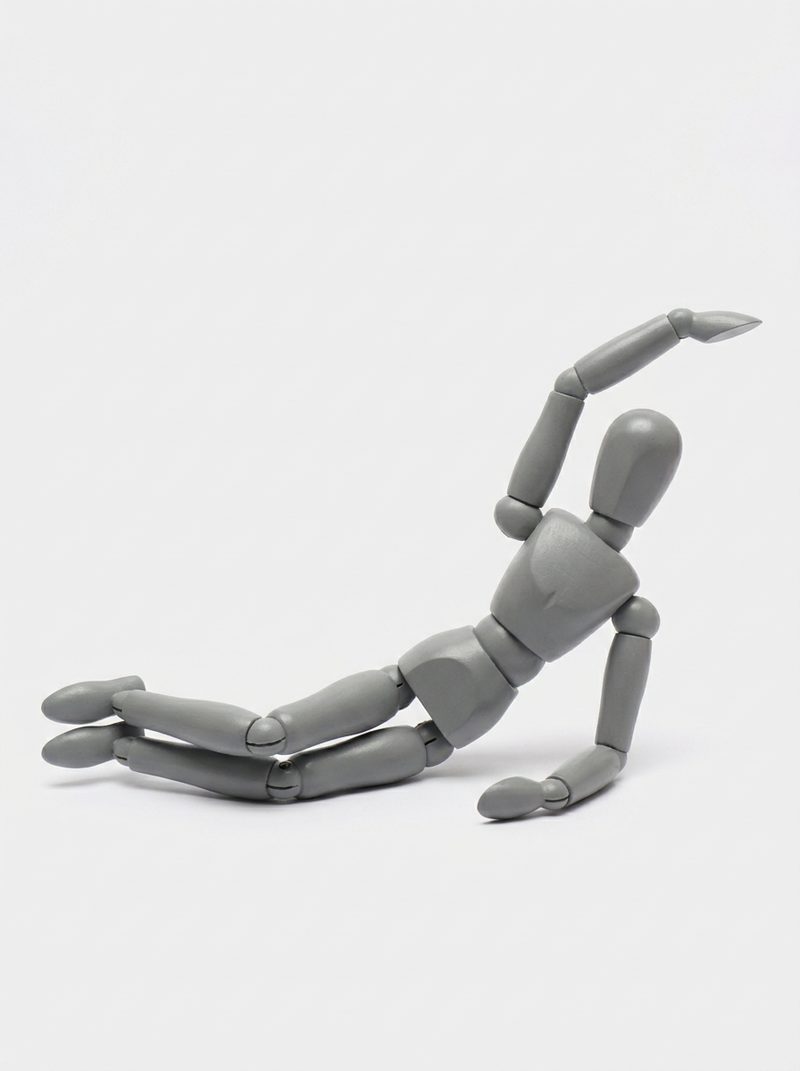
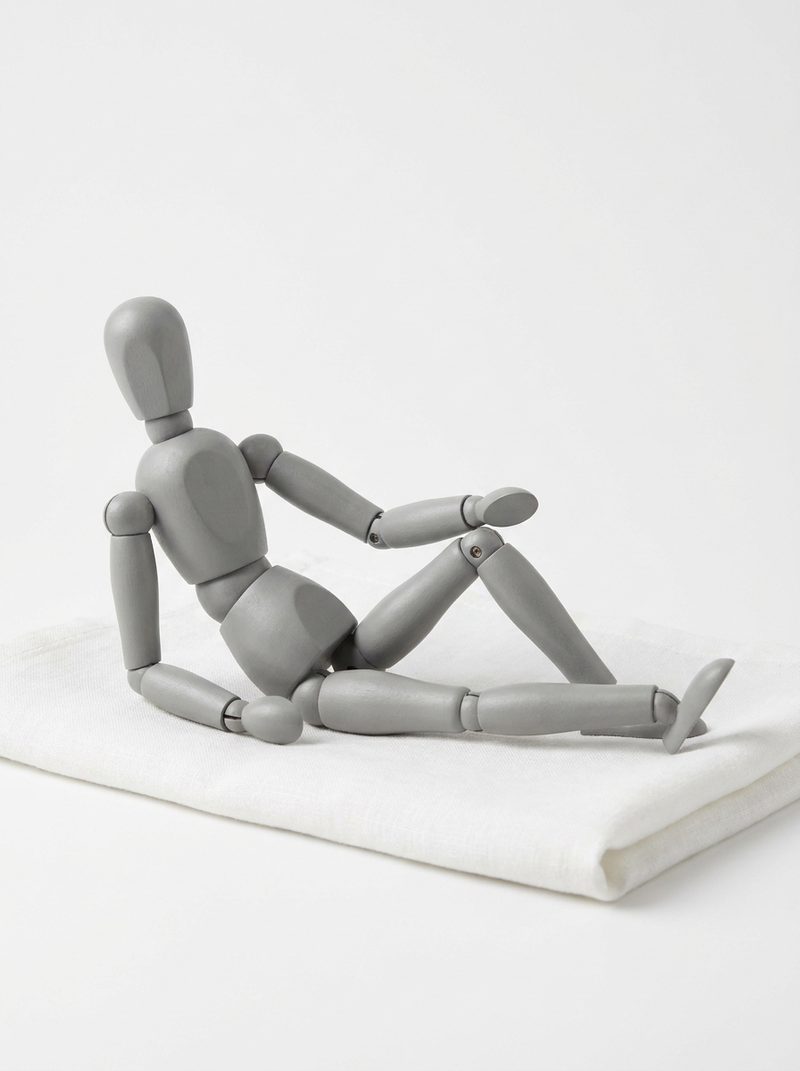
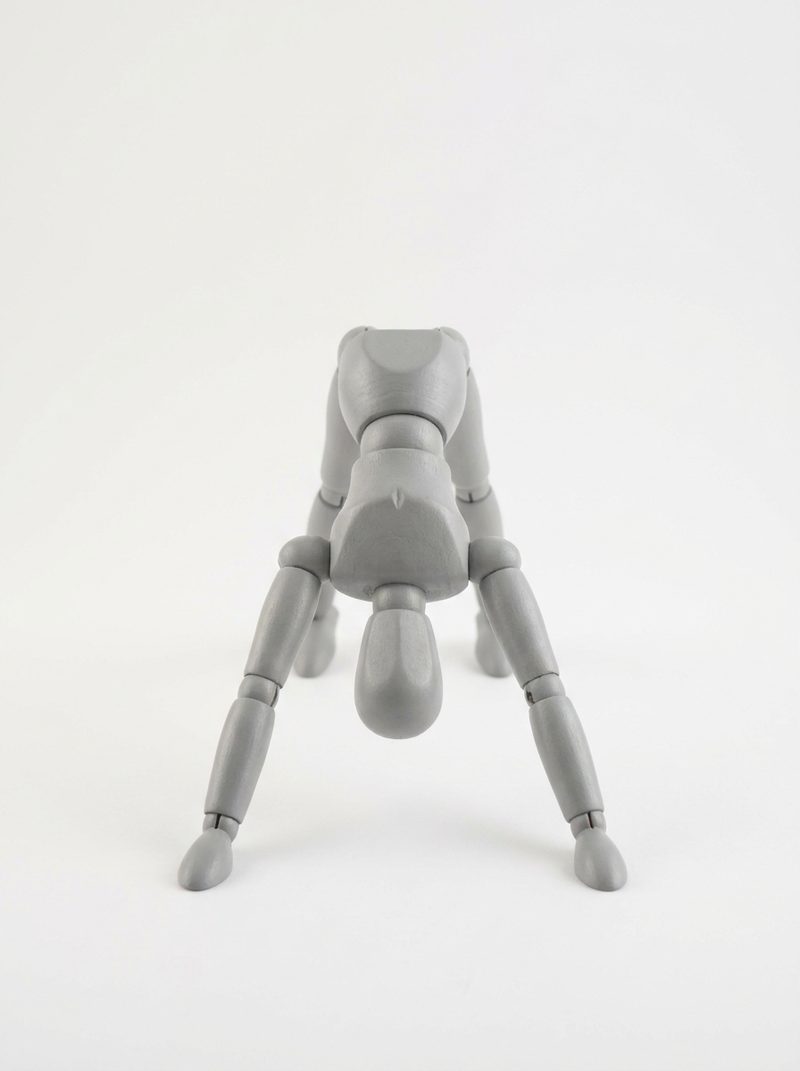
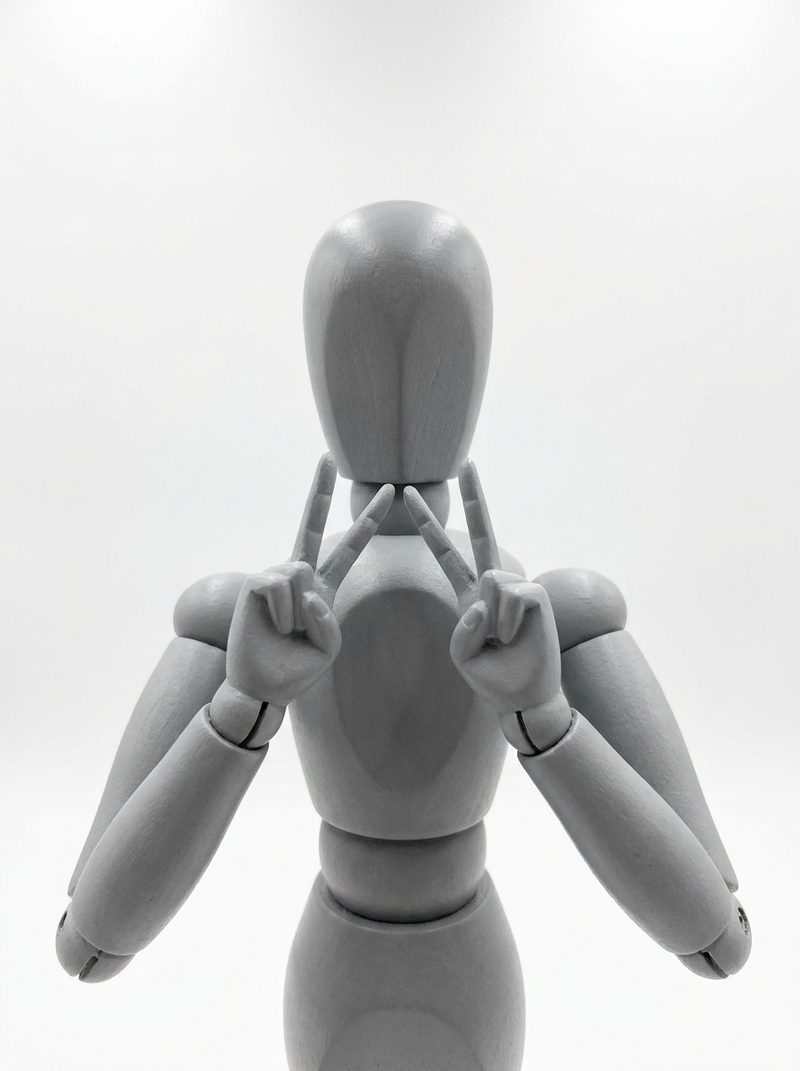
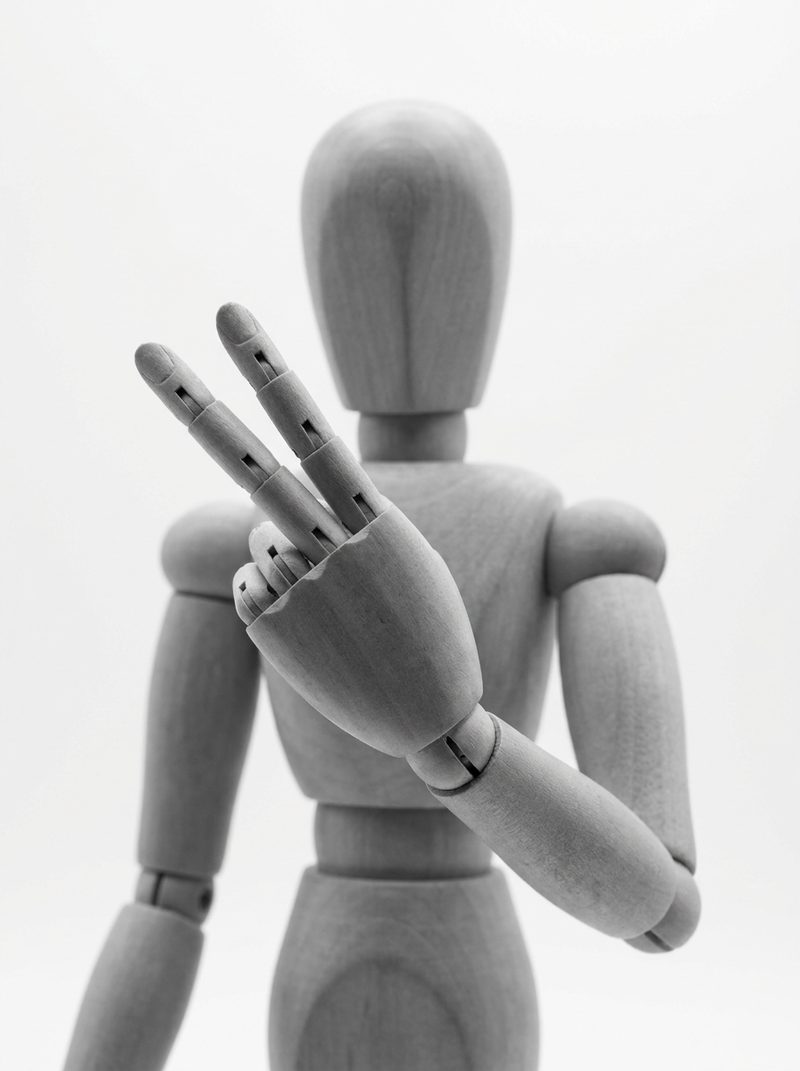
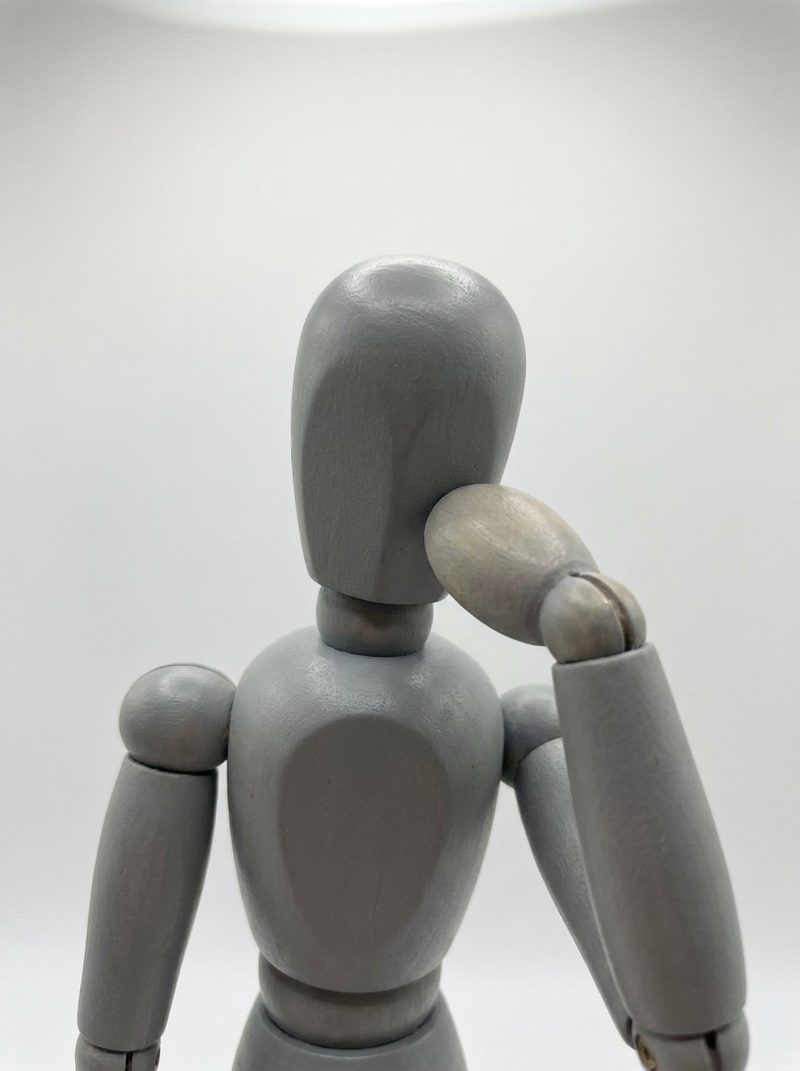
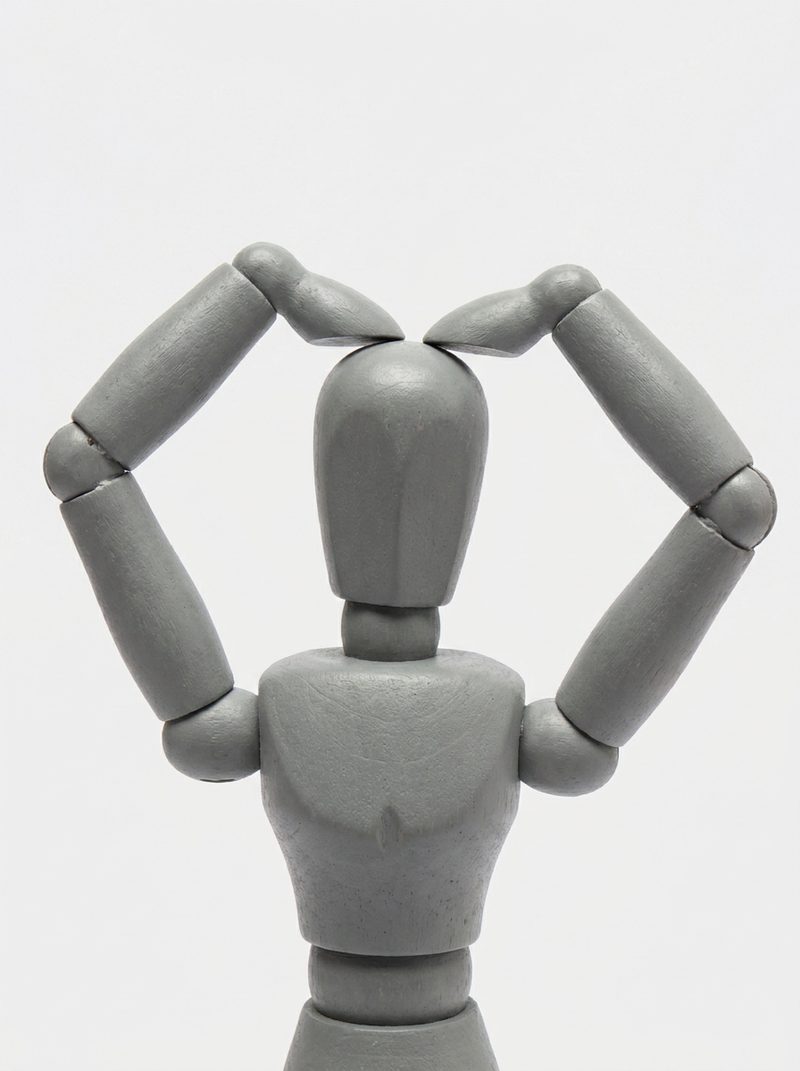
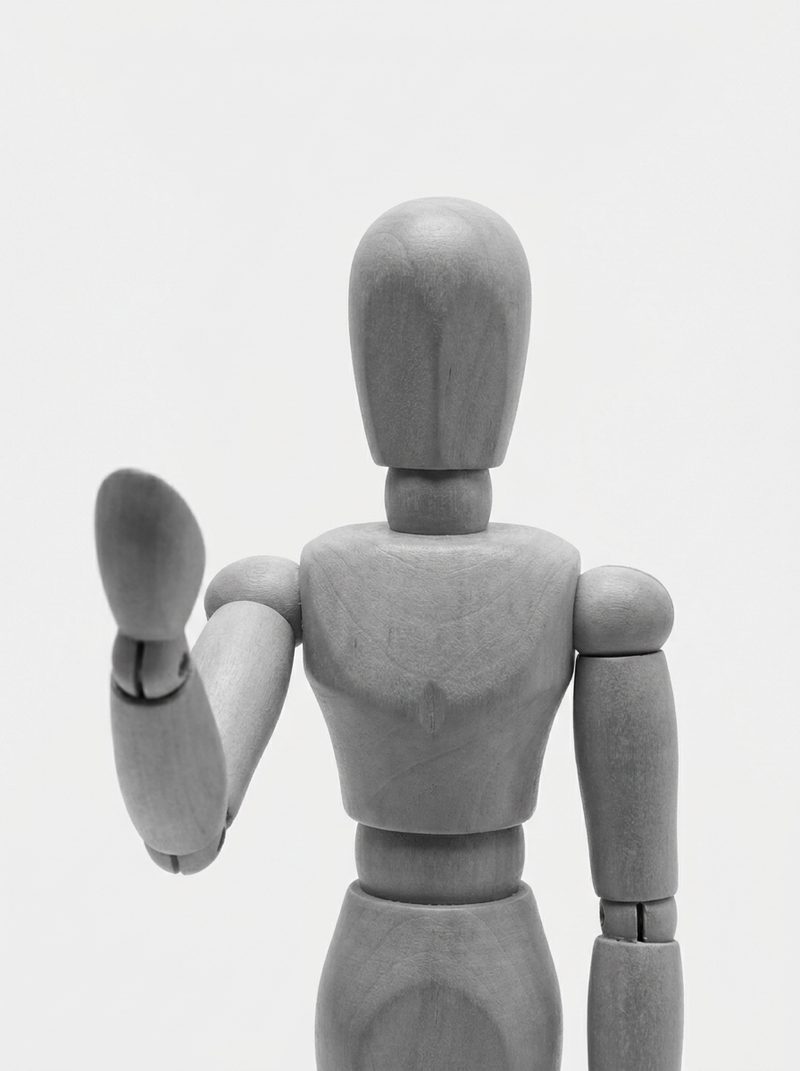
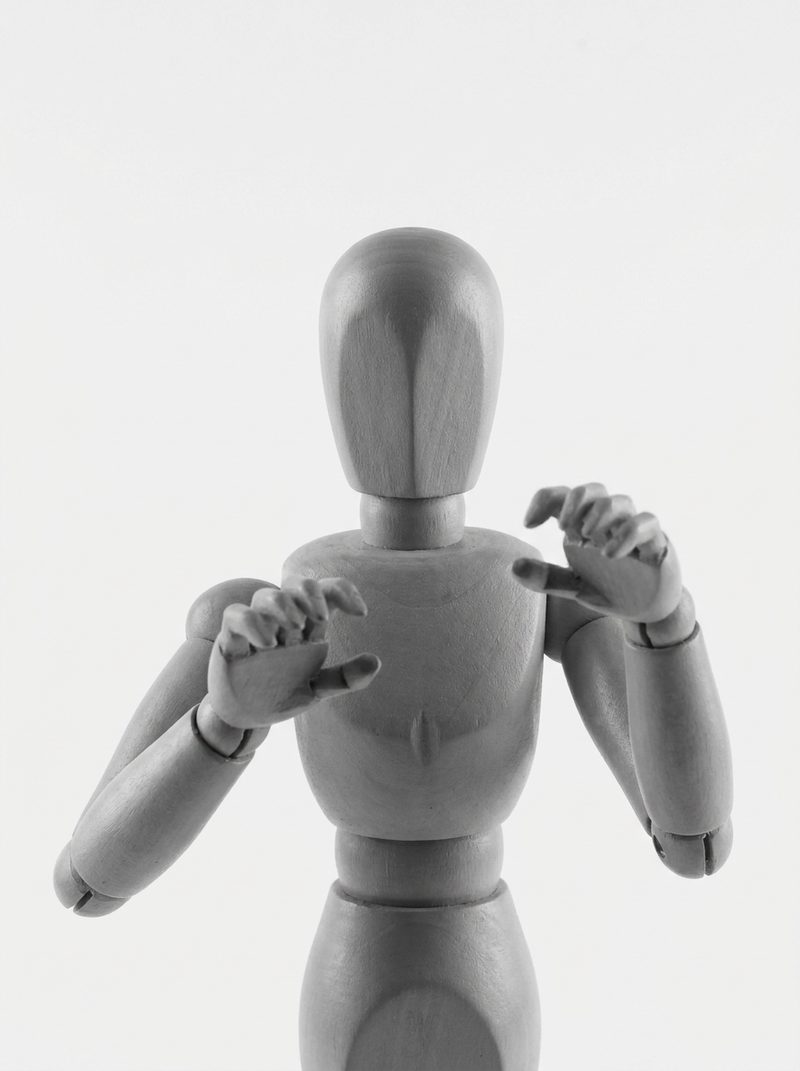
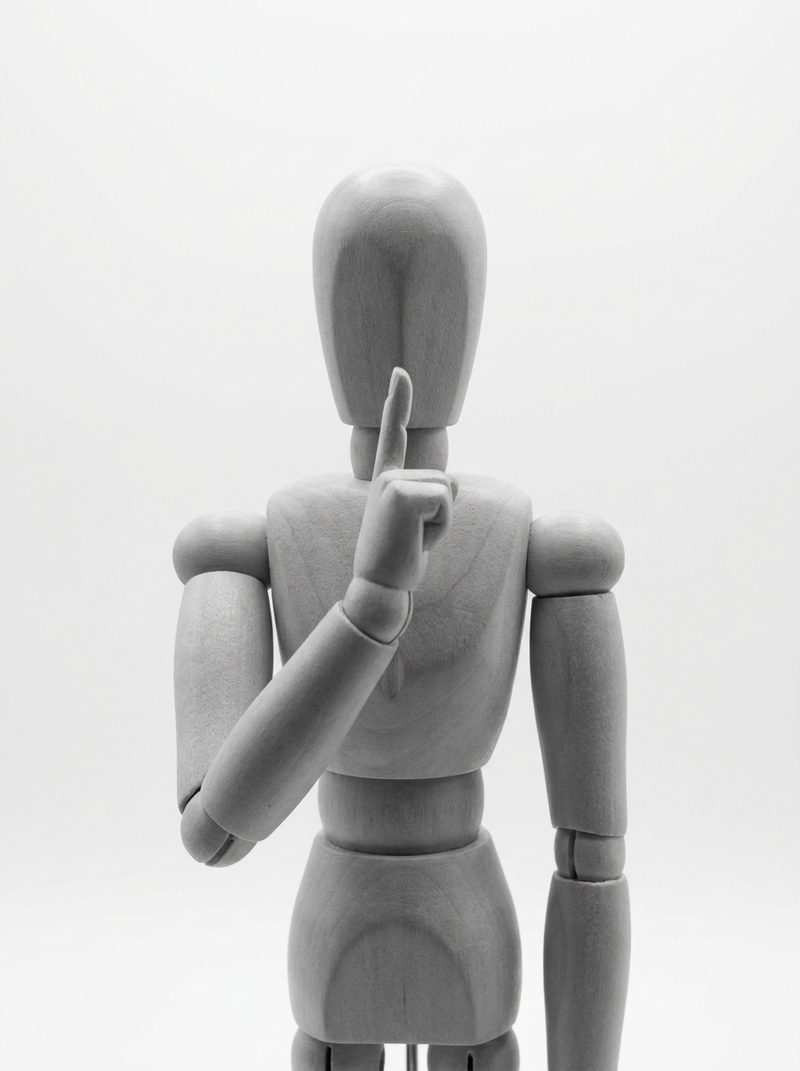
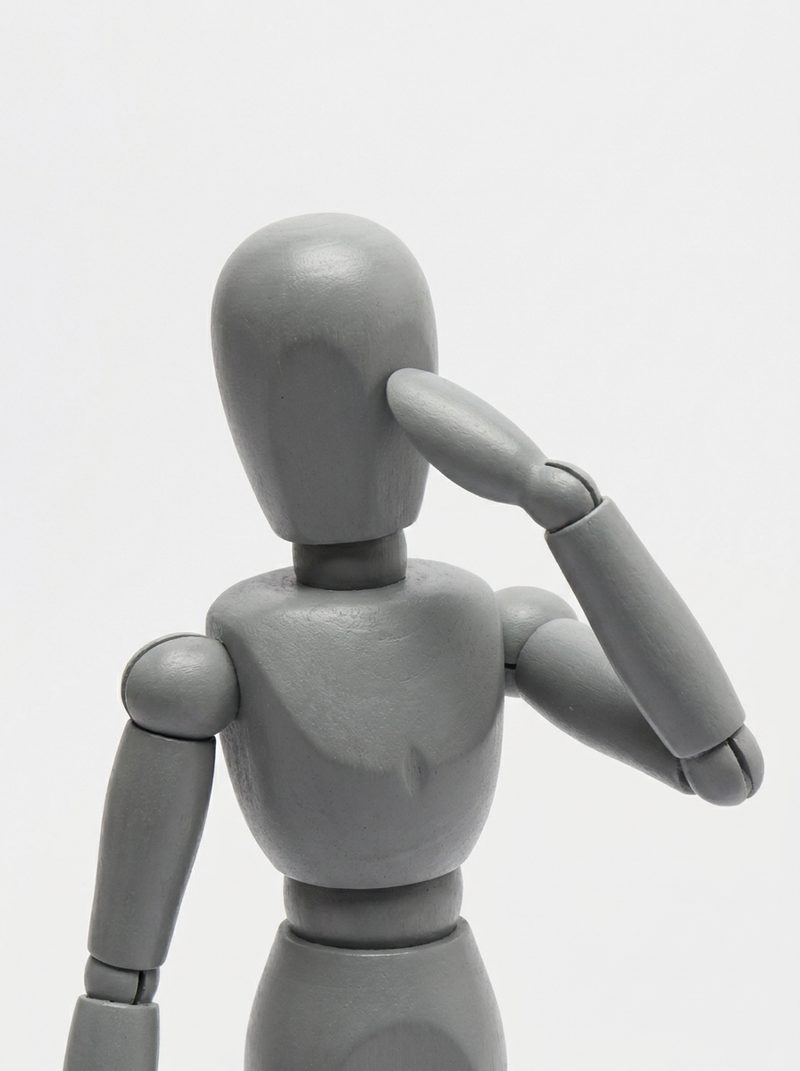
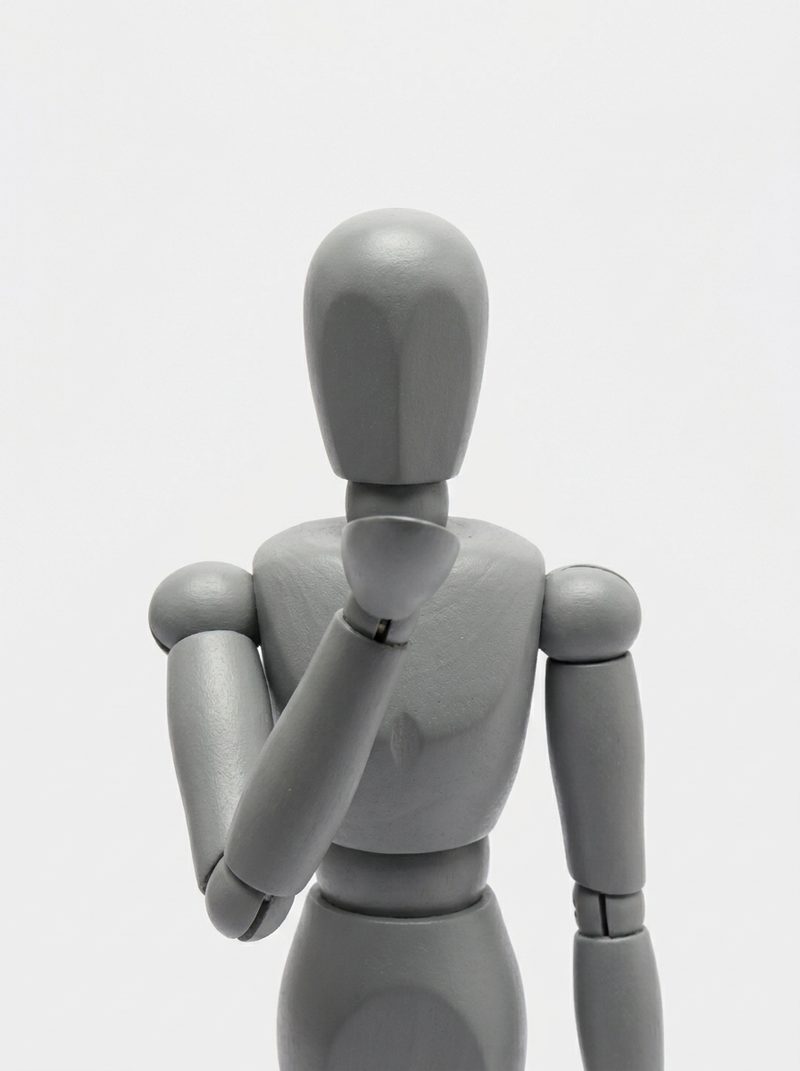
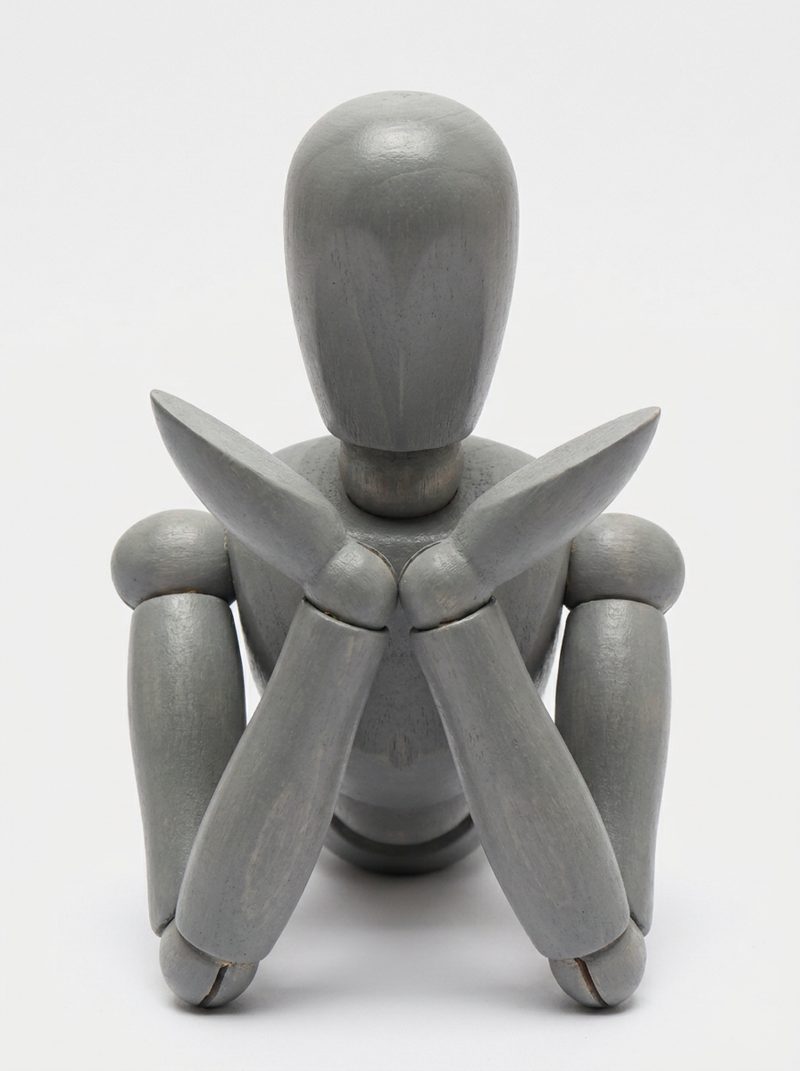
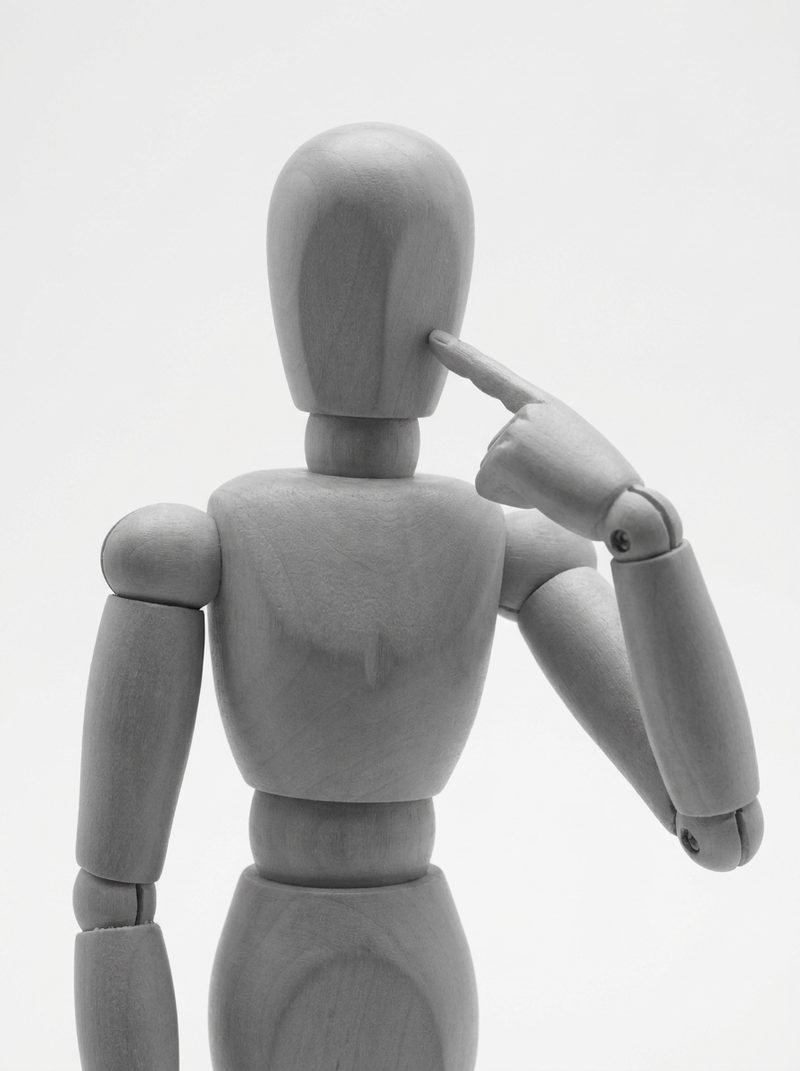
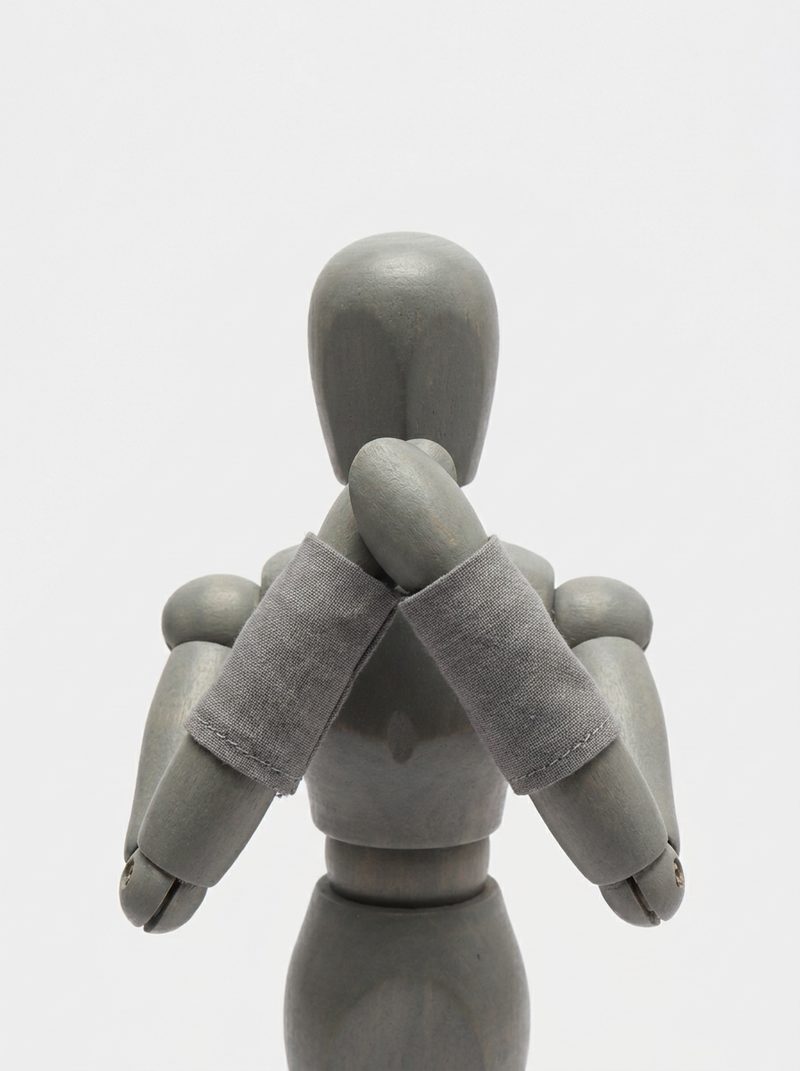
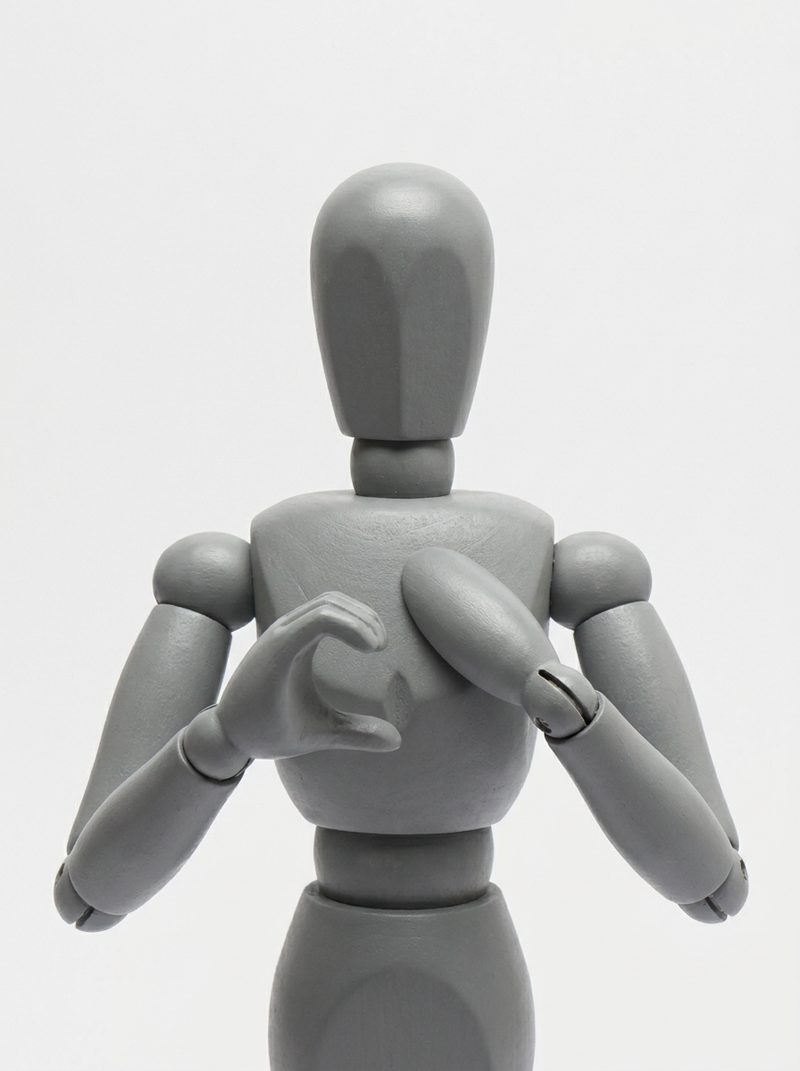
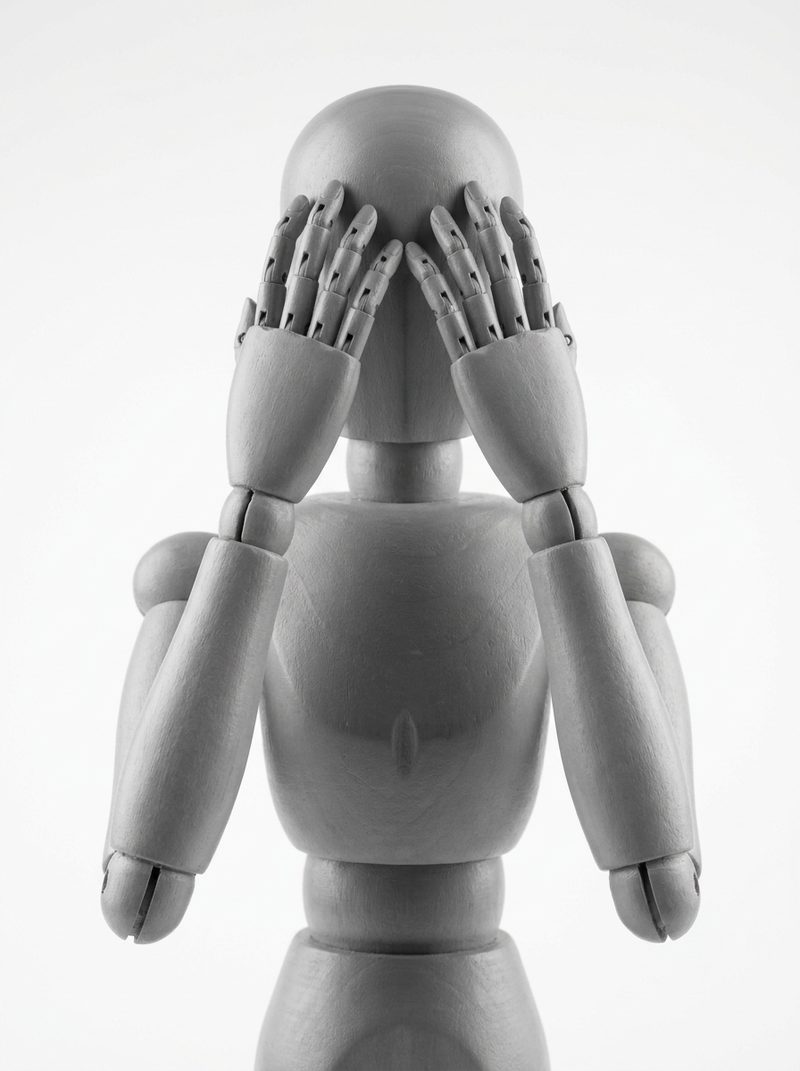
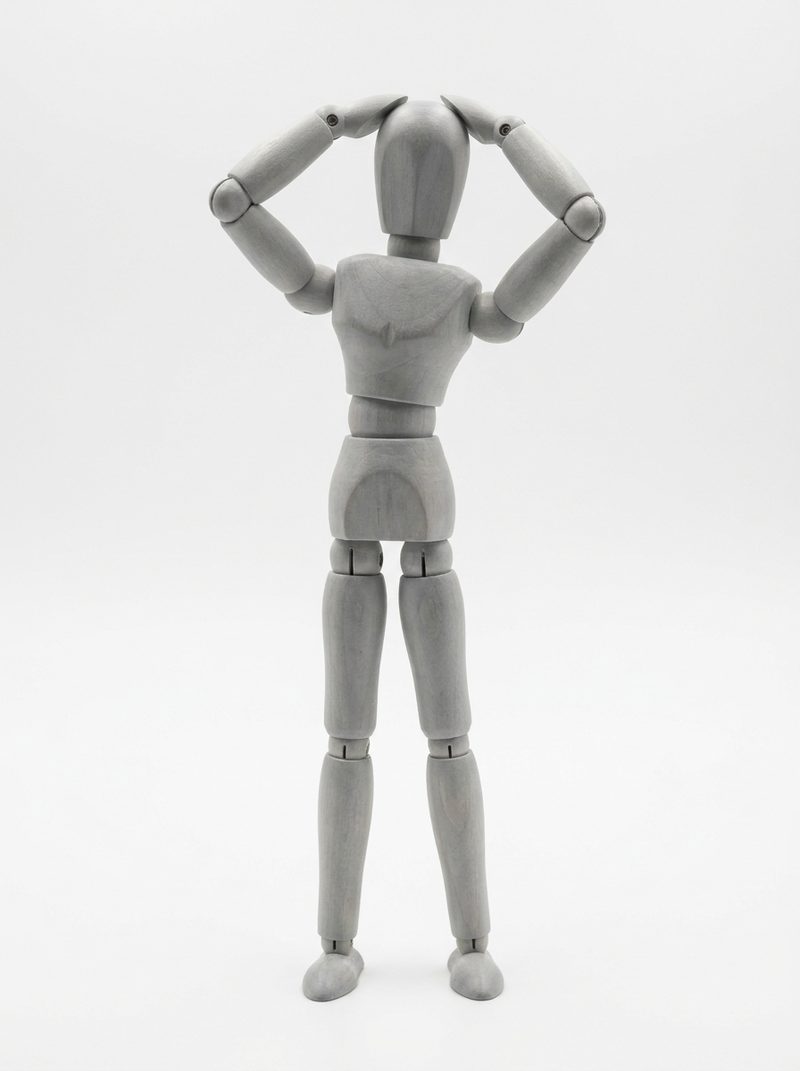
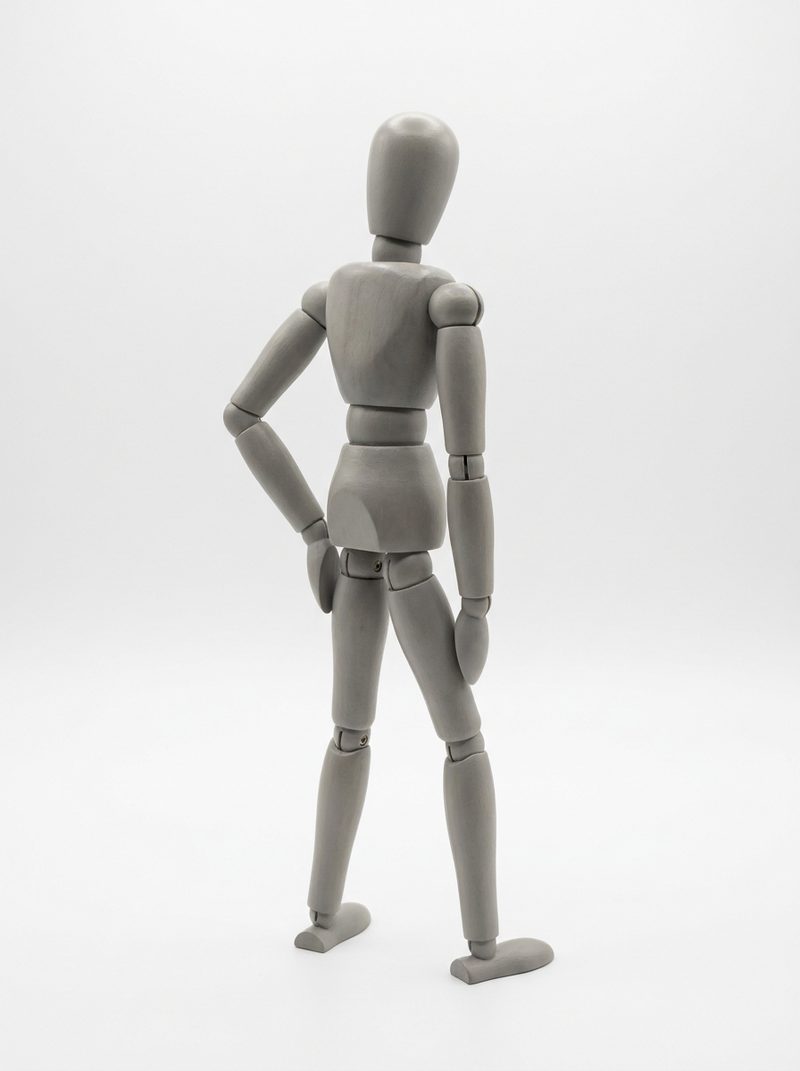
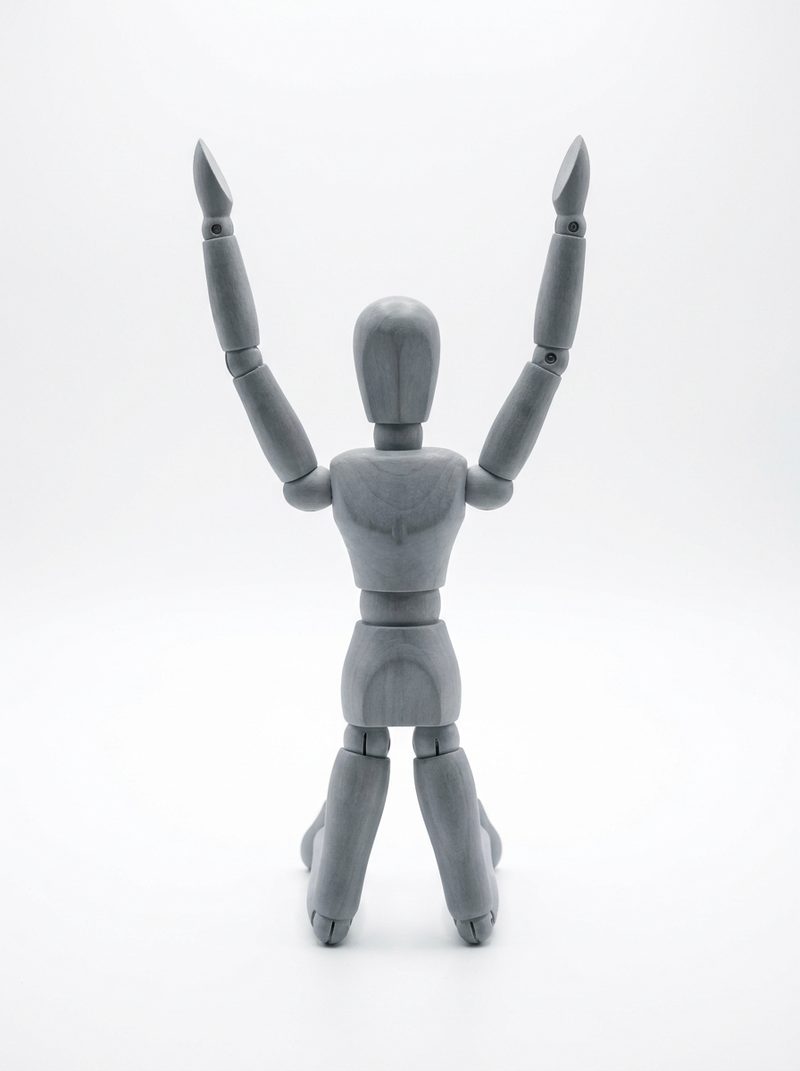
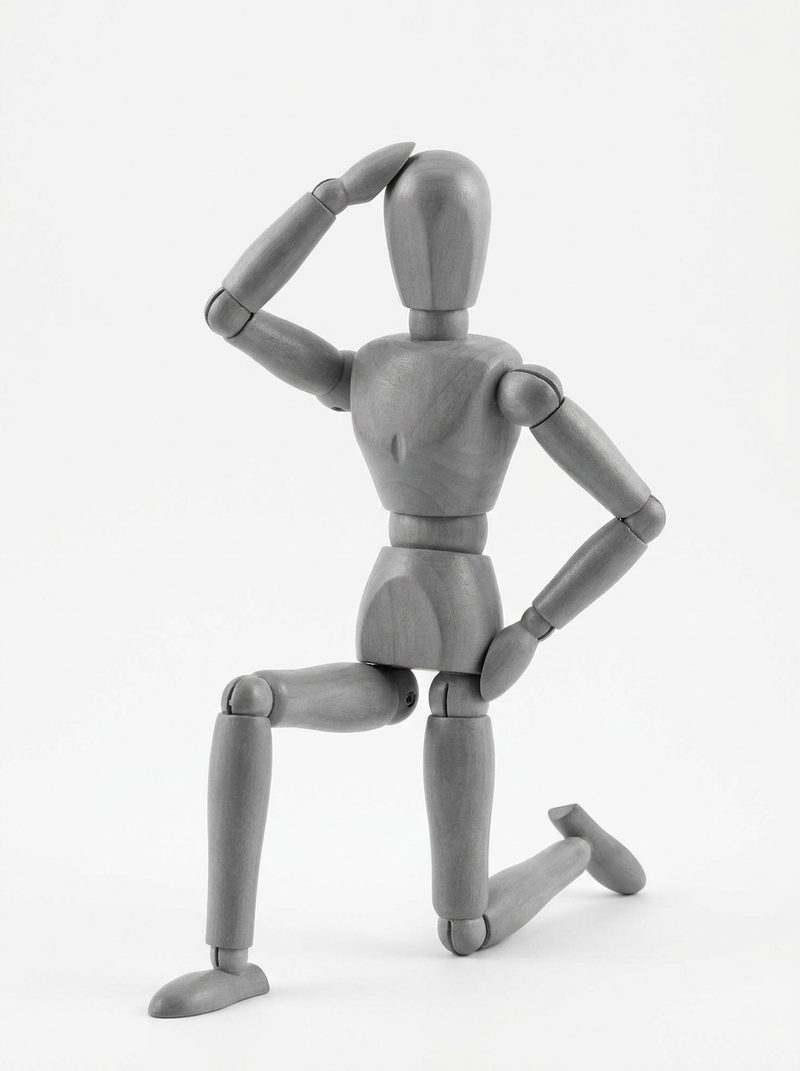
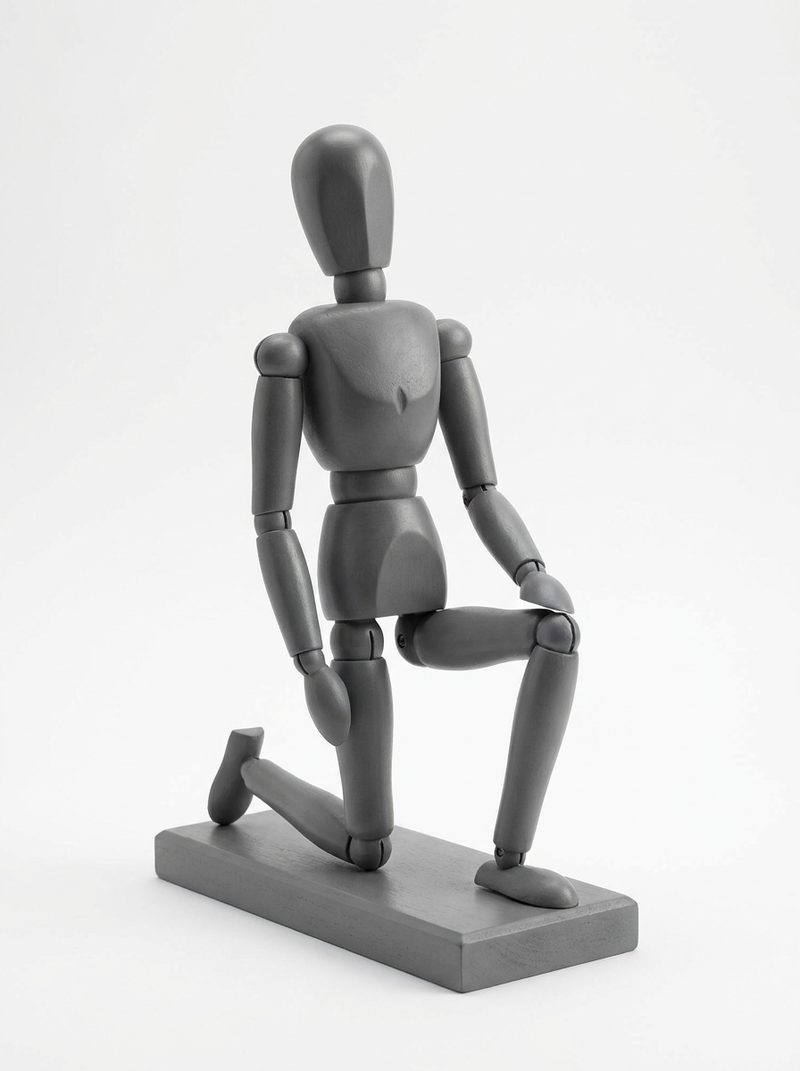
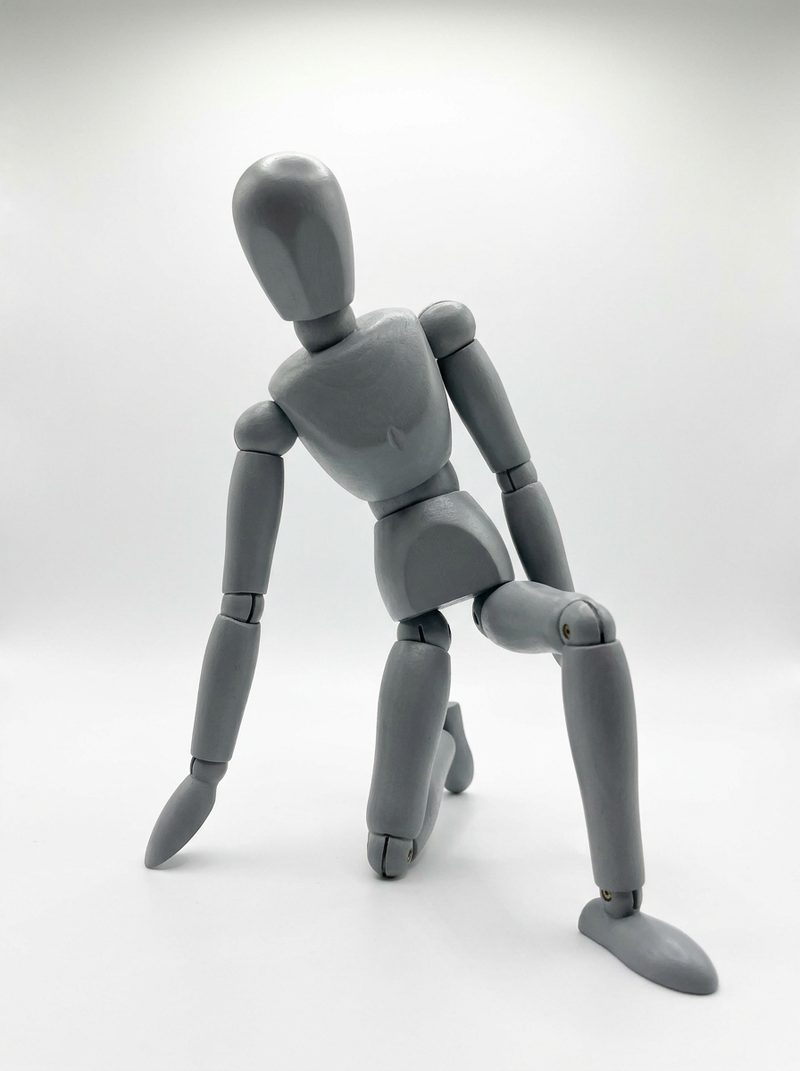
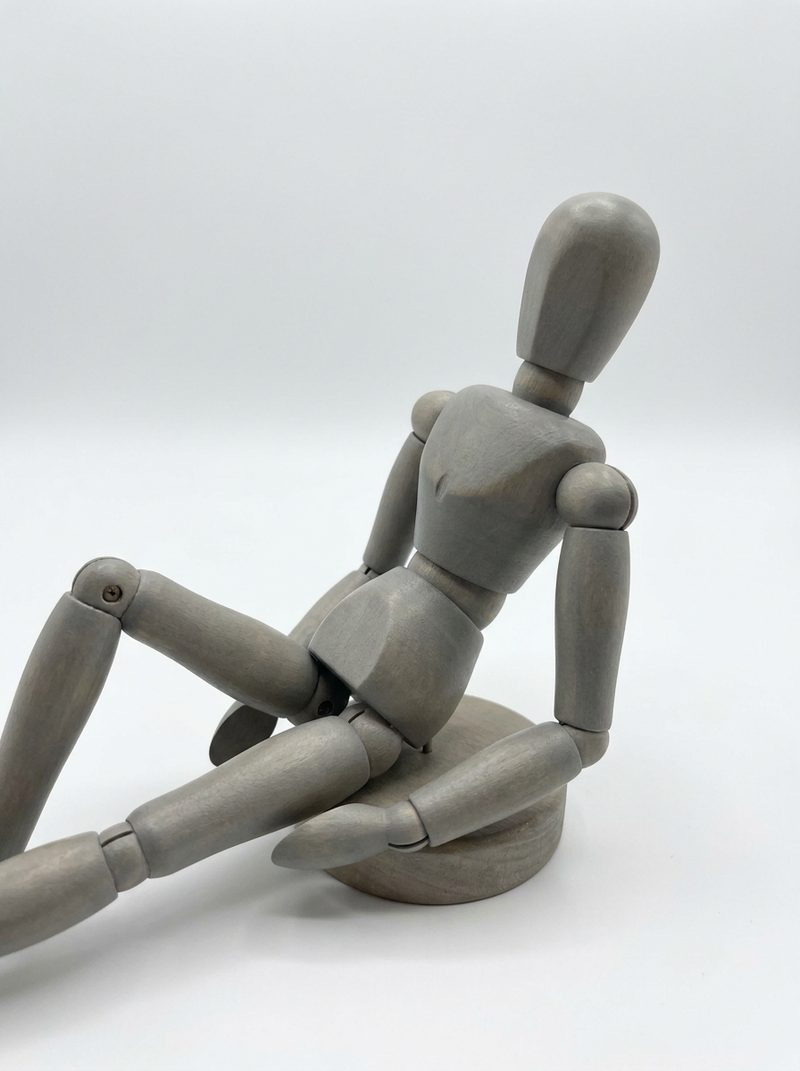
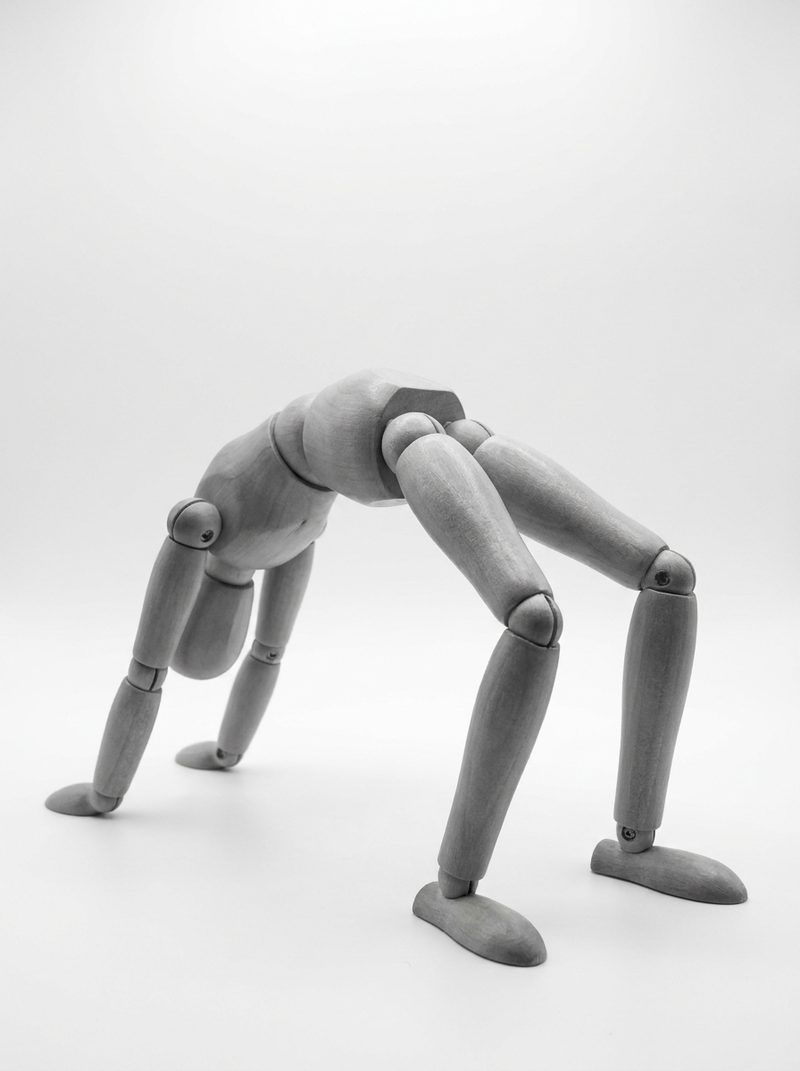
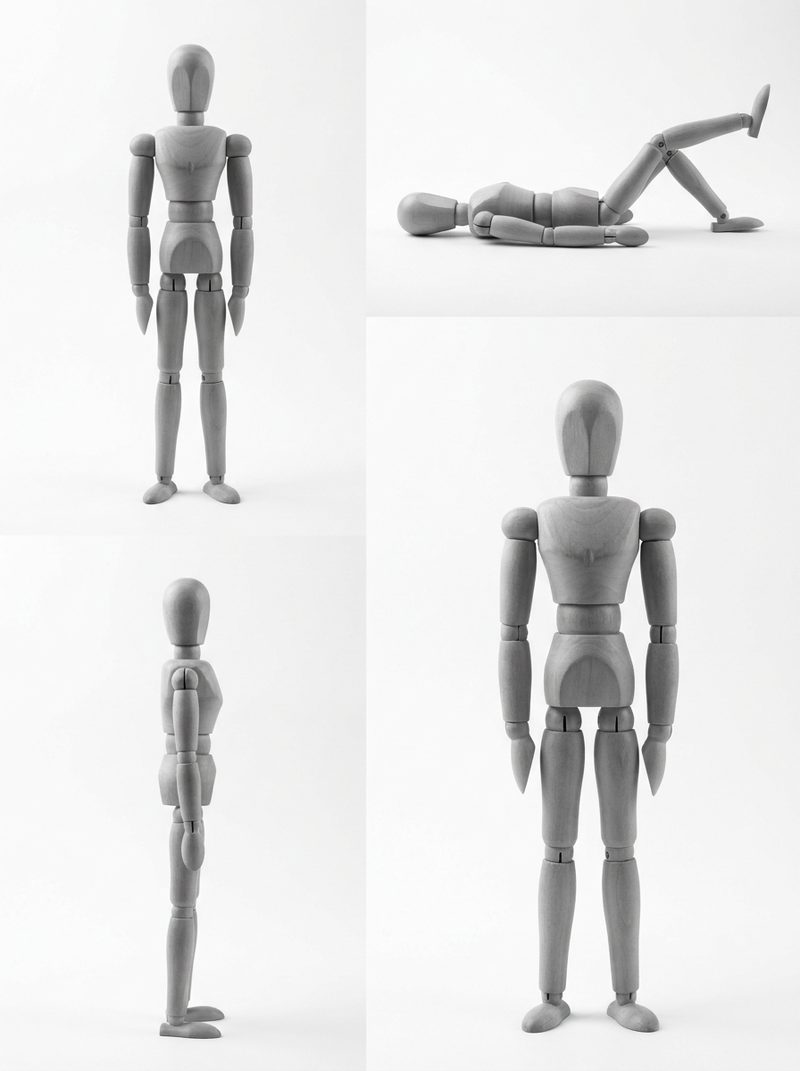
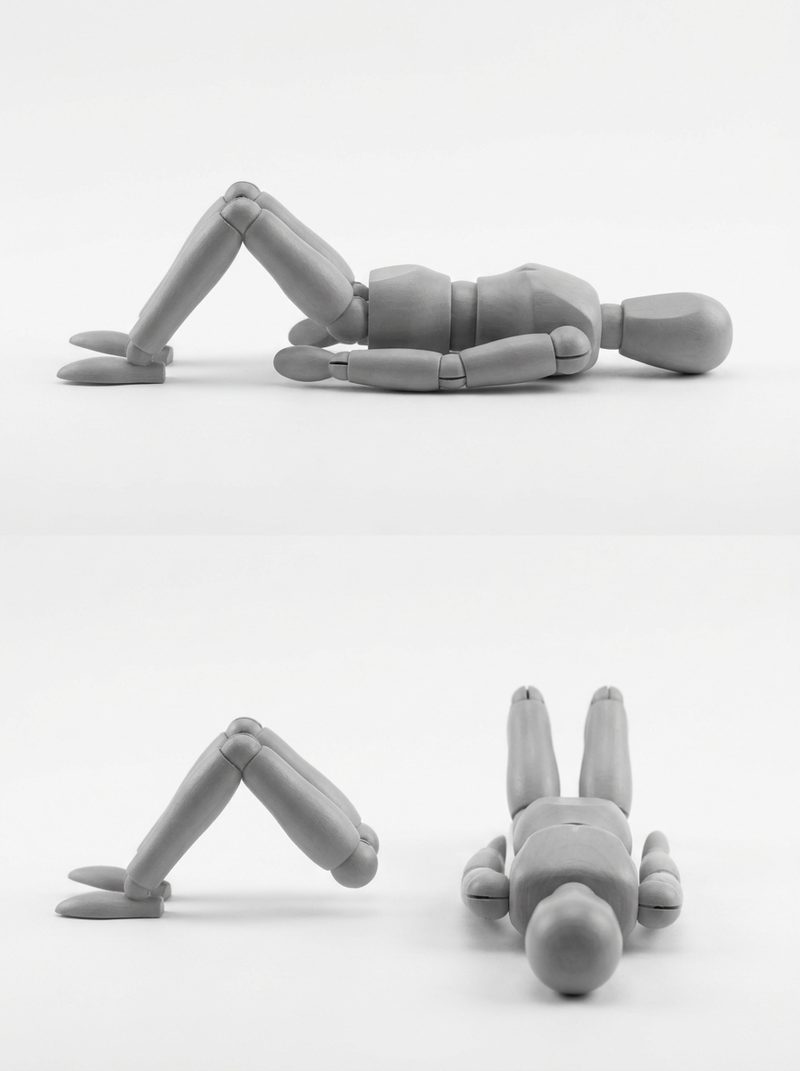
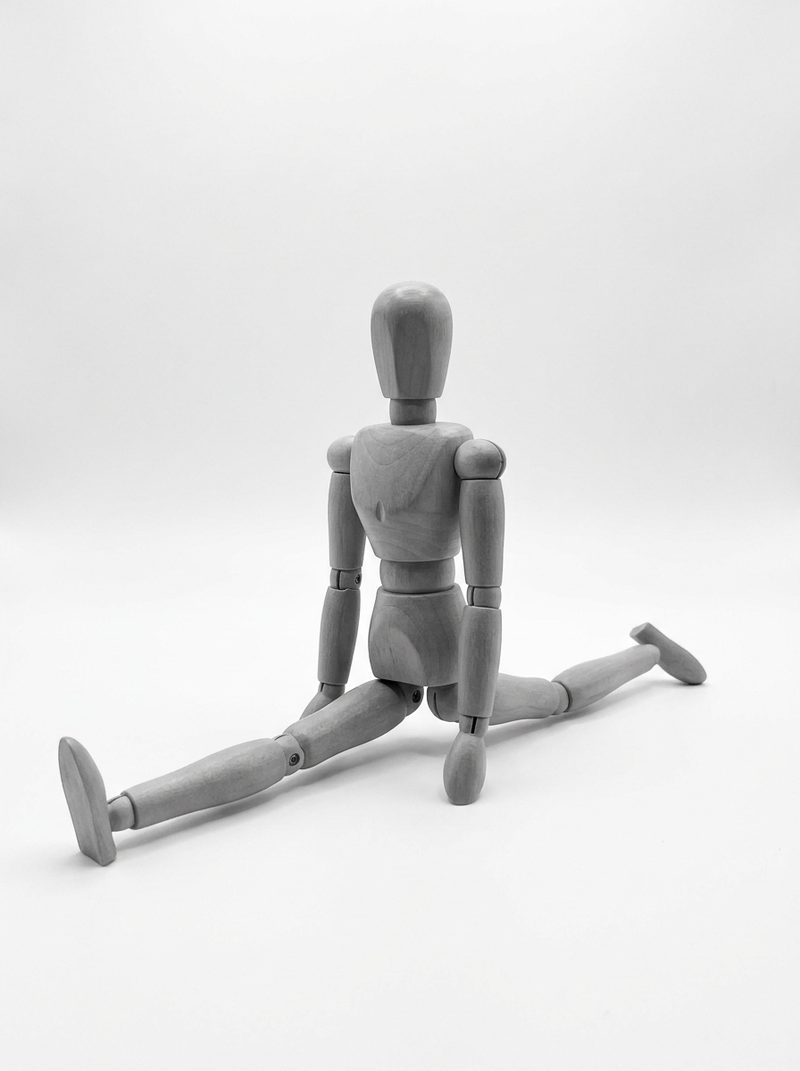
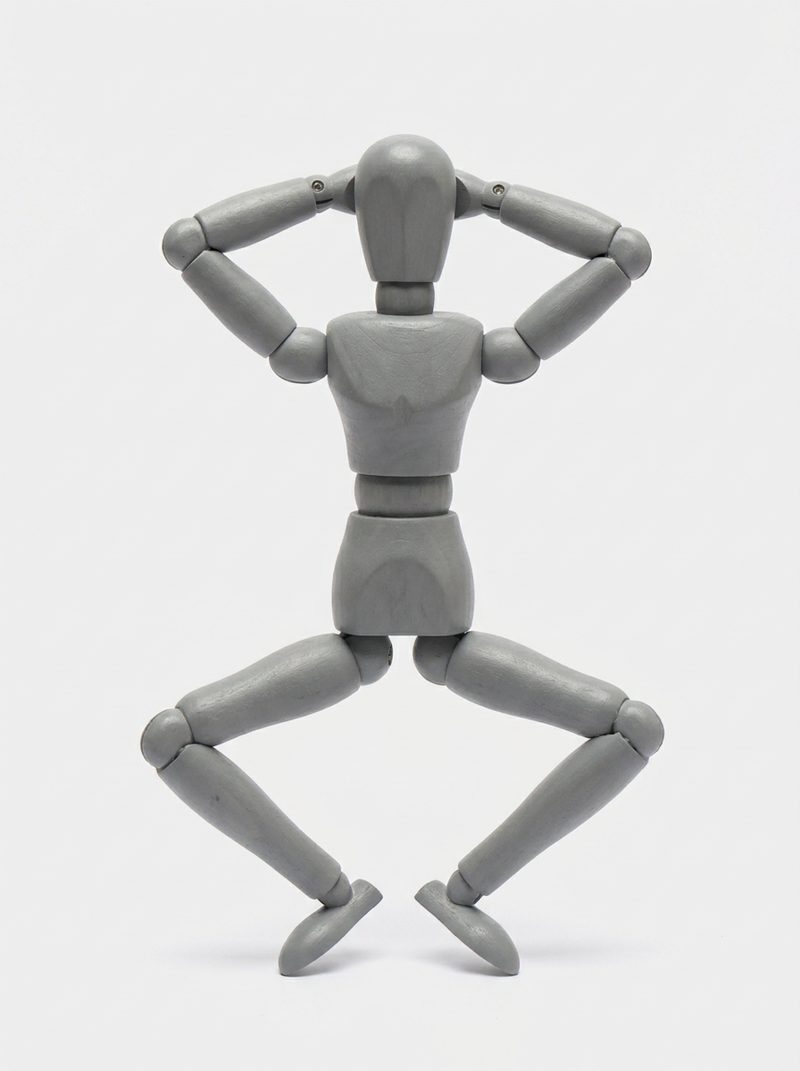
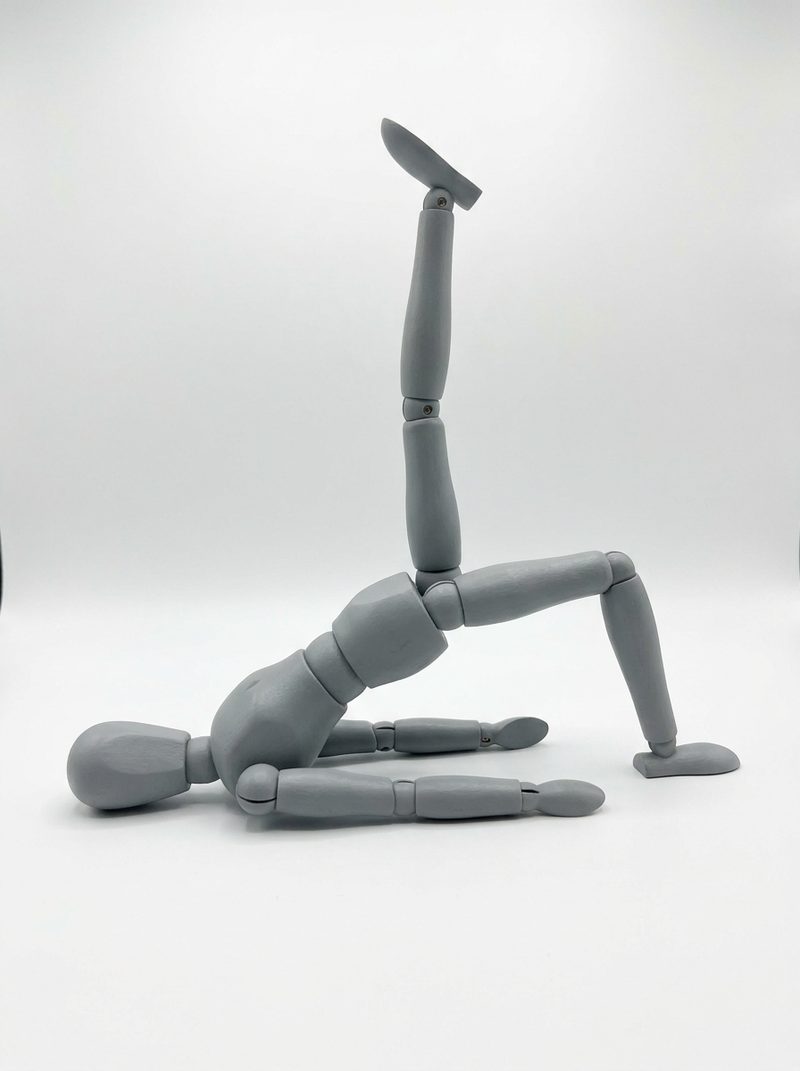
What is in the library
From pose to finished image
Pick a pose
Open the library, filter to the framing and category you need, and scan the thumbnails until one matches the image in your head.
Copy or run the prompt
Copy the prompt into your own tool, or press generate to open the text-to-image page with the prompt already in place.
Add character and style
Describe who the character is and which style you want, then generate. The saved image lands in your gallery.
About the reference images
The thumbnails are not photos of people and they are not borrowed from another pose site. Each one is a studio render of a grey wooden artist's mannequin, made for this library so that a pose can be judged without a face, an outfit or a lighting style getting in the way. That is also why the library is deliberately single-character: two-figure compositions change what the pose means, so they are kept out of this set.
The written prompt is the part that actually travels. It names the body only — torso angle, limb placement, where the weight sits — which is why the same pose works whether you generate a chibi sticker, a 3D figurine or a full illustration. If a render comes back with the arms in the wrong place, adding one more clause about the hands usually fixes it faster than rewriting the whole prompt.
Keep exploring
Poses pair with everything else in the workbench. Browse the style presets if you want a different medium, start from a photo if you already have the character, or check the plans if you plan to generate in volume.
Frequently asked questions
Are the poses free to browse?
Yes. Opening the library, filtering and copying prompts costs nothing. Only saving a generated image spends a credit.
Can I use these poses in commercial work?
The pose descriptions and thumbnails are our own assets, and images you generate are yours to use under the terms of service. Do not resell the library itself as a pose pack.
Why are there no couple poses?
The library covers single-character poses only. Two-figure compositions are a different kind of reference and are not part of this set.
What format are the thumbnails?
800-pixel-wide progressive JPEGs, so a full page of poses still loads quickly on a phone.