Chibi Crossing
A ready-made chibi preset from the chibi family (106 presets in total). Photo in, chibi art out — the look is fixed, so results stay consistent.
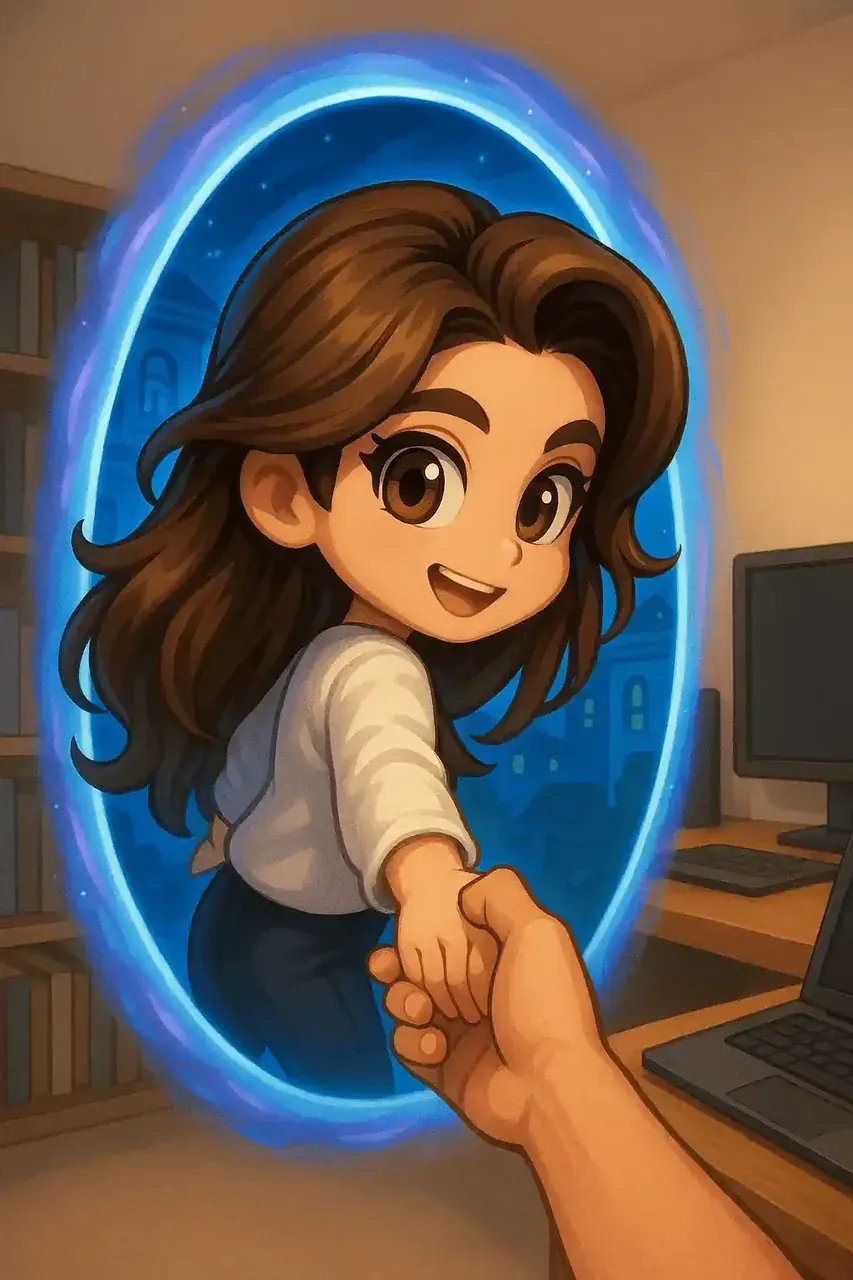
Preset details
How to use Chibi Crossing
Open the generator
The preset picker sits beside the upload box — Chibi Crossing is one tile in it.
Add a photo or a prompt
Photo-to-chibi reads a face and keeps its features; a text prompt needs only a sentence.
Render at full size
Output arrives in seconds and is saved to your gallery, ready to download.
About Chibi Crossing
Presets exist so that the look is decided before the model runs. Pick Chibi Crossing and every render lands in the same visual register — same line weight, same shading habit, same proportion scheme — instead of drifting each time you press generate. That is the practical difference between a preset and a prompt: a prompt describes, a preset commits.
Chibi Crossing carries 5 style tags, so it can also be reached through its neighbours: it sits inside the chibi family (106 presets), and any render that starts here can be pushed sideways into chibi's adjacent looks without re-uploading your source image.
More presets in chibi
Same family, same visual grammar — swap freely without re-uploading.
Where this preset sits
- Style family: chibi
- Full generator: Image to Image
- All presets: Browse all 327 chibi presets
Frequently asked questions
What does the Chibi Crossing preset do?
It applies a fixed chibi-family look to whatever you feed it. Upload a photo and the subject is redrawn in chibi proportions with that look; write a prompt and the scene is generated directly in it.
Do I need to write a prompt to use Chibi Crossing?
No. The preset replaces the prompt. A photo alone is enough — most people use the photo-to-chibi path because it keeps the original face recognisable.
Can I use Chibi Crossing output commercially?
Yes. Every plan, including the free one, carries full commercial rights on the images you generate, so the output can go into stickers, avatars, prints or merchandise.