Pixar-look chibi: the complete guide
Soft light, real materials, no line. This register is defined by a handful of decisions, and it is the least forgiving of the chibi styles because there is no outline to hide mistakes behind.
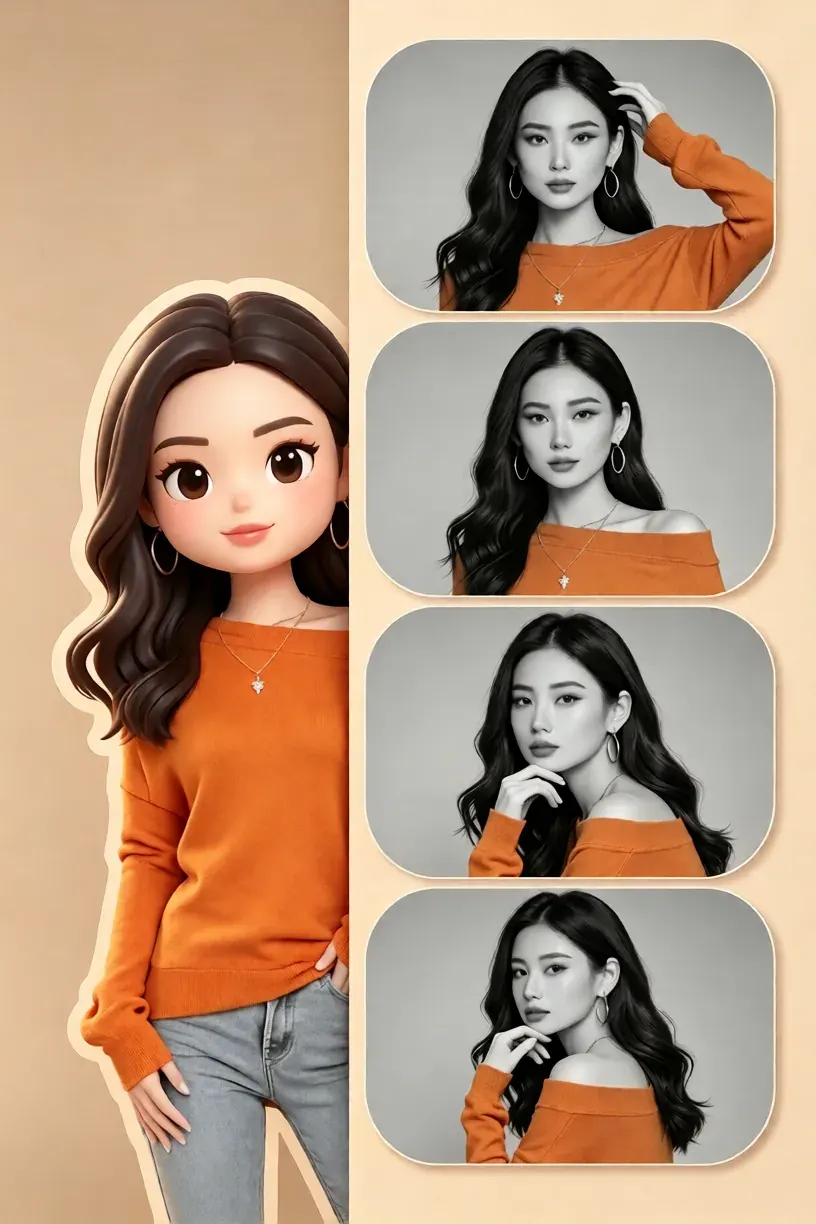
The register in one line
Volumetric, generously lit, warm in temperature, and free of outlines. Form is communicated entirely by how light falls on rounded shapes. Where a flat cartoon chibi uses a black contour to separate the arm from the body, this style separates them with a rim of lighter skin and a soft occlusion shadow.
The four decisions that define it
Lens. A mild perspective — the figure is photographed with a normal lens, not an orthographic projection. That slight distortion is a large part of why the style reads as a photograph of an object. Key light. One soft, large source from above and slightly to one side, with visible ambient bounce filling the shadow side. Material. Matte skin with subtle translucency at the ears and nose, cloth with a nap or weave, eyes with a single hard specular dot. Palette. Warm mid-tones with restrained saturation — the style rarely uses fully saturated colour anywhere except the eyes.
Keeping the lighting coherent
Treat the light as a physical object in the scene and check three places: the top of the head, the shadow side of the torso, and the ground shadow. If the highlight on the head and the highlight on the shoulder point in different directions, the image has failed no matter how good the modelling is. This is the single most common defect in generated renders, and it is worth checking deliberately rather than hoping.
Getting one from a photo
A photo-to-chibi preset in this register keeps the subject's identifiable features — face shape, hair silhouette, one signature accessory — while replacing the lighting, materials and proportions. Render at 1024 pixels or larger and keep the pose simple: a mid-shot with a readable silhouette is what this style does best, and complex foreshortening spends the detail budget on something the register is not good at.
Presets in this style family
Each tile opens that preset's page.
Chibi Sunglass Poster Collage
Pixar-look chibi: the complete guide →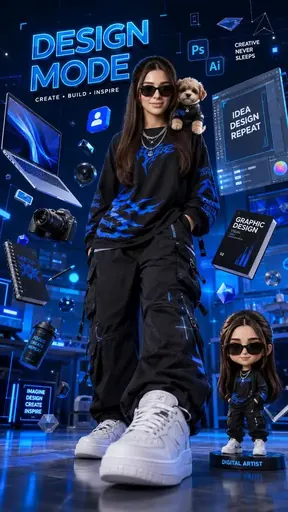
Neon Designer 3D Poster
Pixar-look chibi: the complete guide →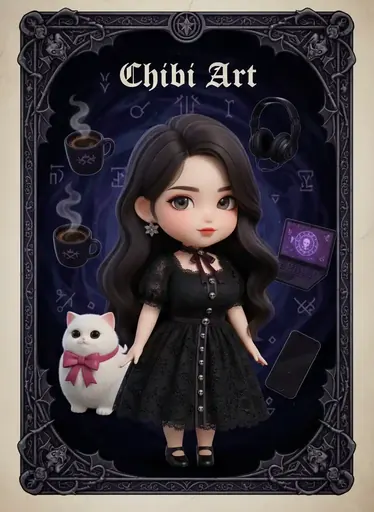
Chibi Ark Gothic Tarot
Pixar-look chibi: the complete guide →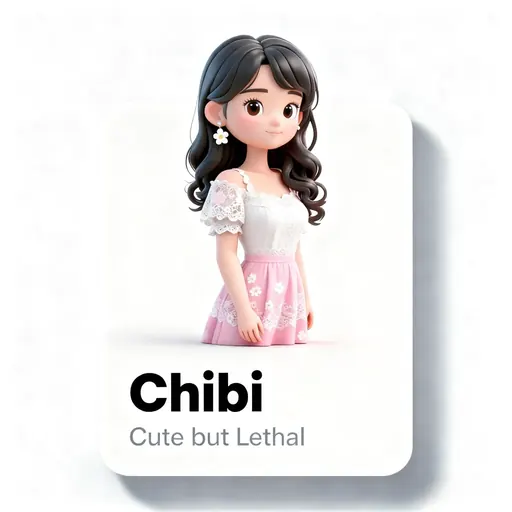
Chibi Character Card
Pixar-look chibi: the complete guide →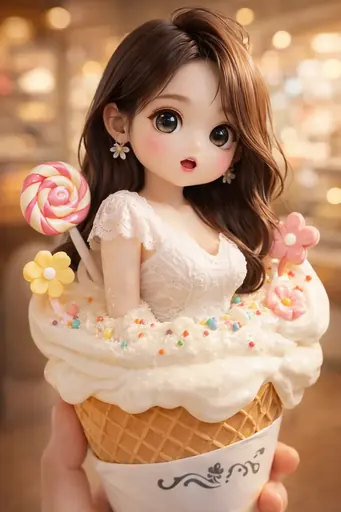
Chibi Ice Cream
Pixar-look chibi: the complete guide →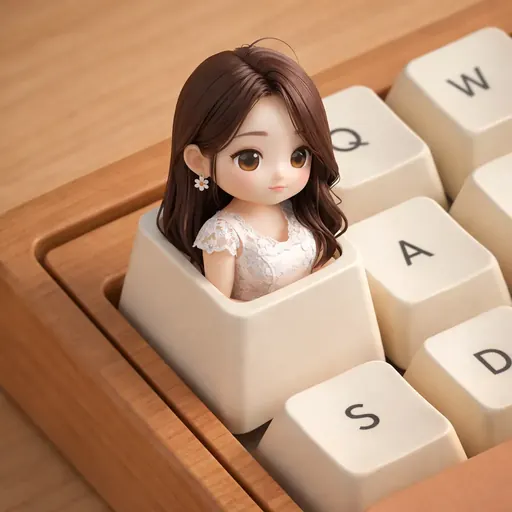
Chibi keyboard
Pixar-look chibi: the complete guide →
3D iOS Emoji
Pixar-look chibi: the complete guide →
Chibi Crossing
Pixar-look chibi: the complete guide →About this guide
This guide is editorial content written by the ChibiArts team. ChibiArts is not affiliated with, endorsed by or sponsored by any of the studios, brands or trademark owners named on this page — those names are used descriptively, to compare visual styles.
Frequently asked questions
Is this an official Disney or Pixar product?
No. ChibiArts is not affiliated with any studio. The name here describes a widely imitated visual register, not a partnership.
Why does my render look like a drawing with a shadow filter?
Almost always a residual outline around the silhouette. Removing the dark contour and letting the shadow side be genuinely lighter fixes it.
What background works best?
Something simple and softly lit — a plain wall, a gradient, a blurred environment. A busy background competes with the lighting read that the whole style depends on.