Chibi avatars for YouTube
YouTube is not one canvas — it is a family of them. A chibi avatar that works has to survive a 98×98 channel page, an 88×88 comment render, a 40×40 mobile comment, and a 24×24 watermark-adjacent appearance in end screens. Chibi proportions are what make one image work across all four.
The four avatar surfaces
Channel page ≈98×98 (desktop), comments ≈88×88, mobile comments ≈40×40, and end-screen element ≈secondary placement at smaller sizes. The pattern is the same as Discord: the smallest render is the design target. Face at frame center, one readable expression, outline that survives downscaling.
Banner and thumbnail companions
The avatar rarely travels alone. Channels that use chibi consistently extend the same character into the banner (full-body pose, 2560×1440 safe area 1546×423) and occasionally into thumbnails as a reaction figure in the corner. The character becomes the channel's “face” in the literal sense — viewers recognize the upload before they read the title.
Why chibi beats a real photo here
A photo portrait at 40px is a blur of skin tones. A chibi avatar at 40px is still a character with an expression, because the information density has been deliberately reduced — big eyes, clean outline, two or three flat colors. That reduction is exactly what small renders reward.
Consistency kit
Generate one chibi base from your photo, keep it as the channel identity, then produce the expression variants (hype for uploads, tired for community posts, heart-eyes for milestone videos). Swapping the avatar per season while keeping the same character is a recognized “channel is alive” signal for returning viewers.
Presets in this style family
Each tile opens that preset's page.
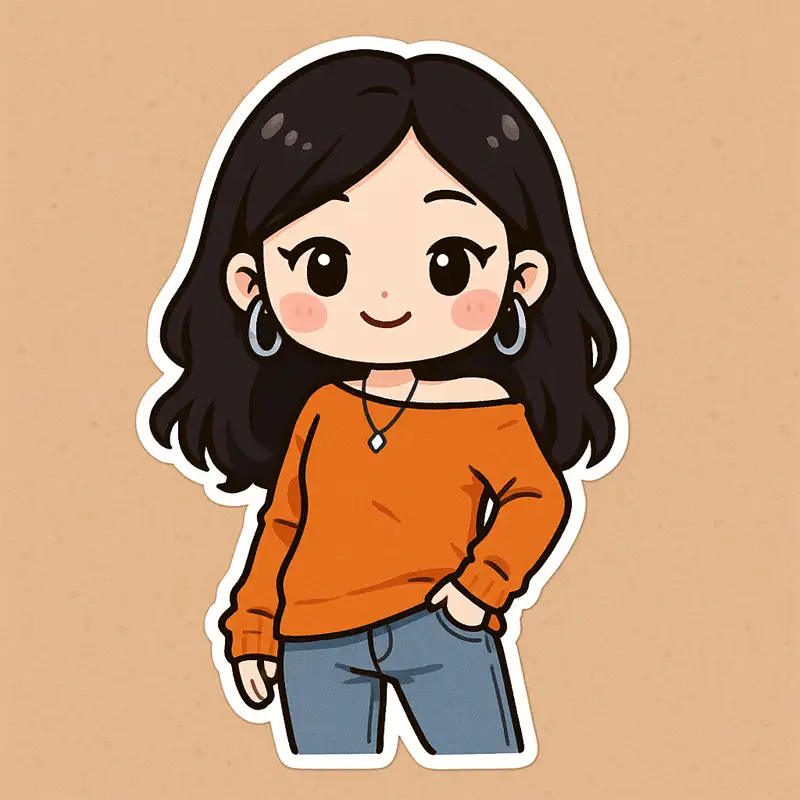
Chibi Sticker
Chibi avatars for YouTube →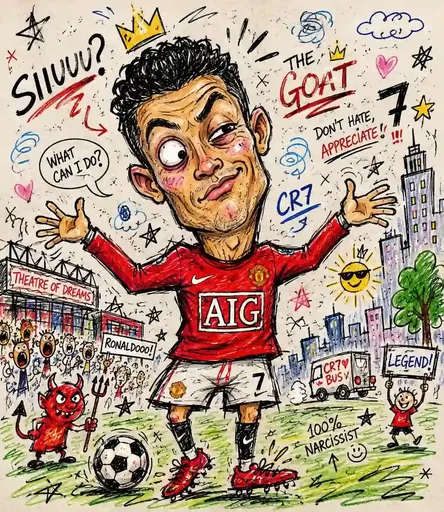
Rough Doodle Portrait
Chibi avatars for YouTube →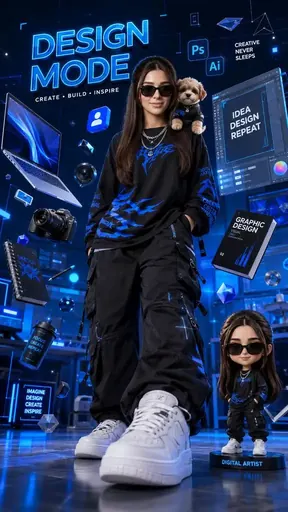
Neon Designer 3D Poster
Chibi avatars for YouTube →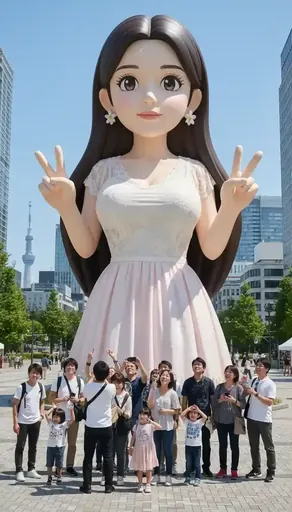
Giant Chibi in Tokyo
Chibi avatars for YouTube →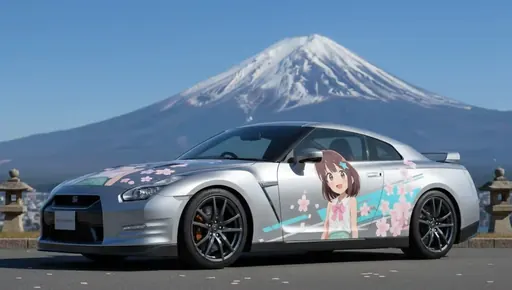
Chibi Car Wrap
Chibi avatars for YouTube →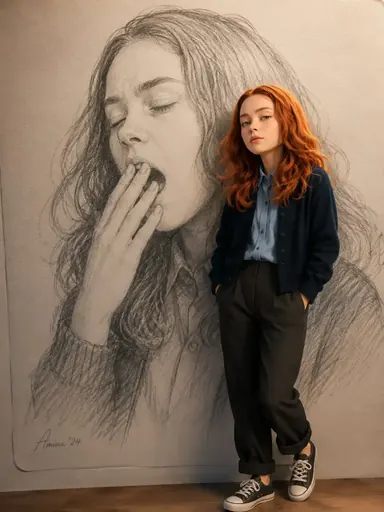
Pencil Drawing 3D Clones
Chibi avatars for YouTube →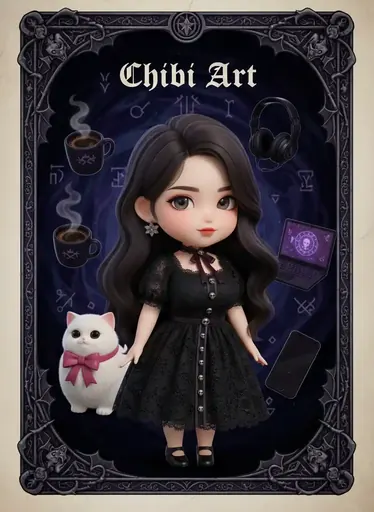
Chibi Ark Gothic Tarot
Chibi avatars for YouTube →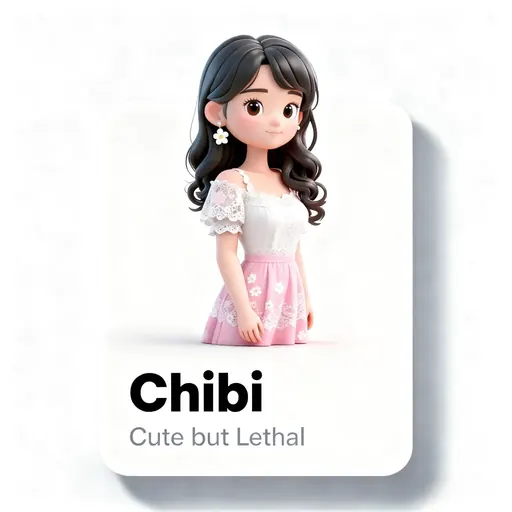
Chibi Character Card
Chibi avatars for YouTube →About this guide
This guide is editorial content written by the ChibiArts team. ChibiArts is not affiliated with, endorsed by or sponsored by any of the studios, brands or trademark owners named on this page — those names are used descriptively, to compare visual styles.
Frequently asked questions
What size should a YouTube avatar be?
Upload 800×800 (YouTube's recommendation); design for the 40px mobile comment render.
Can I animate my YouTube avatar?
Channel avatars are static images, but the same chibi character can star in intros and community-post GIFs where motion is allowed.
Do I need different art for banner and avatar?
Same character, different crops. Generate the full-body version once and crop for each surface.