Chibi cartoon AI prompt: the 3D chibi collage trend
Scroll Instagram or Pinterest right now and you will keep meeting the same layout: a normal photo in the middle, surrounded by four to twelve tiny glossy chibi versions of the same person — different poses, sticker-style outlines, doodle hearts and handwritten words. Here is what that image is made of, and how to prompt one from a single selfie.
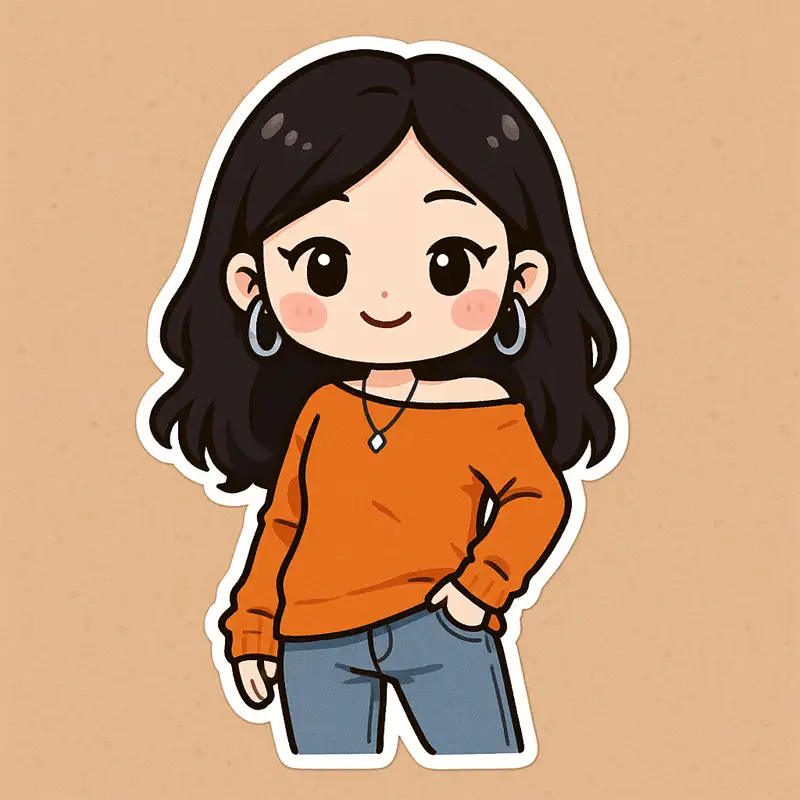
What the trend actually is
The format has four fixed ingredients. One untouched photo sits in the center — the real face, real outfit, real lighting, which is what makes it read as “you” rather than as a cartoon. Around it, 4 to 12 mini chibi figures of the same person repeat in different poses: holding coffee, waving, sitting, mid-jump. Each figure gets a sticker-style white outline so it separates from the background, and the whole canvas is dressed with doodles and handwritten words — stars, arrows, hearts, and one or two words like “smile” or “dream”. The render register is glossy 3D, like vinyl toys under soft studio light, not flat cartoon line art.
The prompt anatomy that makes it work
Every working prompt for this trend answers five questions in order. 1. Identity lock: state that the face, hairstyle and outfit colors must stay unchanged from the uploaded photo. 2. Proportions: ask for chibi ratios — roughly 2-to-3 heads tall, oversized head, small body — otherwise the minis drift toward generic anime. 3. Render register: “glossy 3D toy-like render with strong highlights” is the phrase that separates the trend's look from flat 2D sticker art. 4. Collage dressing: list the surround elements explicitly — sticker outlines, floating bubbles, pastel doodles, one handwritten word — because unnamed details get omitted. 5. Layout: 4:5 (1080×1350) for the Instagram feed, 9:16 for stories, 1:1 when the output is a sticker sheet.
Identity preservation is the hard part
The failure mode everyone hits is drift: by the sixth mini figure, the haircut or eye color has quietly changed. Three habits reduce it. Use one clear reference photo rather than a text-only prompt — the model anchors on the actual face. Repeat the identity constraint at both ends of the prompt, not just once. And ask for varied poses, not varied people — “the same person in 8 different poses” keeps the model on one identity, while “8 characters” invites it to invent new faces. One more rule from the creator community: describe original characters by features rather than naming copyrighted ones — a teal-haired chibi mechanic is safe, a named franchise character is not.
Variations and where each size lives
The format scales down gracefully. A 4-to-6 figure version with fewer doodles works as a profile picture; the full 8-to-12 figure feed post is the shareable hero; a single-figure cut of the same sheet becomes an emote or sticker. Seasonal reskins are one palette swap away — cherry-blossom pinks in spring, warm cinematic tones in winter — which is why accounts that post this format keep a base sheet and regenerate variants from it. If you want pose variety without re-prompting from scratch, browse a pose library first and name the poses in the prompt.
Presets in this style family
Each tile opens that preset's page.
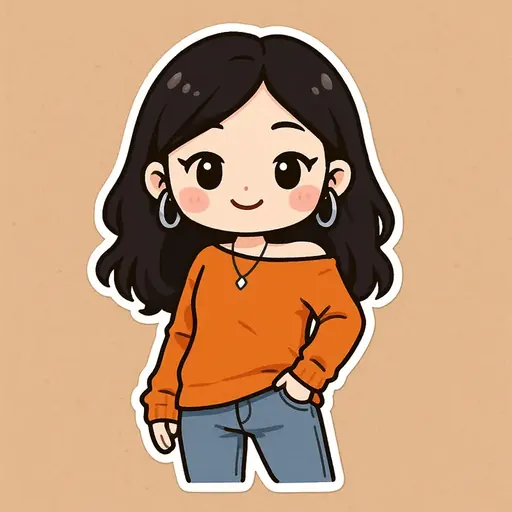
Chibi Sticker
Chibi cartoon AI prompt: the 3D chibi collage trend →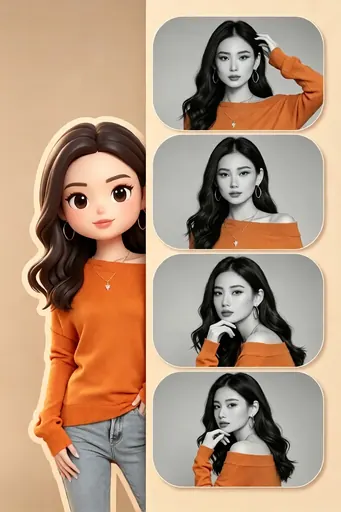
Chibi Sunglass Poster Collage
Chibi cartoon AI prompt: the 3D chibi collage trend →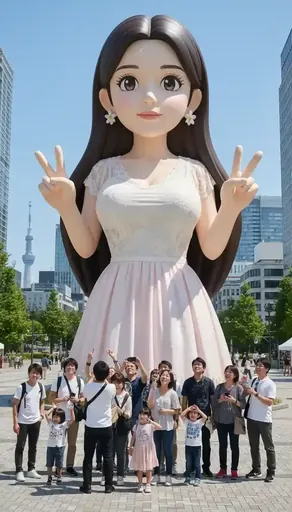
Giant Chibi in Tokyo
Chibi cartoon AI prompt: the 3D chibi collage trend →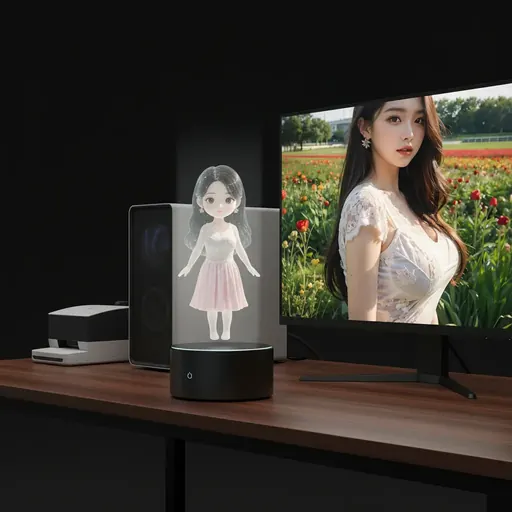
Chibi Hologram
Chibi cartoon AI prompt: the 3D chibi collage trend →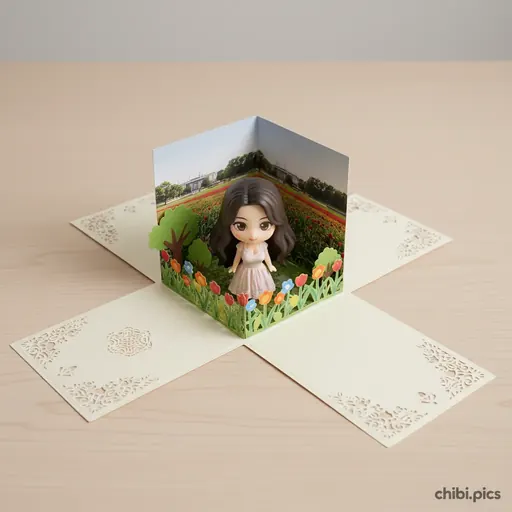
Chibi Pop Card
Chibi cartoon AI prompt: the 3D chibi collage trend →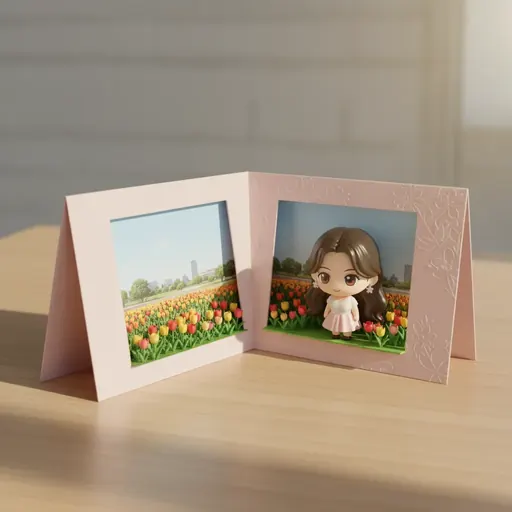
Chibi A6 Card
Chibi cartoon AI prompt: the 3D chibi collage trend →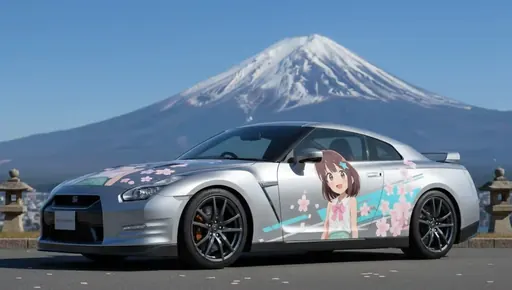
Chibi Car Wrap
Chibi cartoon AI prompt: the 3D chibi collage trend →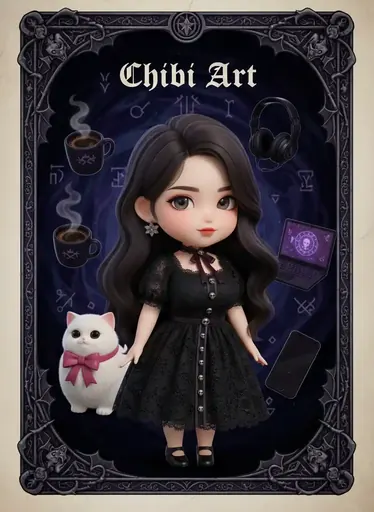
Chibi Ark Gothic Tarot
Chibi cartoon AI prompt: the 3D chibi collage trend →About this guide
This guide is editorial content written by the ChibiArts team. ChibiArts is not affiliated with, endorsed by or sponsored by any of the studios, brands or trademark owners named on this page — those names are used descriptively, to compare visual styles.
Frequently asked questions
What is the 3D chibi photo trend called?
There is no single agreed name — posts call it the 3D chibi AI photo trend, chibi collage, or chibi cartoon AI editing. All of them describe the same layout: a real photo in the center with glossy 3D chibi mini-versions of the same person arranged around it.
How many chibi figures should a collage have?
8 to 12 is the viral-feed sweet spot; 4 to 6 reads cleaner and works better as a profile picture. Past ~12, the doodles and figures start competing and the central photo loses contrast.
Do I need an editing app to make one?
No. The collage is one image-to-image generation away: upload one selfie, keep the identity clauses in the prompt, and the model produces the whole composition — the chibi generator and the AI image editor on this site both run that flow.