3D vs cartoon chibi
Both styles sit at chibi proportions — the 2-to-4-heads-tall rule does not change. What changes is the production method: 3D chibi is <em>rendered</em>, cartoon chibi is <em>drawn</em>, and that single difference decides the lighting, the outlines and the surfaces each one survives on.
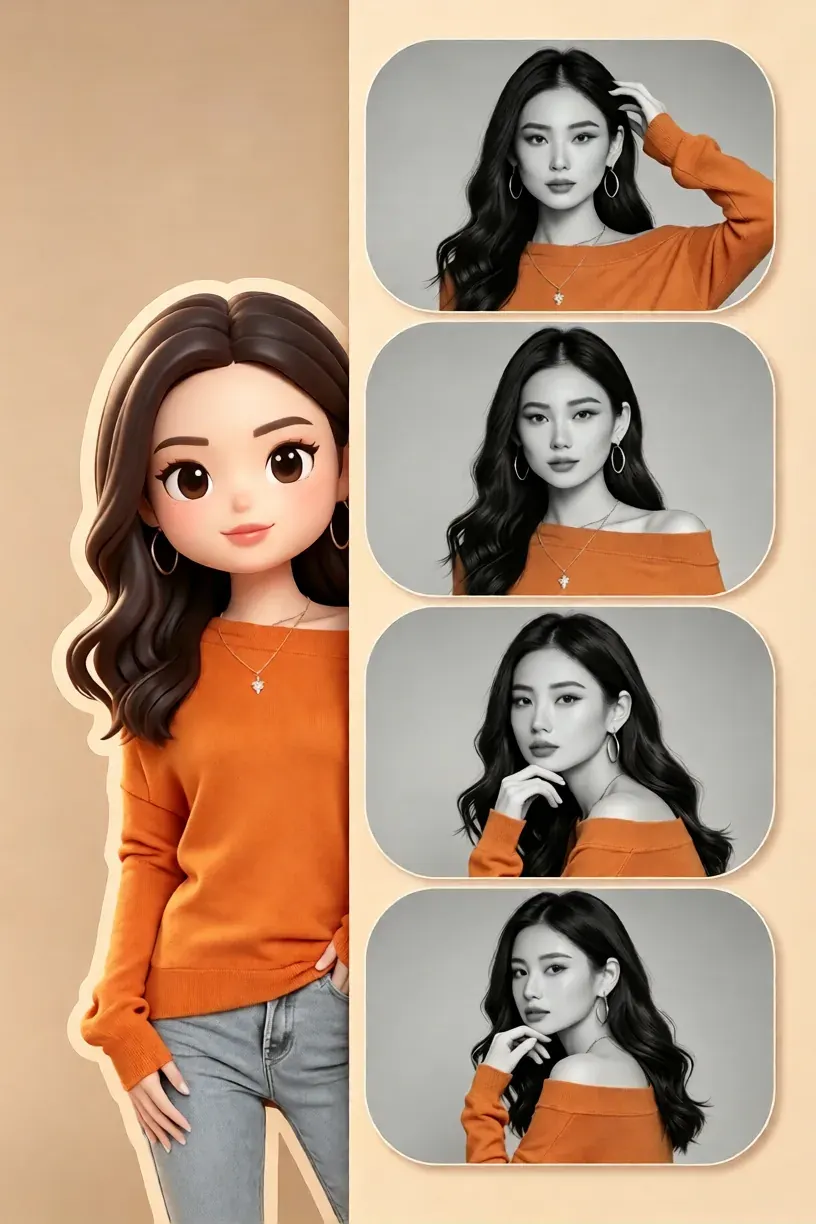
The actual disagreement: render vs draw
A 3D chibi is built like a tiny figurine: the character has volume, so light lands on it — a soft key light, an ambient bounce, usually one contact shadow under the feet. A cartoon chibi has no volume to light; it is shape plus line plus flat fills, and any shading is drawn on in one or two tone steps. Same head-to-body ratio, opposite answer to the question “where does light come from?”
What that means on screen
Three visible consequences. Outlines: cartoon chibi keeps an ink line around every shape; 3D chibi either drops the line entirely or fakes one with edge shading. Color: cartoon uses flat fills that stay the same color regardless of background; 3D picks up tint from its lighting, so the same character looks warmer on a sunset render than a studio one. Detail budget: 3D spends its budget on material — fabric weave, glossy eyes, metal — while cartoon spends it on pose and expression, because a drawn figure has nothing else to sell the moment.
Where each one wins
3D chibi is native to object surfaces: figurine renders, collectible mockups, merch previews, any context where the character should feel like a physical thing you could pick up. Cartoon chibi is native to graphic surfaces: stickers, emotes, overlay badges, print where flat color survives reproduction better than gradients. A useful test: if the image would plausibly sit on a shelf, go 3D; if it would sit on a button or a sticker sheet, go cartoon.
Which for your photo
On ChibiArts both routes read the same source photo, so the subject and outfit stay identical while the medium switches — the figurine/miniature presets produce the 3D route, the cartoon family presets produce the drawn route. If you cannot choose, generate both and judge them at their destination size: 3D usually wins at 512px and above, cartoon holds up better at 64px where rendered shading turns to mud and a bold ink line still reads.
Presets in this style family
Each tile opens that preset's page.

Chibi Sunglass Poster Collage
3D vs cartoon chibi →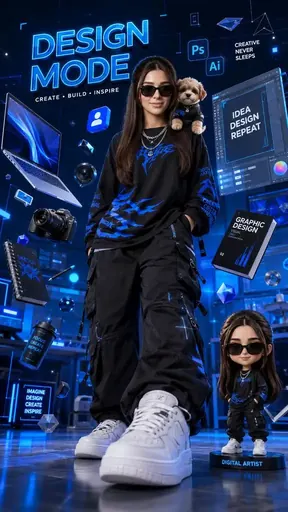
Neon Designer 3D Poster
3D vs cartoon chibi →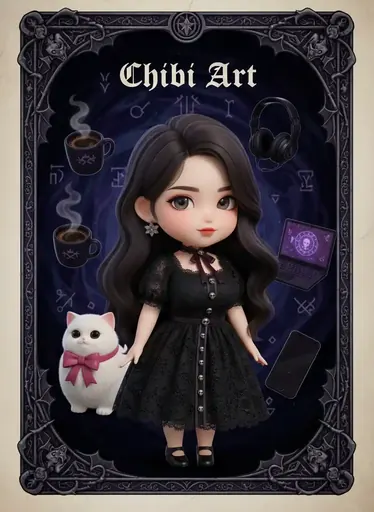
Chibi Ark Gothic Tarot
3D vs cartoon chibi →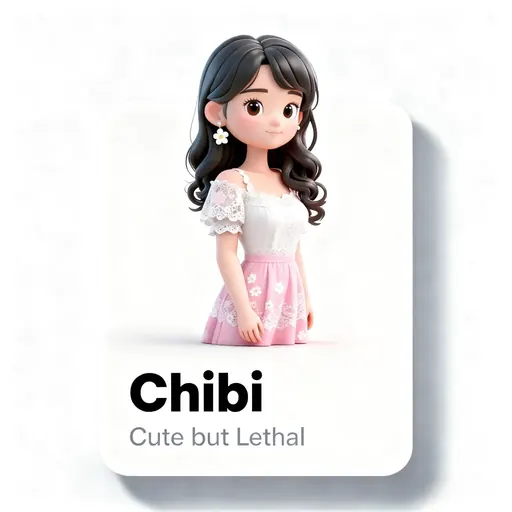
Chibi Character Card
3D vs cartoon chibi →
Chibi Ice Cream
3D vs cartoon chibi →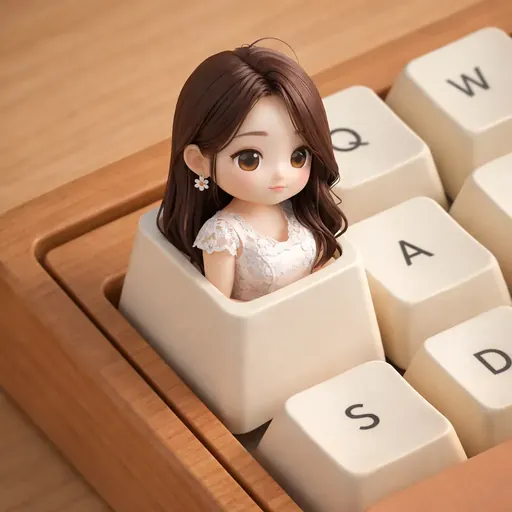
Chibi keyboard
3D vs cartoon chibi →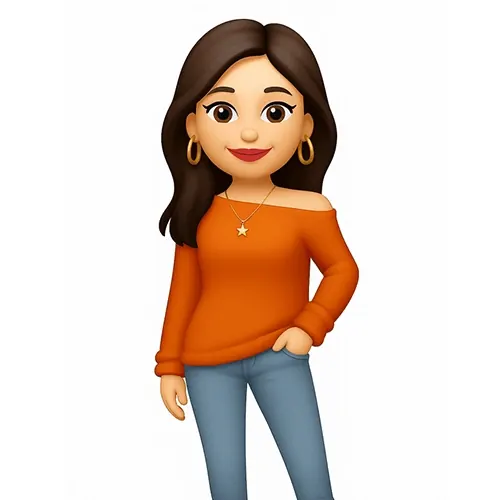
3D iOS Emoji
3D vs cartoon chibi →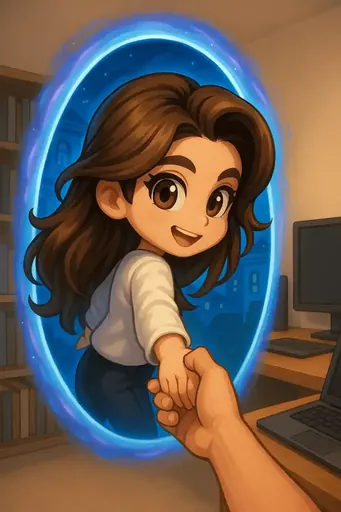
Chibi Crossing
3D vs cartoon chibi →About this guide
This guide is editorial content written by the ChibiArts team. ChibiArts is not affiliated with, endorsed by or sponsored by any of the studios, brands or trademark owners named on this page — those names are used descriptively, to compare visual styles.
Frequently asked questions
Is 3D chibi more advanced than cartoon chibi?
No — they optimise for different surfaces. 3D sells physicality; cartoon sells graphic legibility. A drawn chibi at 64px will out-read a rendered one, and the reverse is true at poster size.
Does cartoon chibi always have outlines?
Almost always, though some modern cartoon styles thin the line to 1–2px or drop it on the face only. A 3D render that adds a fake outline is usually trying to look cartoonish on purpose — the hybrid is common.
Can one photo produce both styles?
Yes. Style lives in the rendering pass, not the subject, so the same portrait can come out as a lit figurine or a flat-drawn character without re-uploading anything.