Chibi sticker pack: one character, six expressions, one workflow
A sticker pack is a set, not an image — and that is exactly why most people's first attempt falls apart: each sticker looks great alone, but together they read as six different characters. This guide is the workflow that keeps one identity across a whole pack, plus the export specs WhatsApp and Telegram actually enforce (512 px, 100 KB, pack sizes), so the set imports on the first try.
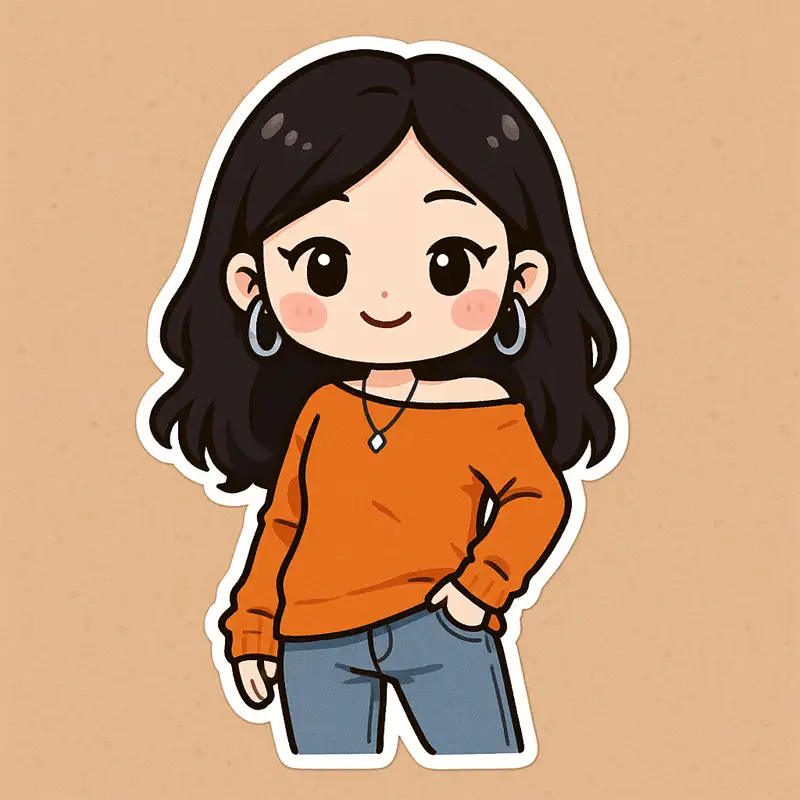
Why chibi is the right style for chat stickers
Stickers live in the harshest display environment in consumer design: inside a chat bubble on a phone, typically rendered at well under 200 px on screen, over backgrounds that change colour with every theme. Two rules follow. First, the character must read at a glance — which is precisely what chibi is built for, since the two-to-three-head proportion puts the face (the part people actually recognise) at half the image. Second, every line you draw has to survive being tiny: thick closed outlines, flat colour fills, and a clean silhouette beat detailed shading every time, because detail is not resolution — a 512 px canvas cannot hold hundreds of hair strands no matter how you export it.
The third requirement is the one people forget: expression range. A sticker pack works because it covers a conversation's emotional vocabulary — greeting, thanks, laughter, sadness, sleep, celebration. Chibi's exaggerated faces map onto that vocabulary better than restrained styles do, which is why the format dominates custom sticker packs across WhatsApp, Telegram and Discord.
The export specs that decide whether your pack imports
Each messaging platform enforces its own hard limits, and they are checkable numbers, not folklore. WhatsApp wants 512×512 px WebP files, each under 100 KB, and a pack of 3 to 30 stickers plus one cover image. Telegram accepts 512 px PNG or WebP for static stickers (animated ones as WebM), and allows up to 120 stickers per pack, managed through its @Stickers bot. Discord and iMessage lean on APNG or GIF for animated reactions. The safe workflow: keep a 1500-2000 px master of every sticker, then downscale per platform — upscaling a 512 px source is what makes packs look soft.
Two hygiene rules save hours of re-exporting. Keep every sticker on the same canvas size and character scale, because an uneven pack reads as sloppy even when each sticker is fine individually. And test the set at chat size over both dark and light themes before shipping — a sticker with a white fringe from a bad cutout disappears on light backgrounds and glows like a halo on dark ones.
Prompting a consistent set: change one variable only
Consistency comes from a base prompt you never rewrite. Write the character once — proportion (“chibi proportions, head about half the total height”), style (“flat colours, thick outlines, plain background”), clothing — then generate each sticker by appending one expression line and nothing else: waving with a peace sign, teary-eyed with a trembling pout, arms wide for a hug, asleep on a tiny pillow, pointing forward confidently, blowing a kiss. When you also change lighting, background or outfit between stickers, the model re-imagines the character and the pack silently falls apart.
Pick the poses before you generate, not after: the pose library exists so you can name six distinct silhouettes instead of hoping re-rolls diverge. The sticker generator is the natural home for flat sticker art, the chibi generator covers portrait-flavoured variants, and the image editor is where backgrounds get removed to transparency and edges get cleaned before export. If you want a proven starting look instead of a blank prompt, the preset library already encodes the proportions — you only choose the six poses.
Assemble, compress, ship
Production is batch work. Cut backgrounds first (one batch pass keeps treatment identical across the set), downscale each master to 512×512, and compress to the platform ceiling — for WhatsApp that is the 100 KB WebP limit, which flat chibi art usually meets comfortably because flat fills compress well. Name files by expression rather than by number, since sticker apps import in file order and a pack that opens with “wave” instead of “final_v3” is easier to reorder later.
Then ship where the pack will live. Telegram packs go through the @Stickers bot, which asks for the 512 px files, an emoji mapping and a pack title, and returns a public t.me link. WhatsApp has no native builder for custom packs, so the usual route is a sticker-maker app that imports your WebP files and registers the pack. If your set is aimed at a streaming audience instead of friends, the platform-specific variant — Twitch emotes — has its own sizes and transparency rules worth checking before you reuse the same art.
Presets in this style family
Each tile opens that preset's page.
Chibi Sticker
Chibi sticker pack: one character, six expressions, one workflow →
Chibi Flat Sticker
Chibi sticker pack: one character, six expressions, one workflow →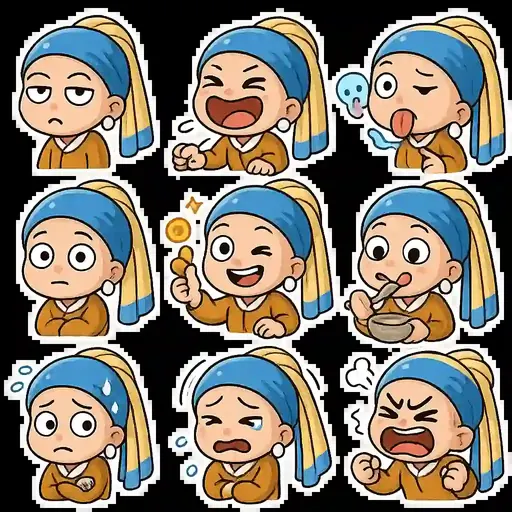
Emoji Collection: Set 1
Chibi sticker pack: one character, six expressions, one workflow →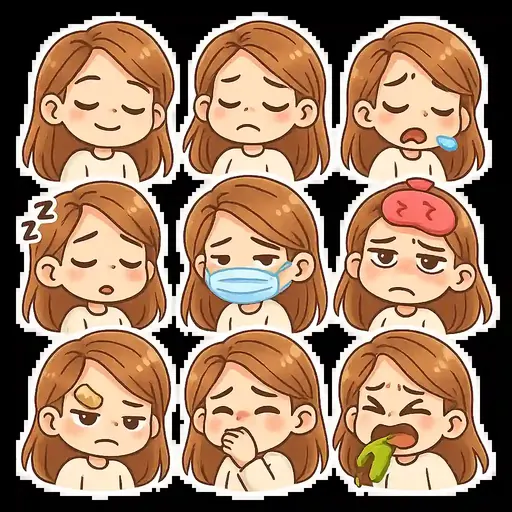
Emoji Collection: Set 7
Chibi sticker pack: one character, six expressions, one workflow →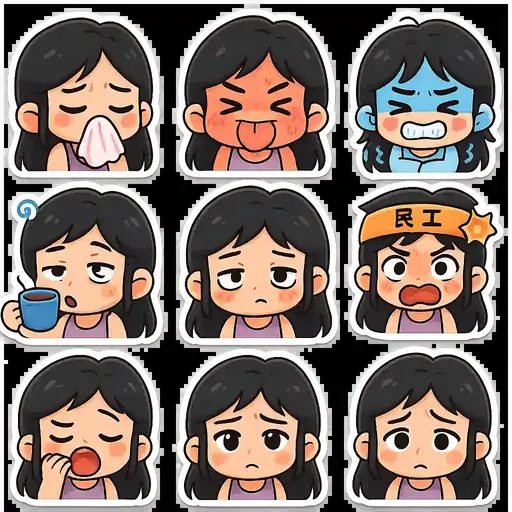
Emoji Collection: Set 8
Chibi sticker pack: one character, six expressions, one workflow →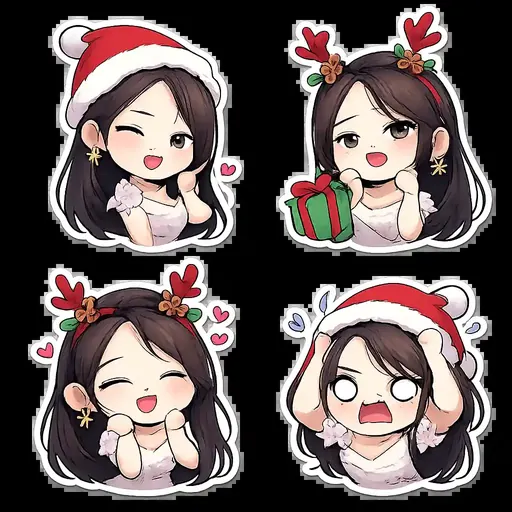
Xmas Chibi Sticker
Chibi sticker pack: one character, six expressions, one workflow →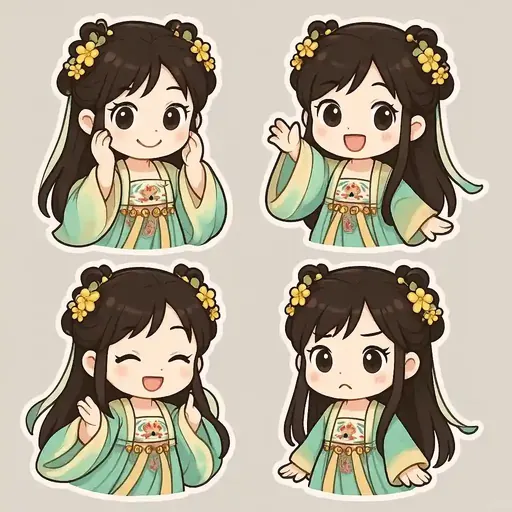
Chibi Emoji Stickers
Chibi sticker pack: one character, six expressions, one workflow →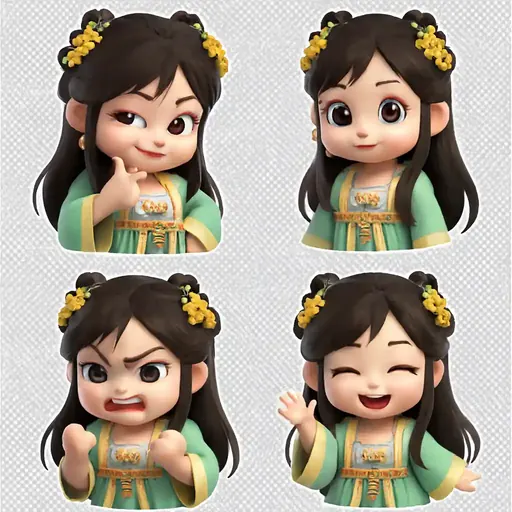
Chibi 3D Emoji Stickers
Chibi sticker pack: one character, six expressions, one workflow →About this guide
This guide is editorial content written by the ChibiArts team. ChibiArts is not affiliated with, endorsed by or sponsored by any of the studios, brands or trademark owners named on this page — those names are used descriptively, to compare visual styles.
Frequently asked questions
How many stickers should a chibi pack include?
WhatsApp accepts packs of 3 to 30 stickers; six to eight well-chosen expressions is the practical sweet spot for a personal set, because each needs a clearly different silhouette to read as distinct at chat size. Telegram allows up to 120 per pack, but the same rule applies: add poses only while each one stays recognisably different.
What size and format should chibi stickers be exported as?
WhatsApp requires 512×512 px WebP, each file under 100 KB, plus a cover image. Telegram takes 512 px PNG or WebP for static stickers and WebM for animated ones. Keep a 1500-2000 px master of every sticker and downscale per platform instead of upscaling the small files — that is the usual reason a pack looks blurry after import.
Can I sell sticker packs made from AI-generated chibi art?
Check the commercial terms of the tool and plan you generated with first — resale rights differ between free and paid tiers. Two more lines you should not cross: no recognisable copyrighted characters in a pack you sell (describe original characters by their features instead), and no real person's face without their consent, including your own co-workers' for an office pack.