Pixel vs Pixar-style chibi
One style declares its construction — you can count the squares. The other hides it — surfaces are smooth, light does the describing. Both work at chibi proportions, and they fail in opposite directions: pixel art loses detail as it scales up, rendered styles lose identity as they scale down.
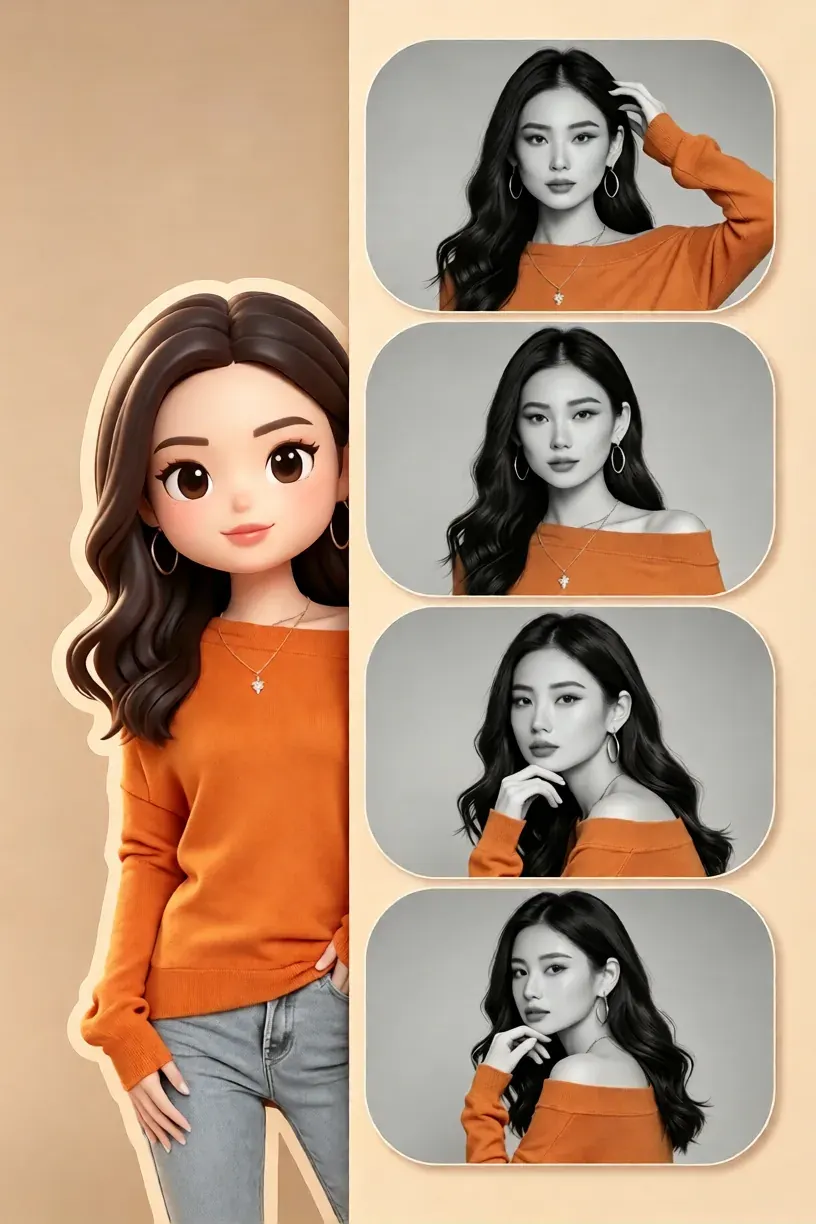
Construction: shown vs hidden
Pixel chibi is mosaic logic: the character is assembled from squares, typically on a grid of 32×32 to 64×64 for a full character, and every placement is a decision. Nothing is interpolated; an edge is a row of pixels, period. A Pixar-style chibi (descriptively speaking — the smooth miniature-render register that studio popularised) is the opposite: geometry is smoothed, materials get subsurface softness, and the eye is meant to forget the construction entirely.
Detail budget: where each one spends
Pixel art spends its tiny budget on reading: one-pixel highlights in the eyes, two-tone shading, a silhouette you can identify at a glance — because a 32×32 sprite has roughly a thousand pixels total and every one has a job. A miniature render spends its budget on material: glossy eyes, fabric weave, soft bounce light. The pixel version cannot afford material realism; the render version cannot afford to stay countable. That is why “high-detail pixel art” and “minimalist render” are both contradictions worth avoiding in prompts.
Scaling behaviour: they fail in opposite directions
Blow a pixel chibi up 8× with nearest-neighbour scaling and it stays perfect — squares stay squares; smooth it instead and it turns to mush, which is why pixel art demands nearest-neighbour everywhere it appears. The rendered chibi is the mirror image: it scales up beautifully to poster size, but squeezed to 32 px its soft shading collapses into grey porridge. Practical rule: sprite-sized destinations (emotes, game assets, favicons) want pixel; print and hero-size destinations want render.
Choosing between them
Both families exist on this site — pixel chibi lives with the retro/pixel style presets, the miniature-render register lives with the figurine-style family — and the same source photo can run through either. Choose pixel when the image will live beside other pixel things (game UI, retro branding) or must survive tiny; choose the render when the character should feel like a physical toy and has room to be seen. If you cannot decide, generate both and look at them at 48 px: one of the two will clearly survive your actual destination.
Presets in this style family
Each tile opens that preset's page.

Chibi Sunglass Poster Collage
Pixel vs Pixar-style chibi →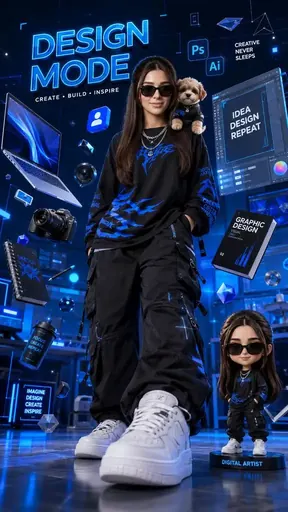
Neon Designer 3D Poster
Pixel vs Pixar-style chibi →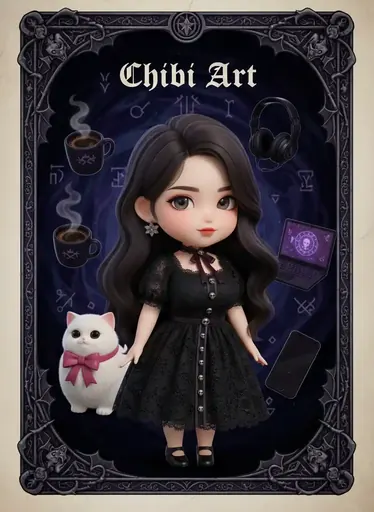
Chibi Ark Gothic Tarot
Pixel vs Pixar-style chibi →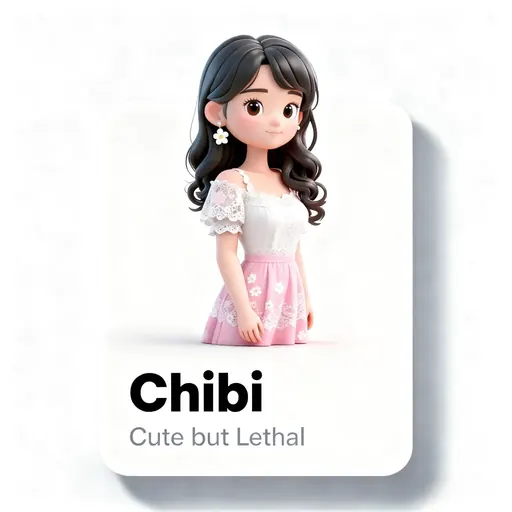
Chibi Character Card
Pixel vs Pixar-style chibi →
Chibi Ice Cream
Pixel vs Pixar-style chibi →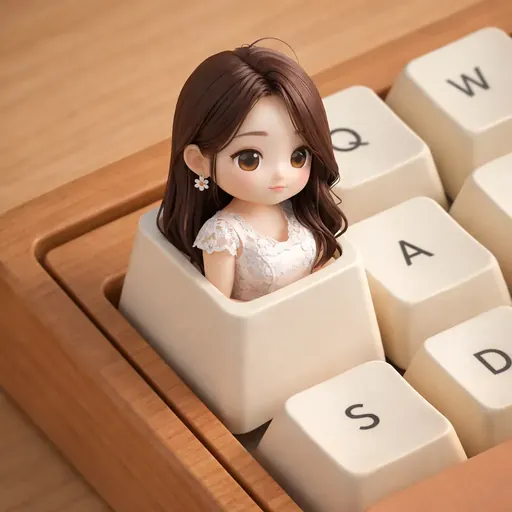
Chibi keyboard
Pixel vs Pixar-style chibi →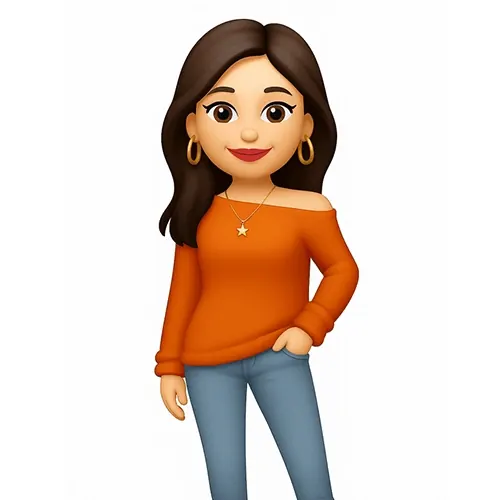
3D iOS Emoji
Pixel vs Pixar-style chibi →
Chibi Crossing
Pixel vs Pixar-style chibi →About this guide
This guide is editorial content written by the ChibiArts team. ChibiArts is not affiliated with, endorsed by or sponsored by any of the studios, brands or trademark owners named on this page — those names are used descriptively, to compare visual styles.
Frequently asked questions
Is Pixar-style an official collaboration?
No. The phrase is used descriptively for a smooth miniature-render register associated with that studio's films. No studio endorses or is involved with anything here — the footer disclosure covers every style name on the site.
What grid size should a pixel chibi be?
32×32 is the classic full-character canvas; 48×48 or 64×64 if the outfit has details you refuse to lose. Below 24×24, emotion has to live almost entirely in the eyes, and most beginners find that frustrating.
Why does my pixel art look blurry when I resize it?
The resampler interpolated it. Pixel art must scale by integer multiples (2×, 4×, 8×) with nearest-neighbour interpolation — any smoothing filter turns crisp squares into blur. This is a display/export setting, not a drawing problem.