Chibi plush: turn your photo into a soft, huggable version of you
A chibi plush is not just a cute chibi with fur painted on: it is a character that reads as a sewn object — embroidered eyes, visible stitching, fleece texture, stubby limbs. The look is having a moment: a hand-drawn round chibi creature dancing next to a ringing candybar phone reached 1.6 million views and 459,200 likes in six days in early November 2026, and the #chiikawadance hashtag hit 2.2 million views across 104 videos. This guide shows how to plushify your own photo into an original chibi plush character, without copying anyone's mascot.
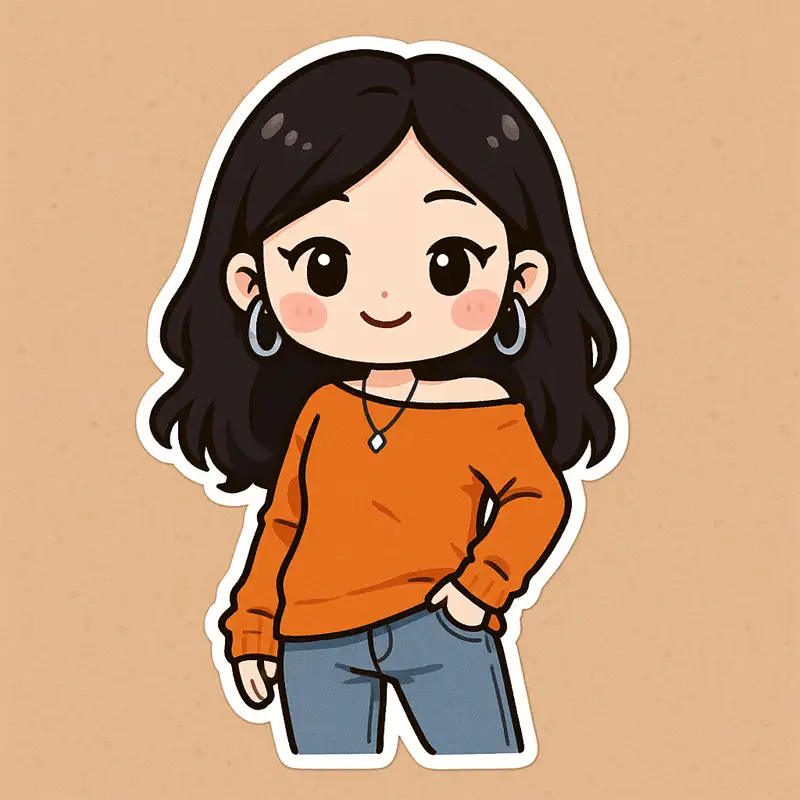
Why plush versions of people are everywhere right now
The plush trend did not start with AI. Custom plush commissions — real dolls sewn from drawings of your pet or your character — have been a craft-market staple for years. What changed in 2026 is that image models learned to render fabric convincingly, so anyone can preview the idea in seconds instead of paying for a prototype. The demand signal is loud: in the first week of November 2026, a hand-drawn clip of a tiny round chibi creature swaying beside a ringing retro phone collected 1.6 million views, 459,200 likes and 235,800 shares; follow-up drawings of other characters passed 1 million views each; and CapCut tutorial accounts began posting “how to make the viral chibi dance AI trend” edits from 5 November, with the first tutorial alone reaching 146,500 views.
The pattern mirrors the boxed action-figure wave of 2025: a toy-format fantasy applied to yourself, but with softer, friendlier optics. A plush version of you is a hug, not a trophy — which is why it works for couple-and-family avatars, pet portraits and gift concepts as much as for profile pictures. And because the output is an image, it slots straight into the same downstream uses as every other chibi format: avatars, stickers and print-on-demand.
The four cues that make an image read as “plush”
Plushness is a material claim, and models respond to four specific cues. One: seams and stitching. Ask for visible stitch seams along the limbs and a small cross-stitch for the mouth — an embroidered smile instantly reads softer than a drawn one. Two: fabric texture. Name the material — fleece, felt or minky — and ask for subtle fabric grain rather than glossy shading; the matte, slightly fuzzy surface is what separates a plushie from a 3D cartoon. Three: embroidered eyes. Flat, stitched eye shapes with a single white shine dot look handmade; glossy anime eyes break the illusion. Four: toy proportions. Keep the classic chibi ratio — head roughly half the total height — plus short stubby arms and feet, ideally in a seated pose, because plush toys collapse under their own weight in a way rigid figures do not.
The counter-cue matters just as much: exclude everything that signals digital or photoreal. In the prompt, rule out 3D rendering, realistic fur, glossy plastic and photo lighting. If your first result looks like a rendered toy rather than a sewn one, that exclusion line is usually what is missing.
From photo to plush: a prompt structure that keeps the likeness
Start from a clear, front-facing photo — full face, hairstyle visible, outfit mostly in frame — and give the model three instruction groups. Identity group: keep the hair color and hairstyle (as a soft stitched hair shape), skin tone, eye color and any glasses, beard or earrings, all rendered in the plush material. Material group: chibi plush proportions, fleece texture, visible stitching, embroidered eyes with a white shine, a tiny stitched smile. Exclusion group: no 3D render, no realistic fur, no brand logos, no animal ears unless you actually want a creature version. Generate in the chibi generator, which is tuned for exactly this proportion family.
Iterate one variable at a time, the same discipline as any consistency work: if the likeness drifts, strengthen the identity group; if it looks plastic, strengthen the exclusion group. For the pose, pick a silhouette before generating — the pose library names distinct stances so you are not re-rolling blind. If the fabric looks flat or the edges are muddy after export, a pass in the image editor fixes contrast and cleanup. And if you would rather start from a proven look, the preset library encodes the base proportions already — you only add the material cues.
Where a chibi plush image earns its keep
The image is a starting asset, not the finish line. Avatars: crop 1:1 and center the face — plush characters survive downscaling better than detailed anime art because they are built from big shapes. Stickers and emotes: the plush look extends naturally into a multi-expression set; the export workflow in our sticker pack guide applies unchanged. Gift concepts: a plush portrait is the standard first mockup before a real custom plush commission — craft sellers routinely prototype digitally first, and our keychain guide covers the sibling gift format. Merch: flat plush art prints cleanly on mugs, tote bags and pins; the merch design page covers sizing and platform rules.
One caution that keeps the trend fun and legal: the wave is driven by love for existing mascot characters, but copying a specific mascot into your own sellable image is a copyright problem, not a trend requirement. Describe features — round bean shape, dot eyes, pastel palette — and let your own likeness supply the uniqueness. The trend's energy comes from the format, and the format is free to use.
Presets in this style family
Each tile opens that preset's page.
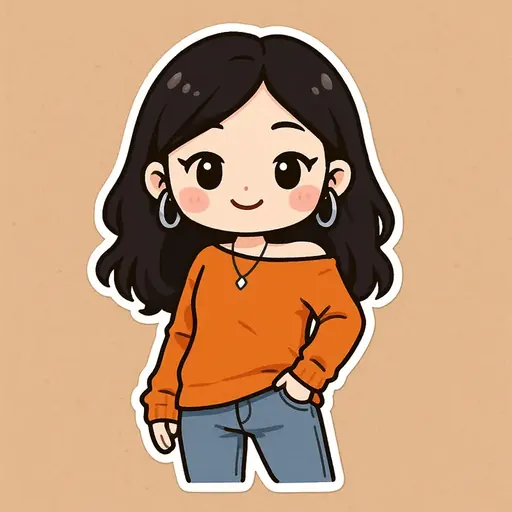
Chibi Sticker
Chibi plush: turn your photo into a soft, huggable version of you →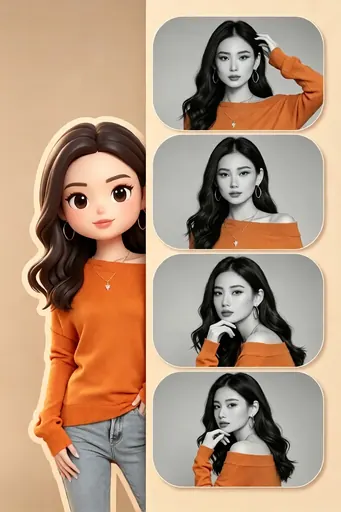
Chibi Sunglass Poster Collage
Chibi plush: turn your photo into a soft, huggable version of you →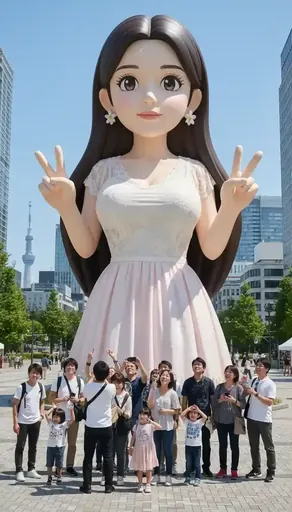
Giant Chibi in Tokyo
Chibi plush: turn your photo into a soft, huggable version of you →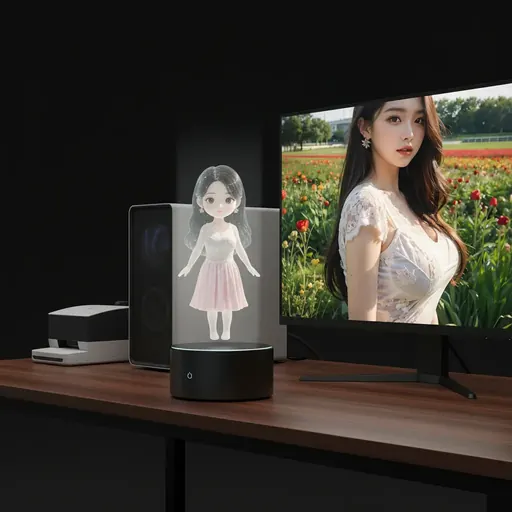
Chibi Hologram
Chibi plush: turn your photo into a soft, huggable version of you →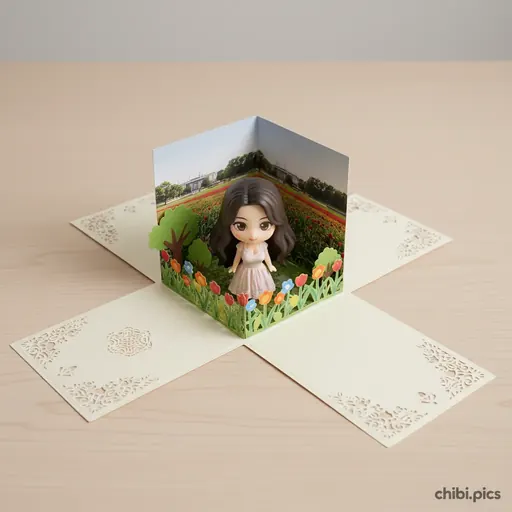
Chibi Pop Card
Chibi plush: turn your photo into a soft, huggable version of you →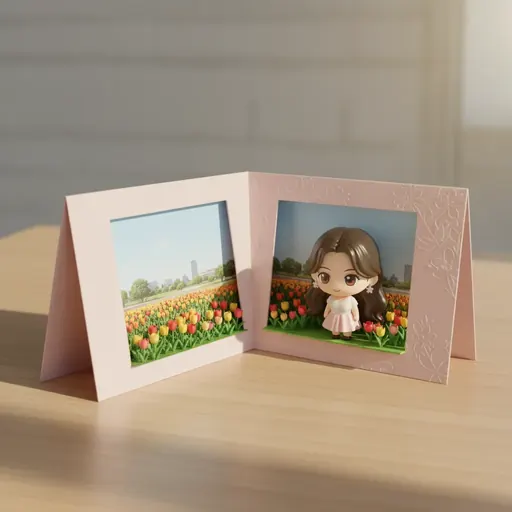
Chibi A6 Card
Chibi plush: turn your photo into a soft, huggable version of you →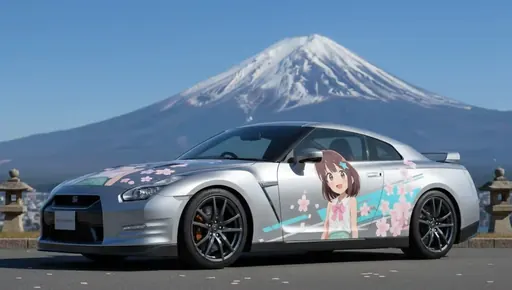
Chibi Car Wrap
Chibi plush: turn your photo into a soft, huggable version of you →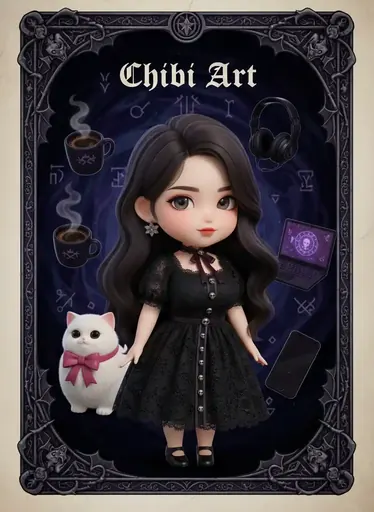
Chibi Ark Gothic Tarot
Chibi plush: turn your photo into a soft, huggable version of you →About this guide
This guide is editorial content written by the ChibiArts team. ChibiArts is not affiliated with, endorsed by or sponsored by any of the studios, brands or trademark owners named on this page — those names are used descriptively, to compare visual styles.
Frequently asked questions
What kind of photo works best for a chibi plush portrait?
A clear, front-facing photo with the face fully visible, even lighting and no heavy filters. Hairstyle should be recognizable, since hair shape is the main feature a plush version carries over; glasses and facial hair also translate well as stitched details. A waist-up shot beats a full-body one, because outfit detail at plush scale is mostly implied by color anyway.
Will the plush version still look like me?
It keeps the features you explicitly preserve: hair color and shape, skin tone, eye color, glasses, facial hair. The face itself is simplified — small dot or embroidered eyes and a stitched smile — because that simplification is the aesthetic. If the result stops looking like you, the fix is prompt-side: state the identity features before the style cues, and change one variable per rerun instead of rewriting the whole prompt.
Is a chibi plush image the same as a custom plush commission?
No — it is a digital image, and makers of real custom plush toys treat such images as concept art or a mockup, not a finished doll. That is exactly its practical value: you can preview the design, share it for reactions, and hand it to a maker as a reference if you later want the physical toy. For digital-only uses — avatars, stickers, prints — no physical production is involved at all.